How to Find Deleted Apps on an iPhone
Open the App Store.. Tap Updates.. Tap Purchased.
Steps
1
Open the App Store.
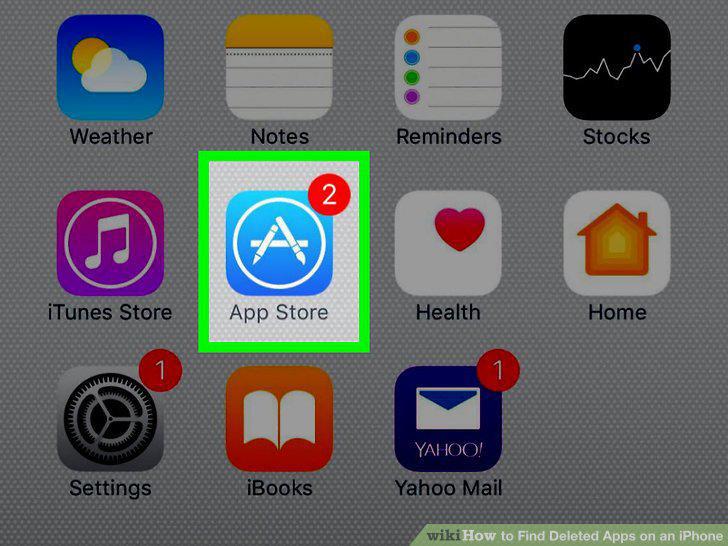
Open the App Store.
2
Tap Updates.
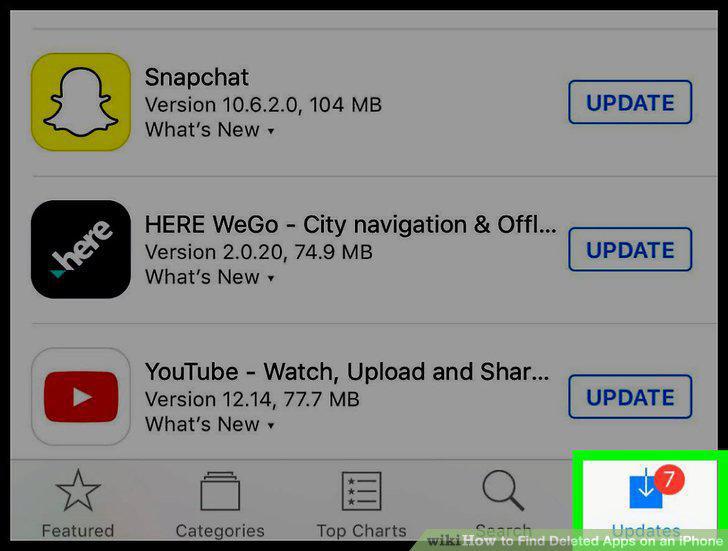
Tap Updates.
3
Tap Purchased.
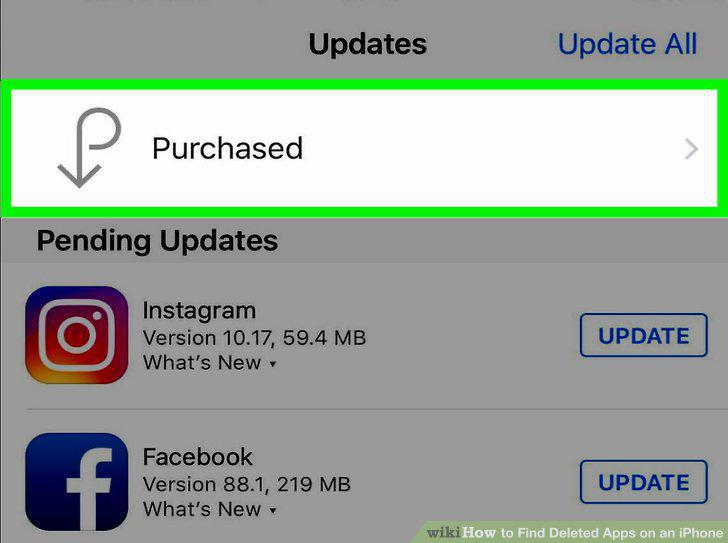
Tap Purchased.
4
Tap My Purchases next to your Apple ID if prompted.
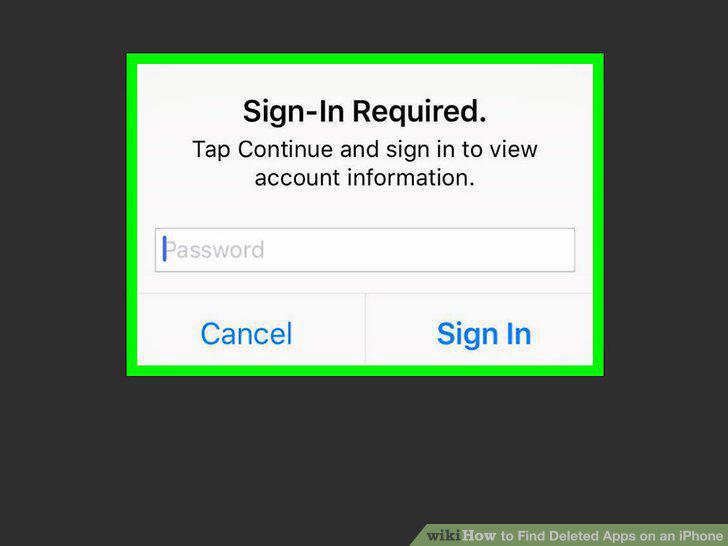
Tap My Purchases next to your Apple ID if prompted.
5
Tap Not on This iPhone.
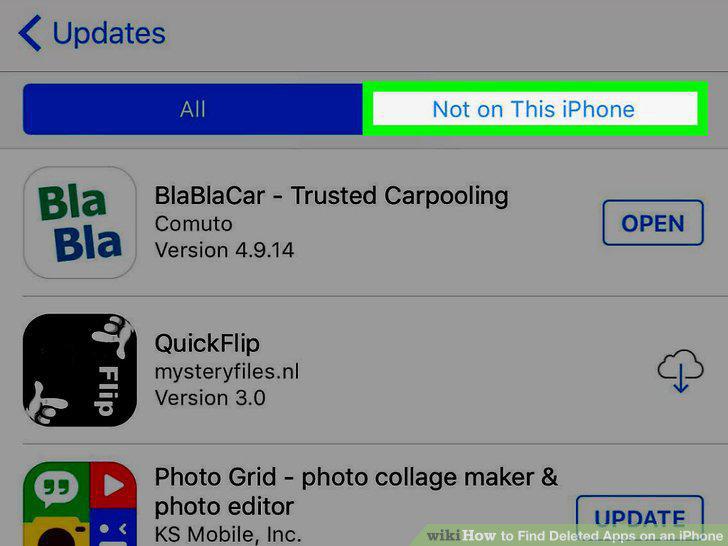
Tap Not on This iPhone.
6
Tap the cloud icon next to the app you want to restore.
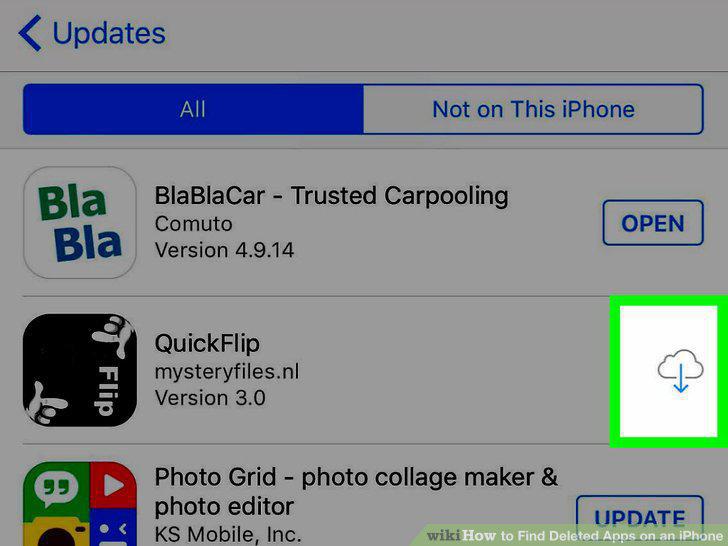
Tap the cloud icon next to the app you want to restore.
Comments (0)
No comments yet. Be the first to share your thoughts!