How to Fix Internet Explorer when It Can't Open a Webpage
Open your Internet Explorer to any other site.. Check to make sure all cables are plugged into the modem/router and that the cord that connects the modem or router, is connected to the computer.. Clear your Internet Explorer's history files.
Steps
1
Open your Internet Explorer to any other site.
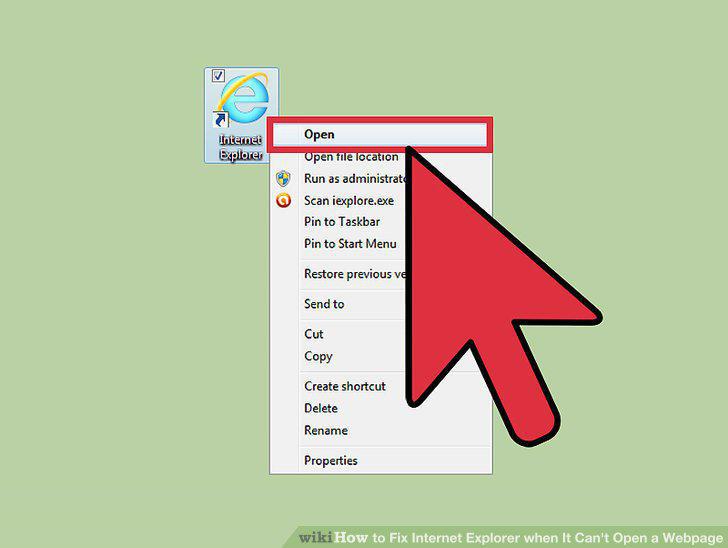
Open your Internet Explorer to any other site.
2
Check to make sure all cables are plugged into the modem/router and that the cor
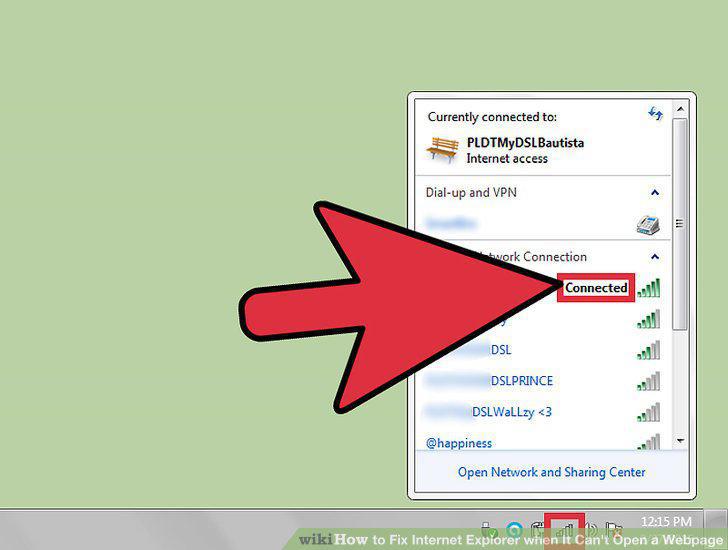
Check to make sure all cables are plugged into the modem/router and that the cord that connects the modem or router, is connected to the computer.
3
Clear your Internet Explorer's history files.
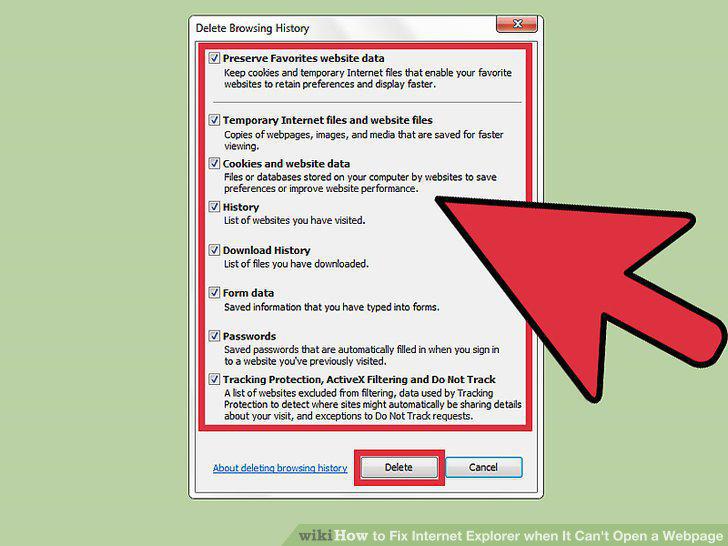
Clear your Internet Explorer's history files.
4
Call your Internet provider to ensure the connection is still firm.
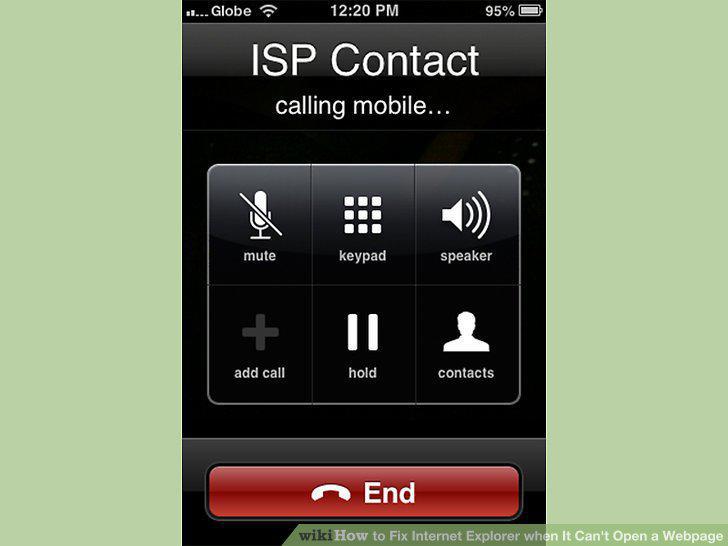
Call your Internet provider to ensure the connection is still firm.
Comments (0)
No comments yet. Be the first to share your thoughts!