How to Update a Graphics Card
Open Start .. Run the DXDIAG command.. Click Yes when prompted.
Steps
1
Open Start .
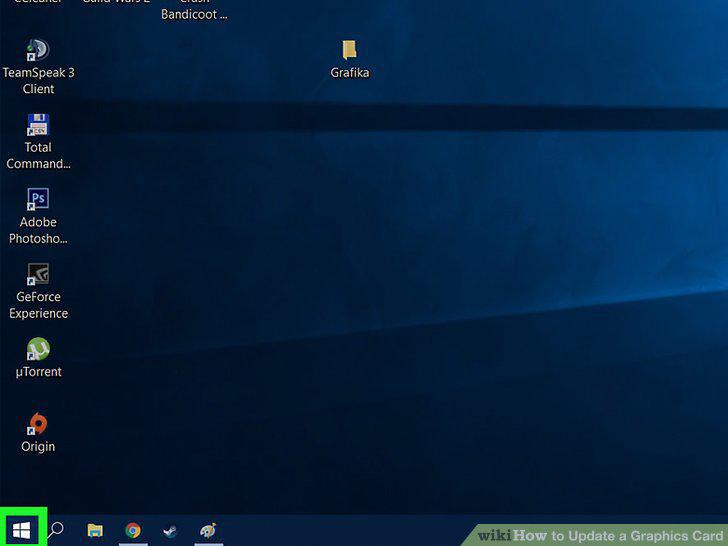
Open Start .
2
Run the DXDIAG command.
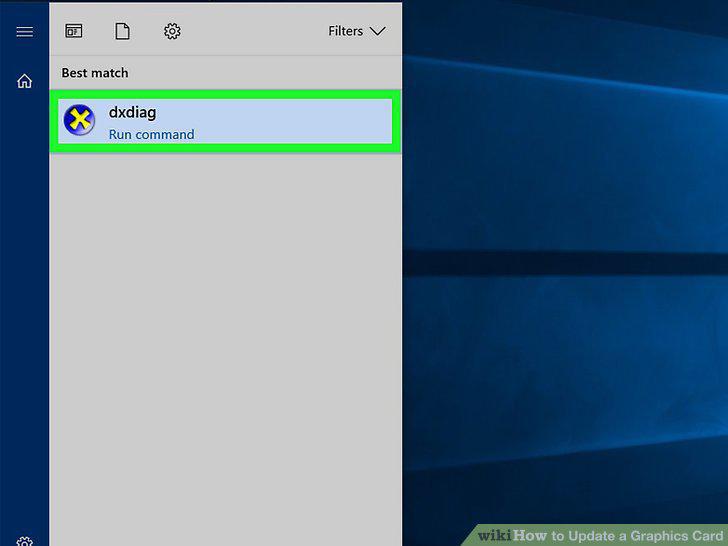
Run the DXDIAG command.
3
Click Yes when prompted.
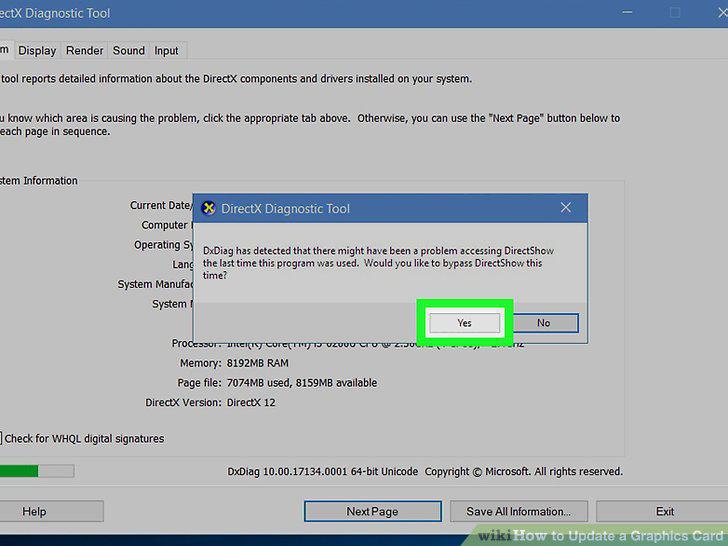
Click Yes when prompted.
4
Click the Display tab.
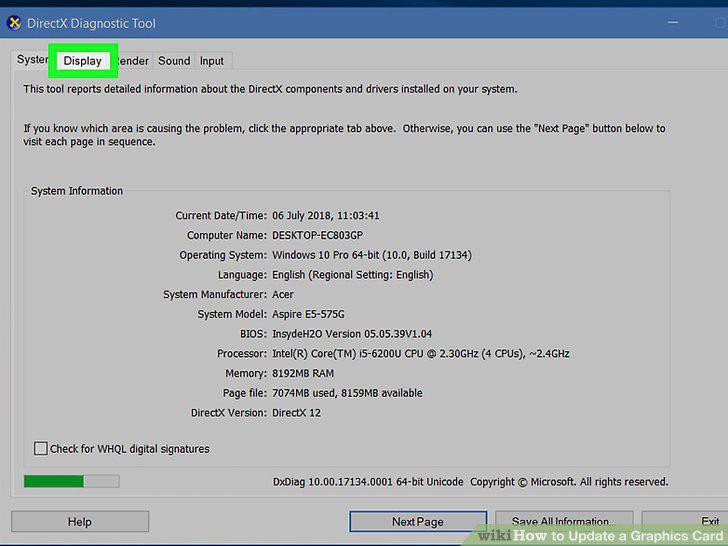
Click the Display tab.
5
Find your graphics card's name.
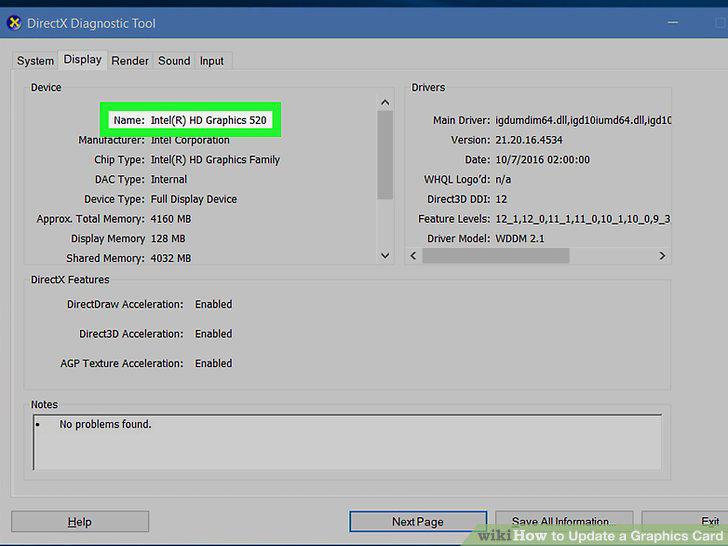
Find your graphics card's name.
6
Open Start .
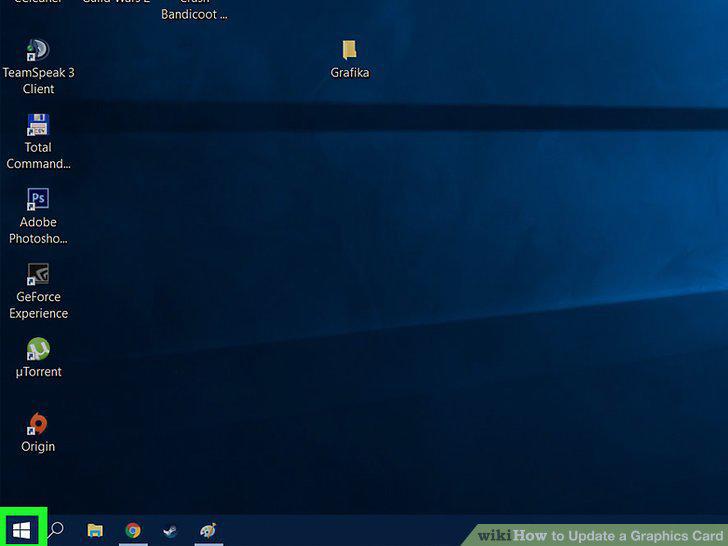
Open Start .
7
Open Device Manager.
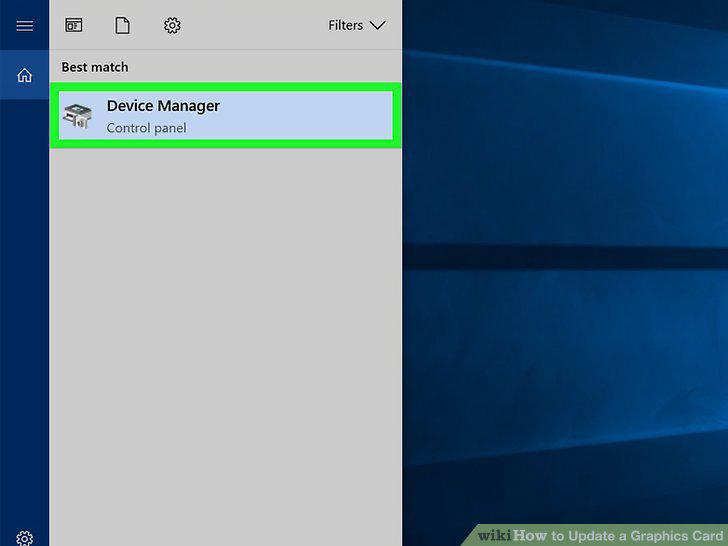
Open Device Manager.
8
Expand the "Display adapters" heading.
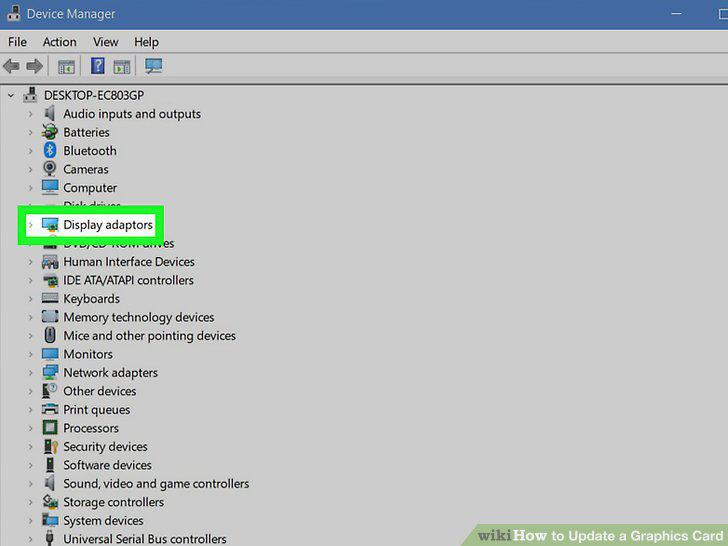
Expand the "Display adapters" heading.
9
Select your graphics card.
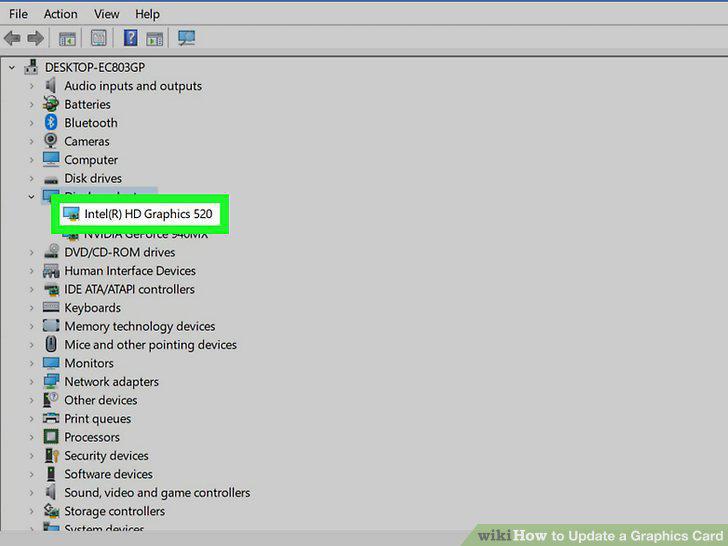
Select your graphics card.
10
Click the "Update" button.
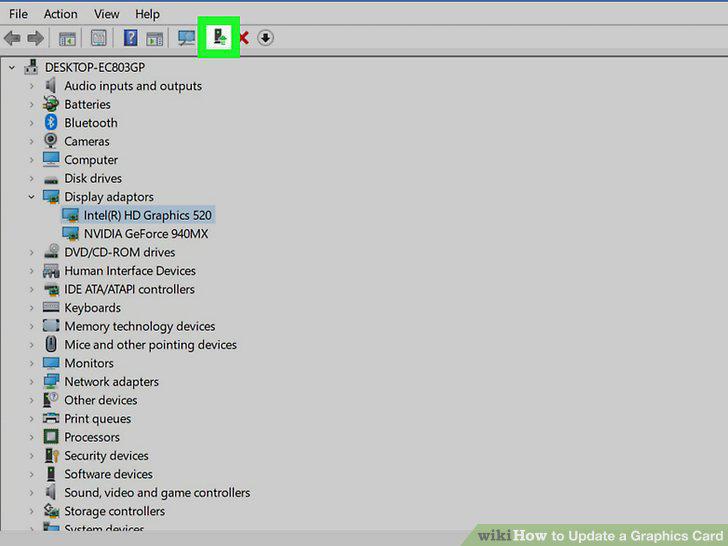
Click the "Update" button.
11
Click Search automatically for updated driver software.
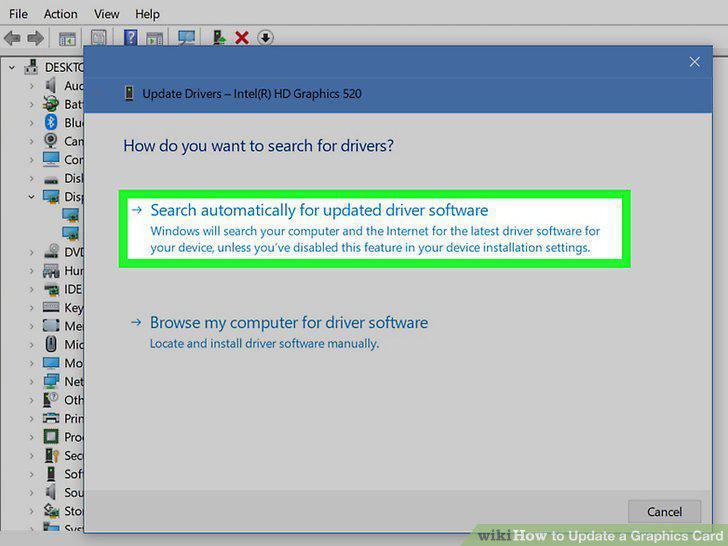
Click Search automatically for updated driver software.
12
Allow your graphics card to update.
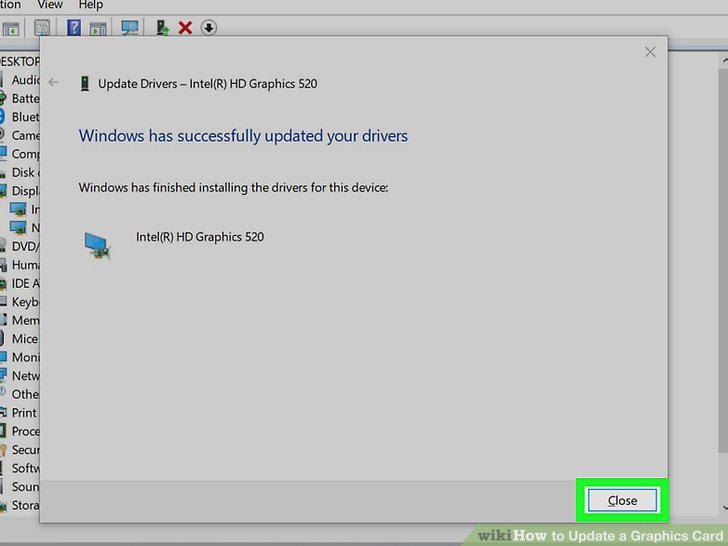
Allow your graphics card to update.
Comments (0)
No comments yet. Be the first to share your thoughts!