How to Fix Bent Pins on a CPU
Find a proper workspace.. Find the right card for the job.. Run the card through the rows with bent pins in all 4 directions.
Steps
1
Find a proper workspace.
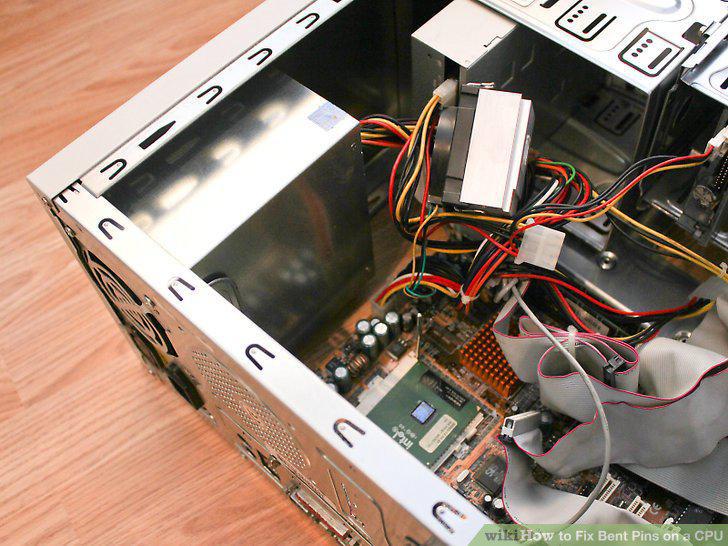
Find a proper workspace.
2
Find the right card for the job.
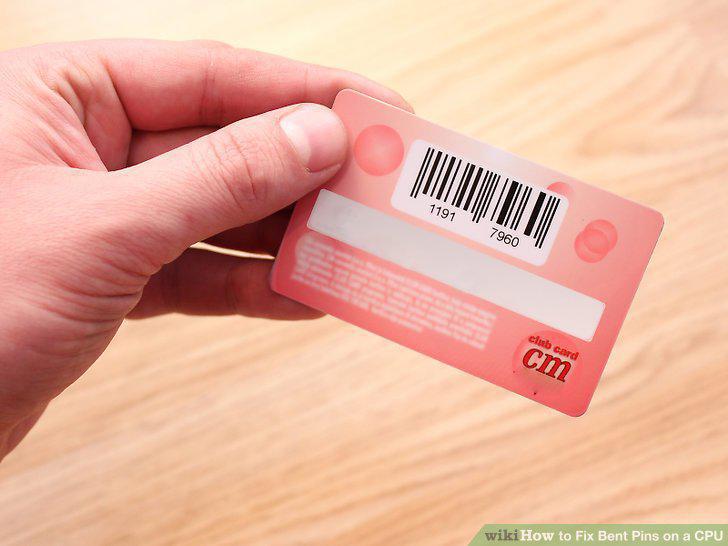
Find the right card for the job.
3
Run the card through the rows with bent pins in all 4 directions.
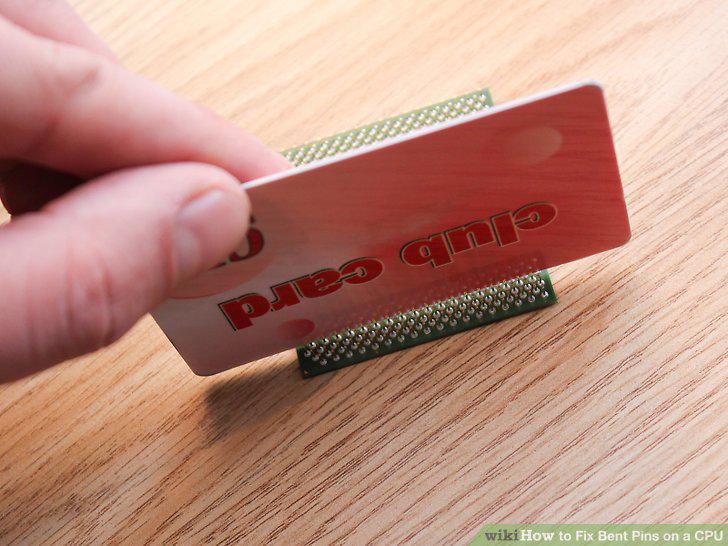
Run the card through the rows with bent pins in all 4 directions.
4
Attempt to mount the CPU.
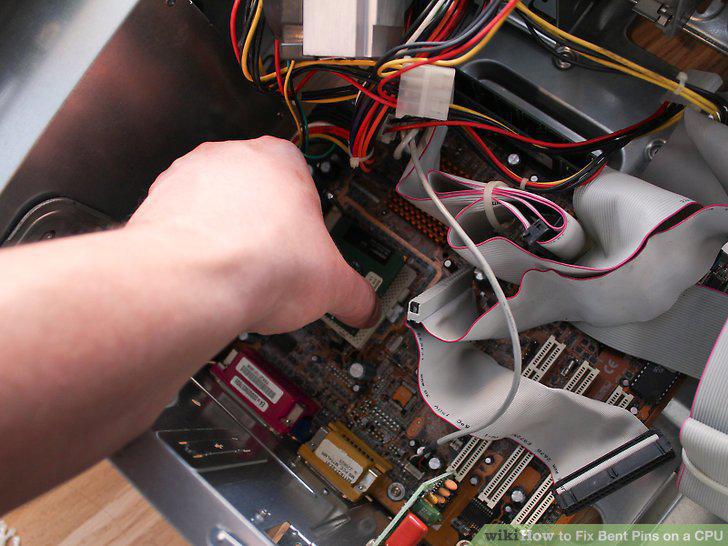
Attempt to mount the CPU.
5
Find a properly-sized pencil.
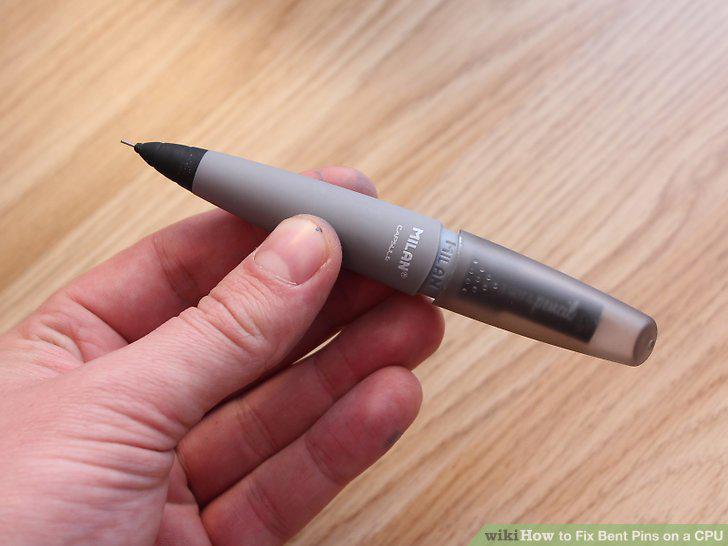
Find a properly-sized pencil.
6
Remove any pencil lead from the pencil.
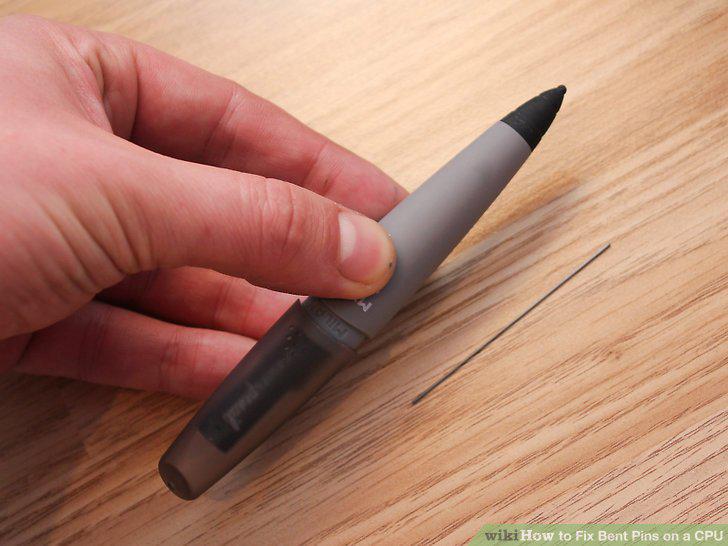
Remove any pencil lead from the pencil.
7
Place the empty tip of the pencil over the pin.
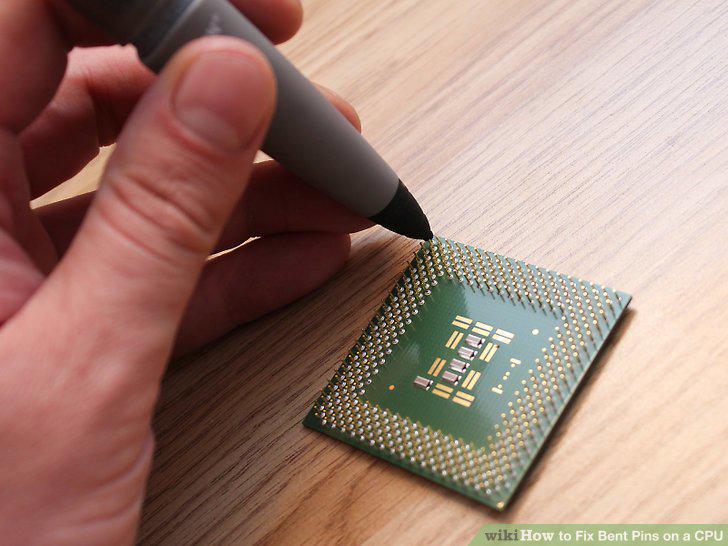
Place the empty tip of the pencil over the pin.
8
Get a properly sized needle.
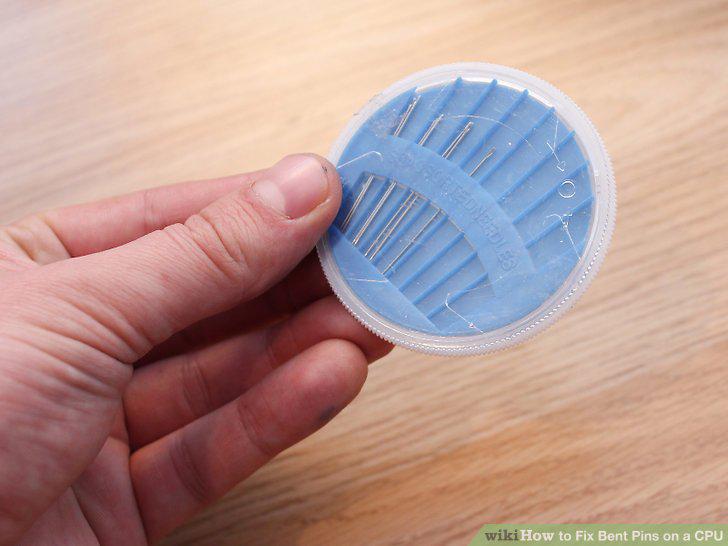
Get a properly sized needle.
9
Slide the needle underneath the bent pin.
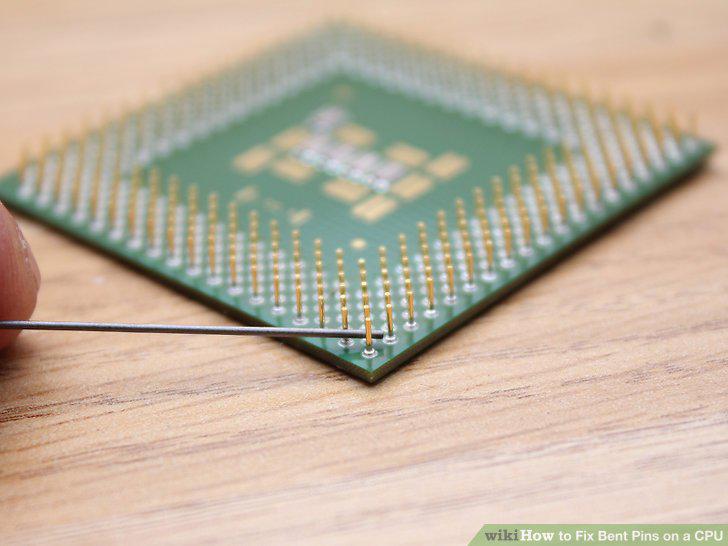
Slide the needle underneath the bent pin.
10
Pull the needle up at one end.
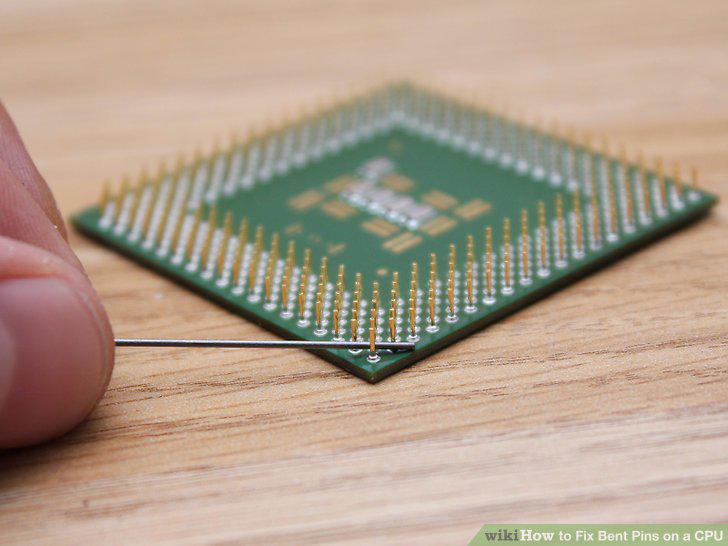
Pull the needle up at one end.
11
Assess the situation for how to move forward.
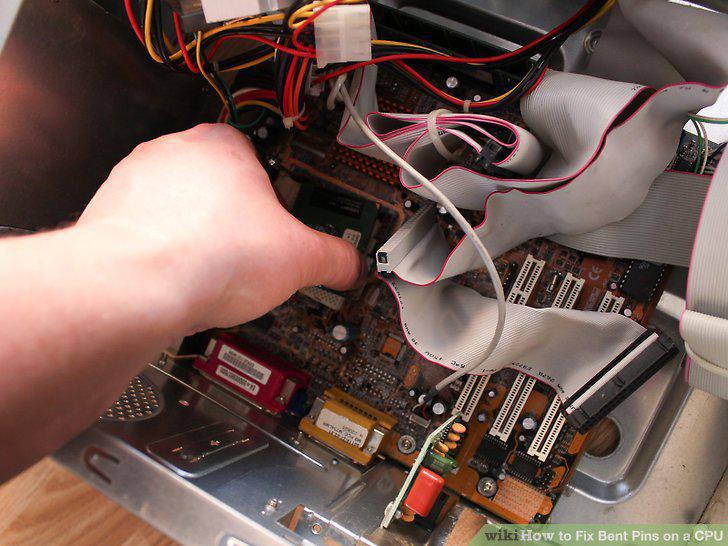
Assess the situation for how to move forward.
Comments (0)
No comments yet. Be the first to share your thoughts!