How to Unfollow Everyone on Instagram
Open Instagram.. Tap your profile icon.. Tap the "following" section.
Steps
1
Open Instagram.
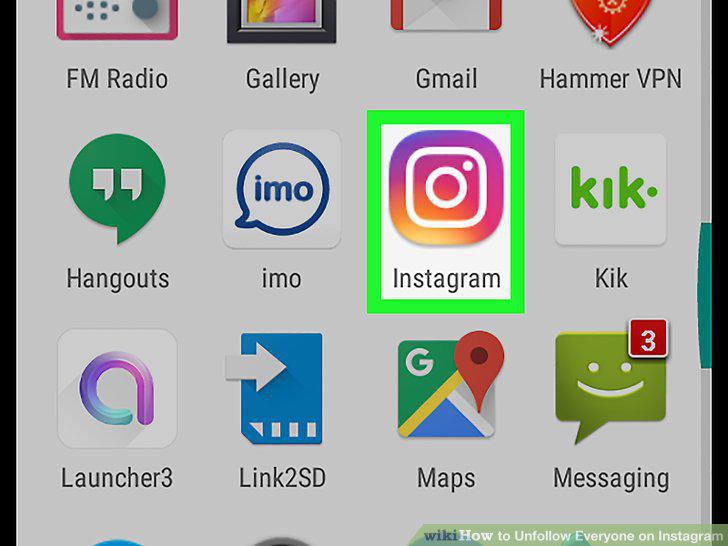
Open Instagram.
2
Tap your profile icon.

Tap your profile icon.
3
Tap the "following" section.
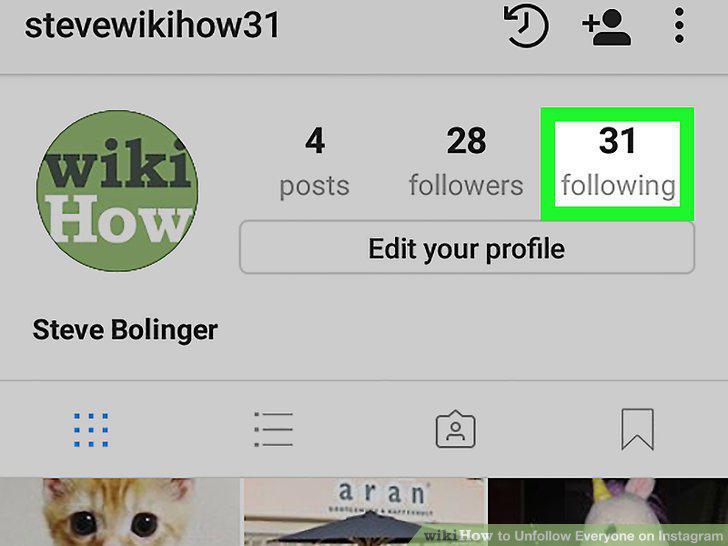
Tap the "following" section.
4
Tap Following next to a person's name.
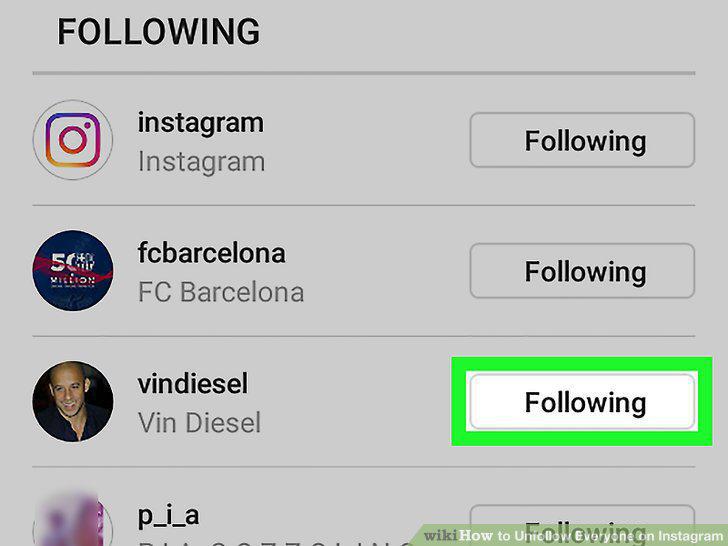
Tap Following next to a person's name.
5
Tap Unfollow when prompted.
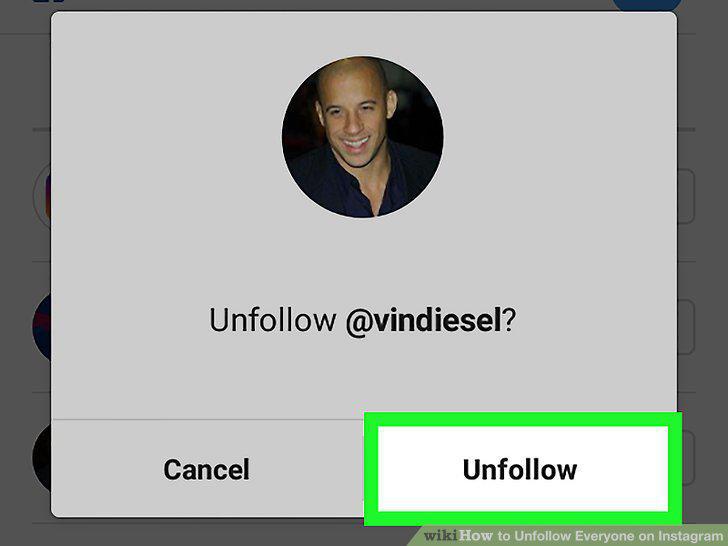
Tap Unfollow when prompted.
6
Repeat the unfollow process for each account you follow.
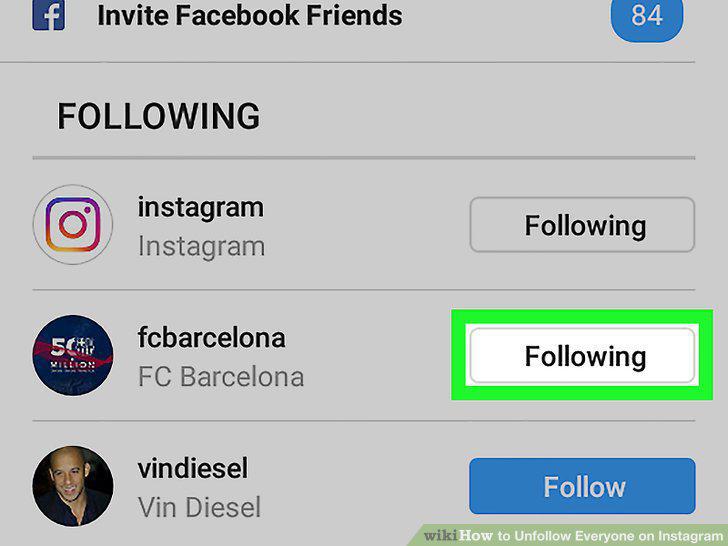
Repeat the unfollow process for each account you follow.
7
Go to Instagram's website.
Go to Instagram's website.
8
Click your profile icon.
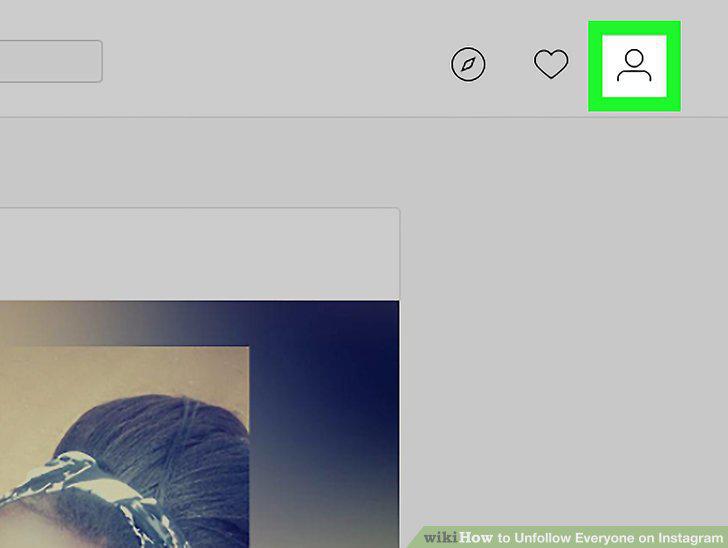
Click your profile icon.
9
Click the "following" section.
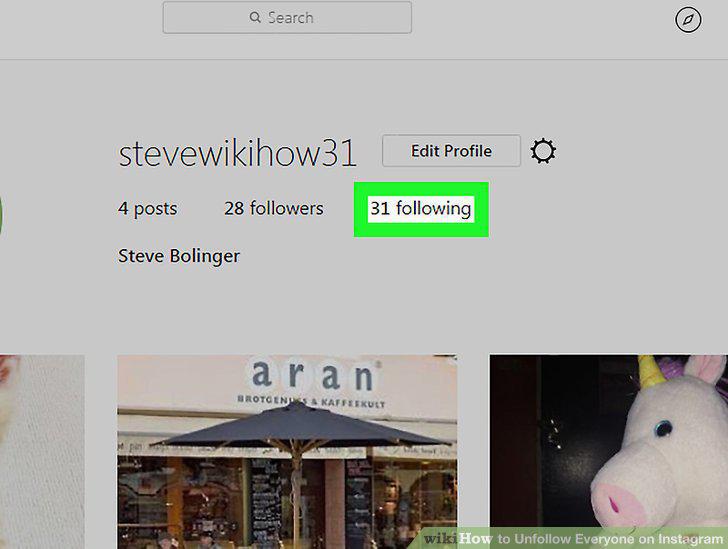
Click the "following" section.
10
Click Following to the right of an account.
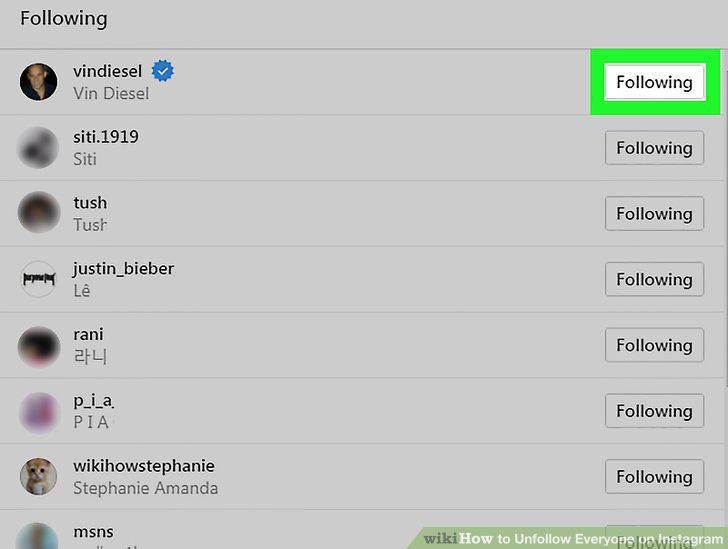
Click Following to the right of an account.
11
Repeat the unfollow process for each account you follow.
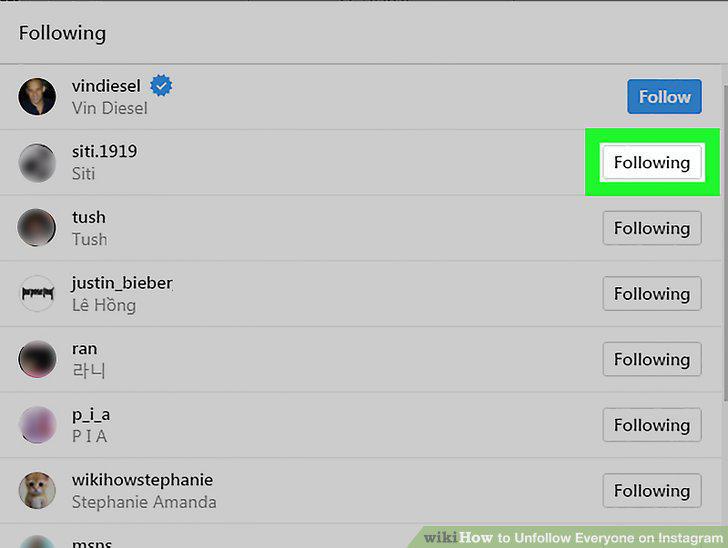
Repeat the unfollow process for each account you follow.
Comments (0)
No comments yet. Be the first to share your thoughts!