How to Make Files Available Offline on Google Drive on Android
Open the Drive app on your Android.. Tap and hold a file.. Select all the files you want to make available offline.
Steps
1
Open the Drive app on your Android.
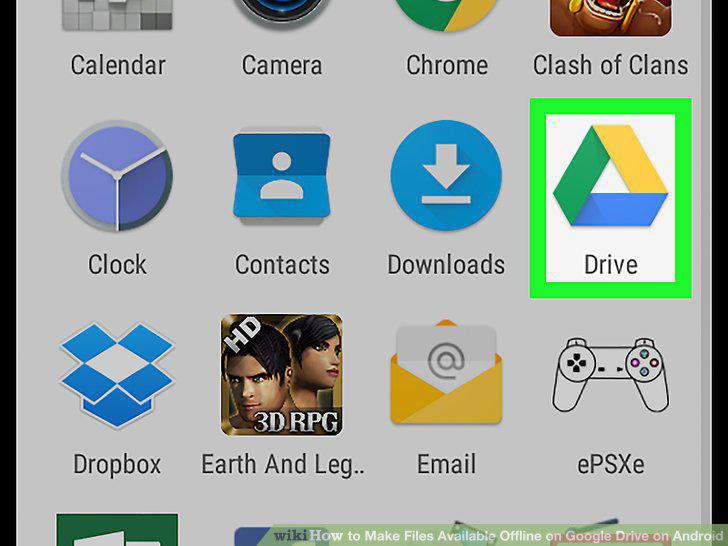
Open the Drive app on your Android.
2
Tap and hold a file.
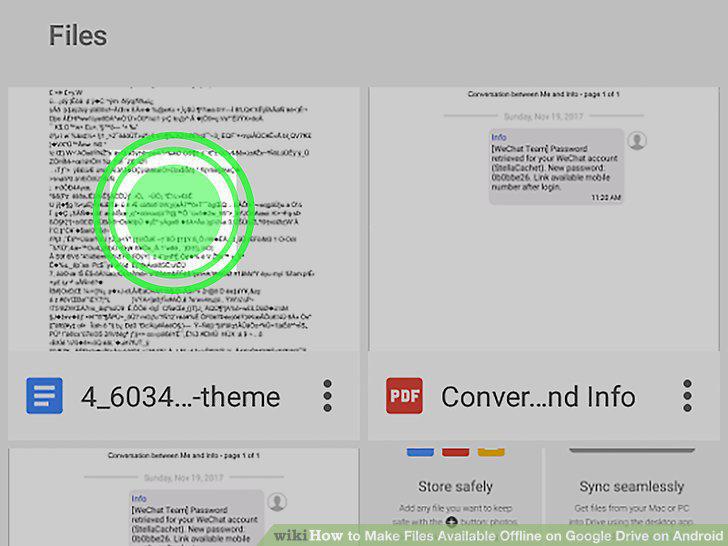
Tap and hold a file.
3
Select all the files you want to make available offline.
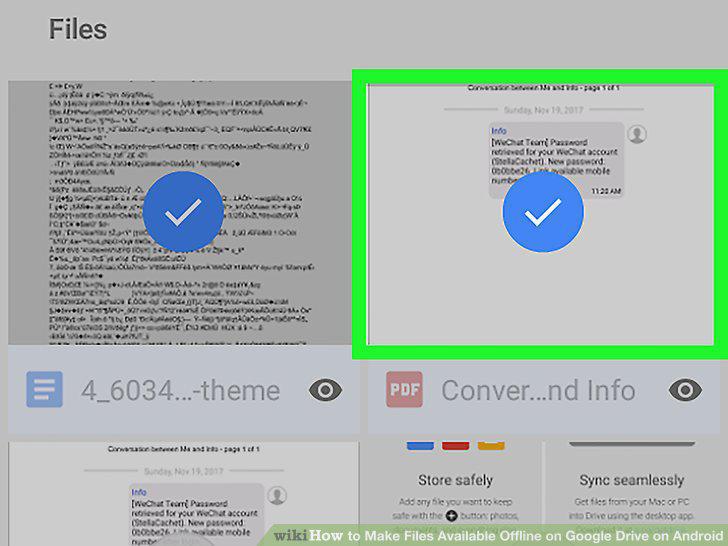
Select all the files you want to make available offline.
4
Tap the three vertical dots icon.
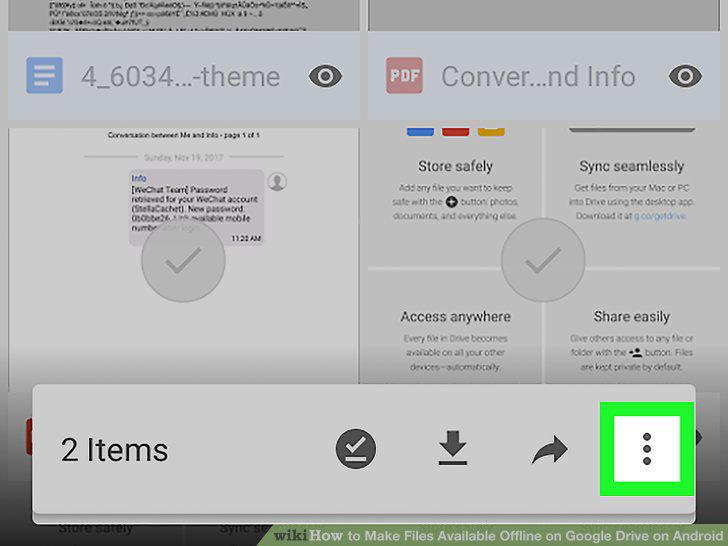
Tap the three vertical dots icon.
5
Slide the Available offline switch to .
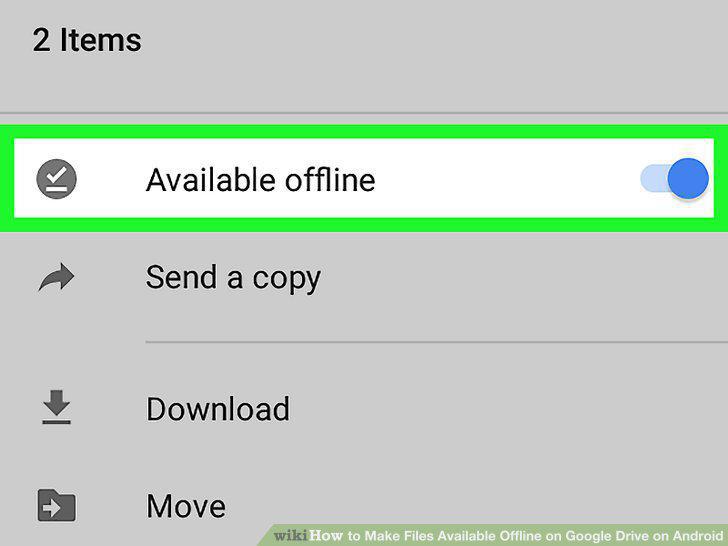
Slide the Available offline switch to .
Comments (0)
No comments yet. Be the first to share your thoughts!