How to Cite Online Articles in MLA
Start your Works Cited entry with the name of the author or authors.. Provide the title of the article in double quotation marks.. List the name of the website and affiliated organization.
Steps
1
Start your Works Cited entry with the name of the author or authors.
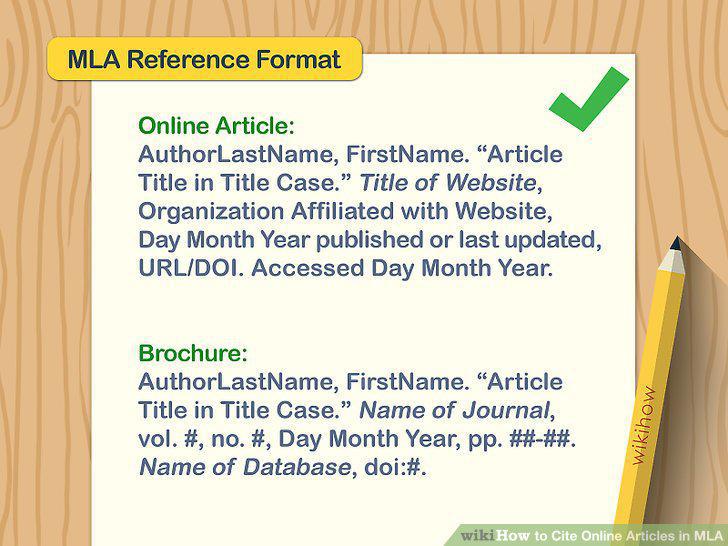
Start your Works Cited entry with the name of the author or authors.
2
Provide the title of the article in double quotation marks.

Provide the title of the article in double quotation marks.
3
List the name of the website and affiliated organization.

List the name of the website and affiliated organization.
4
Include the date of publication.

Include the date of publication.
5
Add the direct URL for the article.

Add the direct URL for the article.
6
Close with the access date if required.

Close with the access date if required.
7
Use a DOI for scholarly journal articles found on online databases.
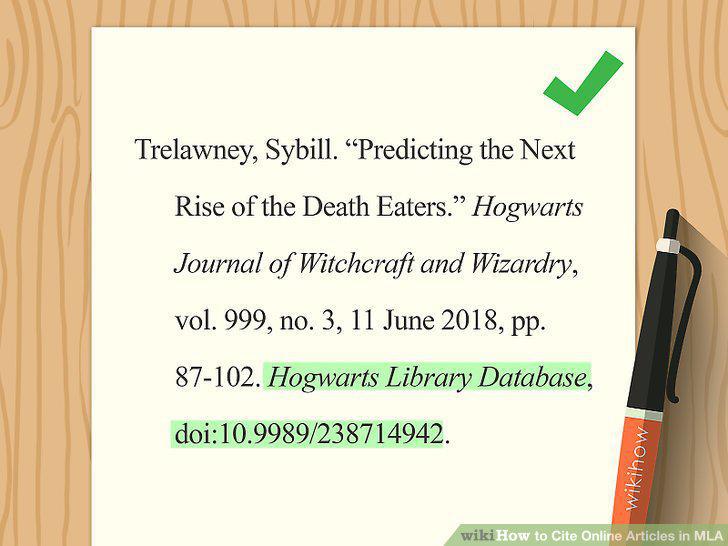
Use a DOI for scholarly journal articles found on online databases.
8
Include the author's last name in your parenthetical citation.
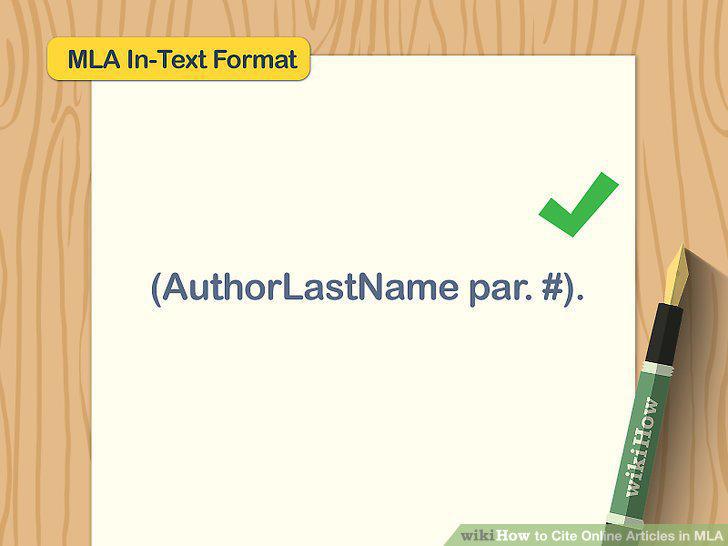
Include the author's last name in your parenthetical citation.
9
Use paragraph numbers if no page numbers are available.
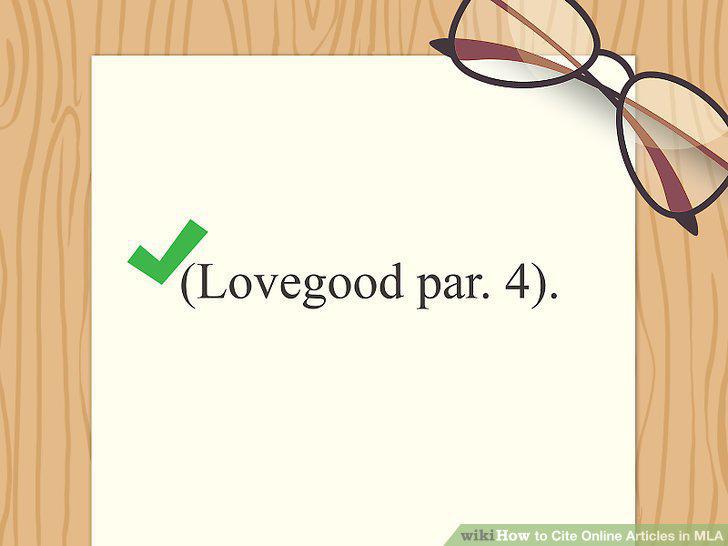
Use paragraph numbers if no page numbers are available.
10
Incorporate the author's name into the text of your paper.
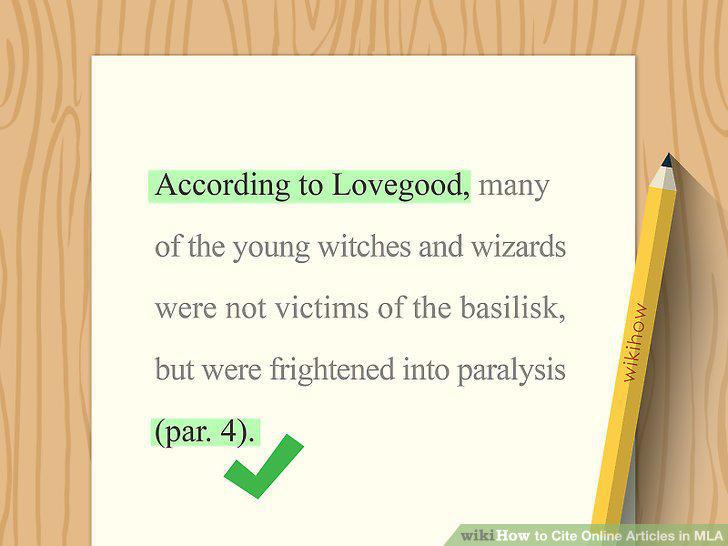
Incorporate the author's name into the text of your paper.
Comments (0)
No comments yet. Be the first to share your thoughts!