How to Zoom on Google Photos on iPhone or iPad
Open Google Photos on your iPhone or iPad.. Tap the photo on which you want to zoom in.. Place two fingertips close together on the screen.
Steps
1
Open Google Photos on your iPhone or iPad.
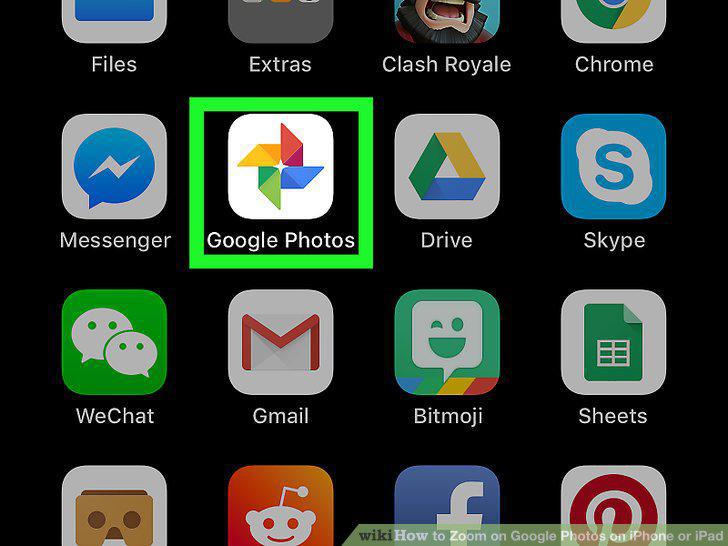
Open Google Photos on your iPhone or iPad.
2
Tap the photo on which you want to zoom in.
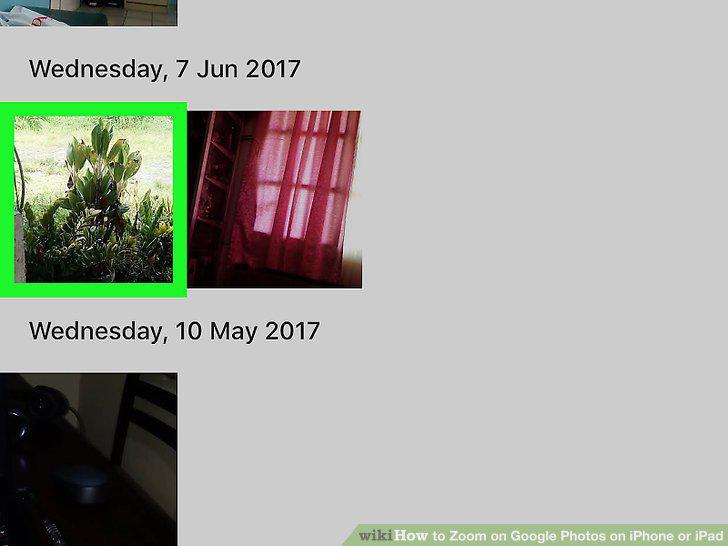
Tap the photo on which you want to zoom in.
3
Place two fingertips close together on the screen.
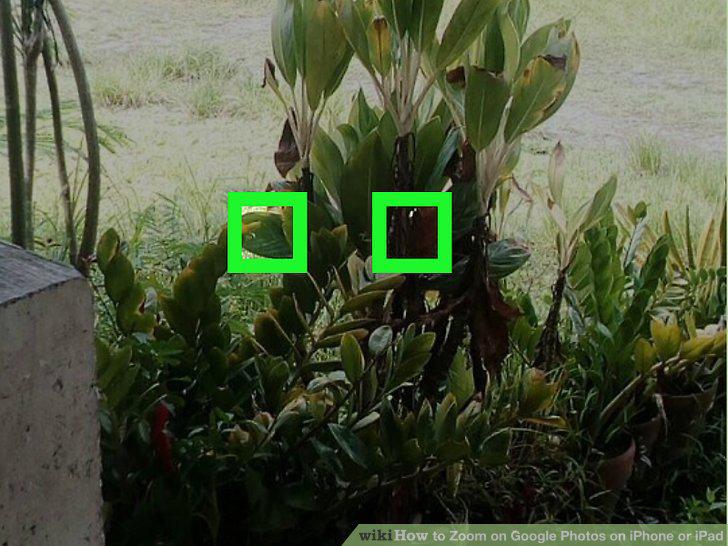
Place two fingertips close together on the screen.
4
Spread your two fingers apart.
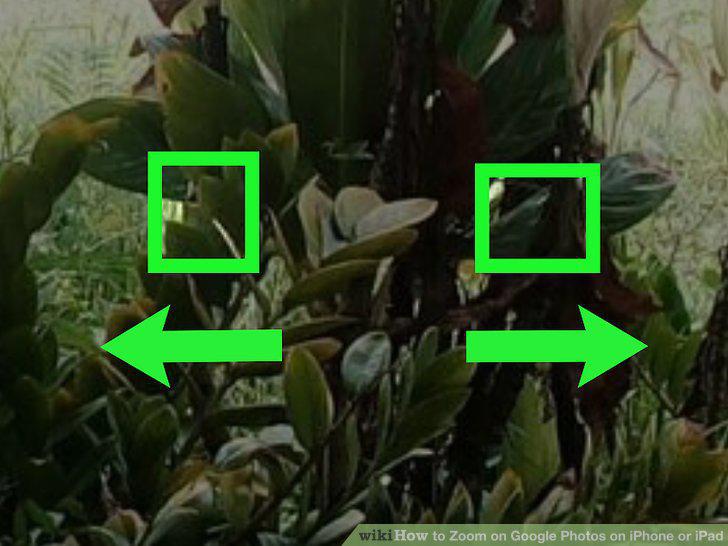
Spread your two fingers apart.
5
Pinch two fingers together to zoom back out.
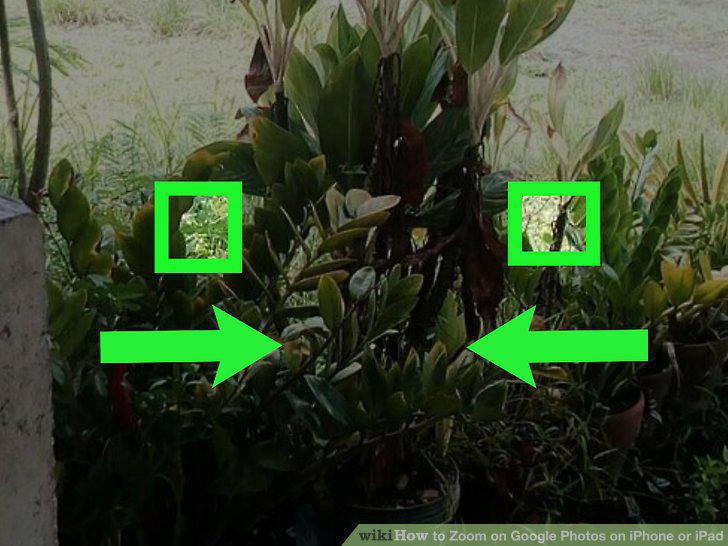
Pinch two fingers together to zoom back out.
Comments (0)
No comments yet. Be the first to share your thoughts!