How to Search for Friends by City on Facebook
Open Facebook in your internet browser.. Click your first name.. Click your Friends tab.
Steps
1
Open Facebook in your internet browser.
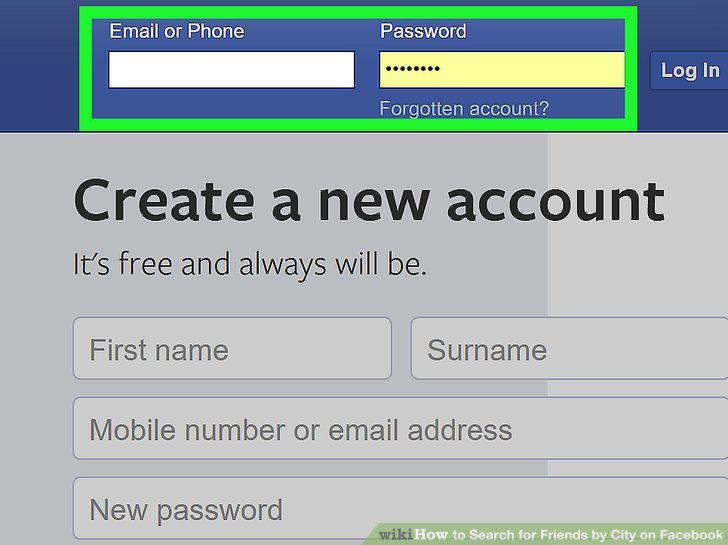
Open Facebook in your internet browser.
2
Click your first name.
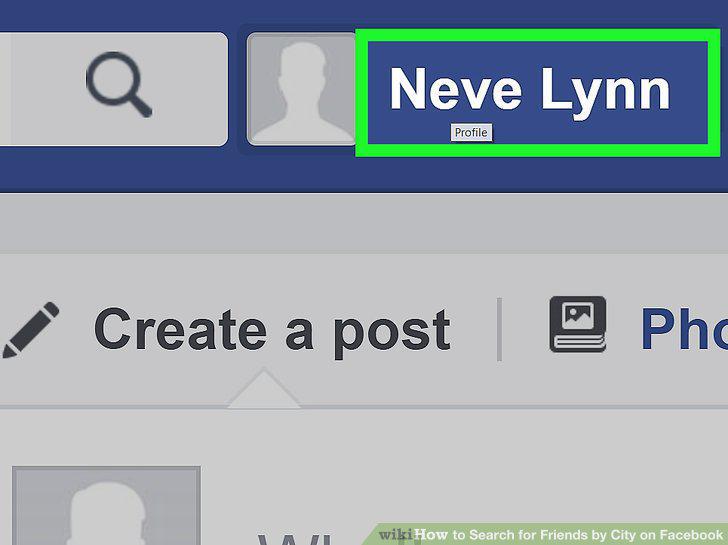
Click your first name.
3
Click your Friends tab.
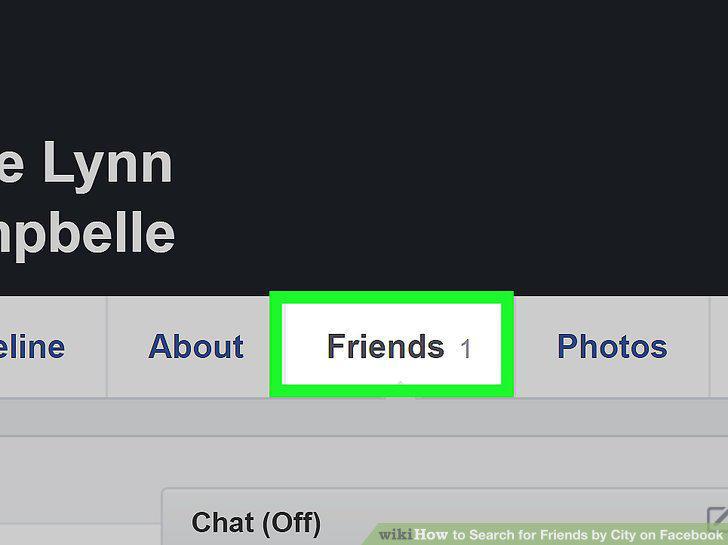
Click your Friends tab.
4
Click the +Find Friends button.
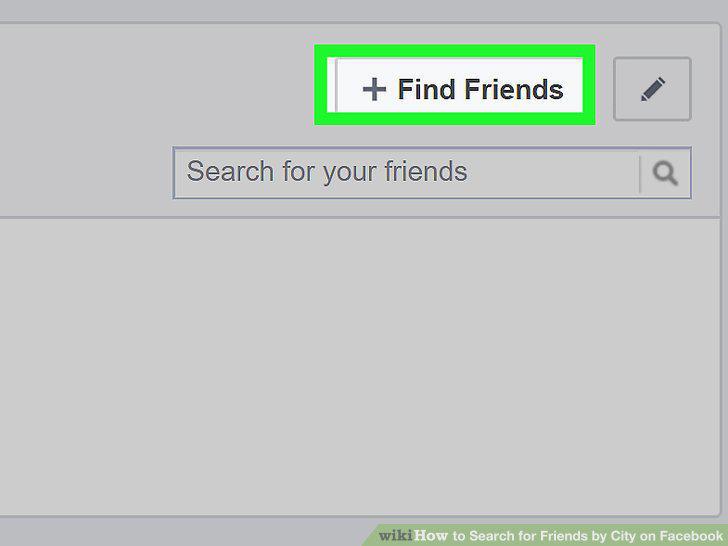
Click the +Find Friends button.
5
Find the Current City section in the Search for Friends box.
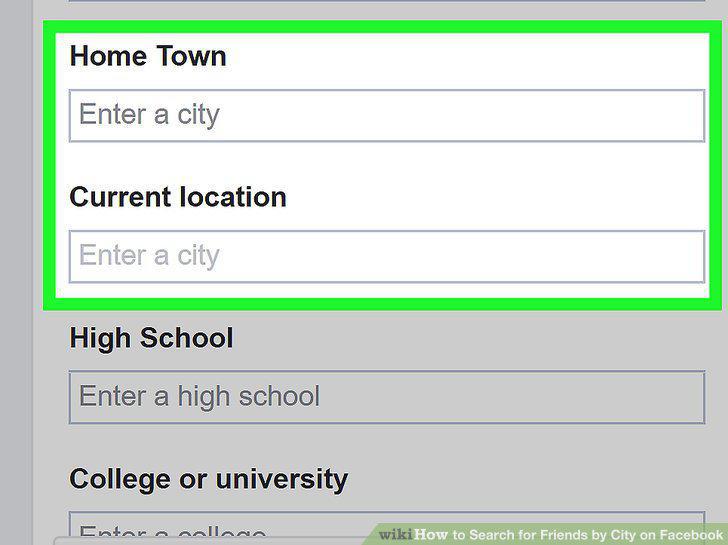
Find the Current City section in the Search for Friends box.
6
Select a city under Current City.
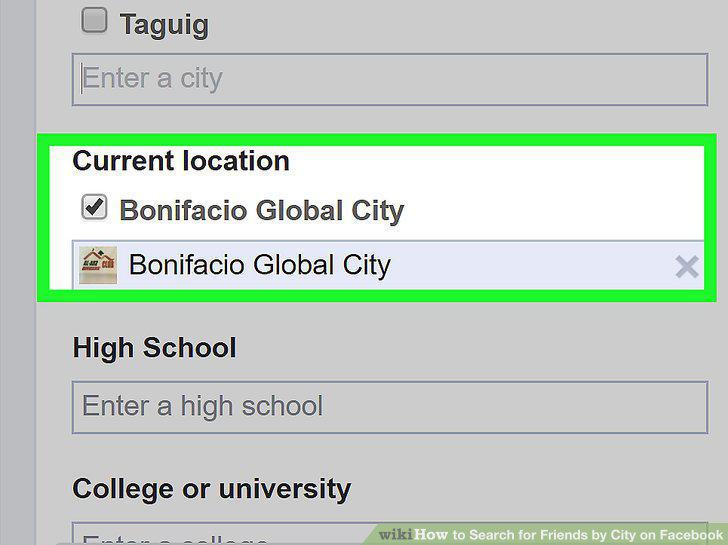
Select a city under Current City.
Comments (0)
No comments yet. Be the first to share your thoughts!