How to Convert Excel to CSV on PC or Mac
Open an Excel spreadsheet file.. Click the File tab.. Click Save As on the File menu.
Steps
1
Open an Excel spreadsheet file.
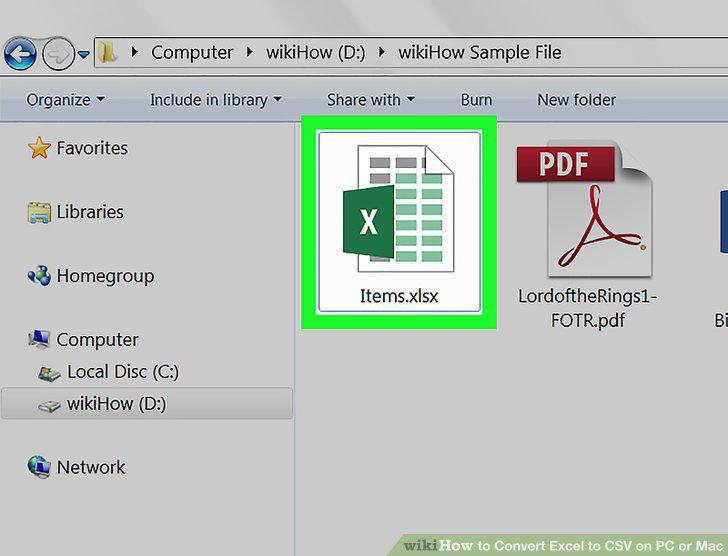
Open an Excel spreadsheet file.
2
Click the File tab.
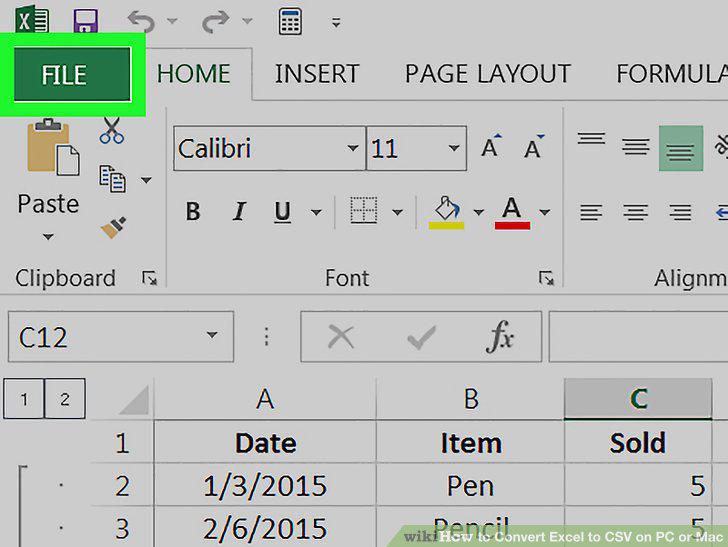
Click the File tab.
3
Click Save As on the File menu.
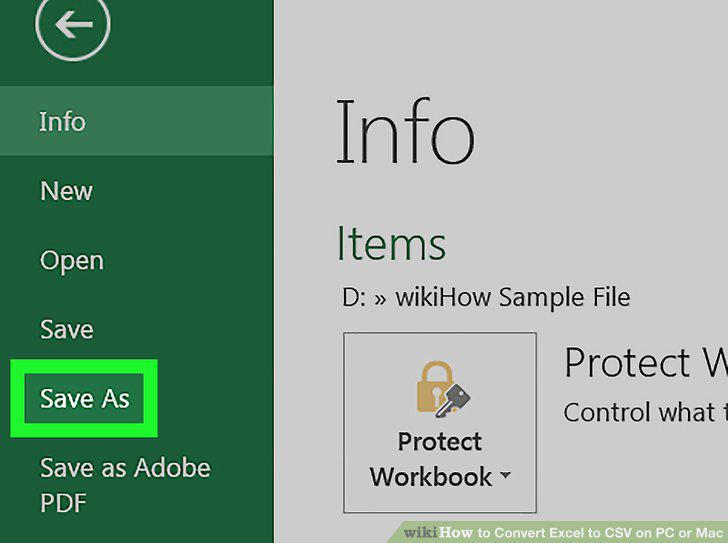
Click Save As on the File menu.
4
Click the selector bar next to File Format.
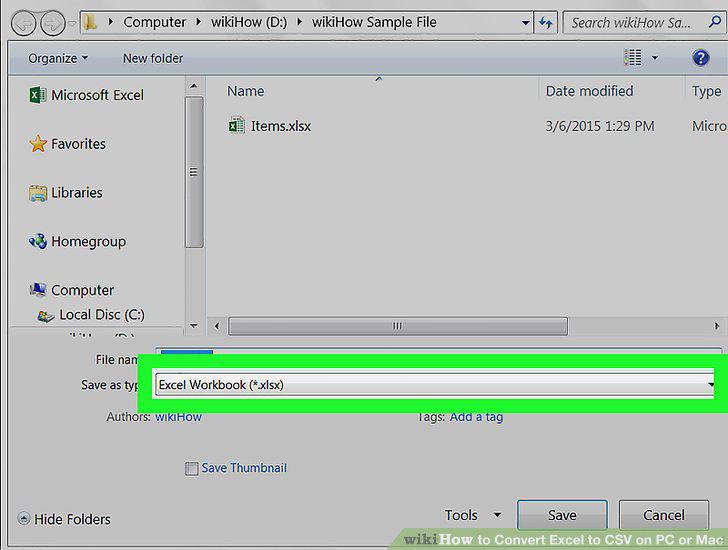
Click the selector bar next to File Format.
5
Select Comma Separated Values (.csv) as your File Format.
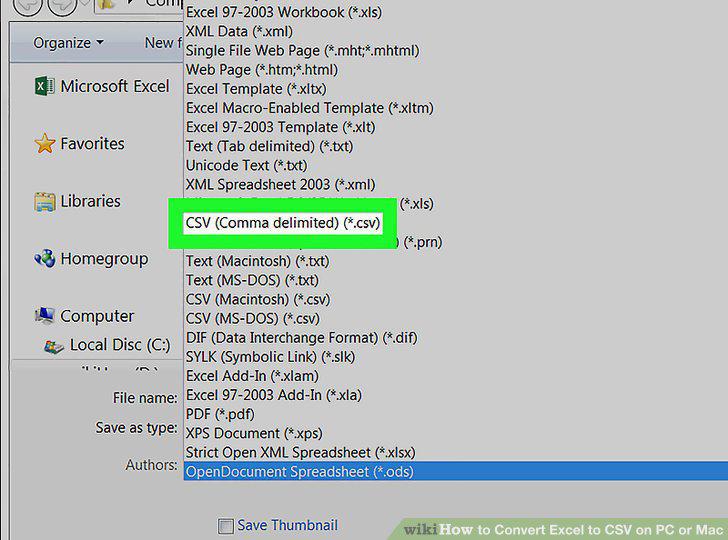
Select Comma Separated Values (.csv) as your File Format.
6
Select a saving location.
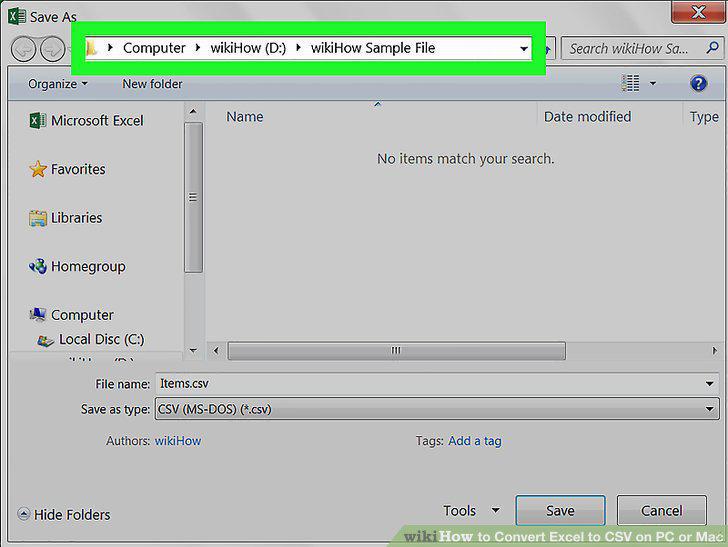
Select a saving location.
7
Click Save.
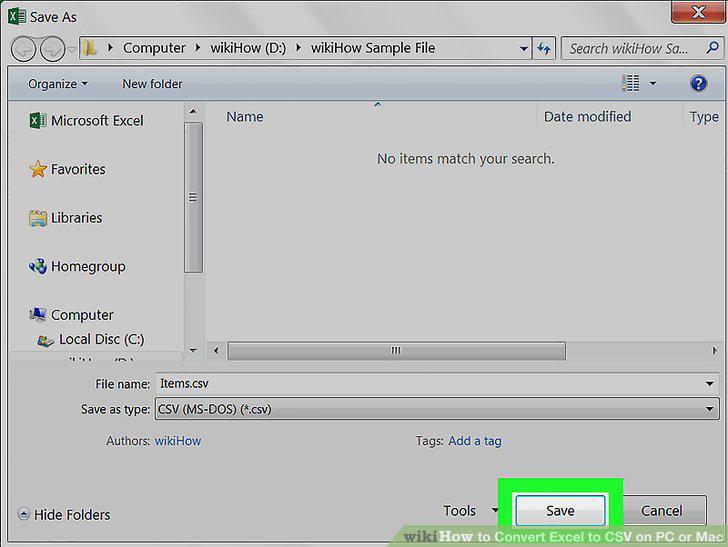
Click Save.
Comments (0)
No comments yet. Be the first to share your thoughts!