How to Change Online Excel Language
Go to https://account.microsoft.com/profile/.. Click Change display language.. Select the language you want to change to.
Steps
1
Go to https://account.microsoft.com/profile/.
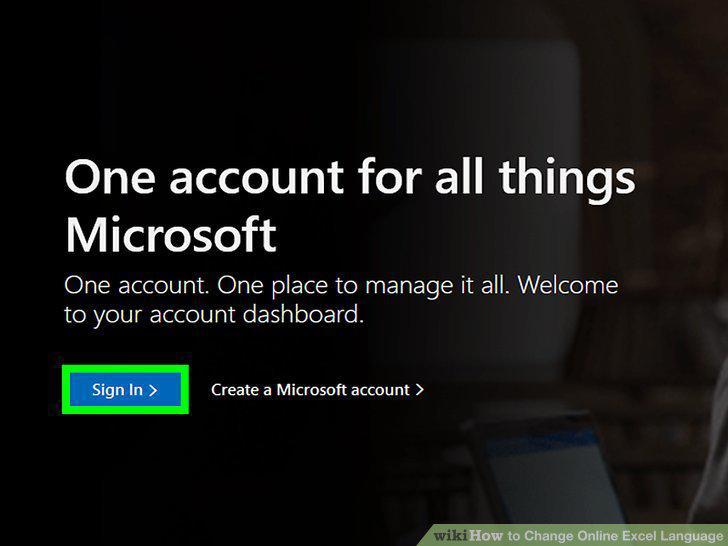
Go to https://account.microsoft.com/profile/.
2
Click Change display language.
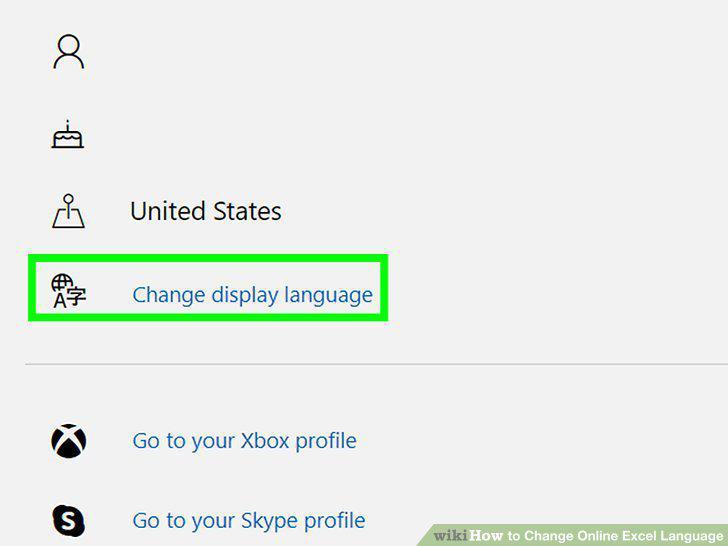
Click Change display language.
3
Select the language you want to change to.
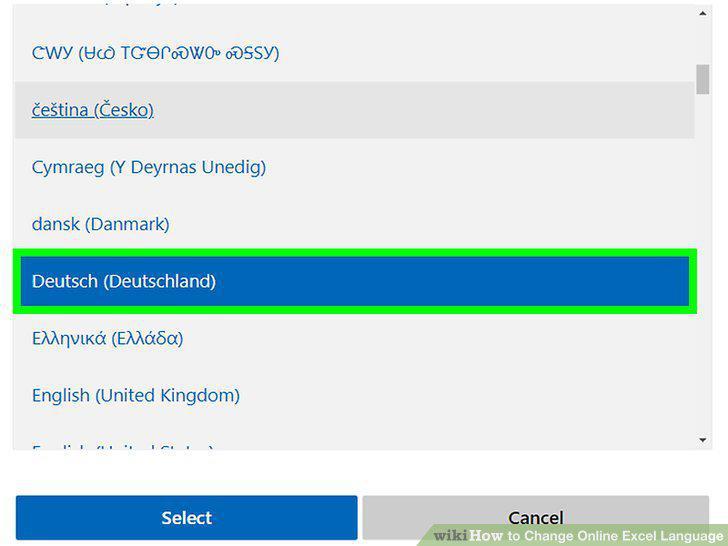
Select the language you want to change to.
4
Click Select and OK.
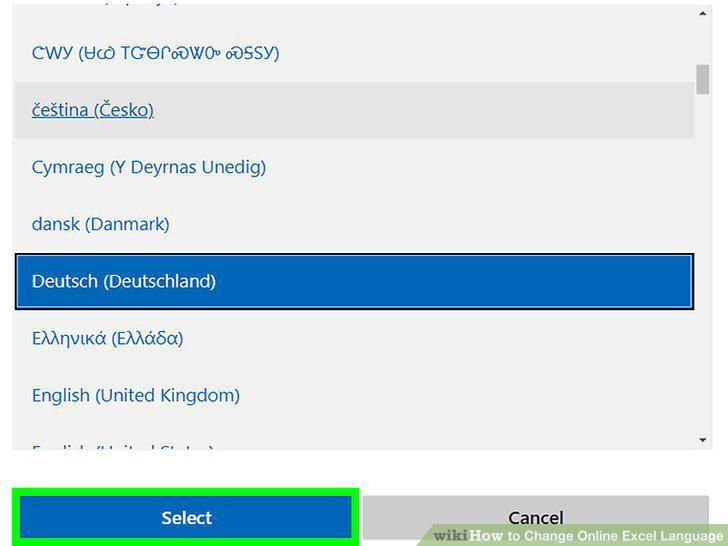
Click Select and OK.
5
Go to https://www.office.com/signin.
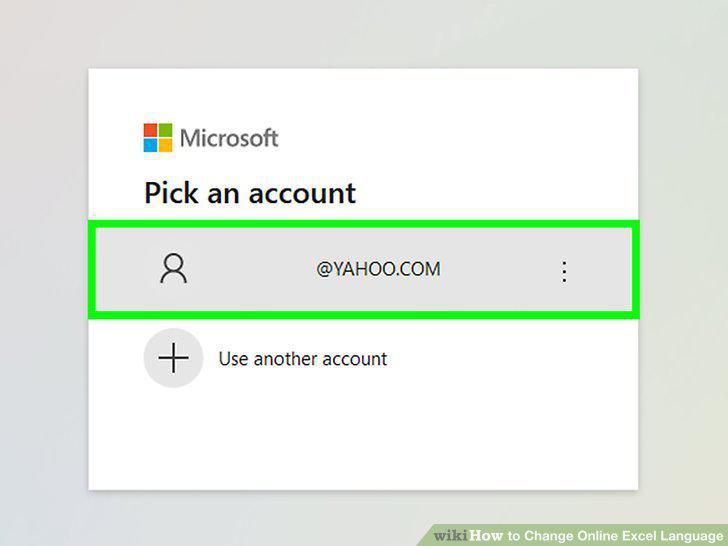
Go to https://www.office.com/signin.
6
Click .
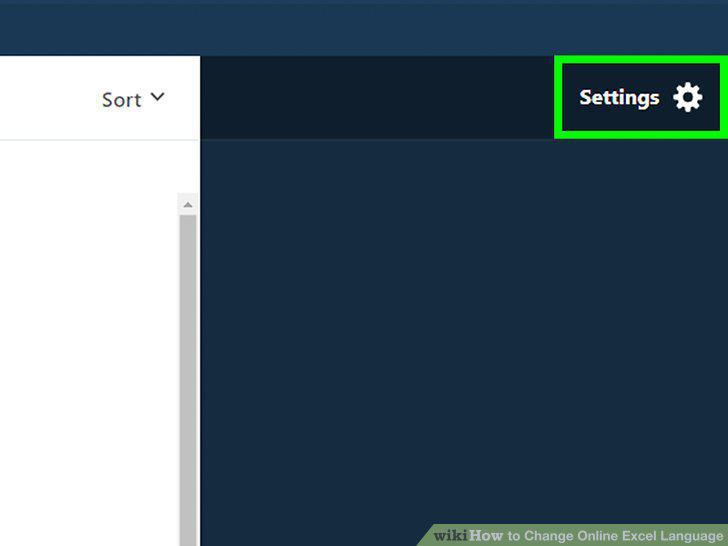
Click .
7
Click Edit.
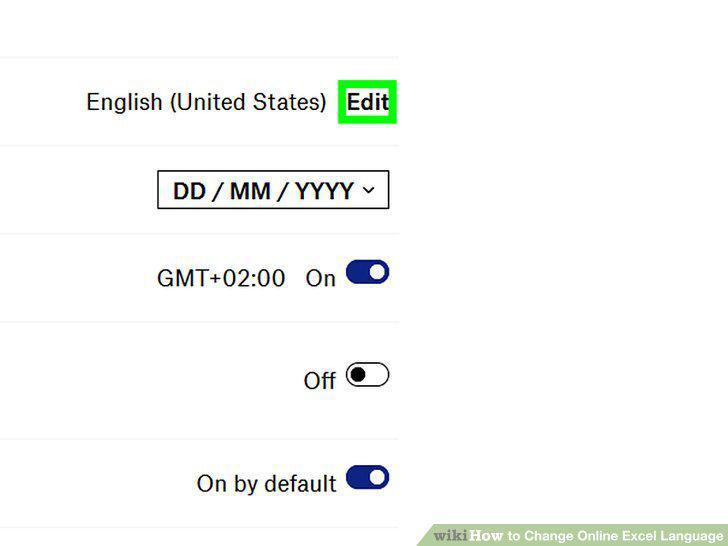
Click Edit.
8
You'll be prompted to select a new language.
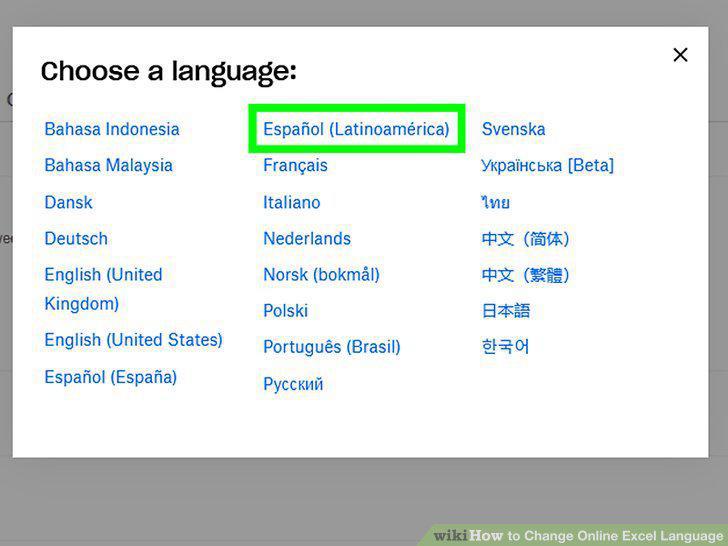
You'll be prompted to select a new language.
Comments (0)
No comments yet. Be the first to share your thoughts!