How to Make a Spreadsheet in Excel
Open Microsoft Excel.. Click Blank workbook to create a new workbook.. Familiarize yourself with the spreadsheet's layout.
Steps
Open Microsoft Excel.
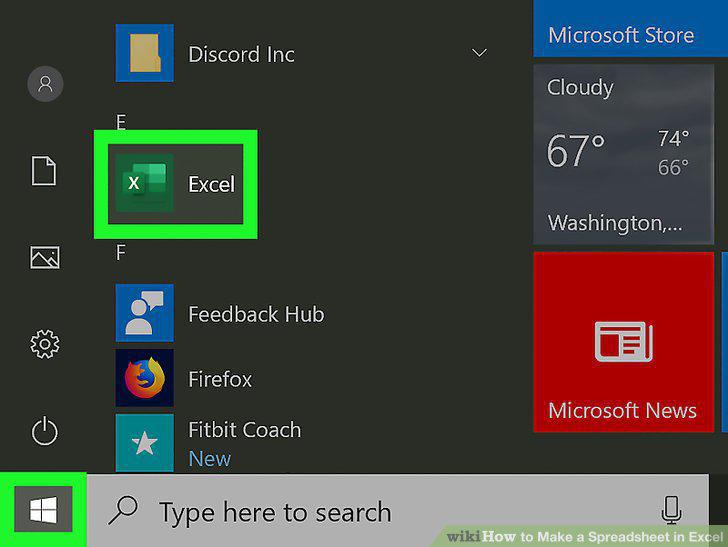
Open Microsoft Excel.
Click Blank workbook to create a new workbook.
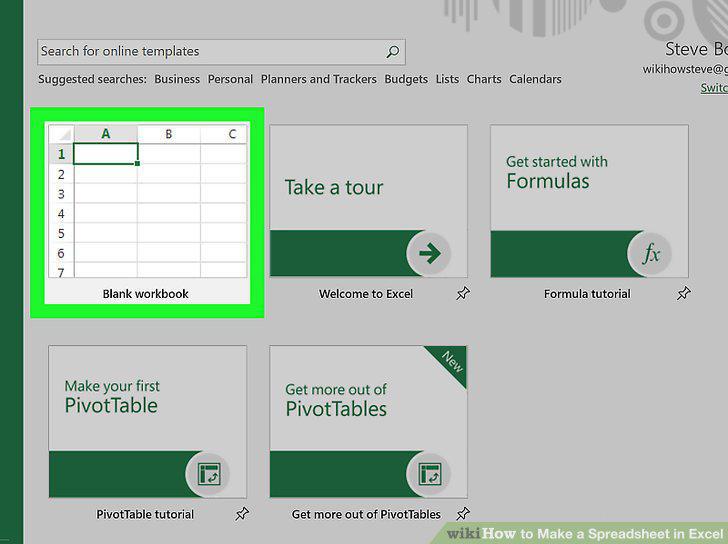
Click Blank workbook to create a new workbook.
Familiarize yourself with the spreadsheet's layout.
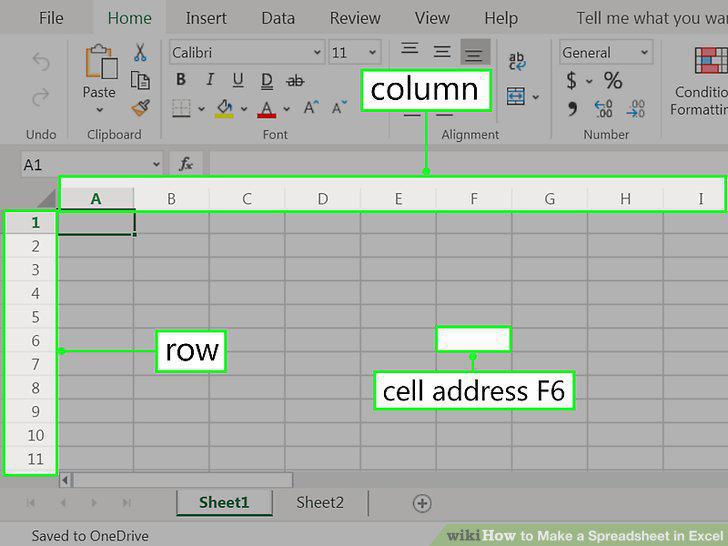
Familiarize yourself with the spreadsheet's layout.
Enter some data.
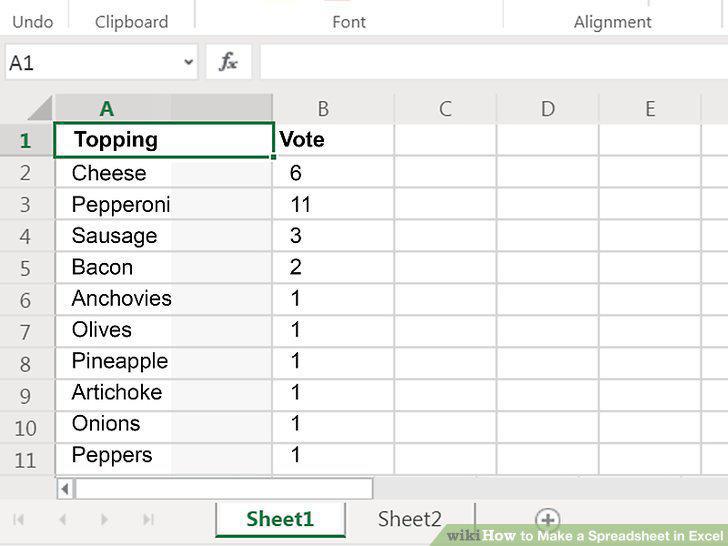
Enter some data.
Check out the functions available for advanced uses.
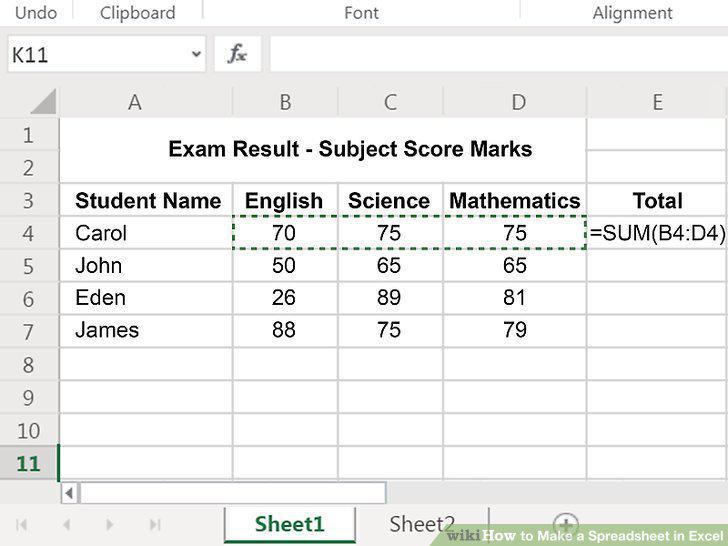
Check out the functions available for advanced uses.
Save your file when you're finished editing.
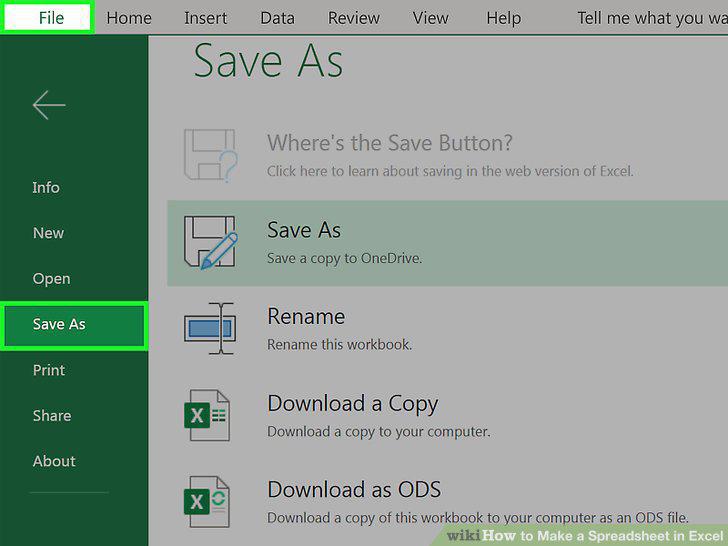
Save your file when you're finished editing.
Open Microsoft Excel.
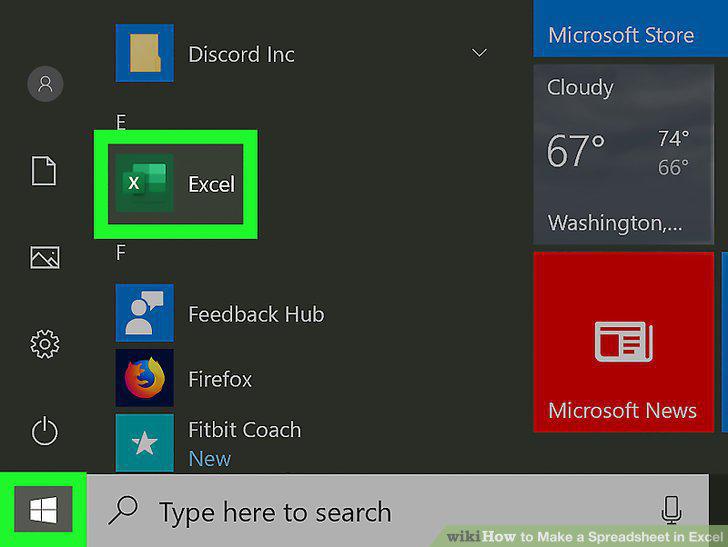
Open Microsoft Excel.
Name your columns.
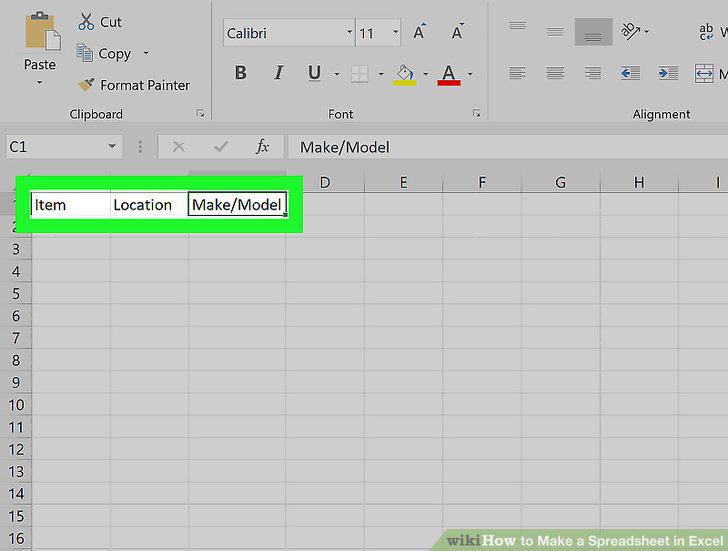
Name your columns.
Enter your items on each row.
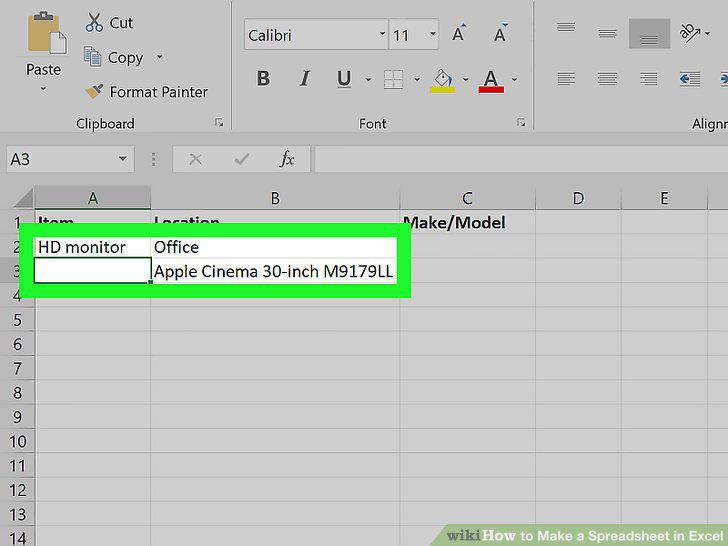
Enter your items on each row.
Turn the column headers into drop-down menus.
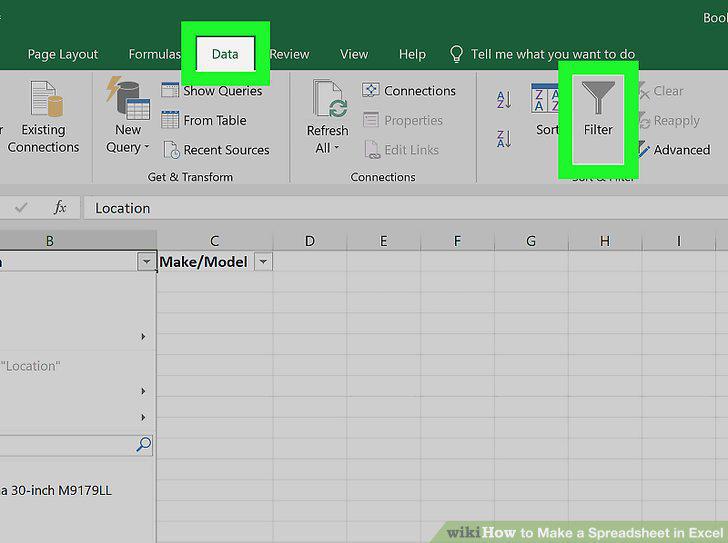
Turn the column headers into drop-down menus.
Click the Page Layout tab to customize the spreadsheet.
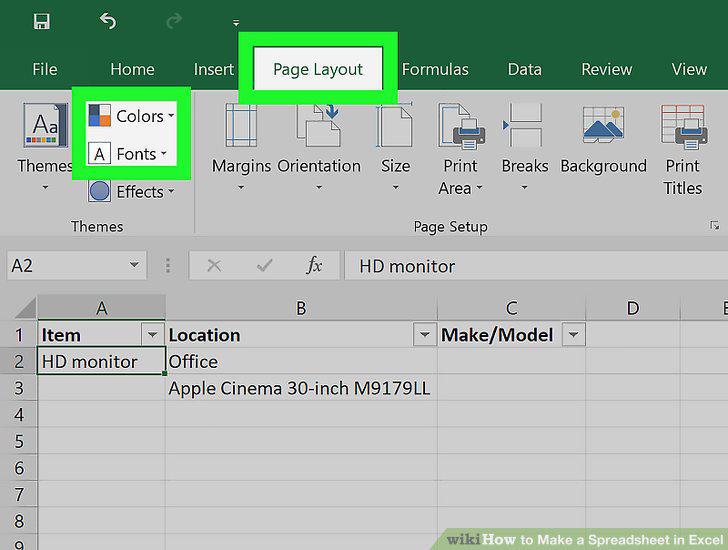
Click the Page Layout tab to customize the spreadsheet.
Save your document.
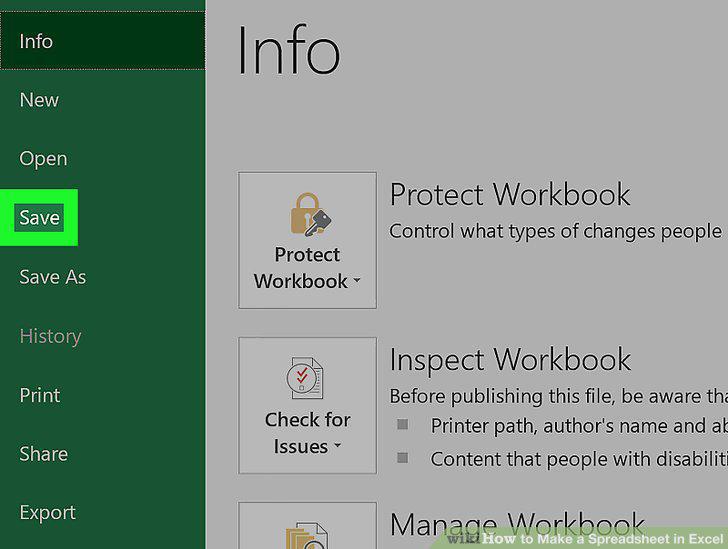
Save your document.
Open Microsoft Excel.
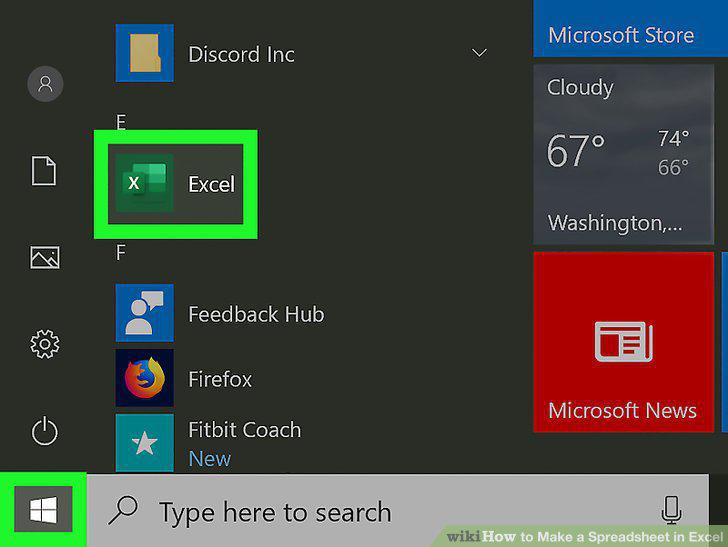
Open Microsoft Excel.
Search for the "Simple Monthly Budget" template.
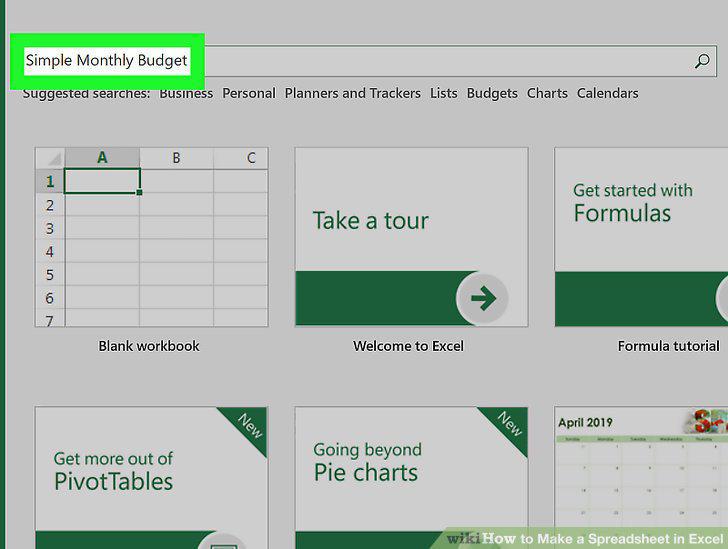
Search for the "Simple Monthly Budget" template.
Select the Simple Monthly Budget template and click Create.
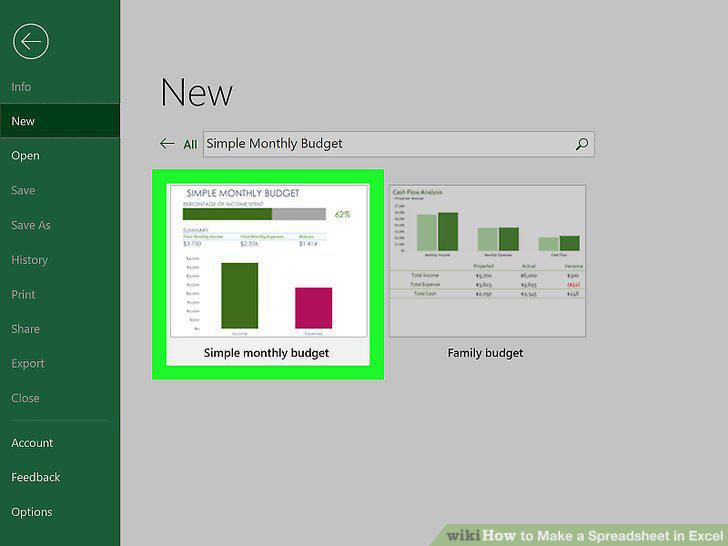
Select the Simple Monthly Budget template and click Create.
Click the Monthly Income tab to enter your income(s).
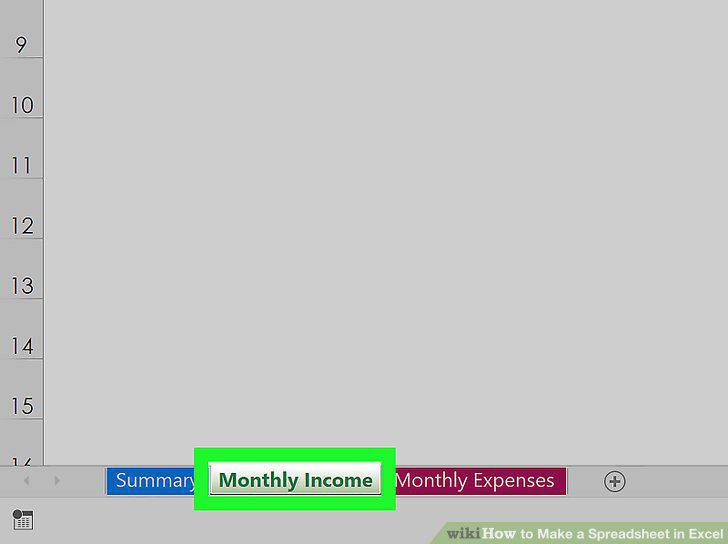
Click the Monthly Income tab to enter your income(s).
Click the Monthly Expenses tab to enter your expenses.
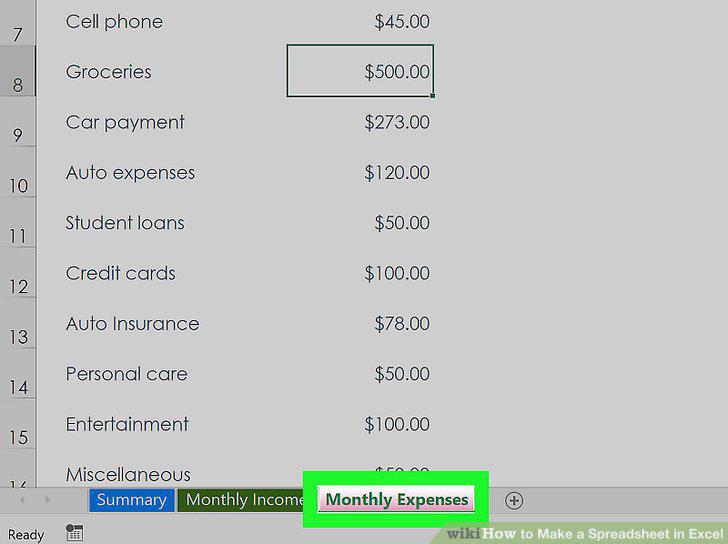
Click the Monthly Expenses tab to enter your expenses.
Click the Summary tab to visualize your budget.
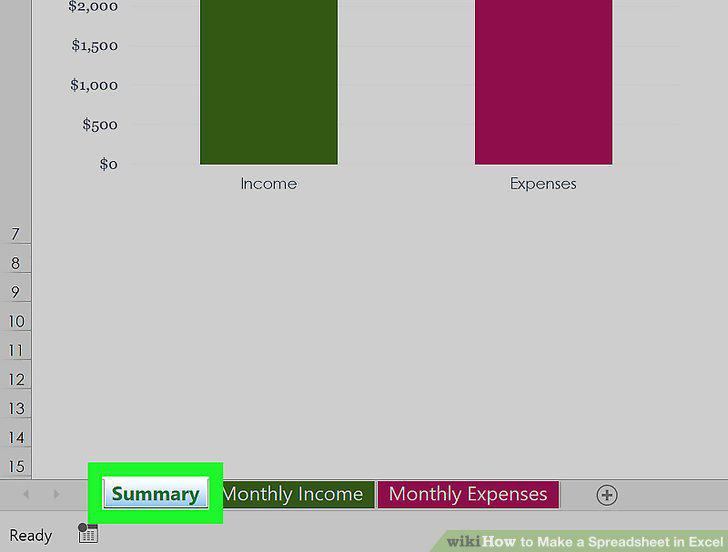
Click the Summary tab to visualize your budget.
Save your document.
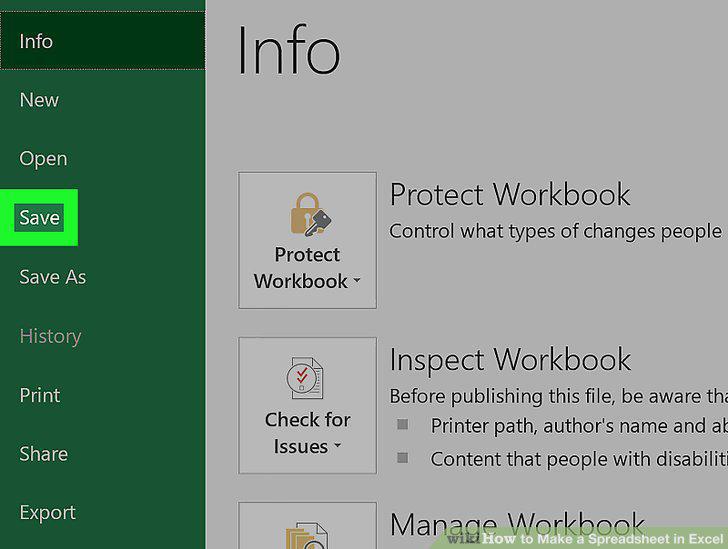
Save your document.
Comments (0)
No comments yet. Be the first to share your thoughts!