How to Turn Off Driving Mode
Disable driving mode temporarily.. Open your iPhone's .. Scroll down and tap Do Not Disturb.
Steps
1
Disable driving mode temporarily.
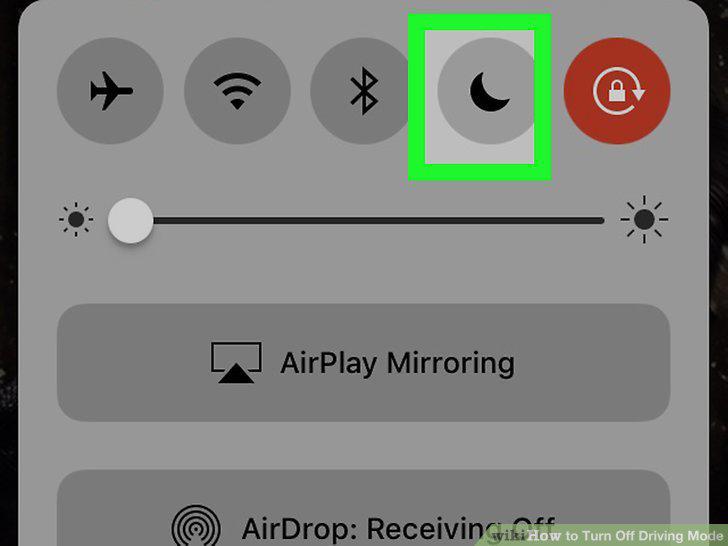
Disable driving mode temporarily.
2
Open your iPhone's .
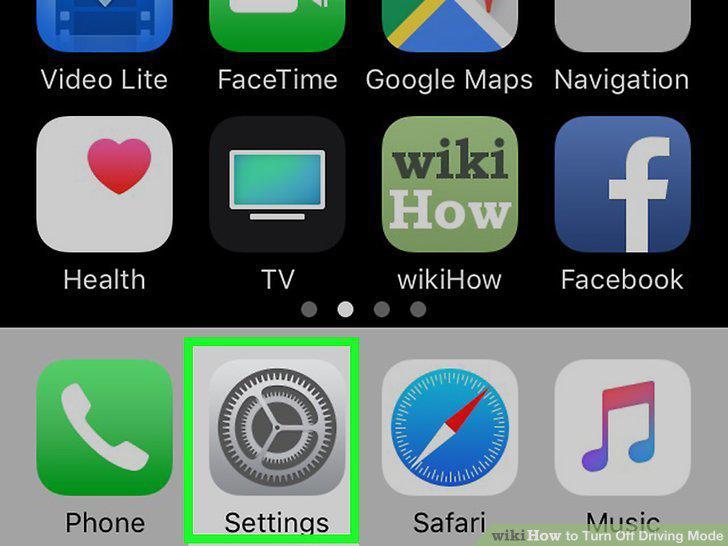
Open your iPhone's .
3
Scroll down and tap Do Not Disturb.
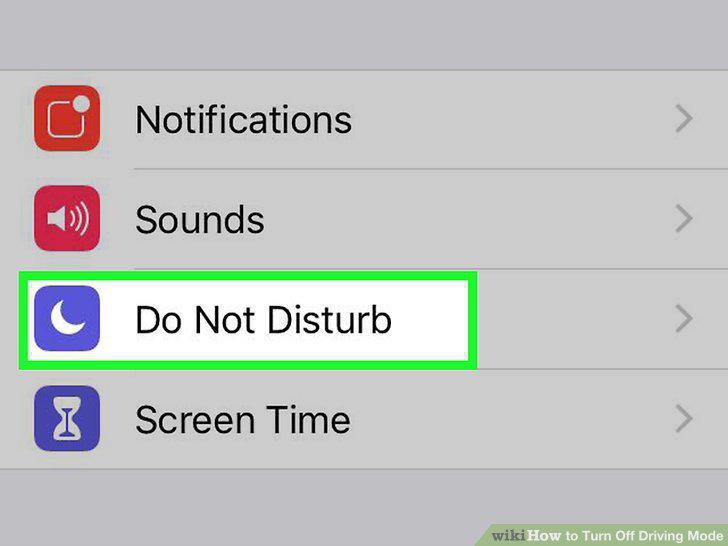
Scroll down and tap Do Not Disturb.
4
Scroll down to the "DO NOT DISTURB WHILE DRIVING" section.
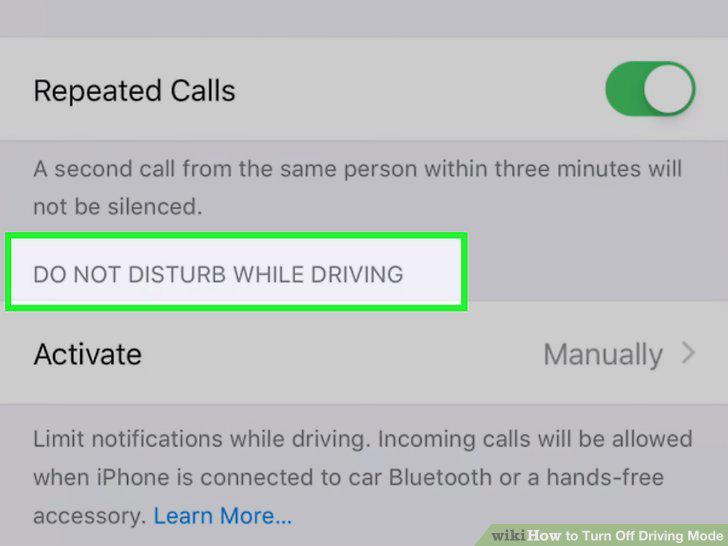
Scroll down to the "DO NOT DISTURB WHILE DRIVING" section.
5
Tap Activate.
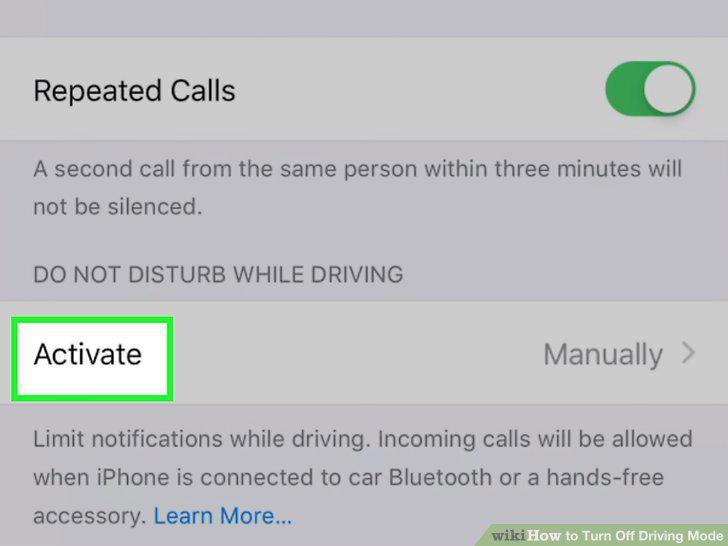
Tap Activate.
6
Tap Manually.
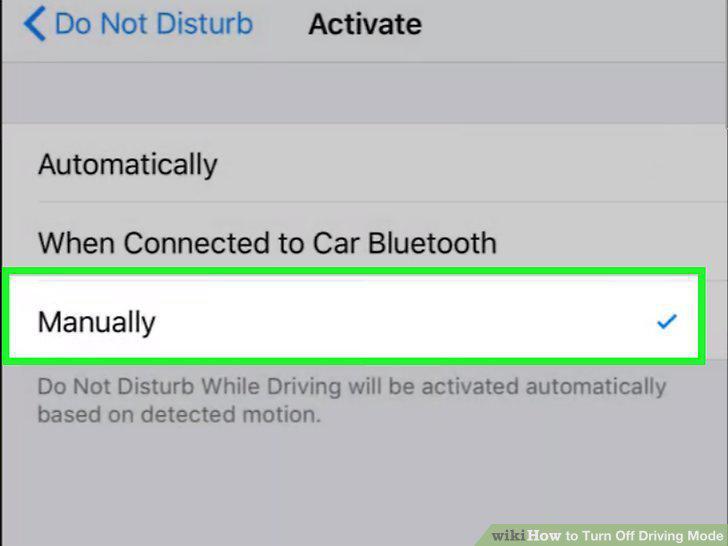
Tap Manually.
7
Turn off Do Not Disturb if necessary.
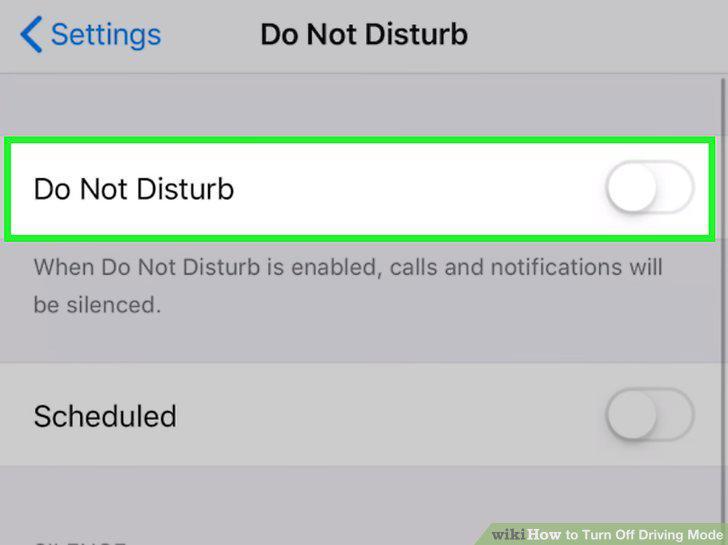
Turn off Do Not Disturb if necessary.
8
Open the quick settings menu.
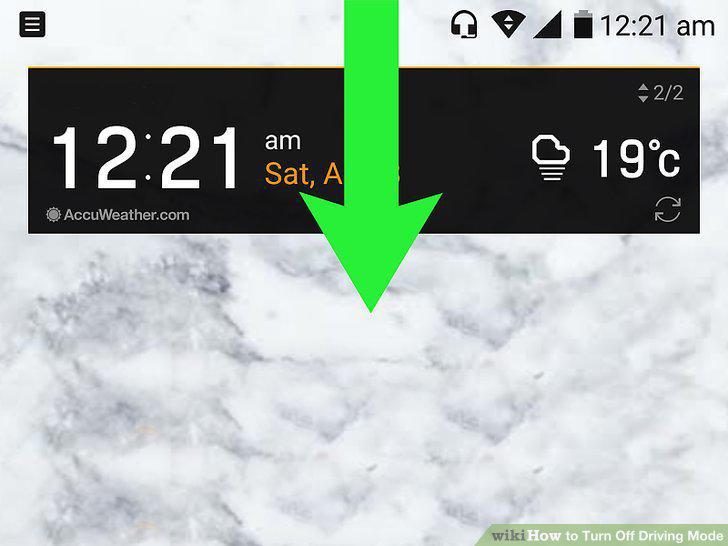
Open the quick settings menu.
9
Find the "Driving mode" or "Do not disturb" notification.
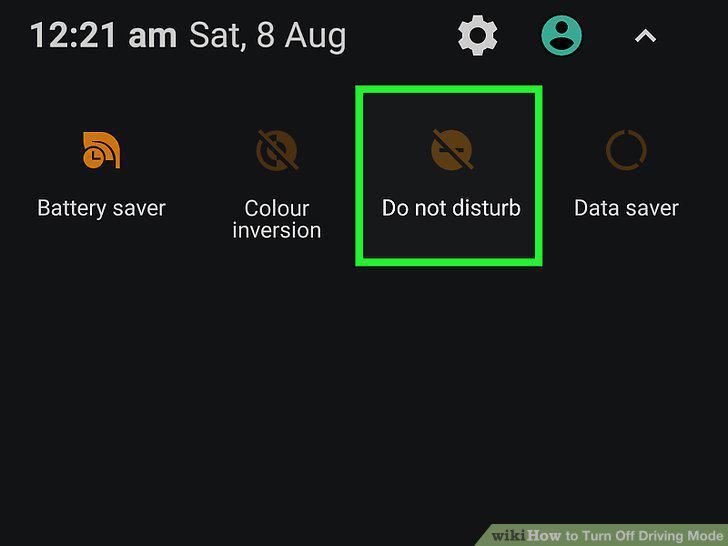
Find the "Driving mode" or "Do not disturb" notification.
10
Tap the notification.
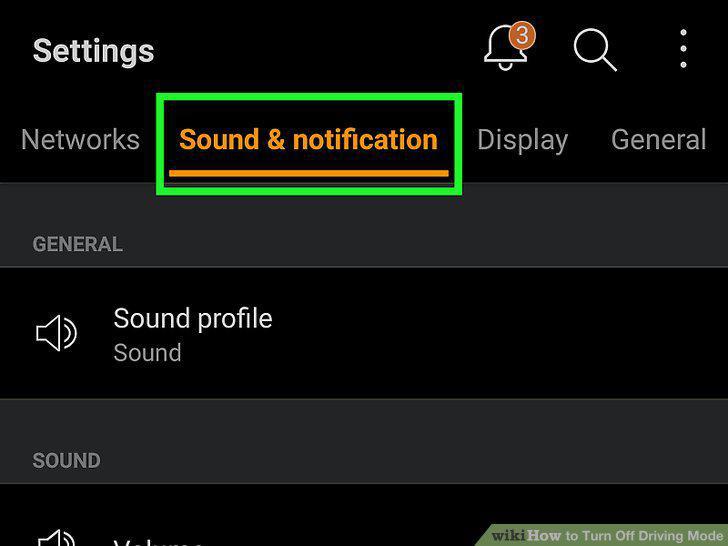
Tap the notification.
11
Tap the colored "On" or "Do not disturb" switch.
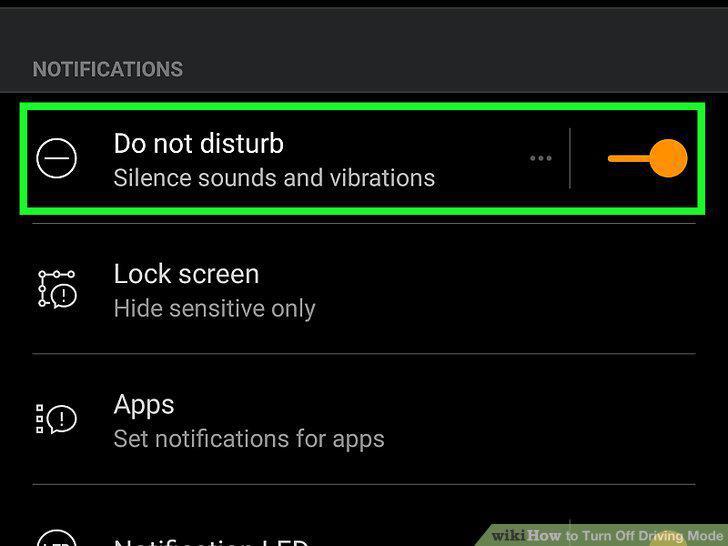
Tap the colored "On" or "Do not disturb" switch.
12
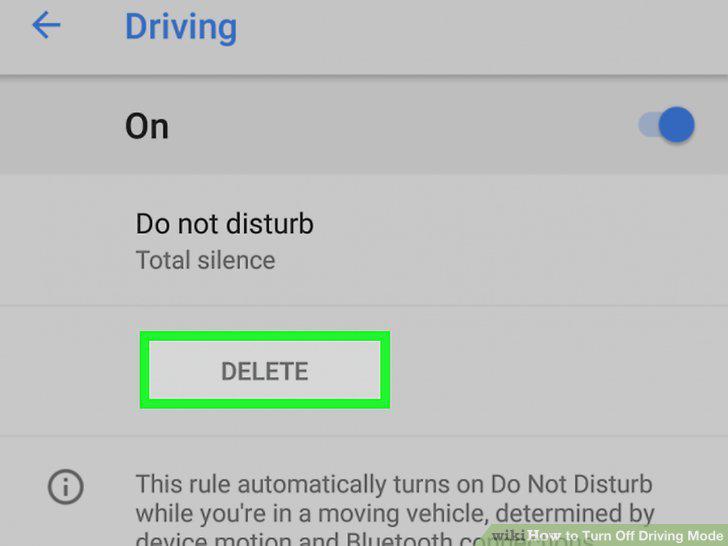
Permanently disable driving mode on stock Android.
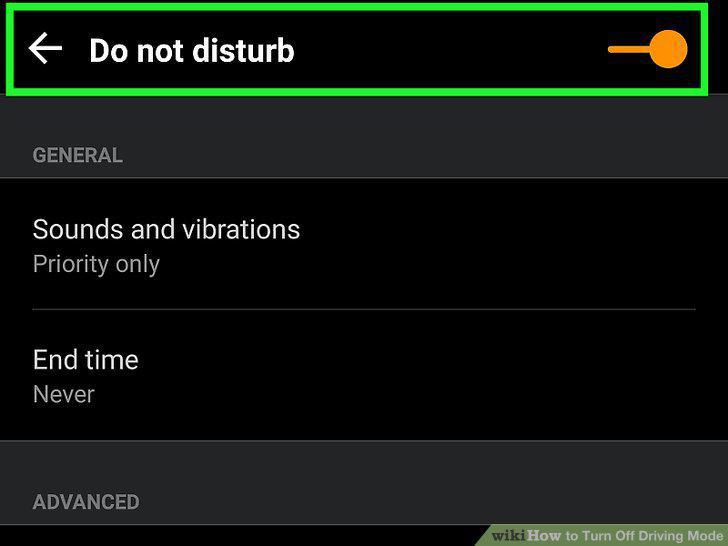
Permanently disable driving mode on stock Android.
13
Disable driving mode on a Google Android.
Disable driving mode on a Google Android.
Comments (0)
No comments yet. Be the first to share your thoughts!