How to Sync Android Contacts With Gmail
Open your device's Settings.. Scroll down and tap Accounts.. Tap Google.
Steps
1
Open your device's Settings.
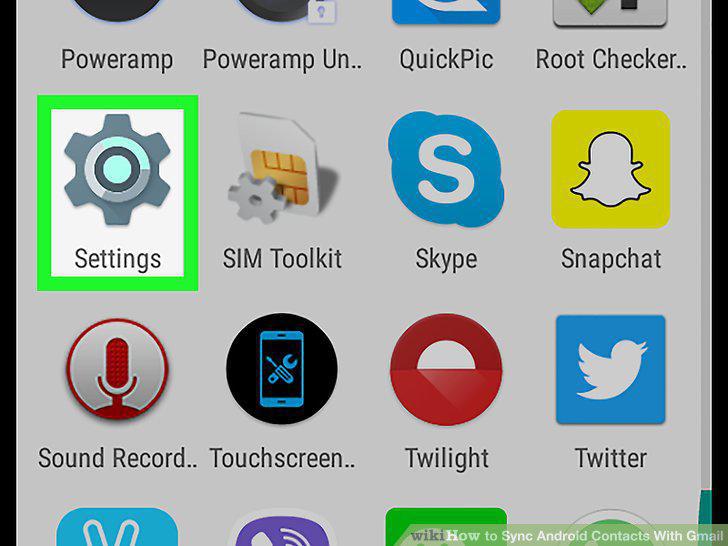
Open your device's Settings.
2
Scroll down and tap Accounts.
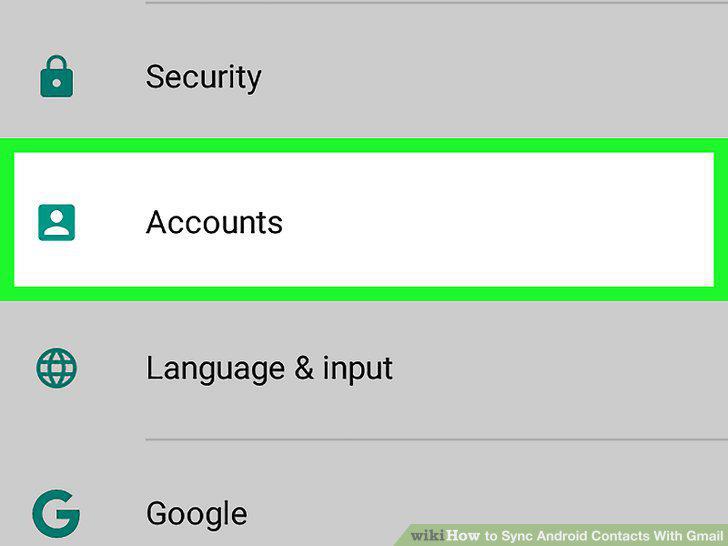
Scroll down and tap Accounts.
3
Tap Google.
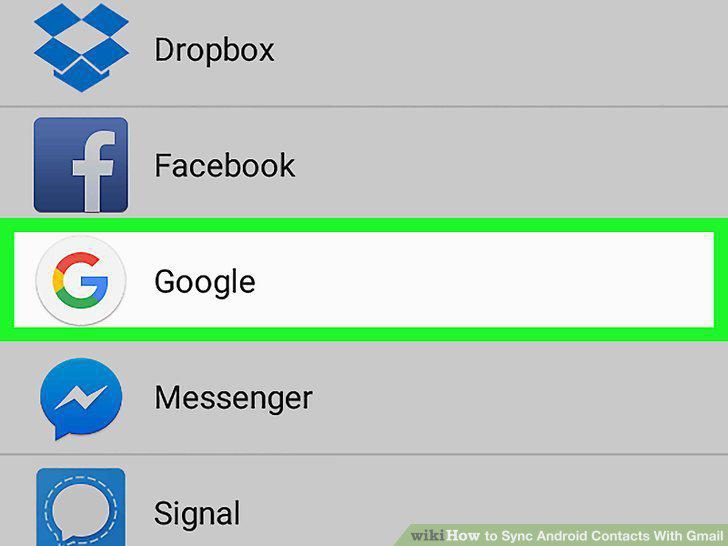
Tap Google.
4
Slide the "Contacts" button to the "On" (right) position.
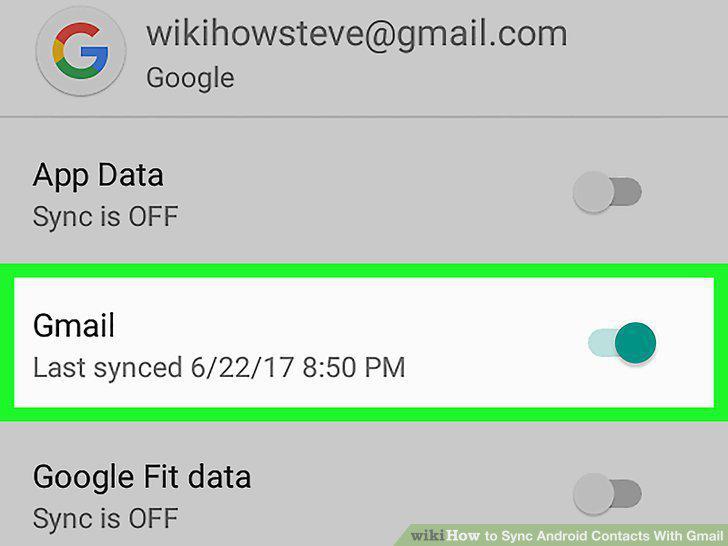
Slide the "Contacts" button to the "On" (right) position.
5
Click on the other Google options that you want to sync.
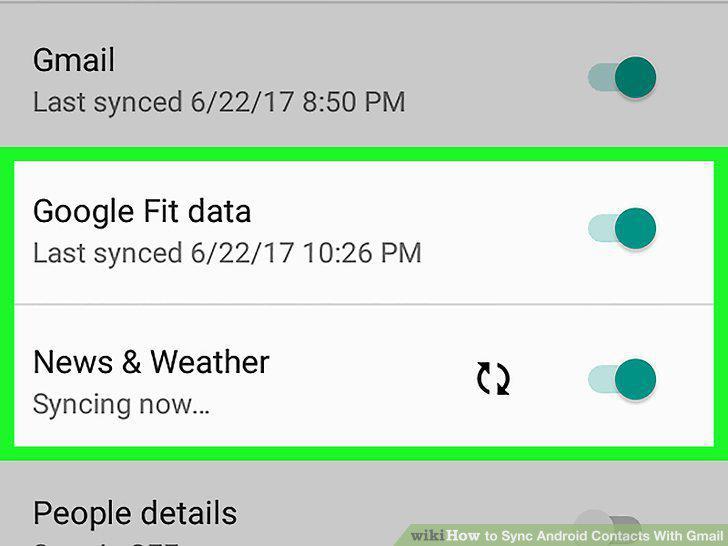
Click on the other Google options that you want to sync.
Comments (0)
No comments yet. Be the first to share your thoughts!