How to Know if Someone Is Online on Viber on iPhone or iPad
Open Viber on your iPhone or iPad.. Tap the Chats tab.. Tap a chat on your chats list.
Steps
1
Open Viber on your iPhone or iPad.
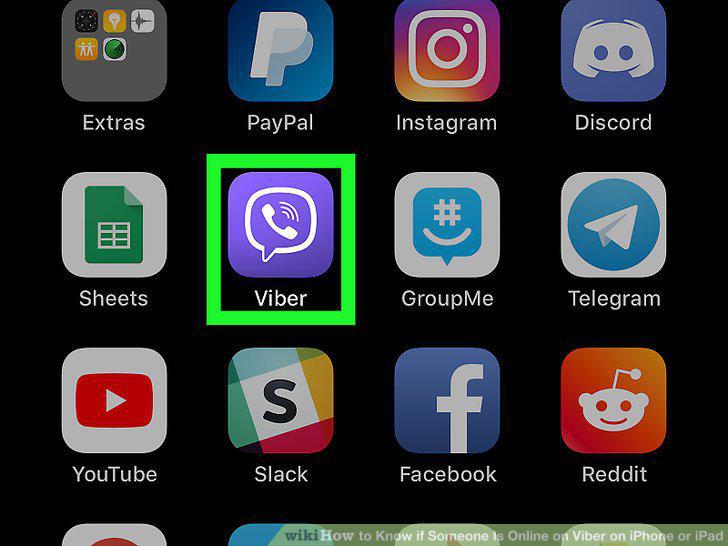
Open Viber on your iPhone or iPad.
2
Tap the Chats tab.
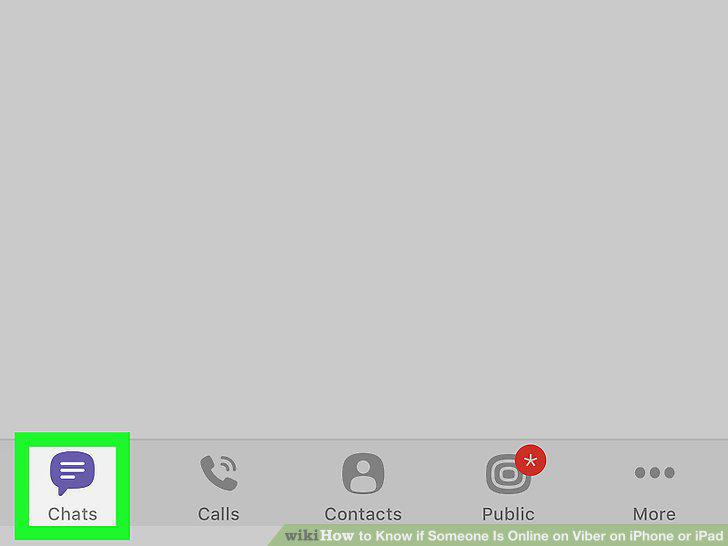
Tap the Chats tab.
3
Tap a chat on your chats list.
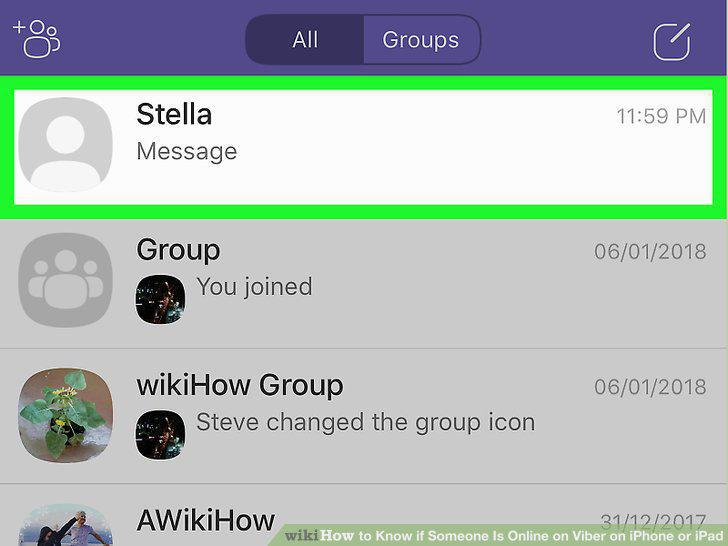
Tap a chat on your chats list.
4
Check your contact's last-seen date at the top.
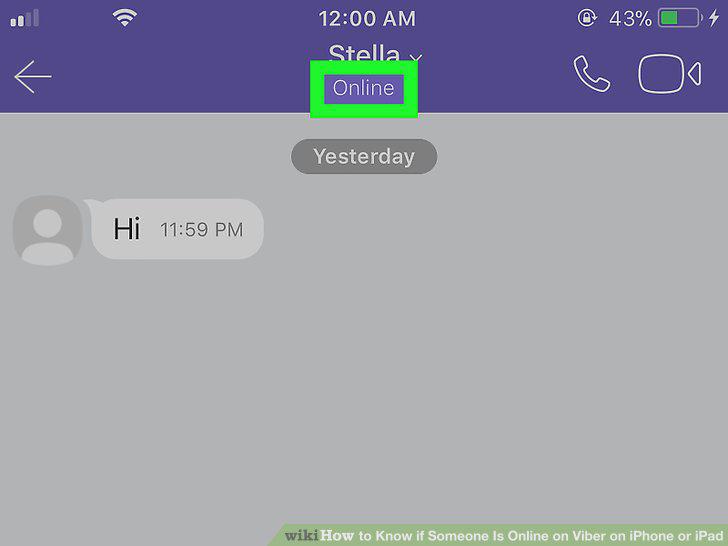
Check your contact's last-seen date at the top.
5
Open Viber on your iPhone or iPad.
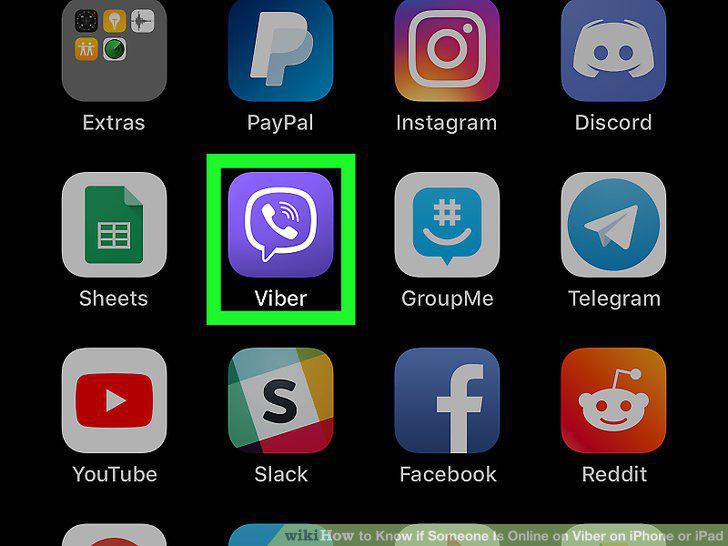
Open Viber on your iPhone or iPad.
6
Tap the Contacts tab.
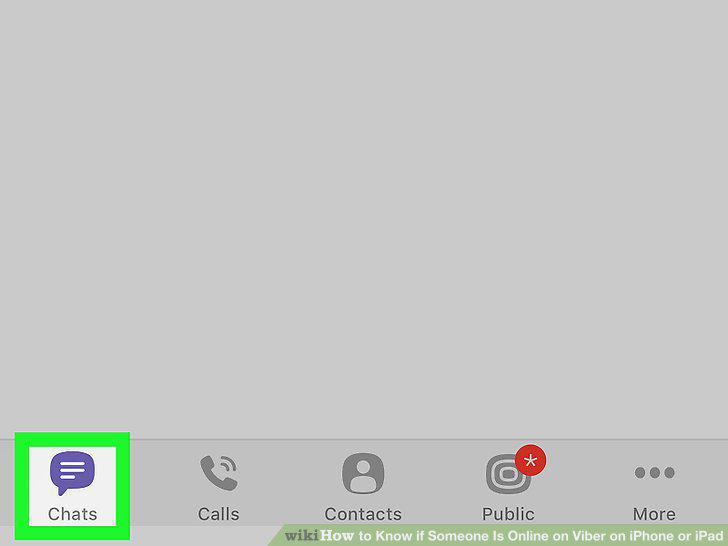
Tap the Contacts tab.
7
Tap the Viber tab at the top.
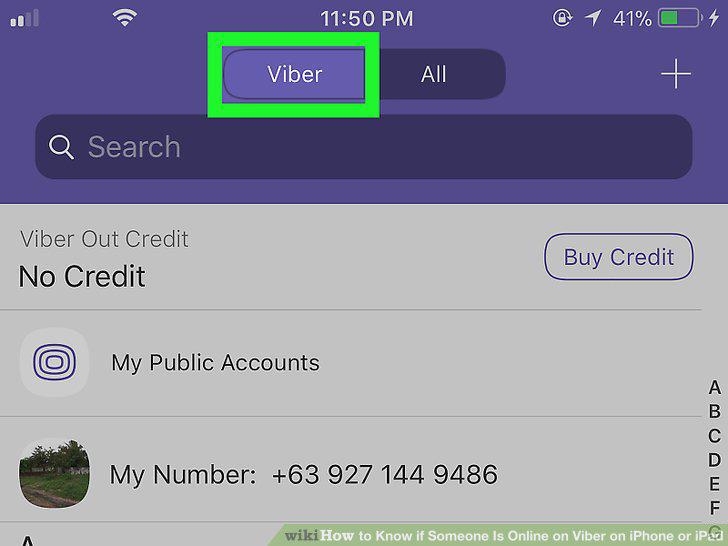
Tap the Viber tab at the top.
8
Tap a contact on the list.
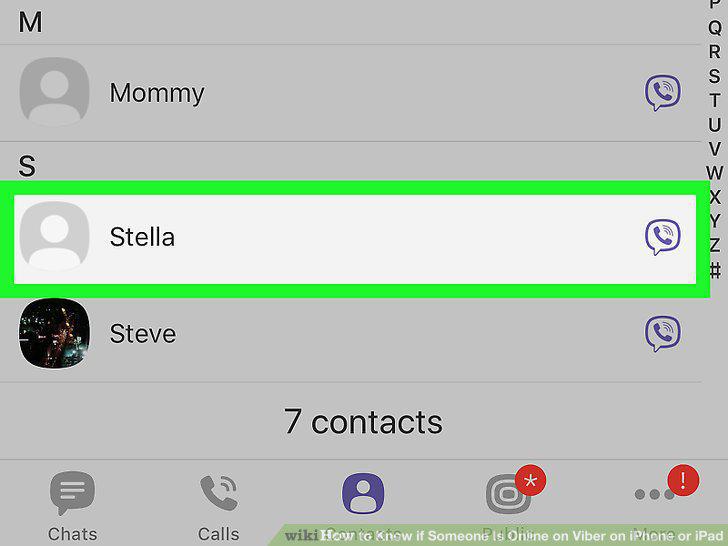
Tap a contact on the list.
9
Check your contact's last-seen date at the top.
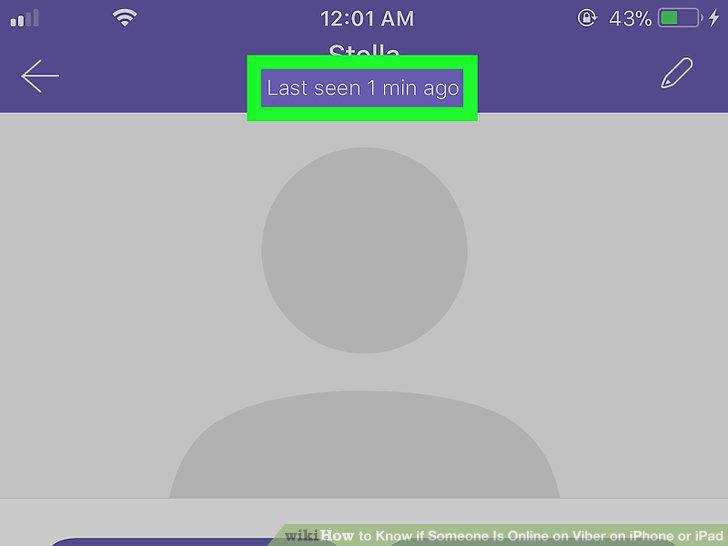
Check your contact's last-seen date at the top.
Comments (0)
No comments yet. Be the first to share your thoughts!