How to Download Lightroom on Mac
Open the Adobe Lightroom download page in your internet browser.. Click the Sign in button.. Select your skill level with Lightroom.
Steps
1
Open the Adobe Lightroom download page in your internet browser.
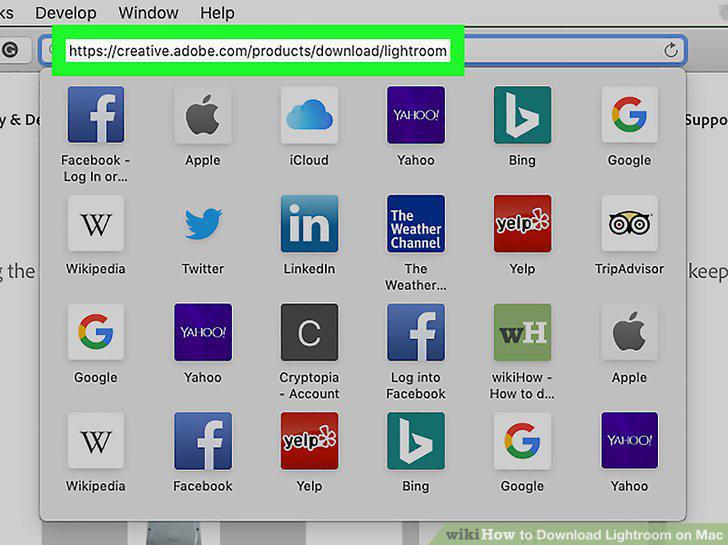
Open the Adobe Lightroom download page in your internet browser.
2
Click the Sign in button.
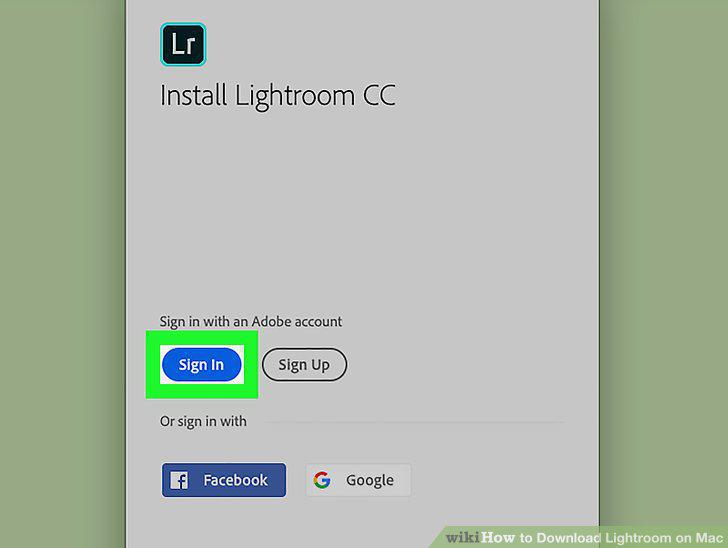
Click the Sign in button.
3
Select your skill level with Lightroom.
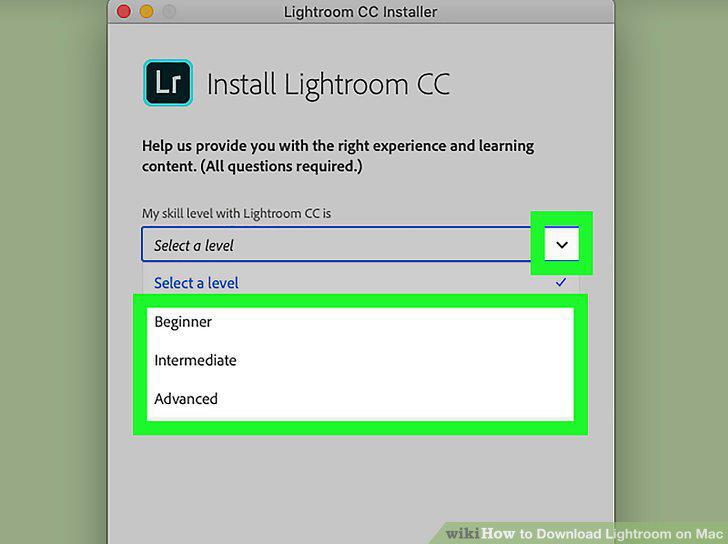
Select your skill level with Lightroom.
4
Click the blue Continue button.
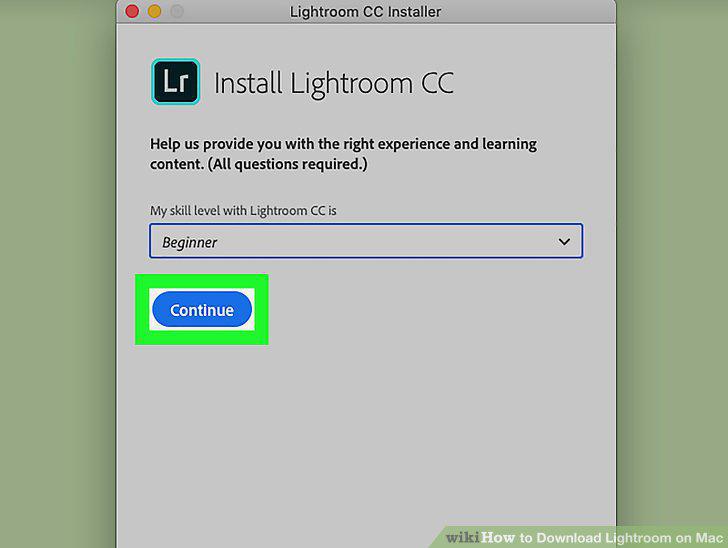
Click the blue Continue button.
5
Click the Open Adobe Application button in the confirmation pop-up.
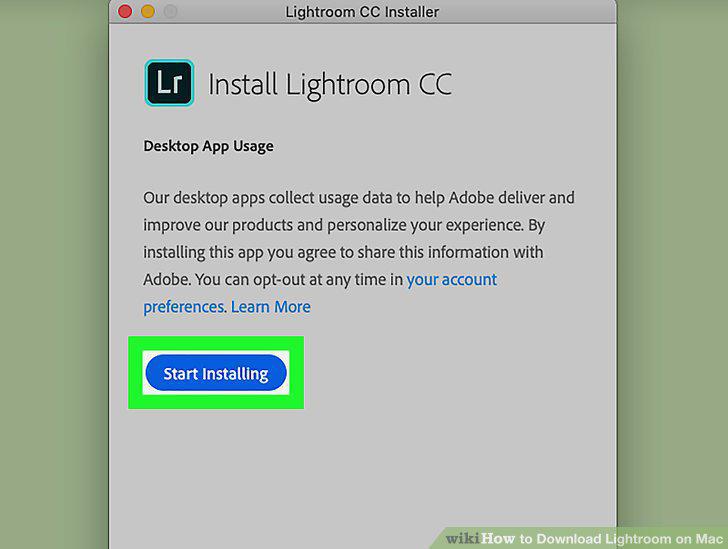
Click the Open Adobe Application button in the confirmation pop-up.
Comments (0)
No comments yet. Be the first to share your thoughts!