How to Create a Discord Account on a PC or Mac
Go to https://www.discordapp.com.. Click Login.. Click Register.
Steps
1
Go to https://www.discordapp.com.
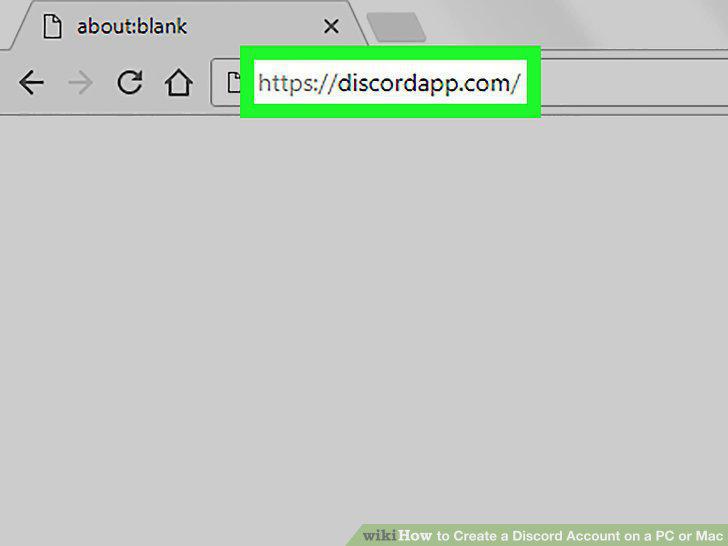
Go to https://www.discordapp.com.
2
Click Login.
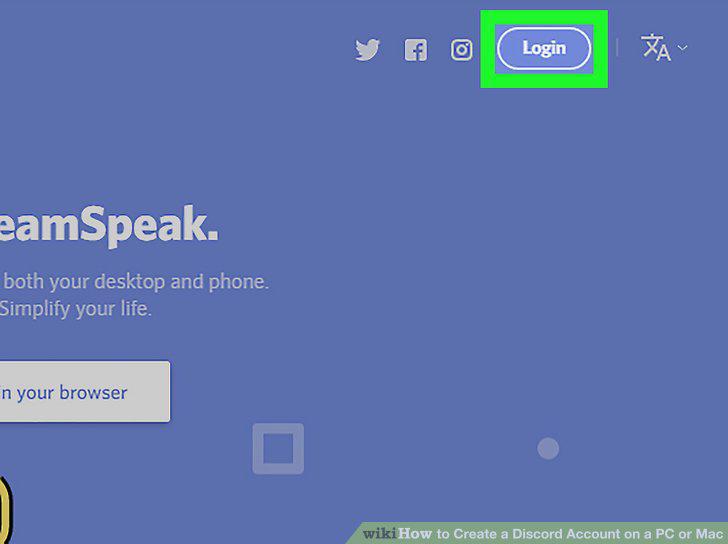
Click Login.
3
Click Register.
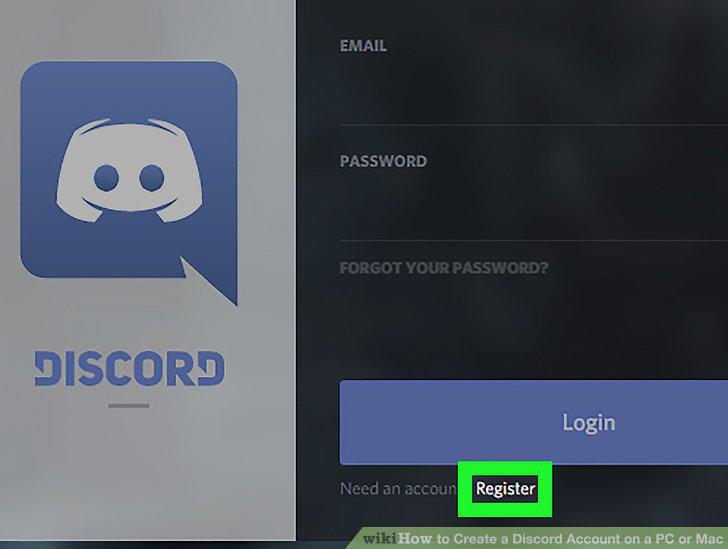
Click Register.
4
Fill out the form.
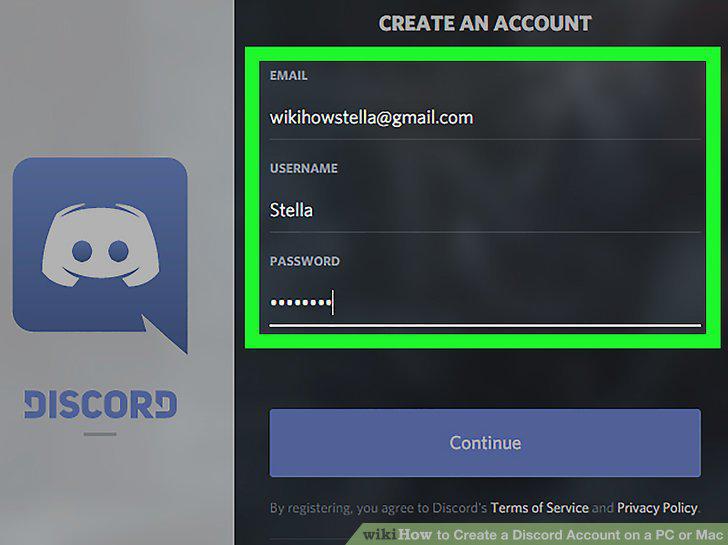
Fill out the form.
5
Click Continue.
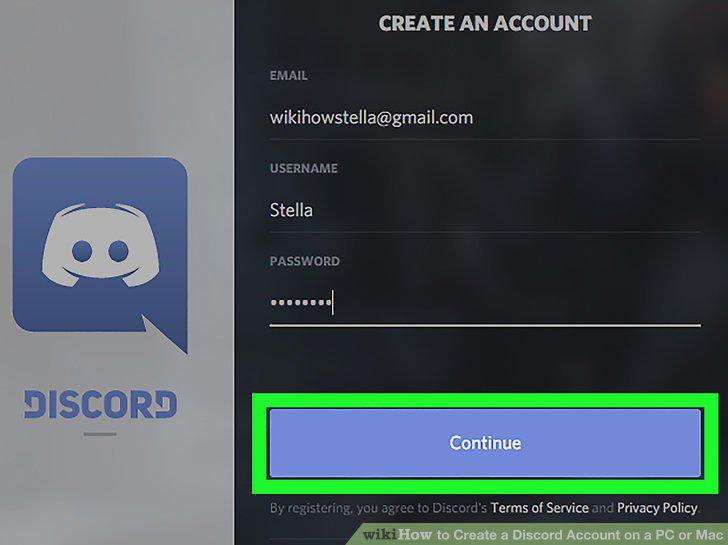
Click Continue.
6
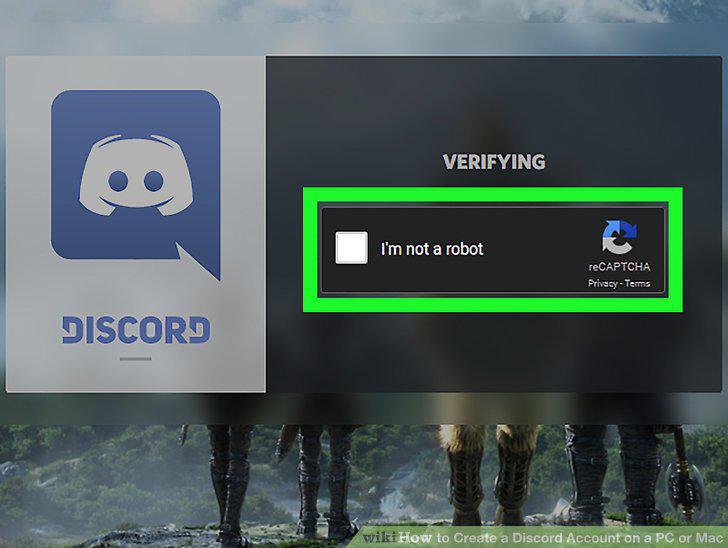
Click the square next to "I am not a robot.
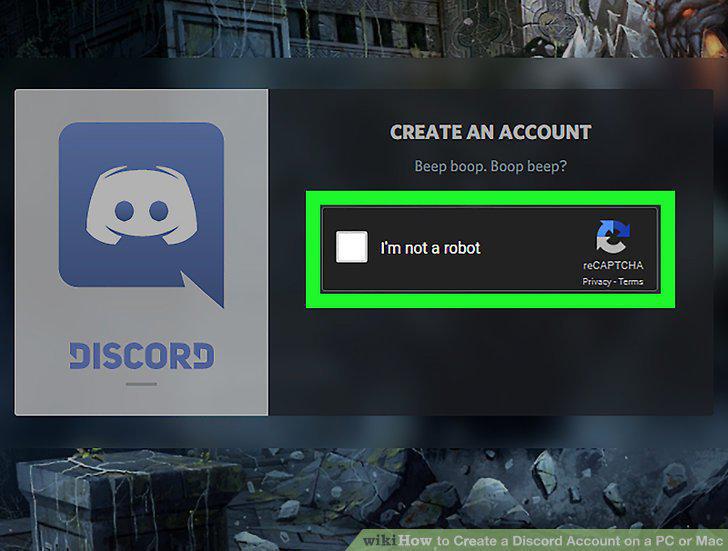
Click the square next to "I am not a robot.
7
Click Get Started or Skip.
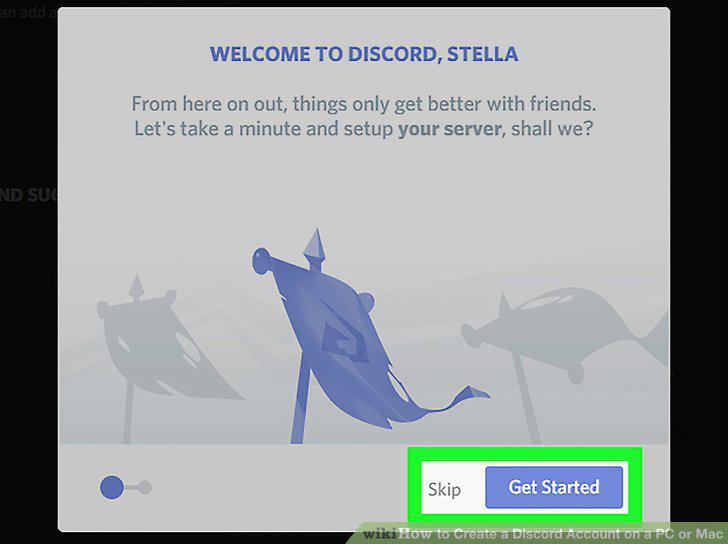
Click Get Started or Skip.
8
Open the email from Discord.
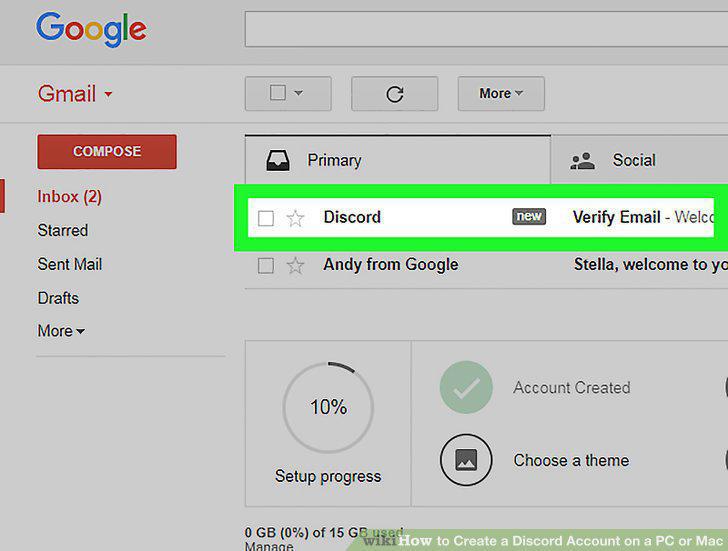
Open the email from Discord.
9
Click Verify Email.

Click Verify Email.
10
Click Verify.
Click Verify.
Comments (0)
No comments yet. Be the first to share your thoughts!