How to Change Which Apps Have Access to Your Reminders on an iPhone
Open your iPhone's Settings.. Scroll down and tap Privacy.. Select Reminders.
Steps
1
Open your iPhone's Settings.
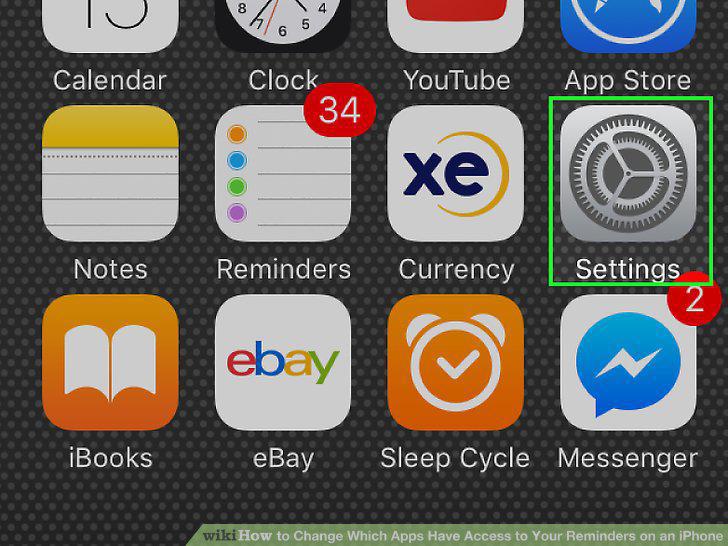
Open your iPhone's Settings.
2
Scroll down and tap Privacy.
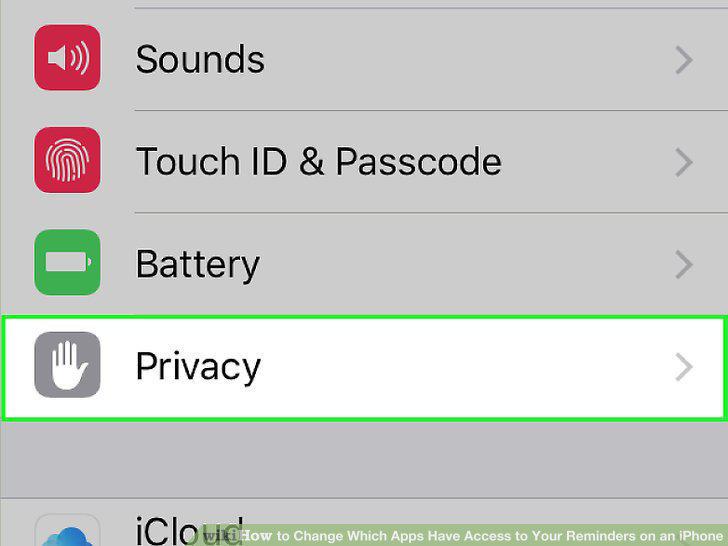
Scroll down and tap Privacy.
3
Select Reminders.
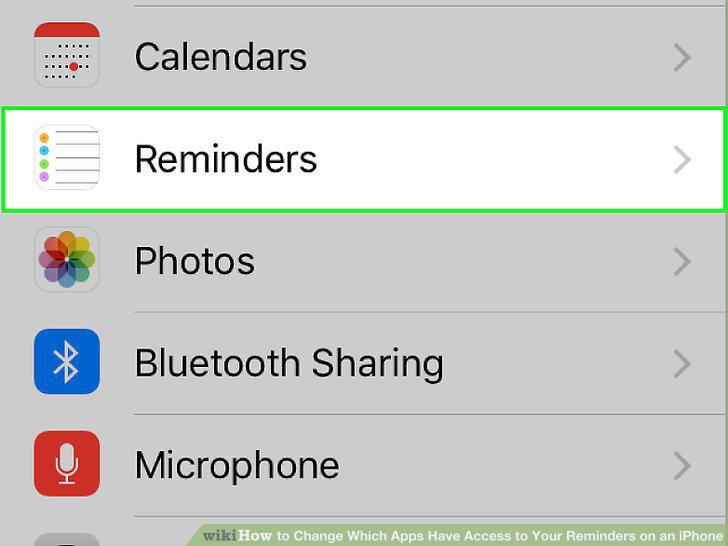
Select Reminders.
4
Review the list of apps.
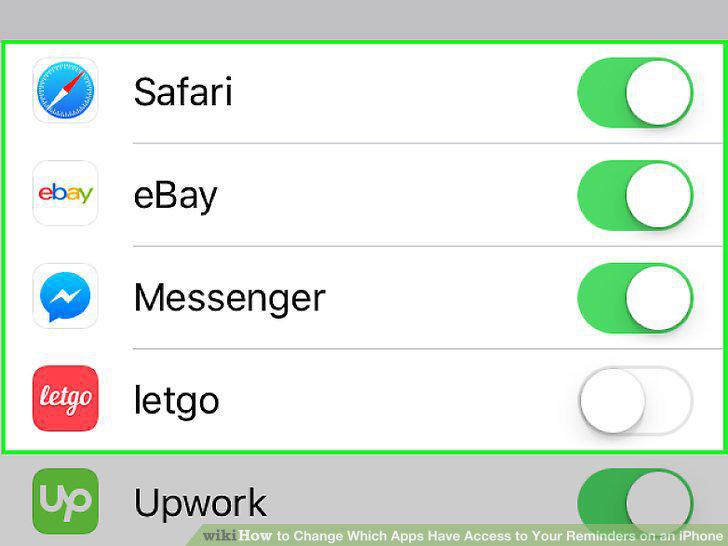
Review the list of apps.
5
Slide the switch next to an app right or left to the "On" or "Off" position.
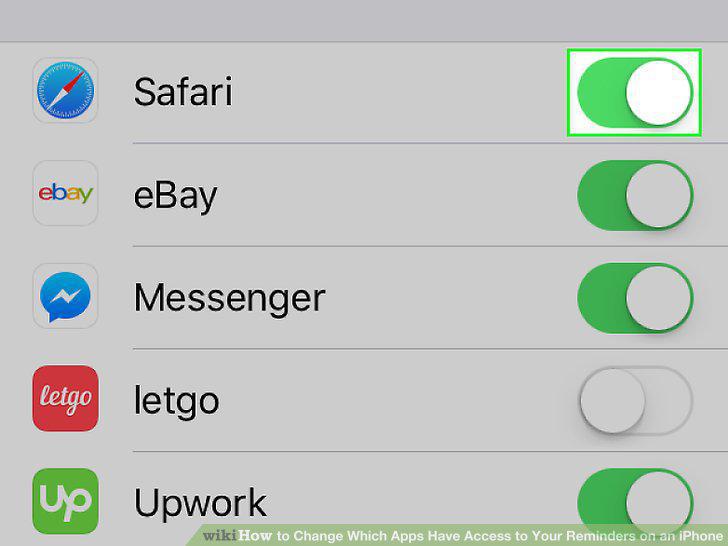
Slide the switch next to an app right or left to the "On" or "Off" position.
Comments (0)
No comments yet. Be the first to share your thoughts!