How to Turn on Frequently Visited Sites on an iPhone
Open your iPhone's Settings.. Scroll down and tap Safari.. Slide the "Frequently Visited Sites" button to the On position.
Steps
1
Open your iPhone's Settings.
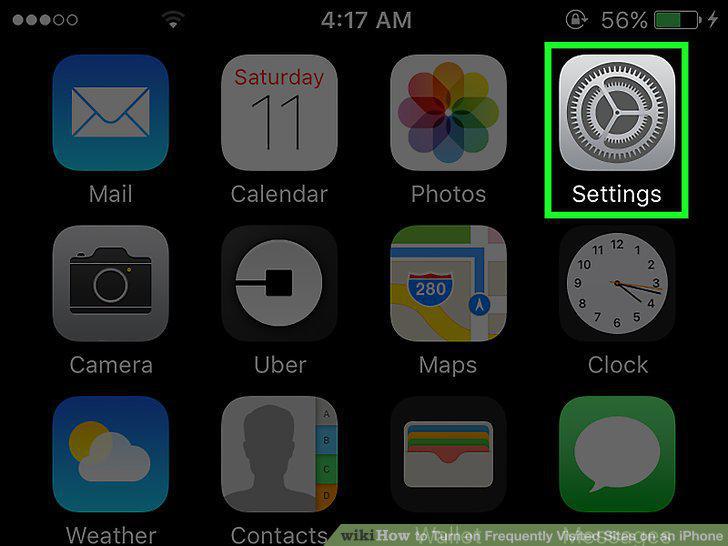
Open your iPhone's Settings.
2
Scroll down and tap Safari.
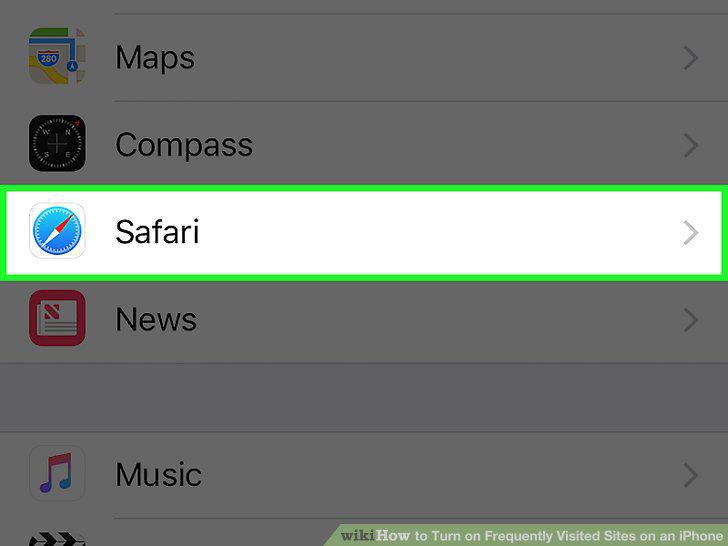
Scroll down and tap Safari.
3
Slide the "Frequently Visited Sites" button to the On position.
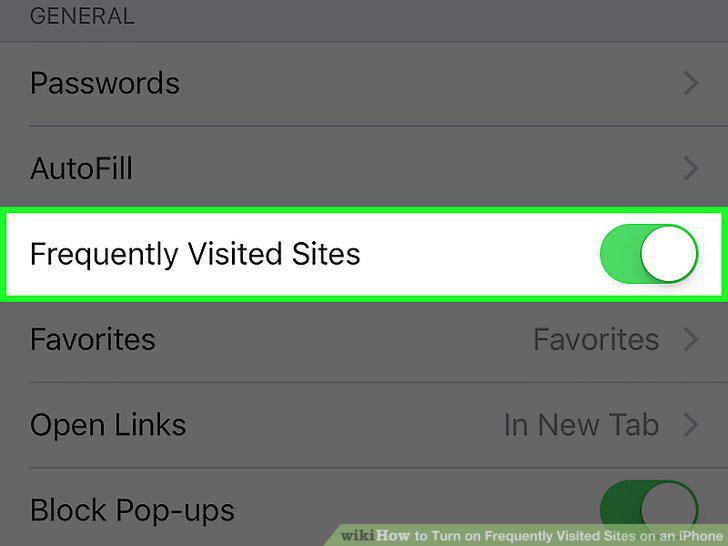
Slide the "Frequently Visited Sites" button to the On position.
Comments (0)
No comments yet. Be the first to share your thoughts!