How to Change Your Primary Apple ID Address on an iPhone
Open your iPhone's settings.. Scroll down and tap iCloud.. Tap on your Apple ID email address.
Steps
1
Open your iPhone's settings.
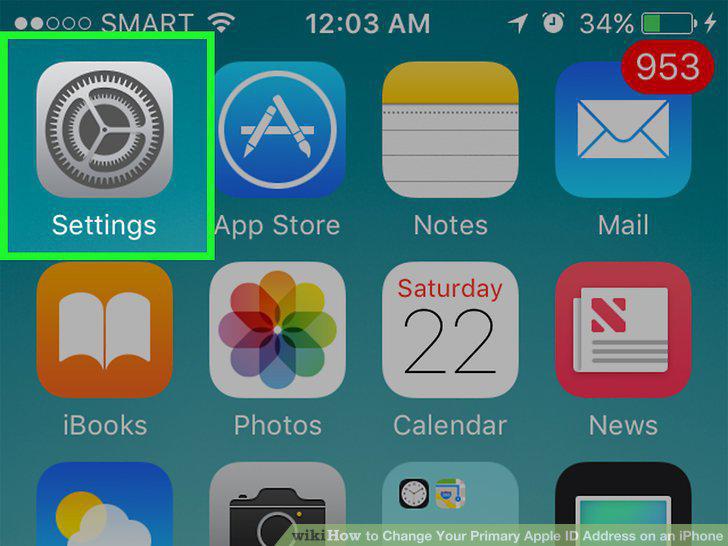
Open your iPhone's settings.
2
Scroll down and tap iCloud.
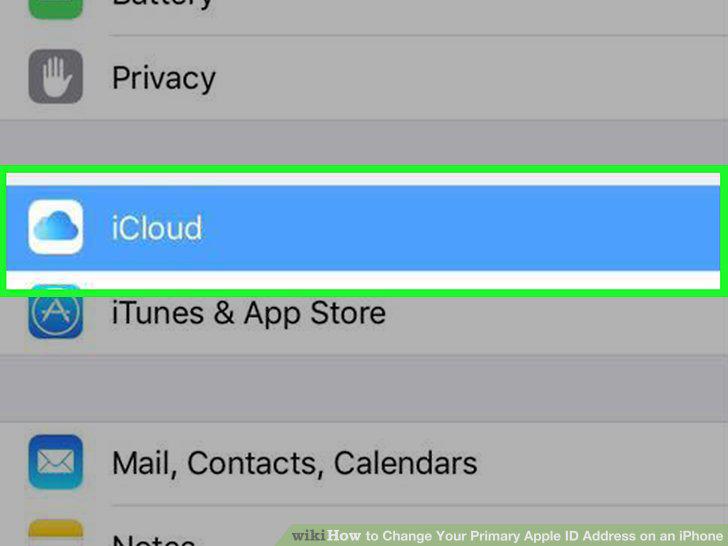
Scroll down and tap iCloud.
3
Tap on your Apple ID email address.
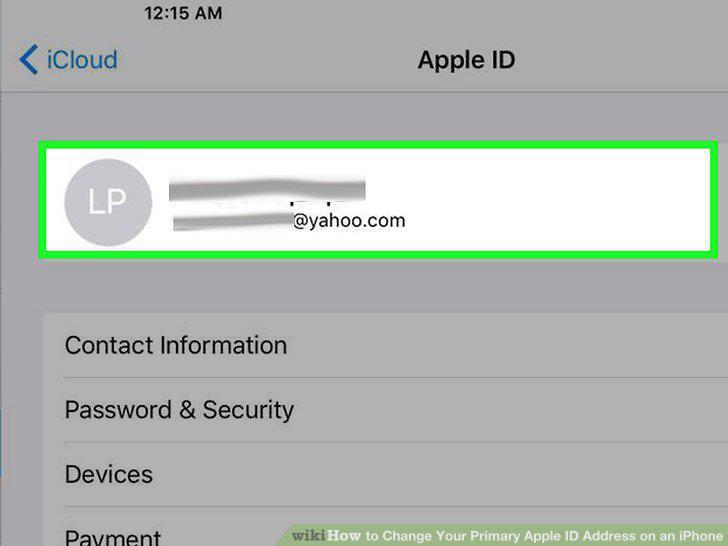
Tap on your Apple ID email address.
4
Sign in with your Apple ID account if necessary.
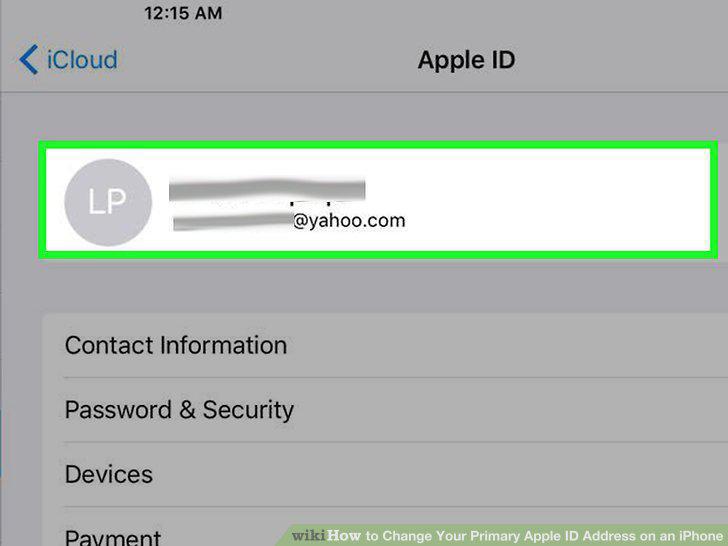
Sign in with your Apple ID account if necessary.
5
Tap Contact Information.
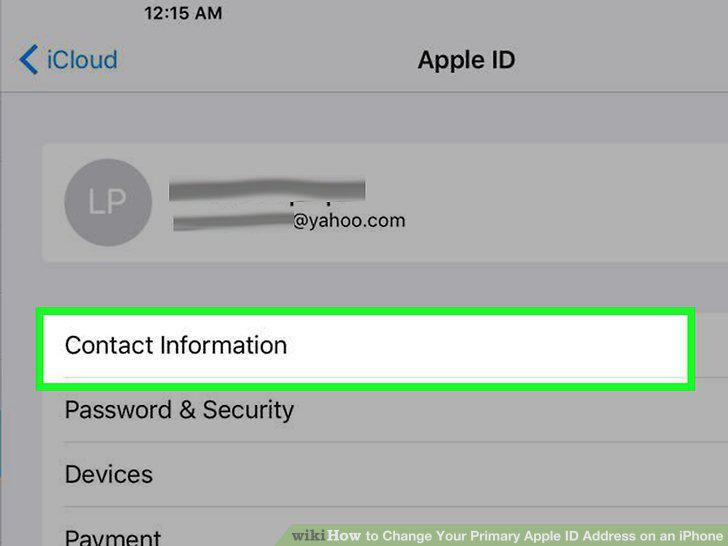
Tap Contact Information.
6
Tap your primary address.
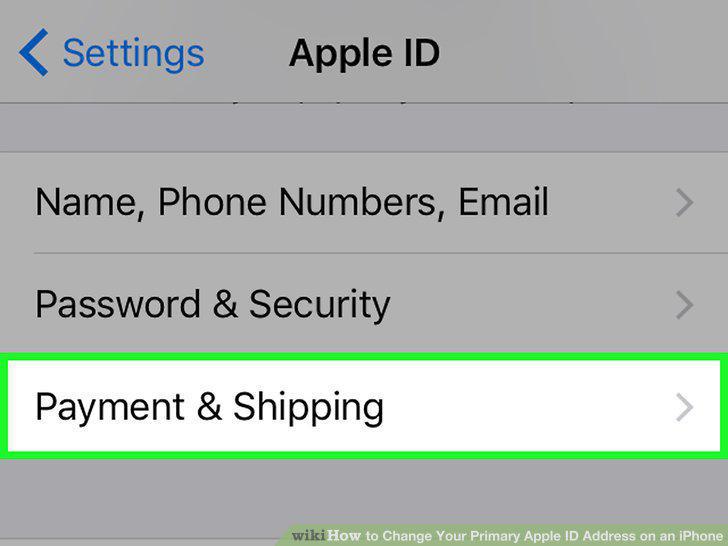
Tap your primary address.
7
Edit your pertinent address information.
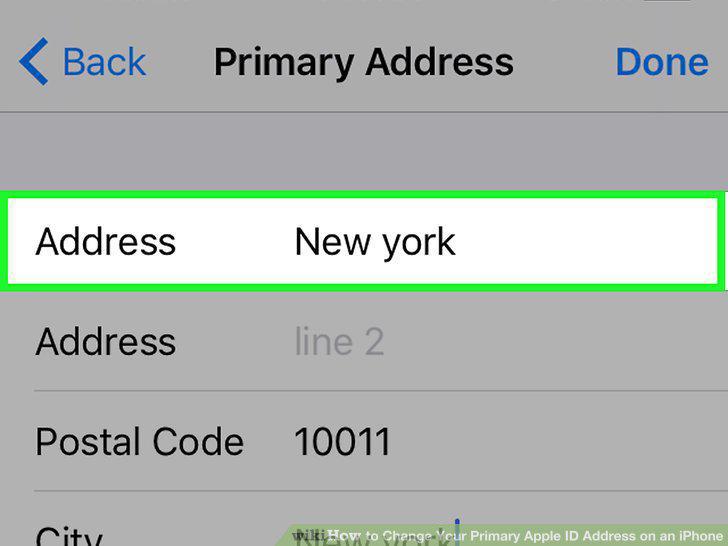
Edit your pertinent address information.
8
Tap Done.
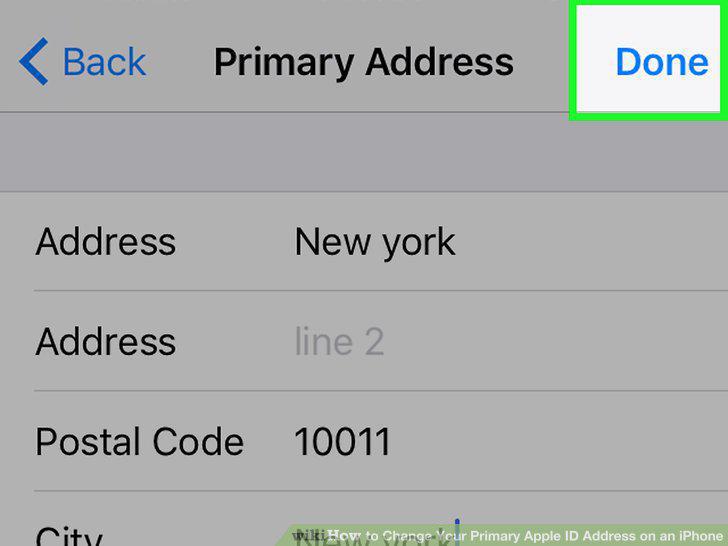
Tap Done.
Comments (0)
No comments yet. Be the first to share your thoughts!