How to Change Your Address on a UK Driving License
Confirm that you are eligible to change your address online.. Visit the DVLA website to update your information.. Complete the online application and submit it.
Steps
Confirm that you are eligible to change your address online.
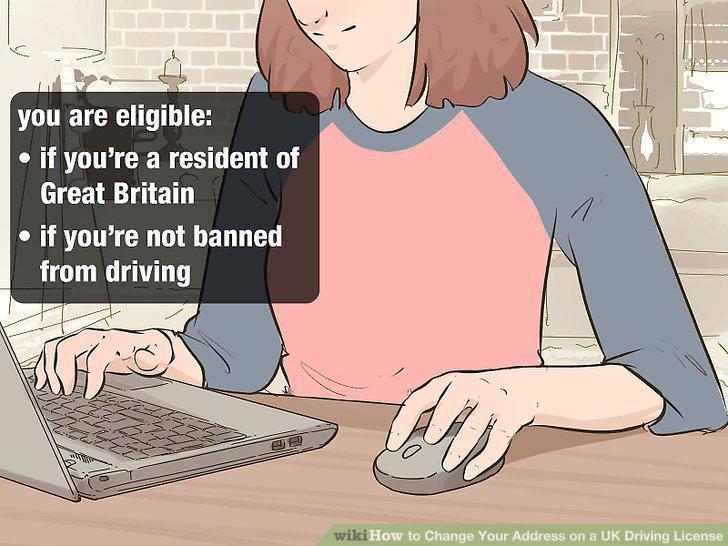
Confirm that you are eligible to change your address online.
Visit the DVLA website to update your information.
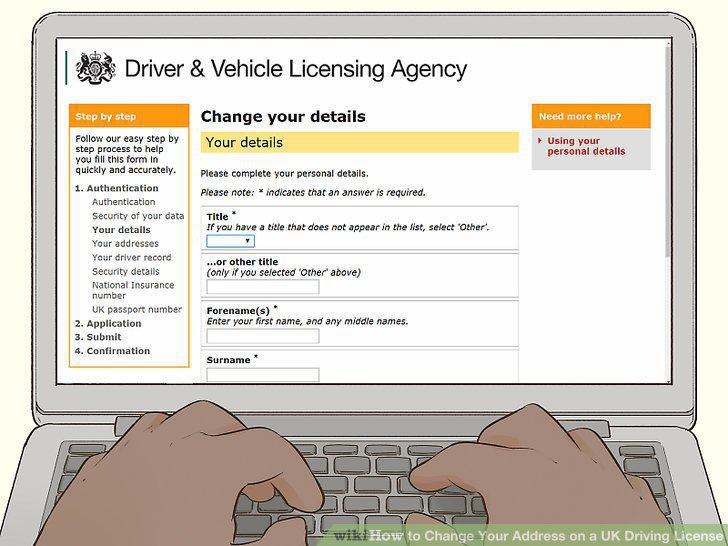
Visit the DVLA website to update your information.
Complete the online application and submit it.
Complete the online application and submit it.
Submit your photo if you want to update the photo on your driving license.
Submit your photo if you want to update the photo on your driving license.
Receive your new driving license in the post.
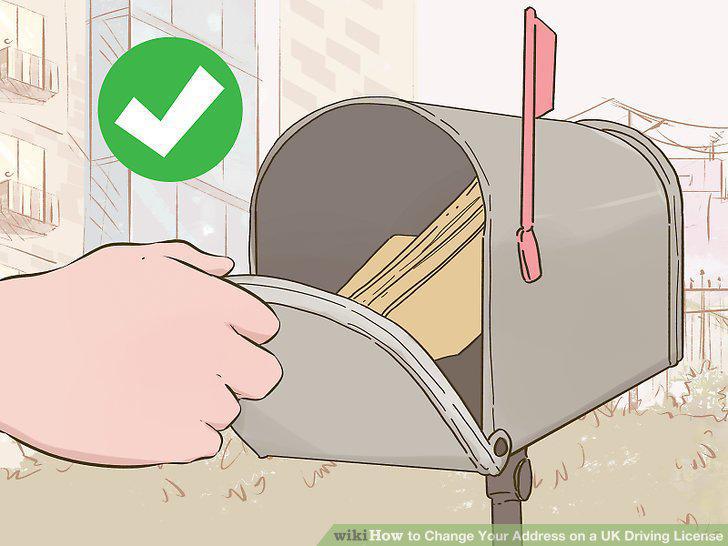
Receive your new driving license in the post.
Complete the "changes" section of letter D741.
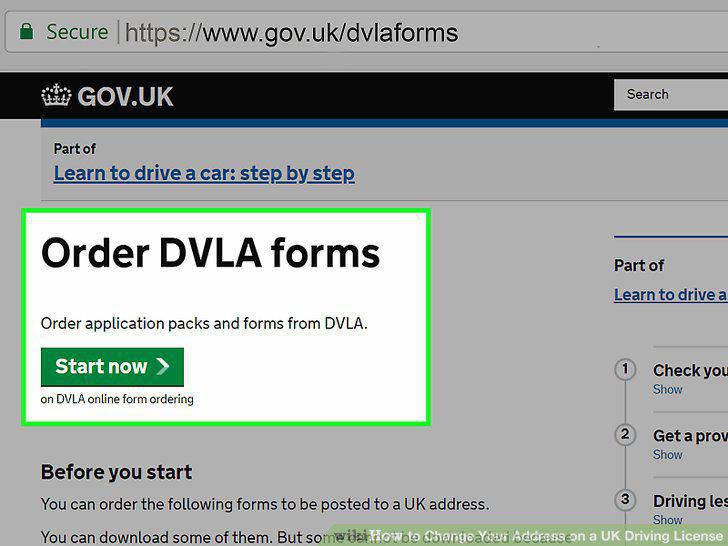
Complete the "changes" section of letter D741.
Send your forms to the DVLA.
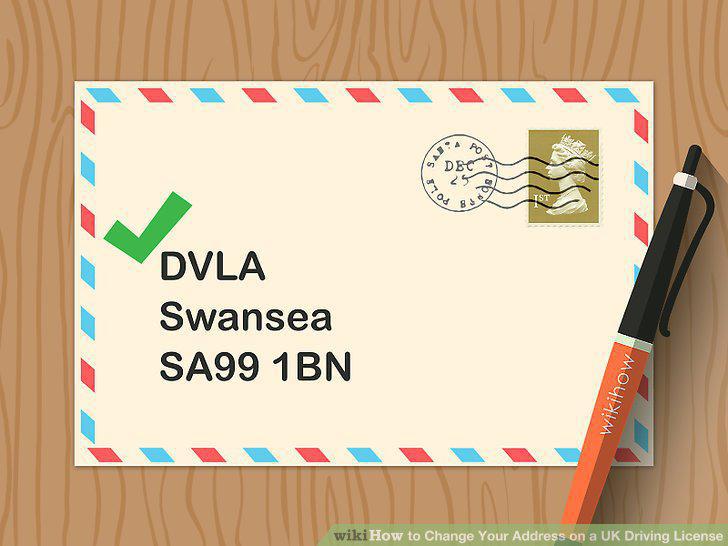
Send your forms to the DVLA.
Include a photo and payment of the fee to update your photo.
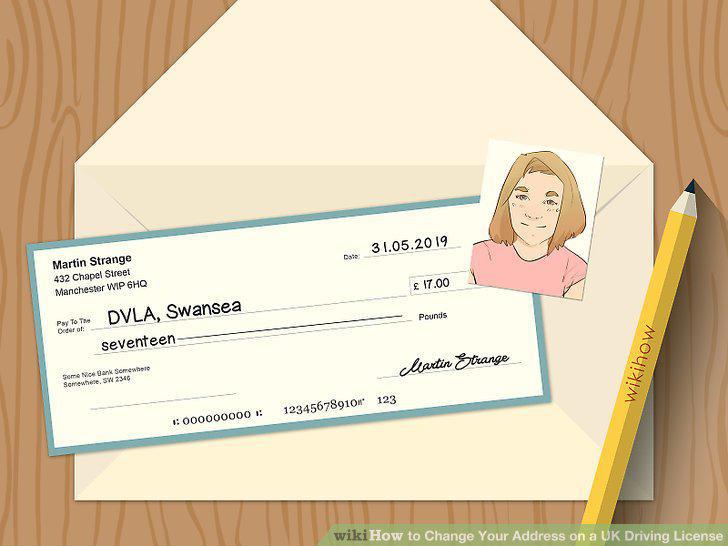
Include a photo and payment of the fee to update your photo.
Wait for your new driving license to arrive in the post.
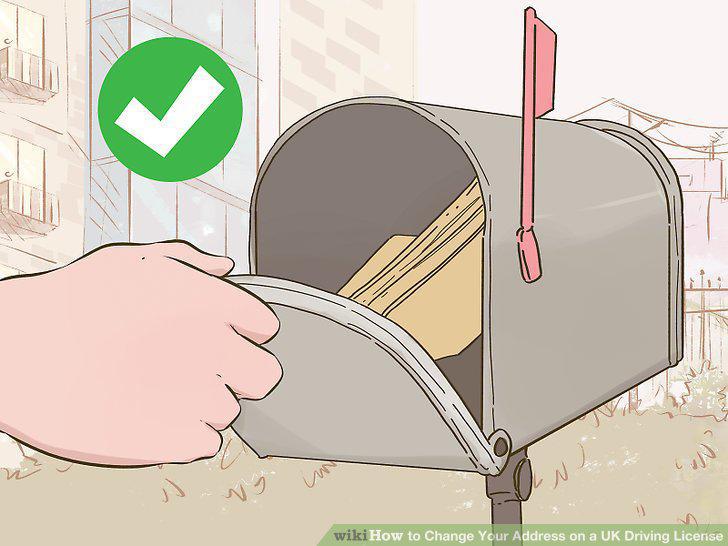
Wait for your new driving license to arrive in the post.
Write your new address in the appropriate section of your log book.
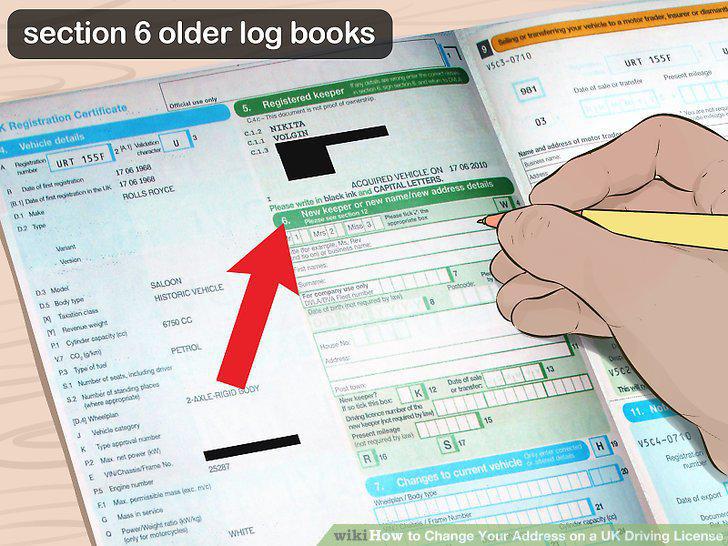
Write your new address in the appropriate section of your log book.
Apply for a replacement log book if you've lost your log book.
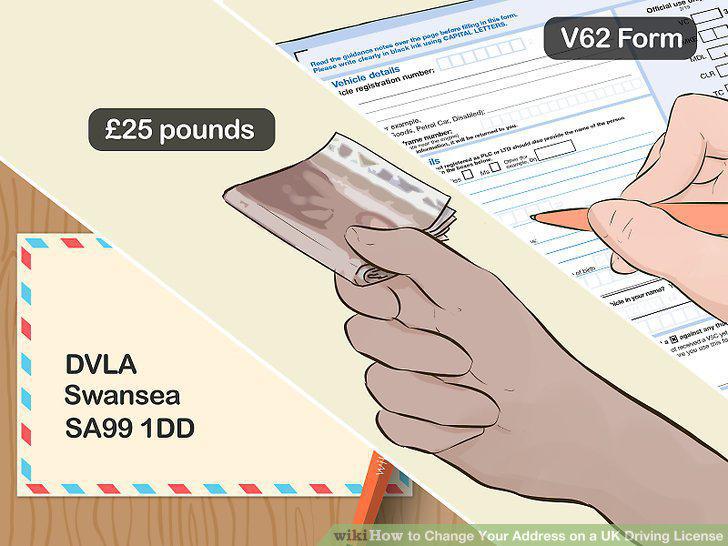
Apply for a replacement log book if you've lost your log book.
Call DVLA to update your address if you pay tax by Direct Debit.
Call DVLA to update your address if you pay tax by Direct Debit.
Comments (0)
No comments yet. Be the first to share your thoughts!