How to Transfer Gopro Videos to an iPhone
Power on your GoPro.. Enable pairing mode on your GoPro.. Download the GoPro app from the App Store on your iPhone.
Steps
1
Power on your GoPro.
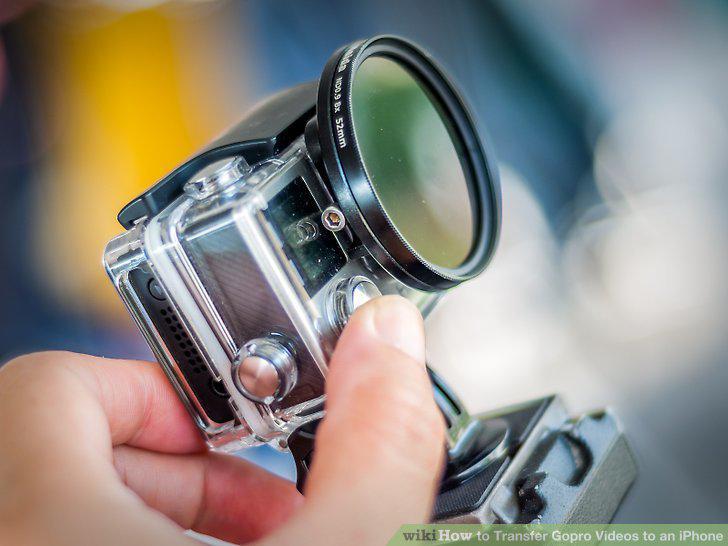
Power on your GoPro.
2
Enable pairing mode on your GoPro.
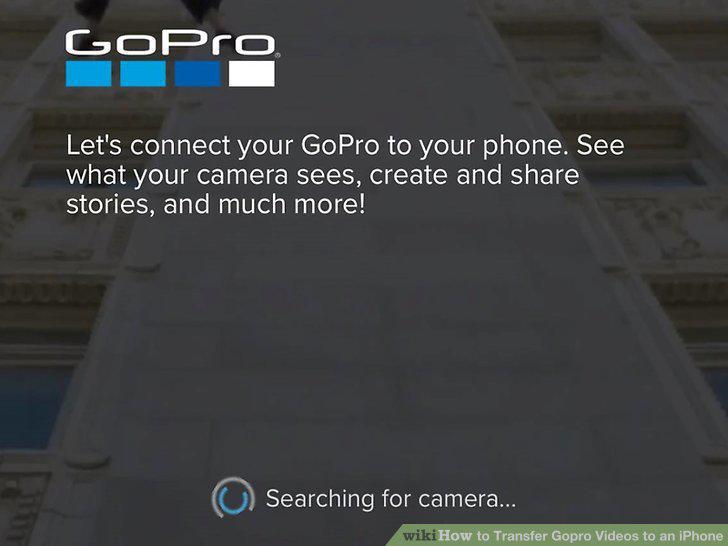
Enable pairing mode on your GoPro.
3
Download the GoPro app from the App Store on your iPhone.
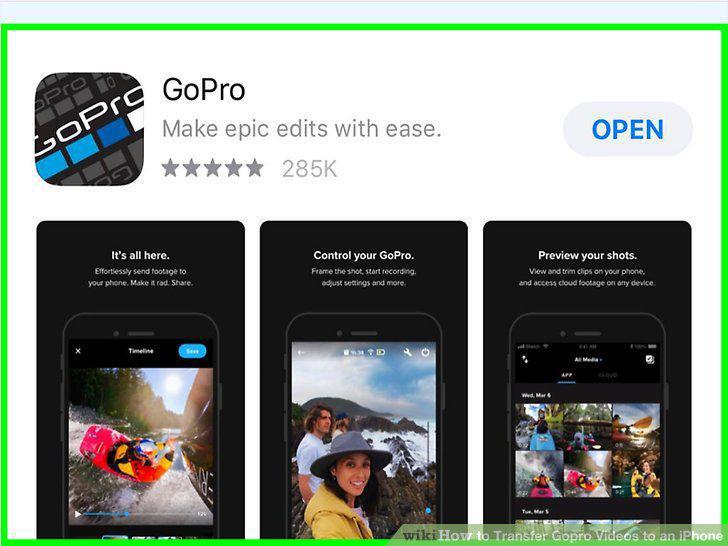
Download the GoPro app from the App Store on your iPhone.
4
Open GoPro.
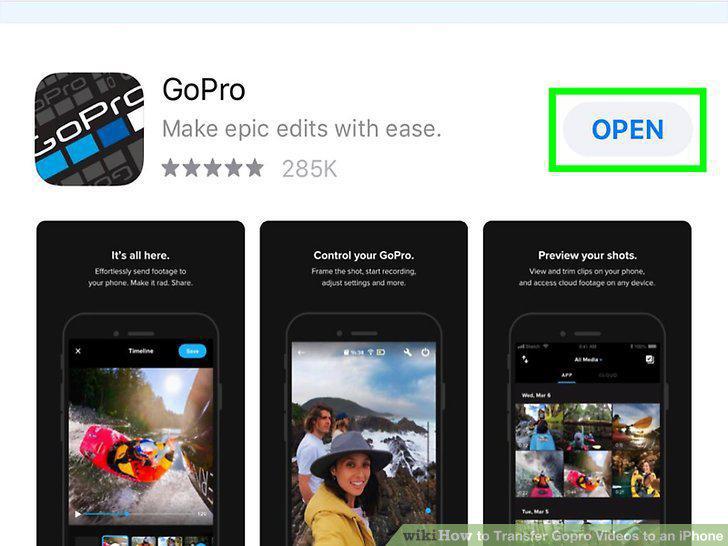
Open GoPro.
5
Pair your GoPro app on your iPhone with your GoPro camera (if they aren't connec
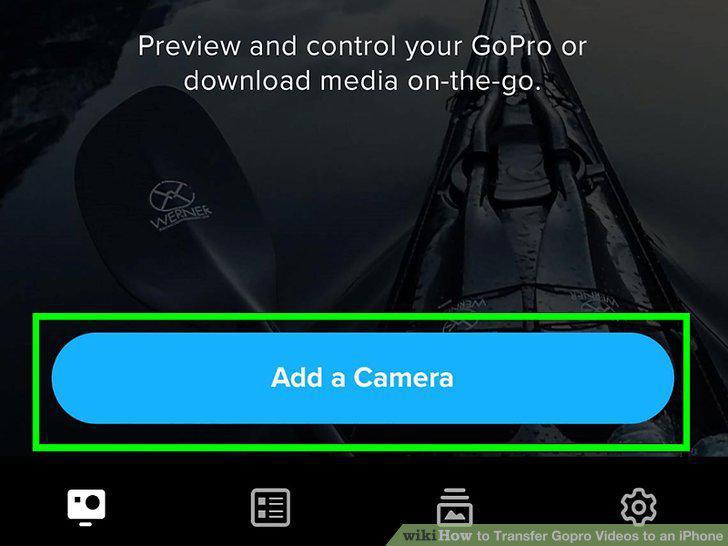
Pair your GoPro app on your iPhone with your GoPro camera (if they aren't connected already).
6
Tap the 3x3 grid icon next to the red circle.
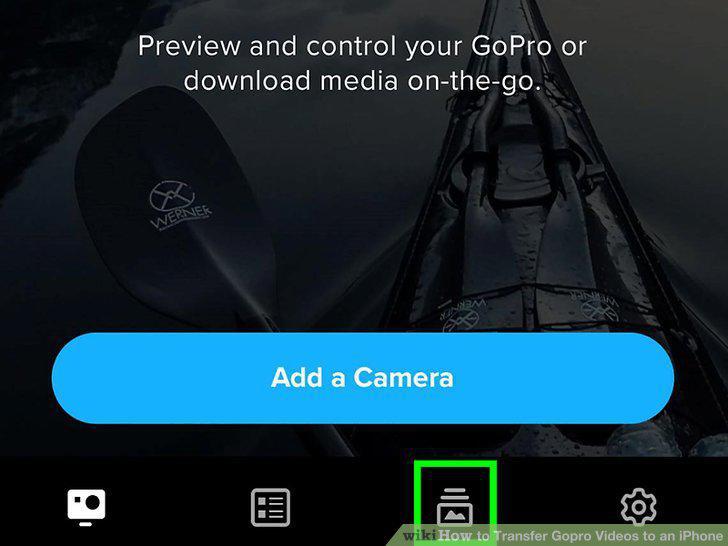
Tap the 3x3 grid icon next to the red circle.
7
Tap a video to select it.
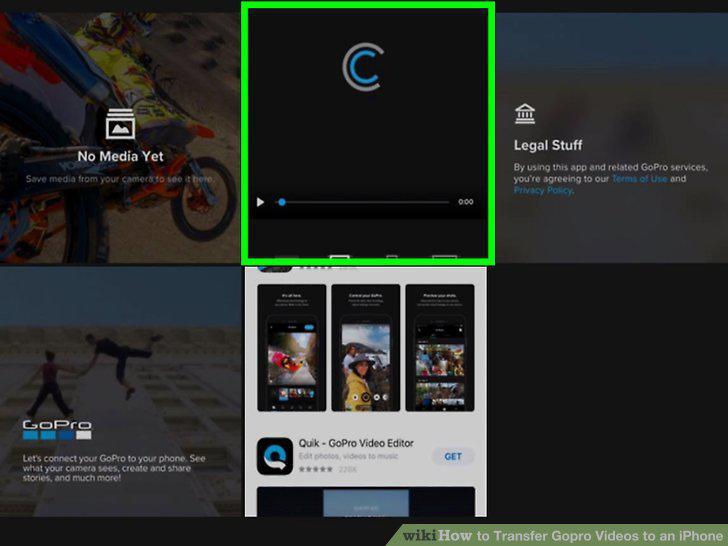
Tap a video to select it.
8
Tap the download icon that looks like an arrow pointing down into an open box.
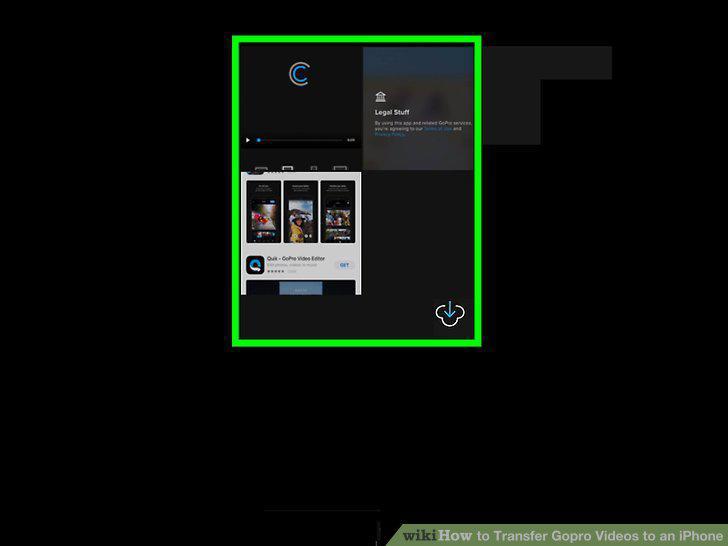
Tap the download icon that looks like an arrow pointing down into an open box.
Comments (0)
No comments yet. Be the first to share your thoughts!