How to Monitor Internet Speed over Time on Android
Open the Google Play Store app.. Type "Internet speed meter" into the search bar.. Select Internet Speed Meter.
Steps
1
Open the Google Play Store app.
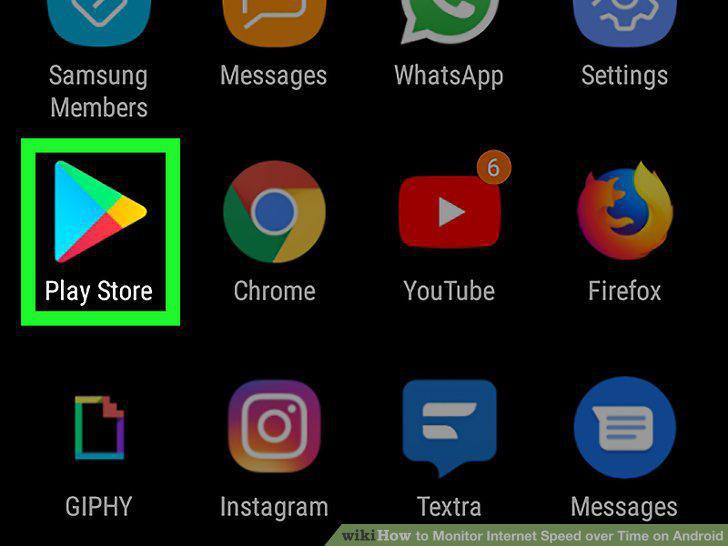
Open the Google Play Store app.
2
Type "Internet speed meter" into the search bar.
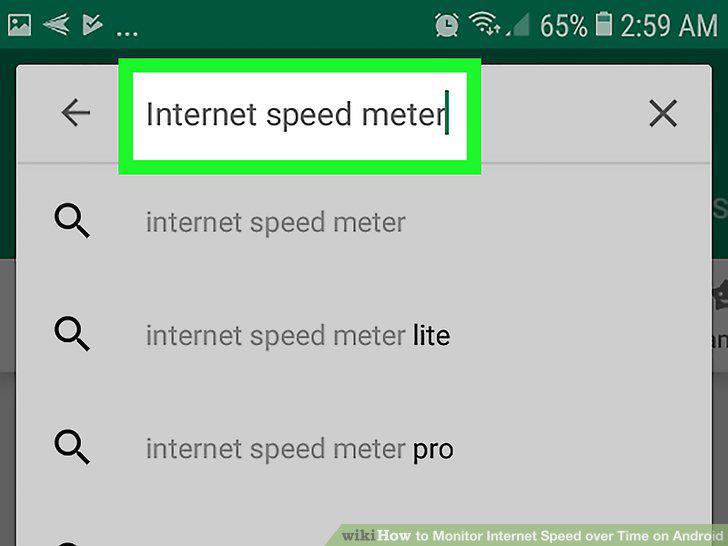
Type "Internet speed meter" into the search bar.
3
Select Internet Speed Meter.
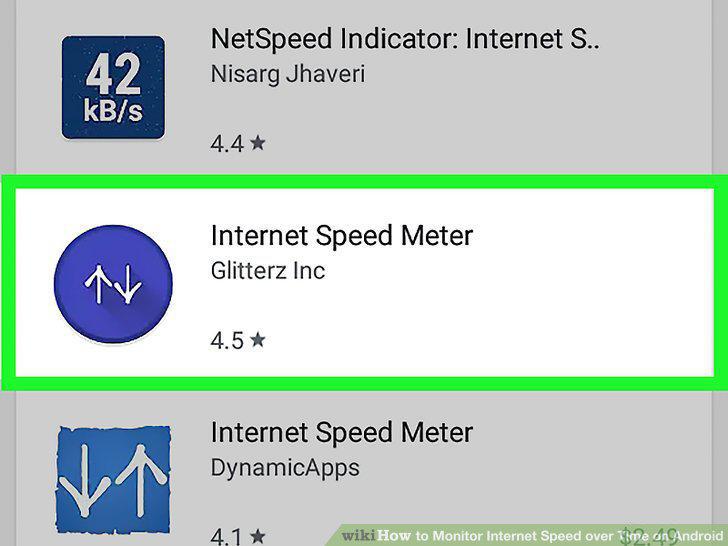
Select Internet Speed Meter.
4
Tap Install.
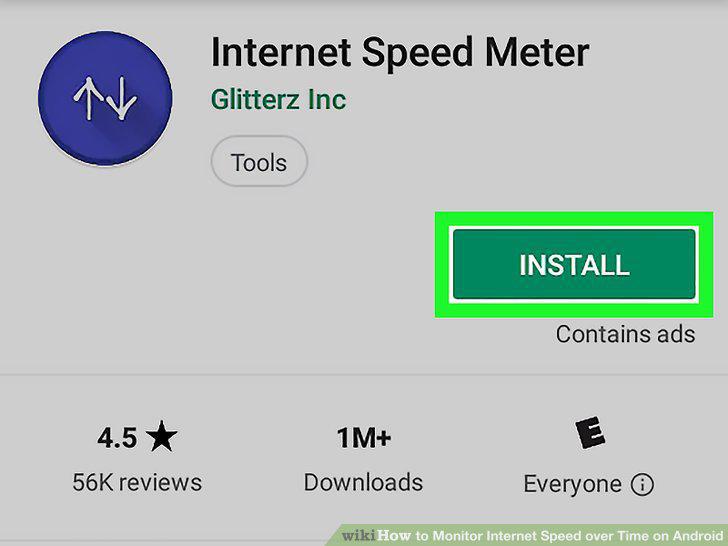
Tap Install.
5
Tap the Open button once the app has finished downloading.
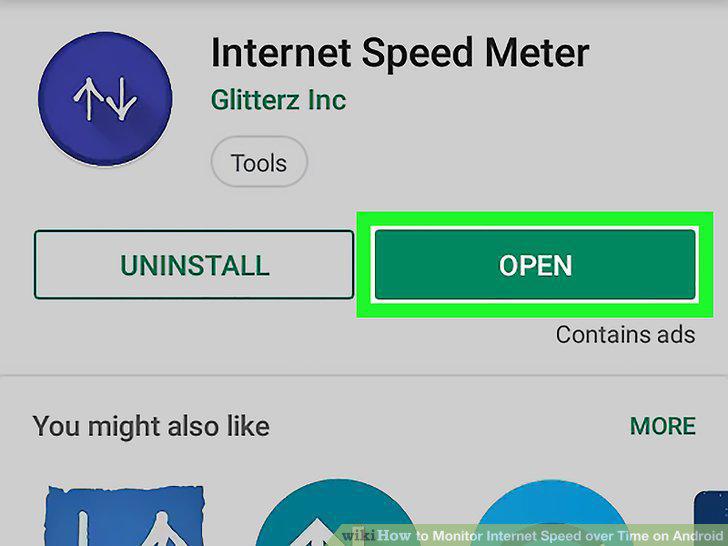
Tap the Open button once the app has finished downloading.
6
Open the Settings menu in the app.
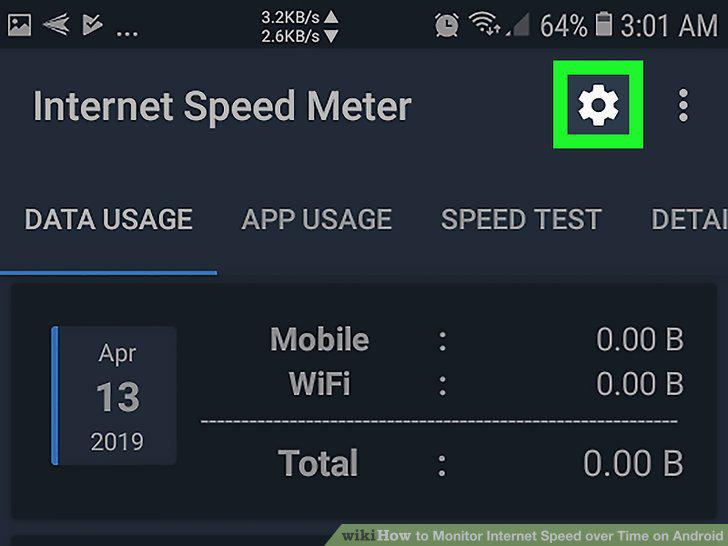
Open the Settings menu in the app.
7
Select the Floating Widget tab.
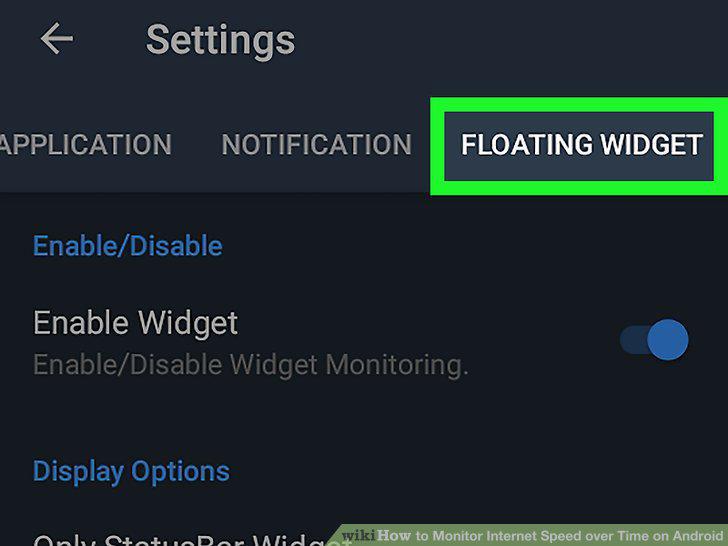
Select the Floating Widget tab.
8
Tap the switch next to the Enable Widget option.
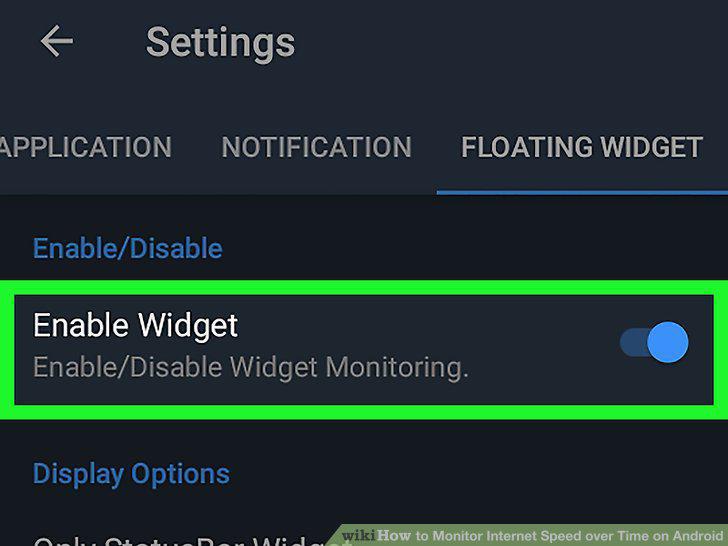
Tap the switch next to the Enable Widget option.
9
Monitor your internet speed in the menu bar at the top of your screen.
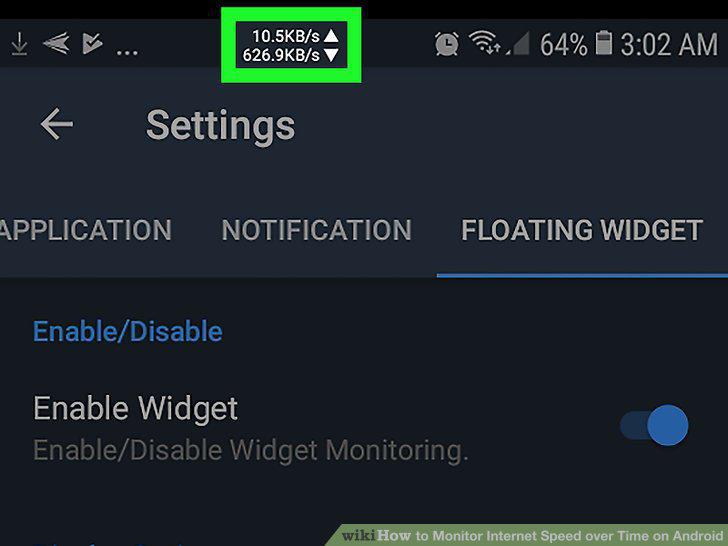
Monitor your internet speed in the menu bar at the top of your screen.
Comments (0)
No comments yet. Be the first to share your thoughts!