How to Activate Night Shift on an iPhone
Open your iPhone's Control Center menu.. Long-press on the "Brightness" bar.. Tap Night Shift.
Steps
1
Open your iPhone's Control Center menu.
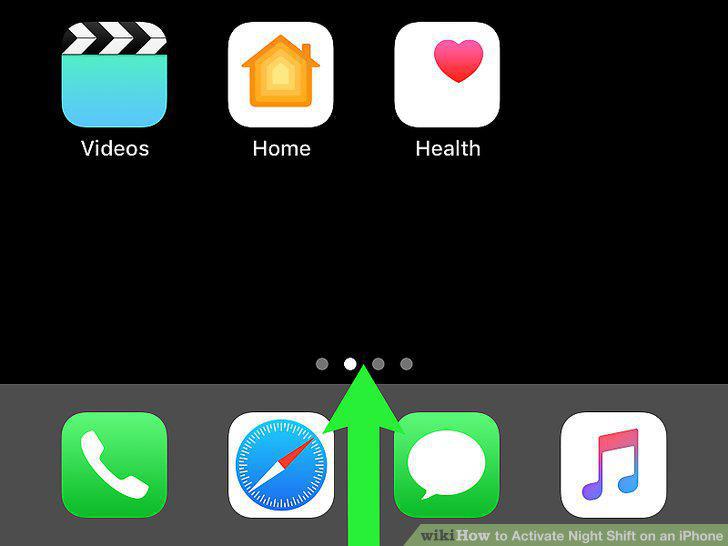
Open your iPhone's Control Center menu.
2
Long-press on the "Brightness" bar.
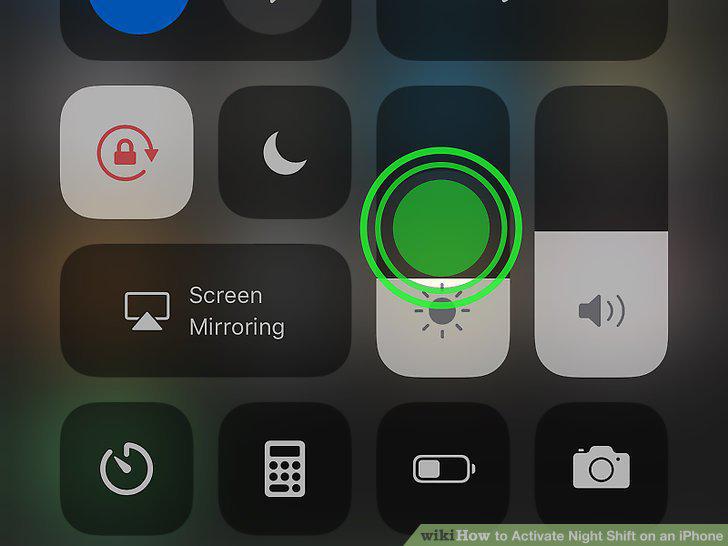
Long-press on the "Brightness" bar.
3
Tap Night Shift.
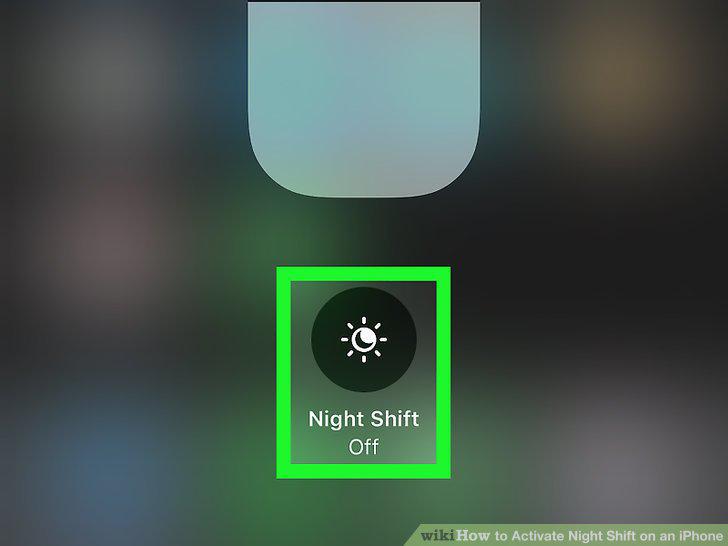
Tap Night Shift.
4
Close the Control Center menu.
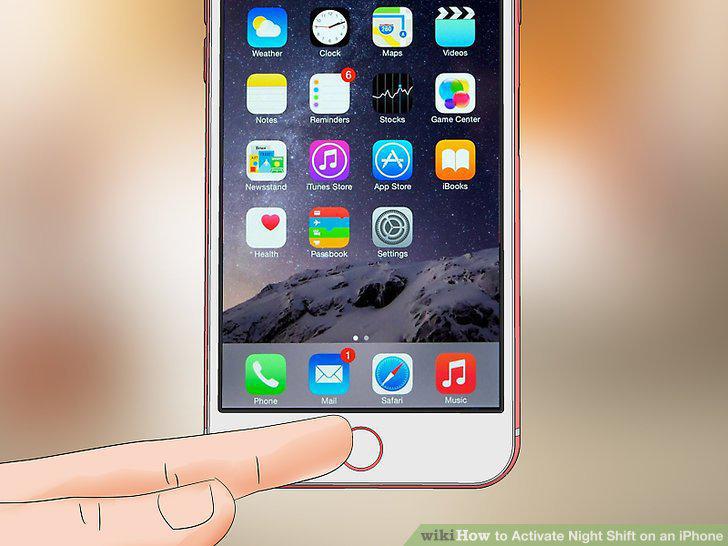
Close the Control Center menu.
5
Open your iPhone's Settings.
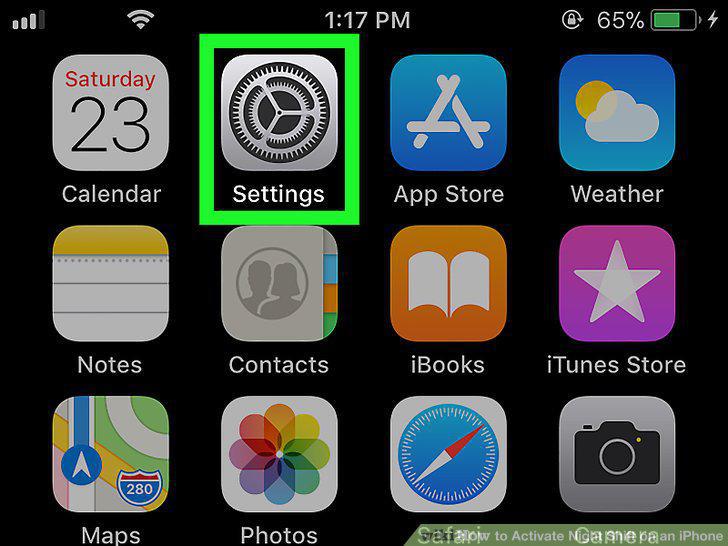
Open your iPhone's Settings.
6
Scroll down and tap Display & Brightness.
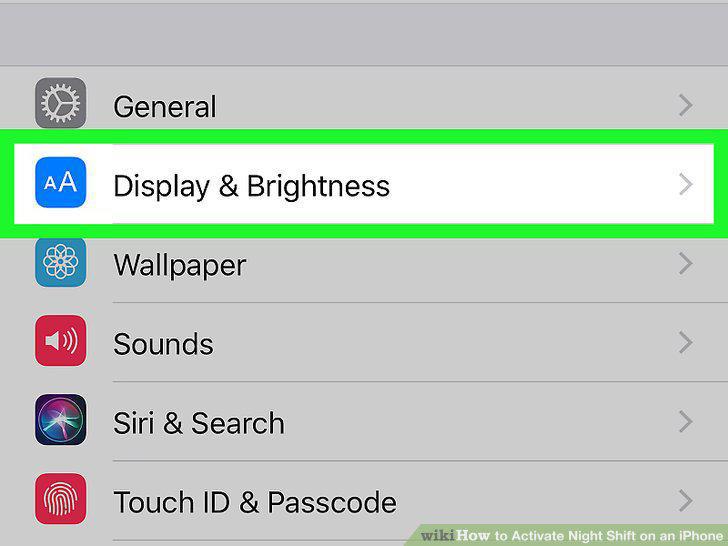
Scroll down and tap Display & Brightness.
7
Tap Night Shift.
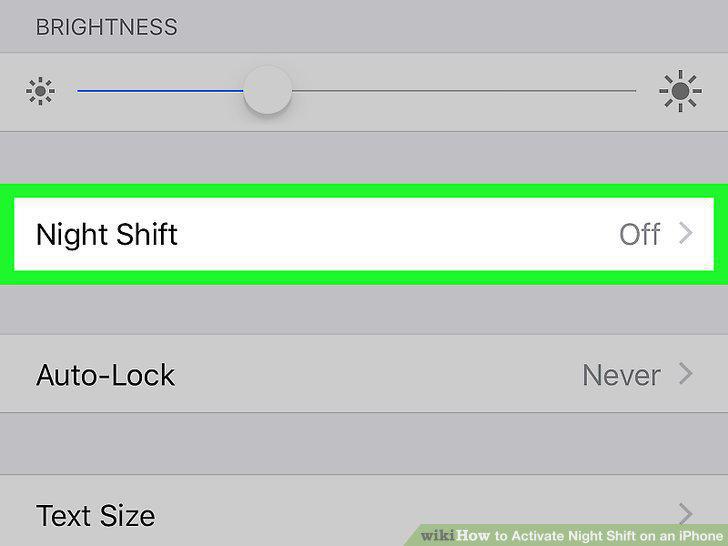
Tap Night Shift.
8
Tap the white "Scheduled" switch .
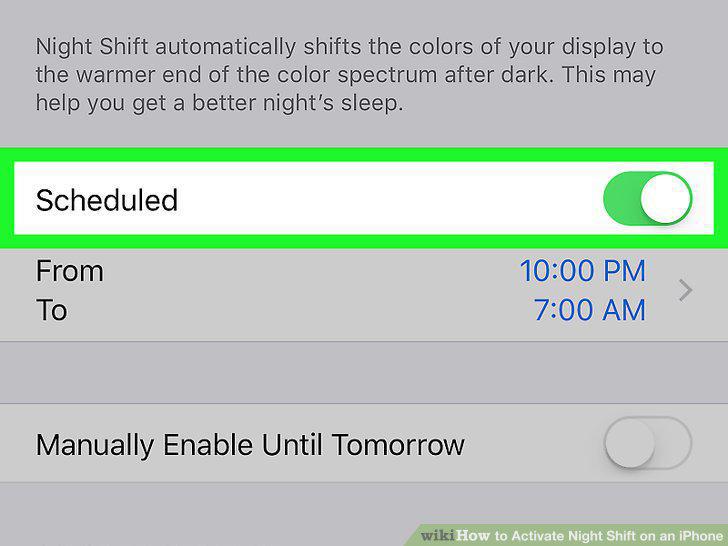
Tap the white "Scheduled" switch .
9
Tap the From To section.
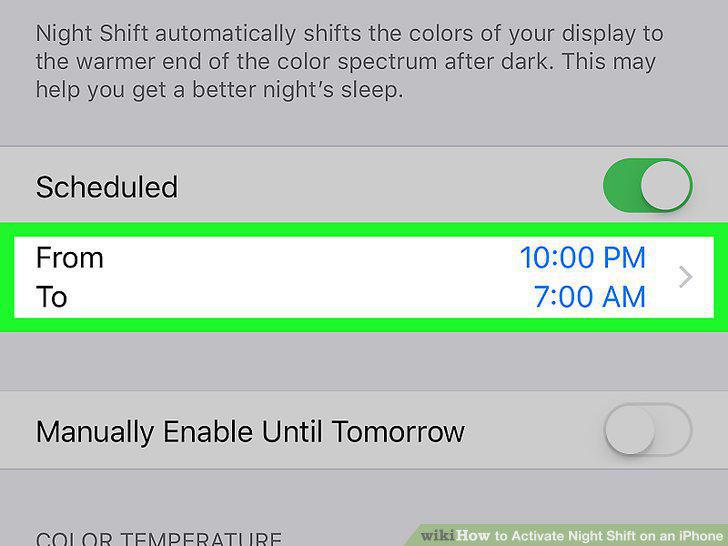
Tap the From To section.
10
Select a schedule option.
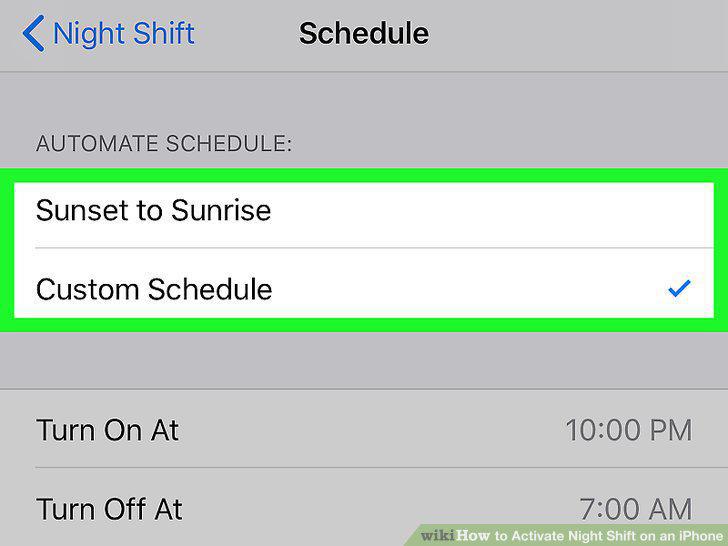
Select a schedule option.
11
Tap Night Shift.
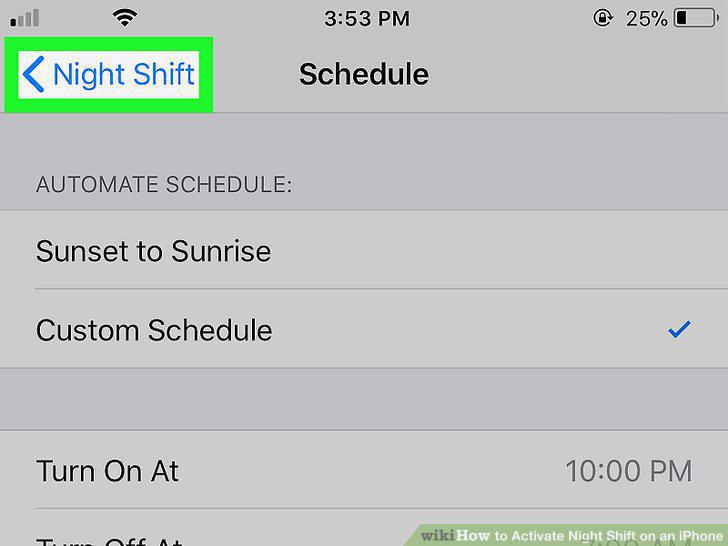
Tap Night Shift.
Comments (0)
No comments yet. Be the first to share your thoughts!