How to Log in to WeChat on iPhone or iPad
Open the WeChat app on your iPhone or iPad.. Tap the Password field.. Enter your account password.
Steps
1
Open the WeChat app on your iPhone or iPad.

Open the WeChat app on your iPhone or iPad.
2
Tap the Password field.
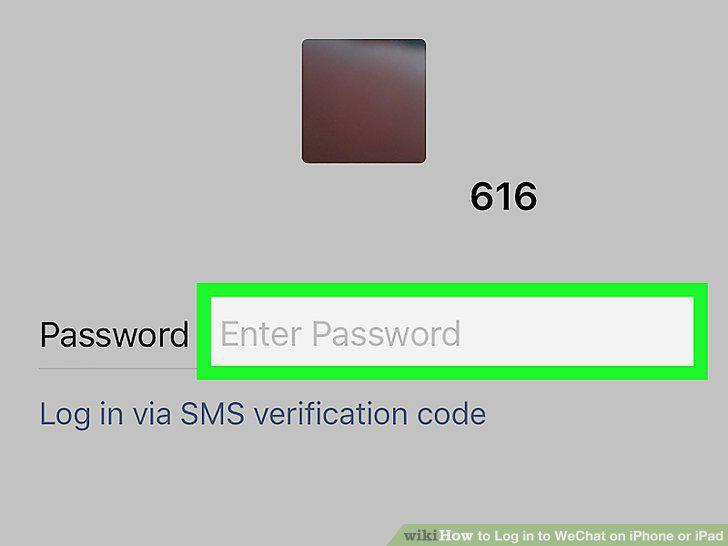
Tap the Password field.
3
Enter your account password.
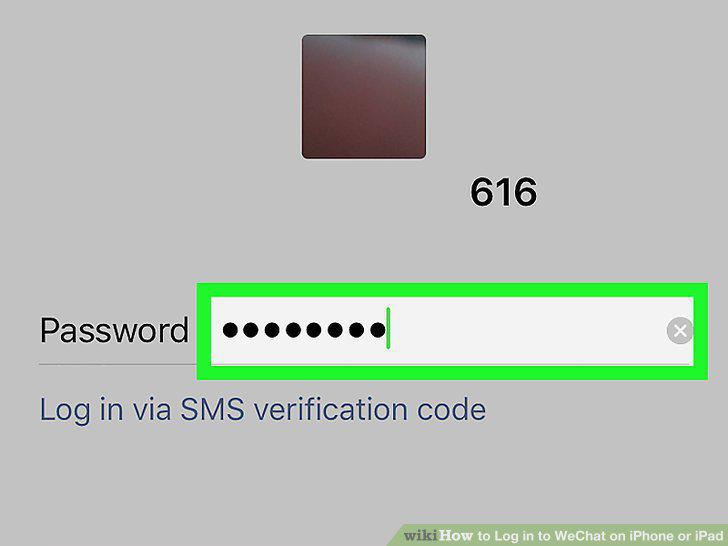
Enter your account password.
4
Tap the green Log In button.
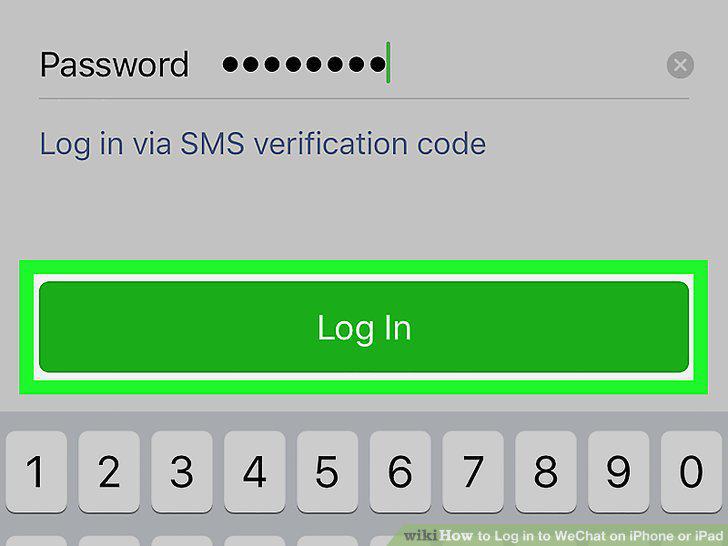
Tap the green Log In button.
5
Open the WeChat app on your iPhone or iPad.

Open the WeChat app on your iPhone or iPad.
6
Tap the Log in via SMS verification code option.
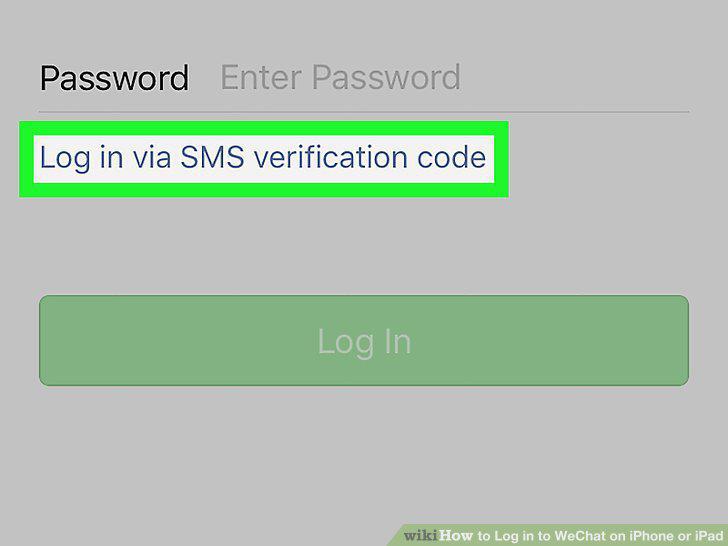
Tap the Log in via SMS verification code option.
7
Tap the Resend button.
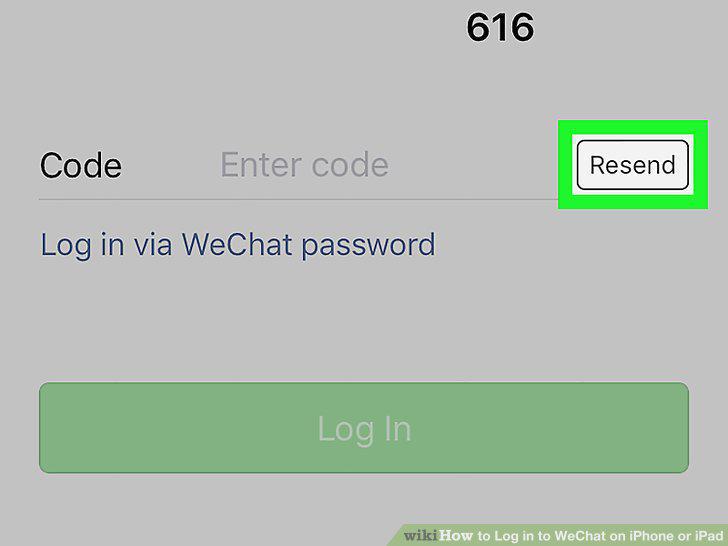
Tap the Resend button.
8
Tap OK in the pop-up.
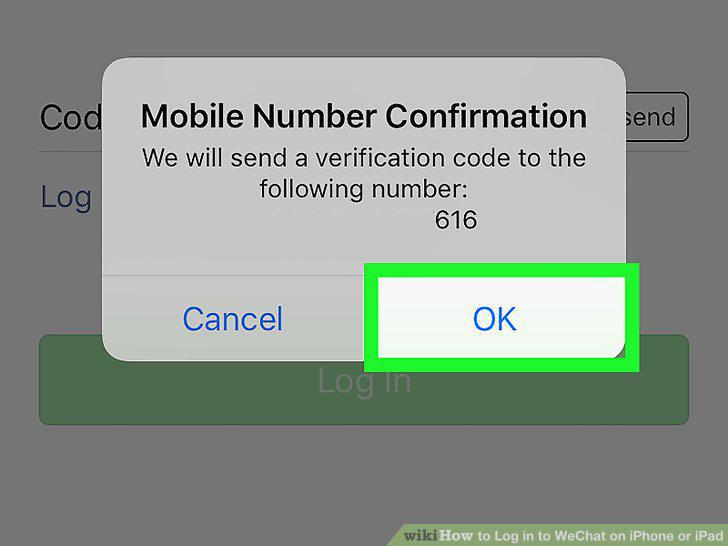
Tap OK in the pop-up.
9
Note down your verification code.
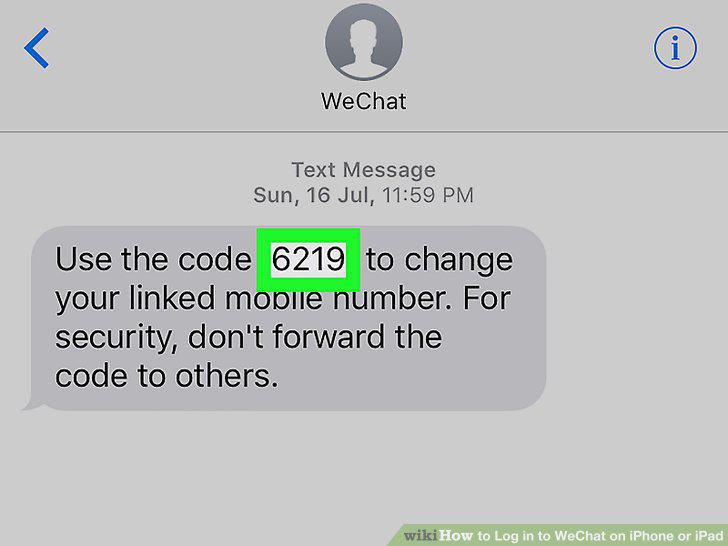
Note down your verification code.
10
Tap the Code field.
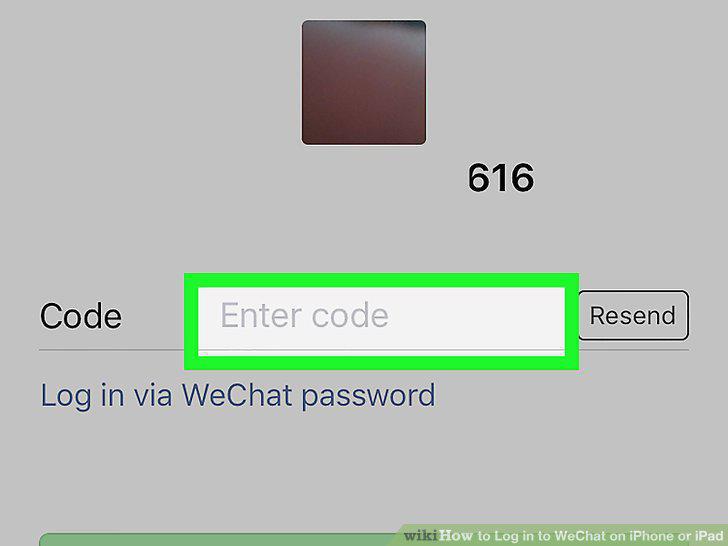
Tap the Code field.
11
Enter your verification code.
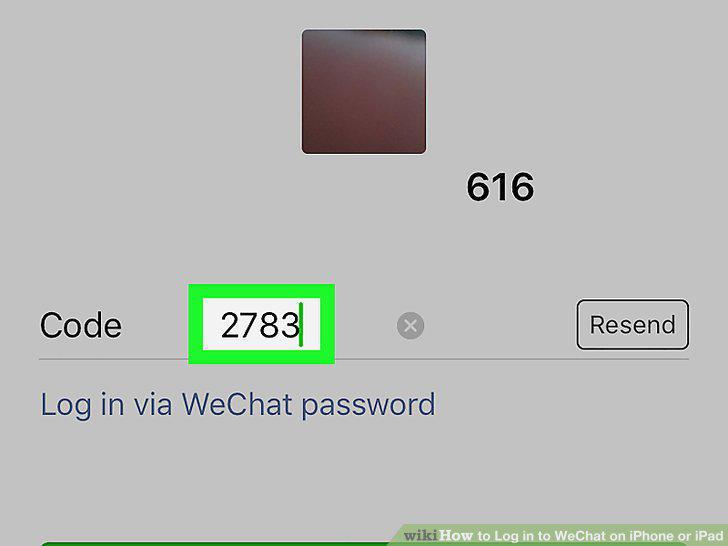
Enter your verification code.
12
Tap the green Log In button.
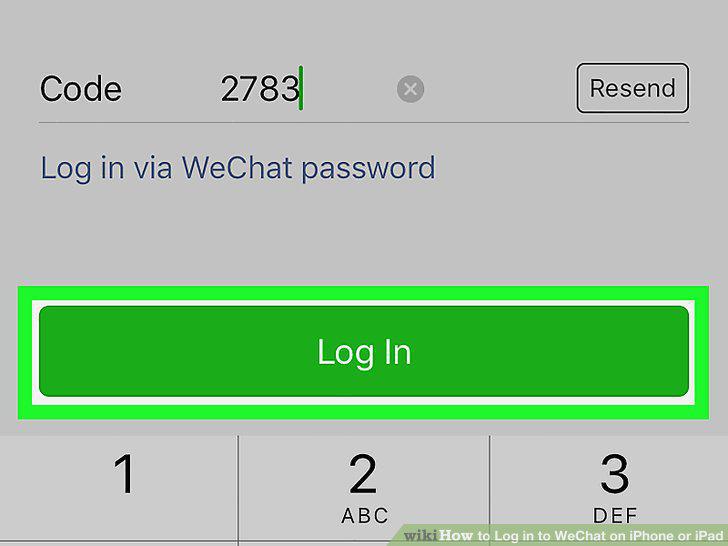
Tap the green Log In button.
Comments (0)
No comments yet. Be the first to share your thoughts!