How to Set a Pool Timer
Locate the clock dial inside the timer box.. Pull the clock dial outward and turn it to the time of day.. Locate the "On" tripper for your pool timer.
Steps
Locate the clock dial inside the timer box.
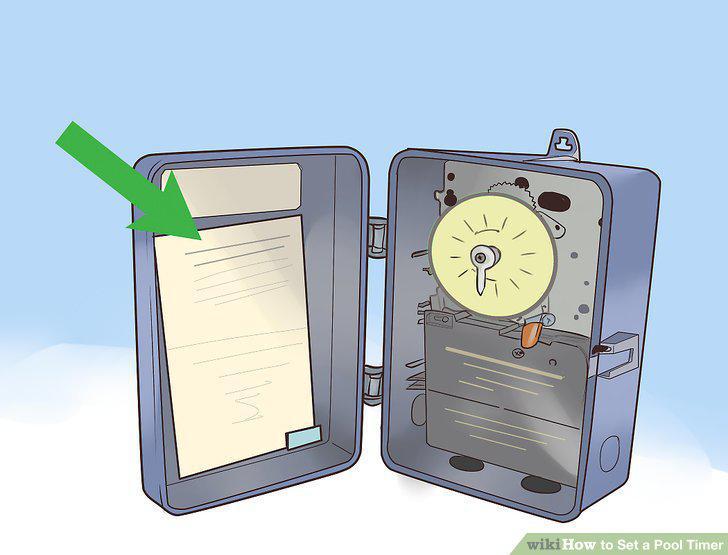
Locate the clock dial inside the timer box.
Pull the clock dial outward and turn it to the time of day.
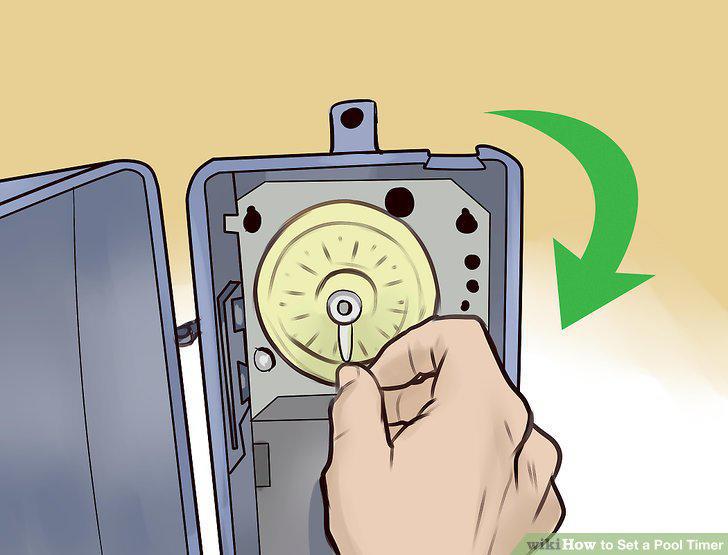
Pull the clock dial outward and turn it to the time of day.
Locate the "On" tripper for your pool timer.
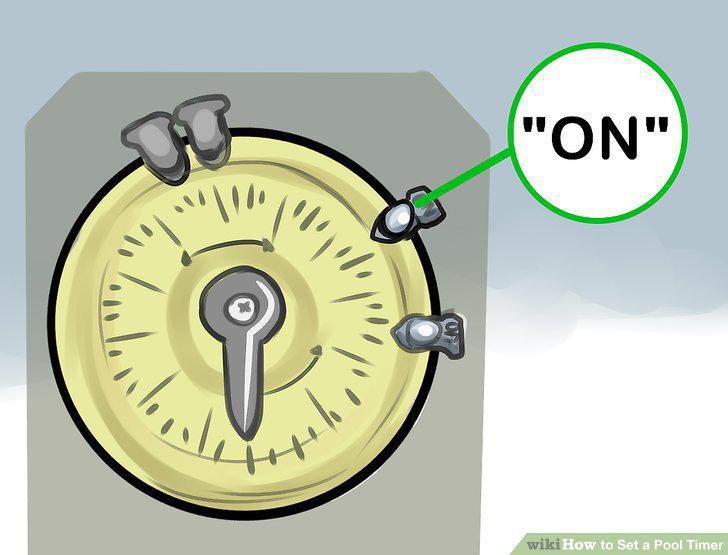
Locate the "On" tripper for your pool timer.
Attach the "On" tripper to the desired time on the clock dial.
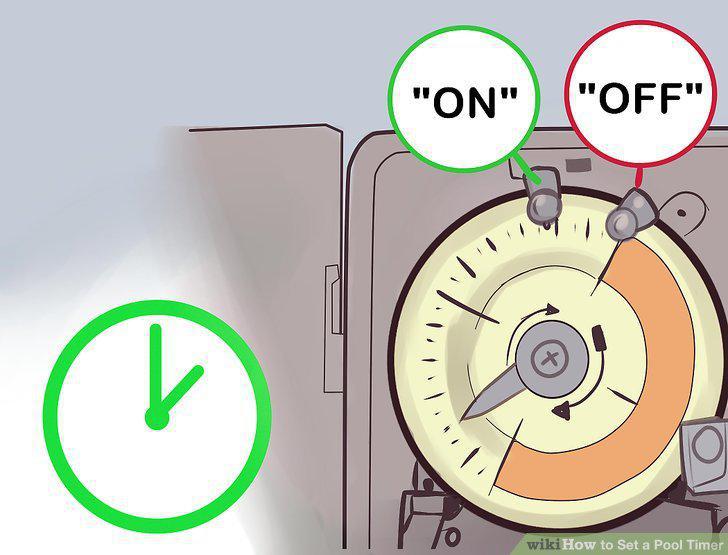
Attach the "On" tripper to the desired time on the clock dial.
Find the "Off" tripper for your pool timer.
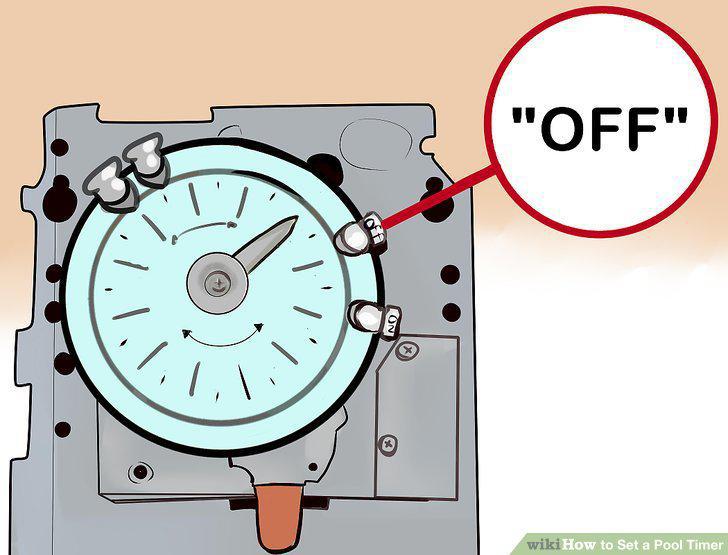
Find the "Off" tripper for your pool timer.
Connect the "Off" tripper to the desired time on the clock dial.
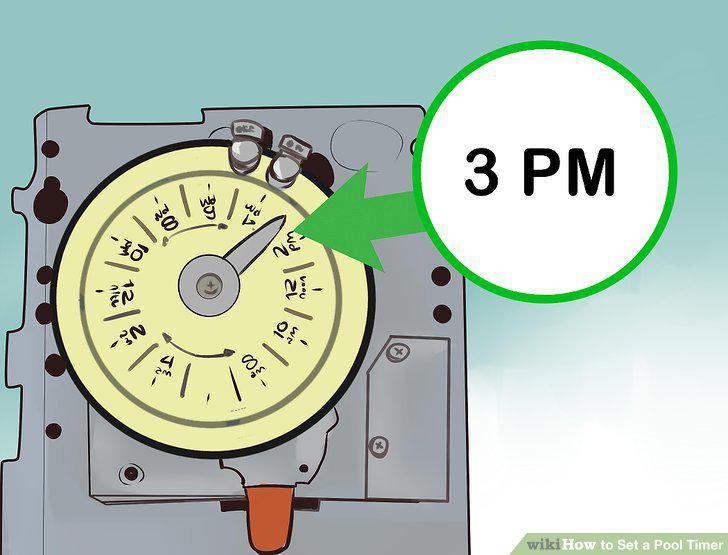
Connect the "Off" tripper to the desired time on the clock dial.
Flip the red or silver lever to override the current timer setting.
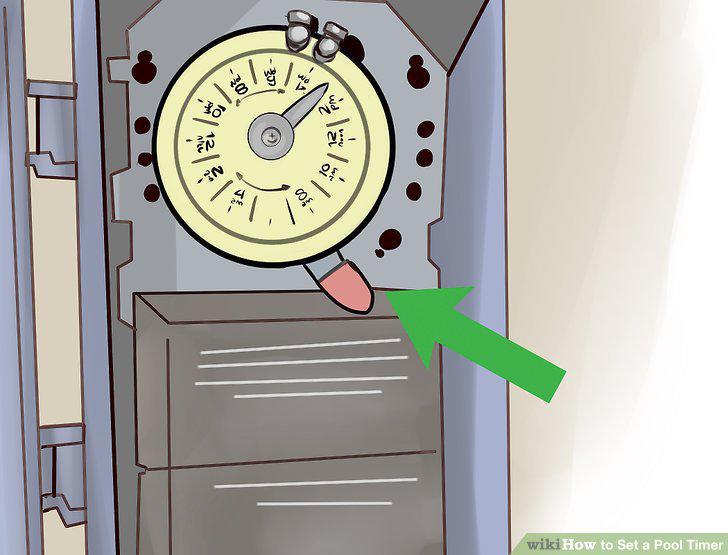
Flip the red or silver lever to override the current timer setting.
Check the chemical balance
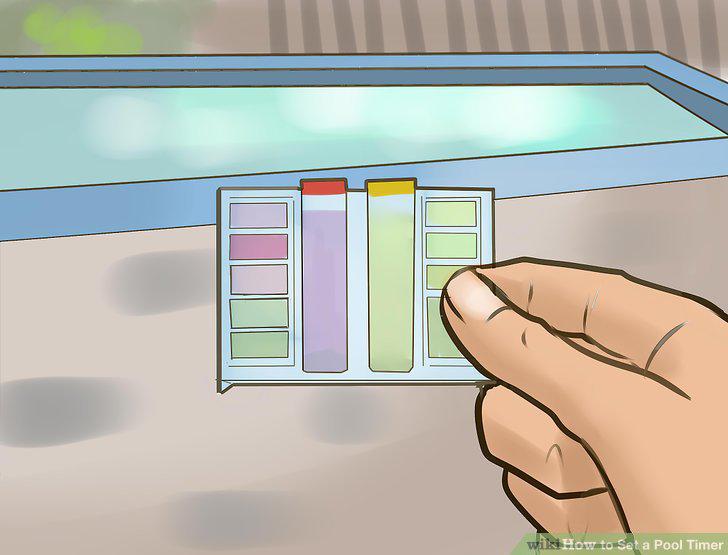
Check the chemical balance
Run your pool filter at least 12 hours a day between 9 PM and 9 AM.
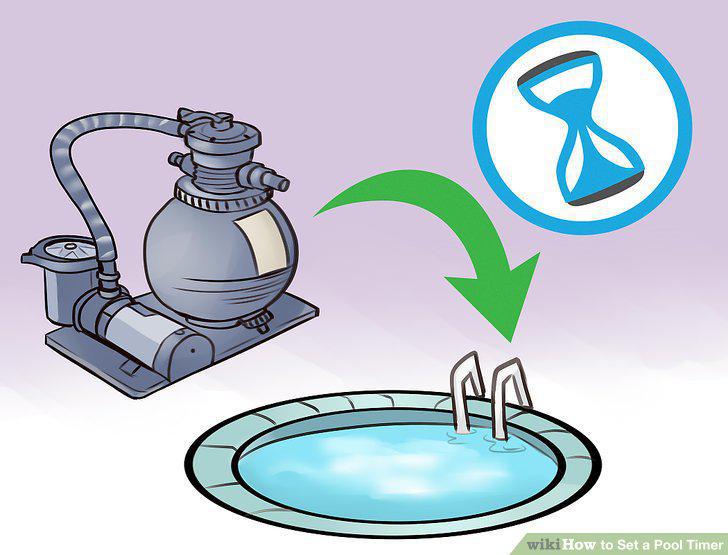
Run your pool filter at least 12 hours a day between 9 PM and 9 AM.
Check your pool's chemical balance the day after the first test.
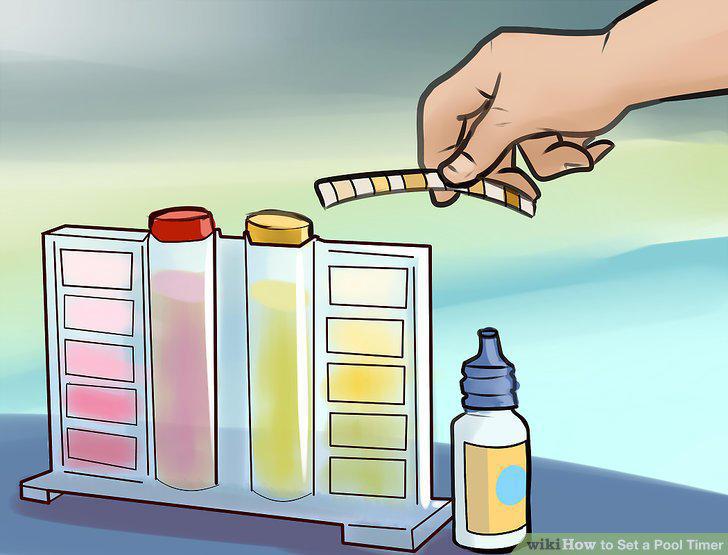
Check your pool's chemical balance the day after the first test.
Reduce or increase your pool's filter time by 2 hours as necessary.
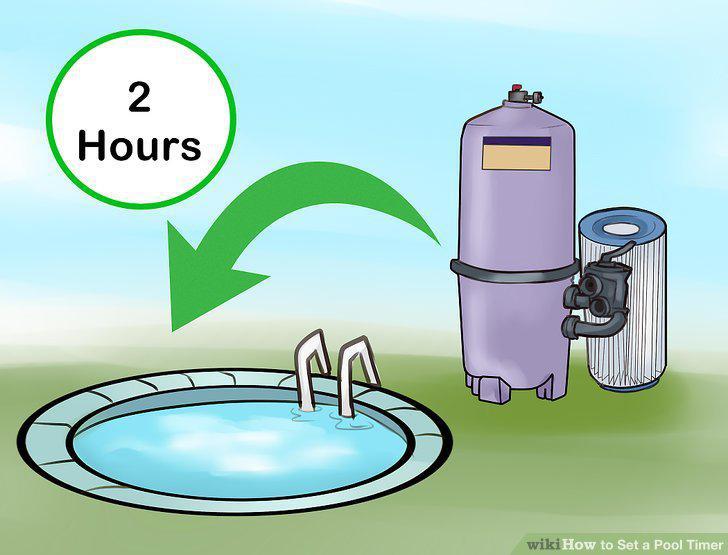
Reduce or increase your pool's filter time by 2 hours as necessary.
Comments (0)
No comments yet. Be the first to share your thoughts!