How to Become a Doordash Driver on Android
Meet the requirements.. Navigate to https://www.doordash.com/dasher/signup.. Enter your email address, phone number, zip code, and then tap Sign Up.
Steps
1
Meet the requirements.
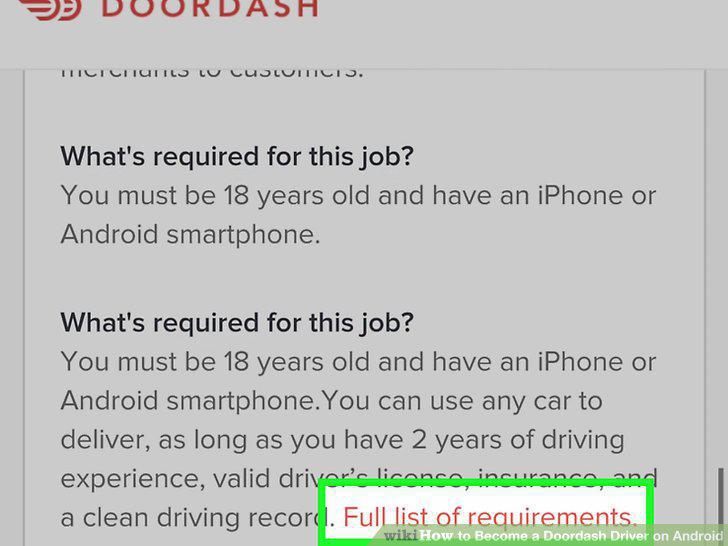
Meet the requirements.
2
Navigate to https://www.doordash.com/dasher/signup.
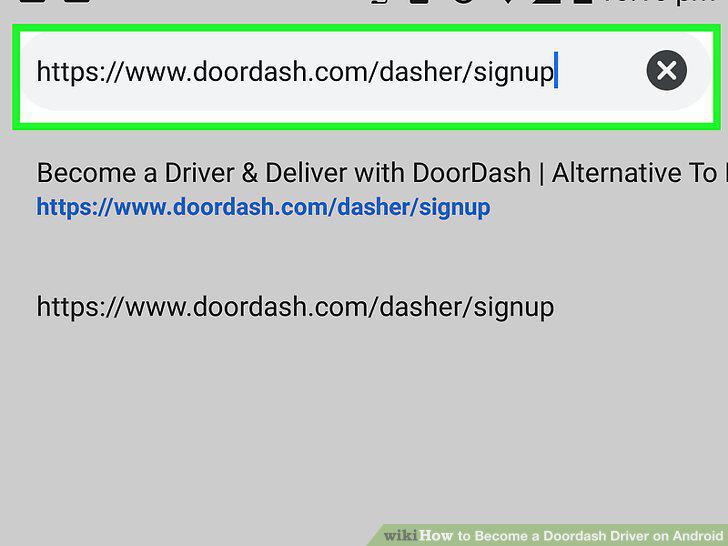
Navigate to https://www.doordash.com/dasher/signup.
3
Enter your email address, phone number, zip code, and then tap Sign Up.
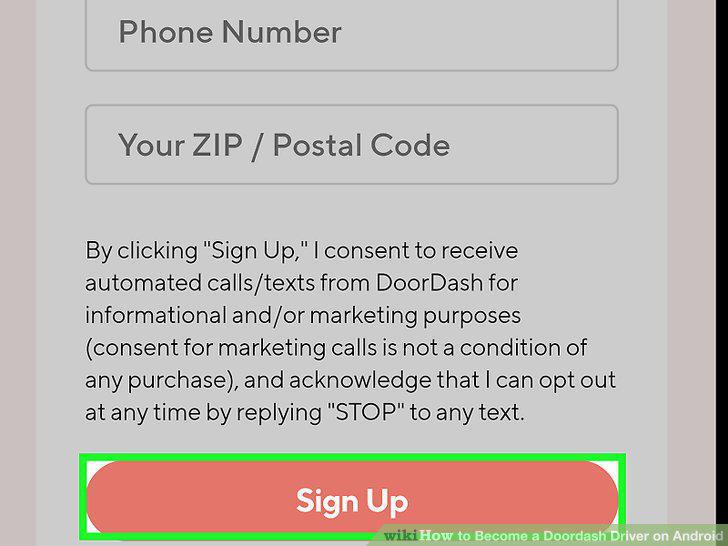
Enter your email address, phone number, zip code, and then tap Sign Up.
4
Log in with your personal DoorDash login information.
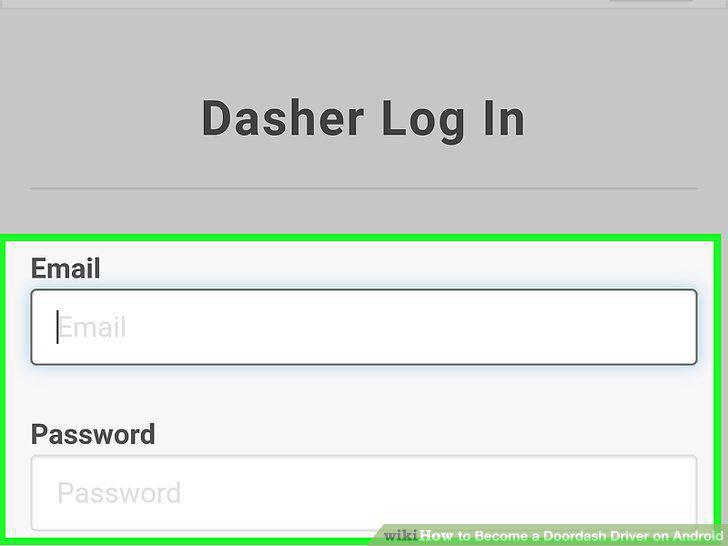
Log in with your personal DoorDash login information.
5
Fill out and submit the application.
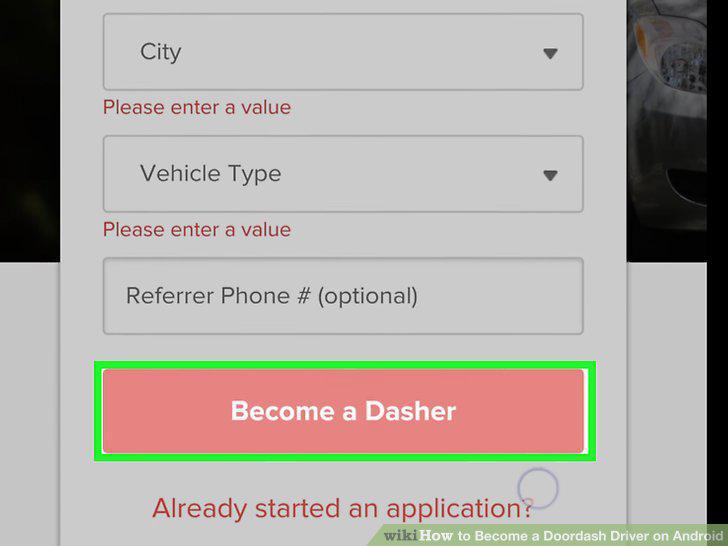
Fill out and submit the application.
6
Schedule your orientation.
Schedule your orientation.
7
Complete the orientation.
Complete the orientation.
8
Install the Dasher app.
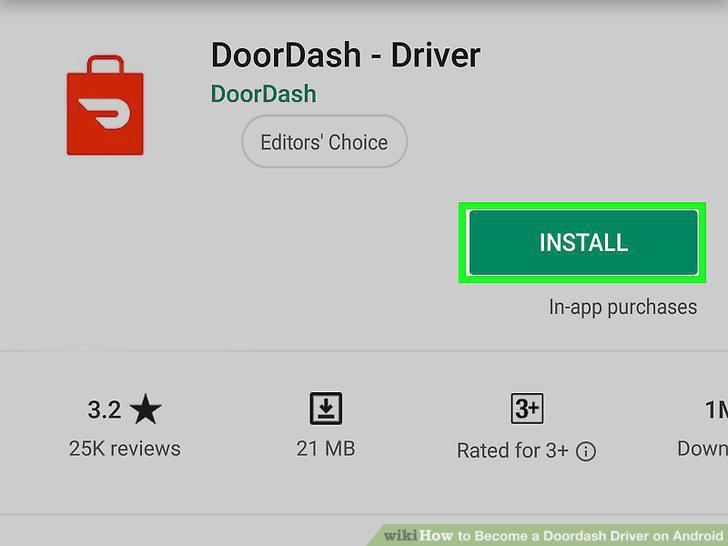
Install the Dasher app.
9
Set up your Red Card.
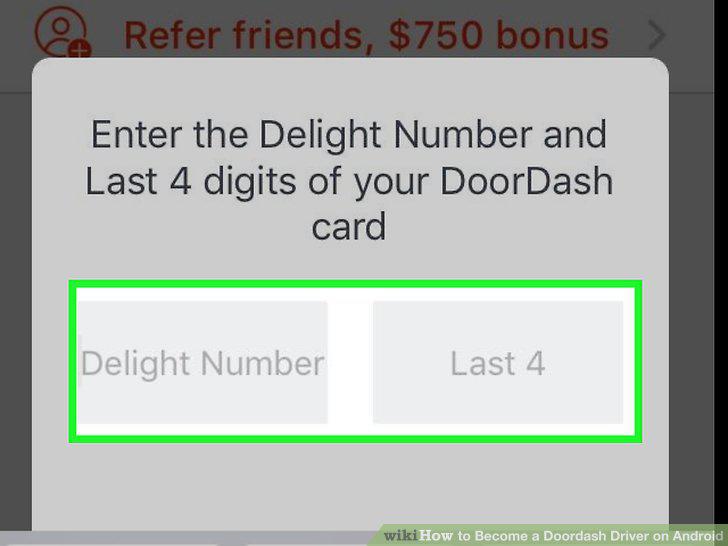
Set up your Red Card.
10
Start delivering orders.
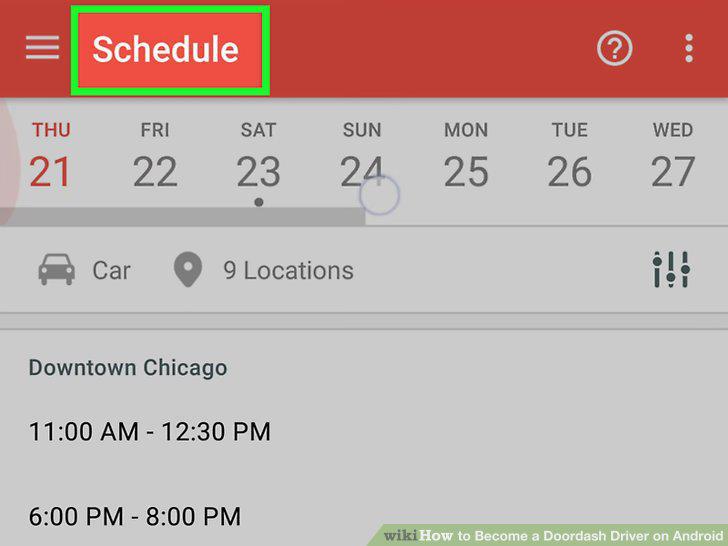
Start delivering orders.
Comments (0)
No comments yet. Be the first to share your thoughts!