How to Cancel an App Store Subscription
Open the App Store .. Tap your profile image.. Tap your Apple ID and enter your password if prompted.
Steps
1
Open the App Store .
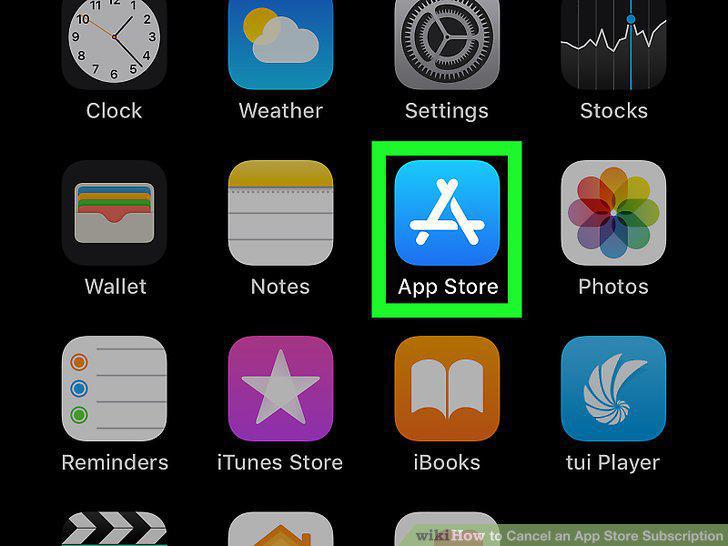
Open the App Store .
2
Tap your profile image.

Tap your profile image.
3
Tap your Apple ID and enter your password if prompted.
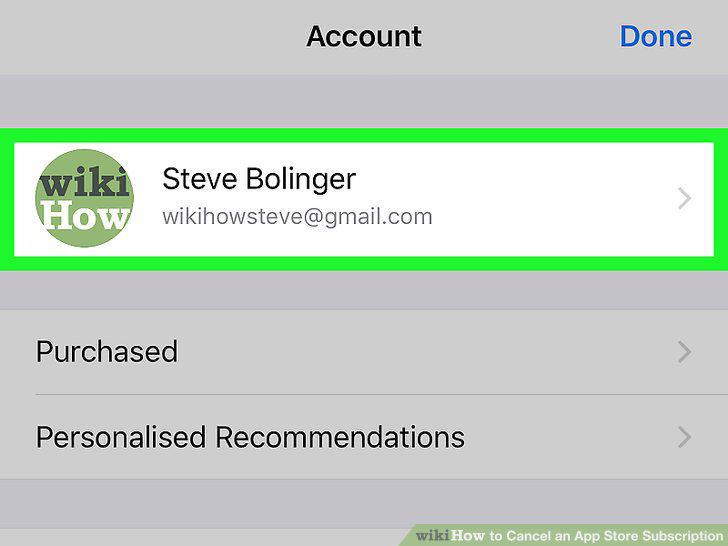
Tap your Apple ID and enter your password if prompted.
4
Scroll down and tap Subscriptions.
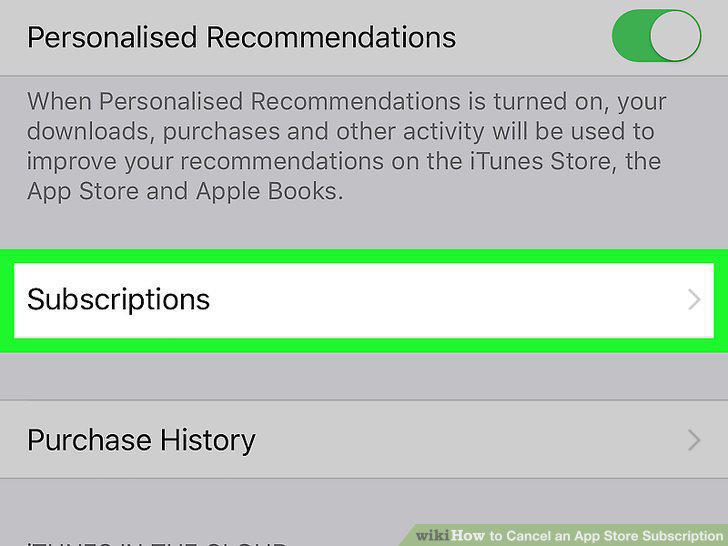
Scroll down and tap Subscriptions.
5
Tap the subscription you want to cancel.
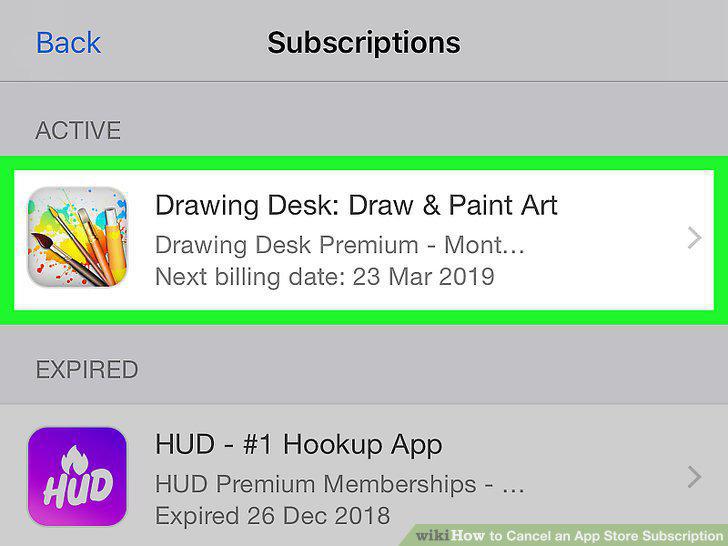
Tap the subscription you want to cancel.
6
Scroll down and tap Cancel Subscription.
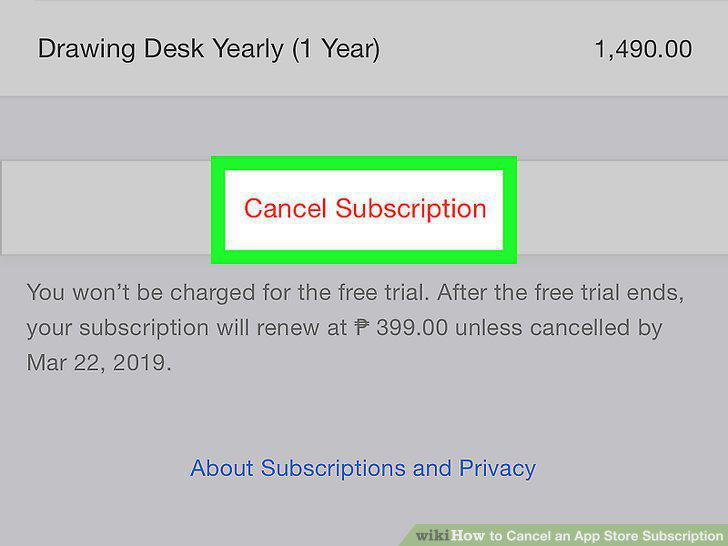
Scroll down and tap Cancel Subscription.
7
Tap Confirm.
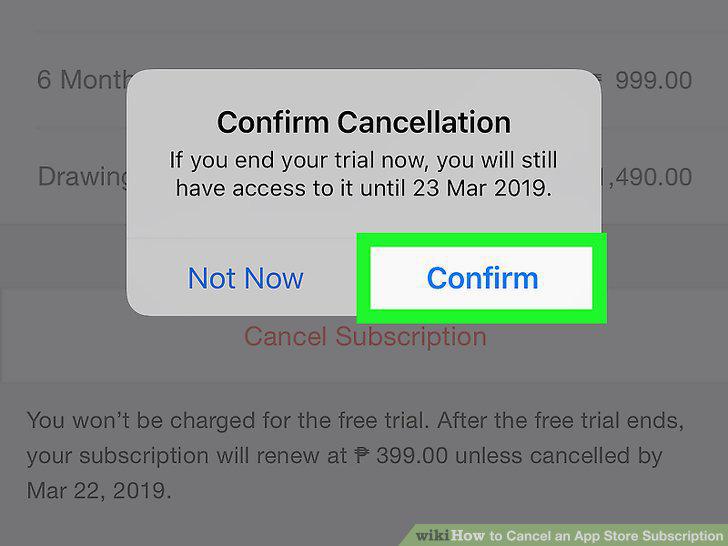
Tap Confirm.
Comments (0)
No comments yet. Be the first to share your thoughts!