How to Add a Link to Your Instagram Story on Android
Open Instagram on your Android.. Tap the tiny house icon.. Tap the icon.
Steps
1
Open Instagram on your Android.
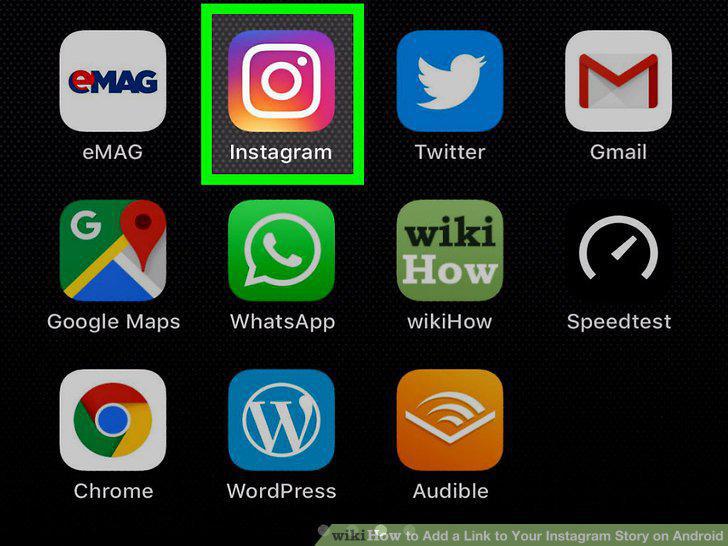
Open Instagram on your Android.
2
Tap the tiny house icon.

Tap the tiny house icon.
3
Tap the icon.

Tap the icon.
4
Take a photo or video for your story.
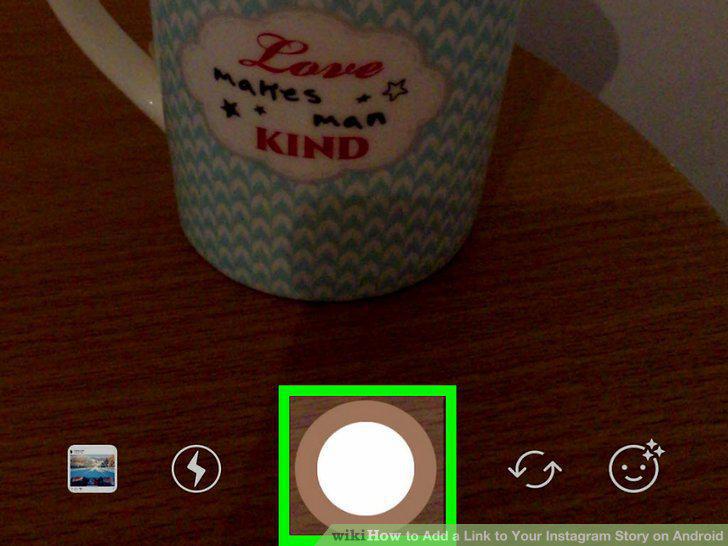
Take a photo or video for your story.
5
Tap the Link icon at the top.
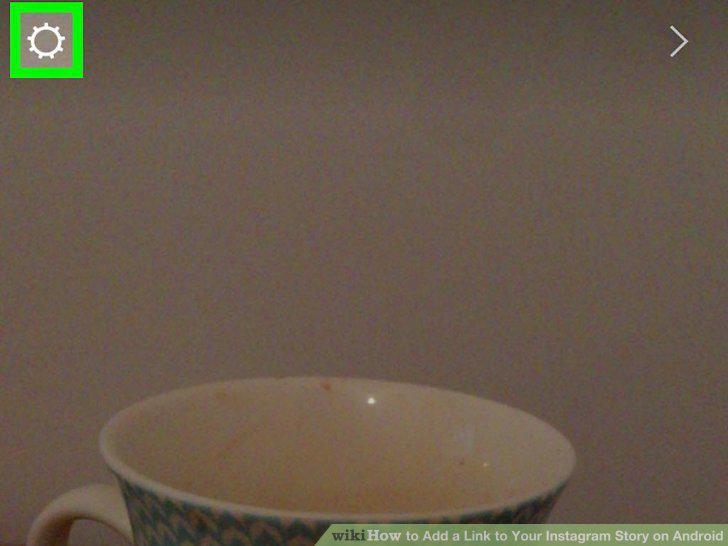
Tap the Link icon at the top.
6
Enter a URL link into the Enter Link field.
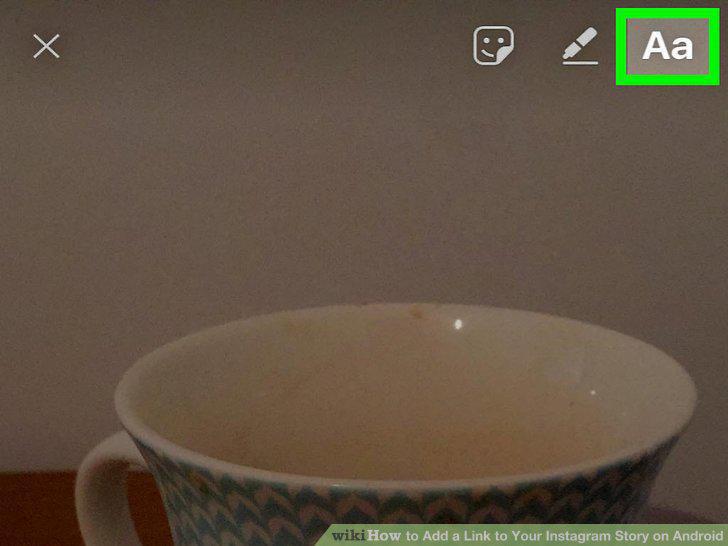
Enter a URL link into the Enter Link field.
7
Tap the blue checkmark icon.
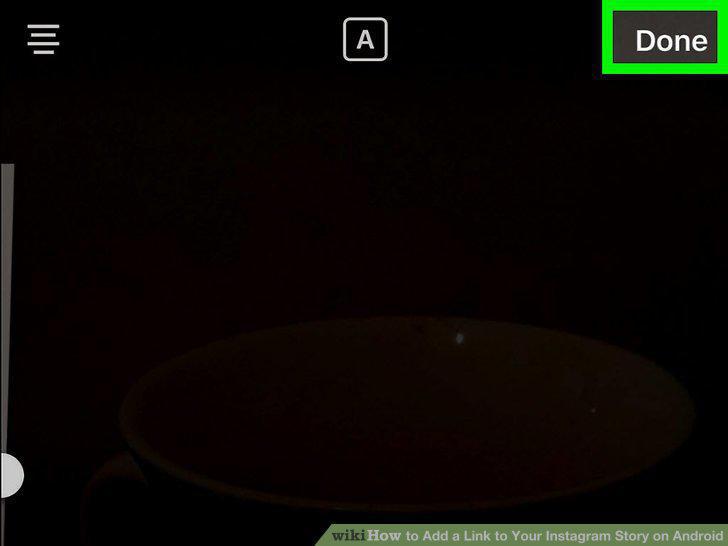
Tap the blue checkmark icon.
8
Tap the + Your Story button.
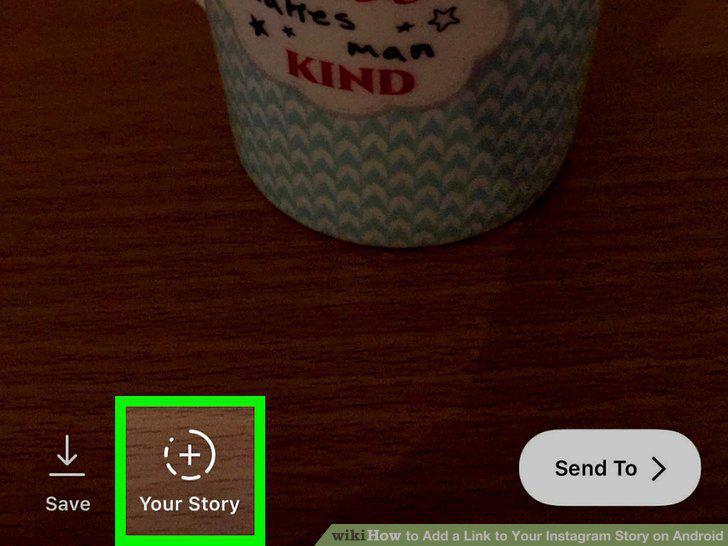
Tap the + Your Story button.
Comments (0)
No comments yet. Be the first to share your thoughts!