Steps
1
Open Start .
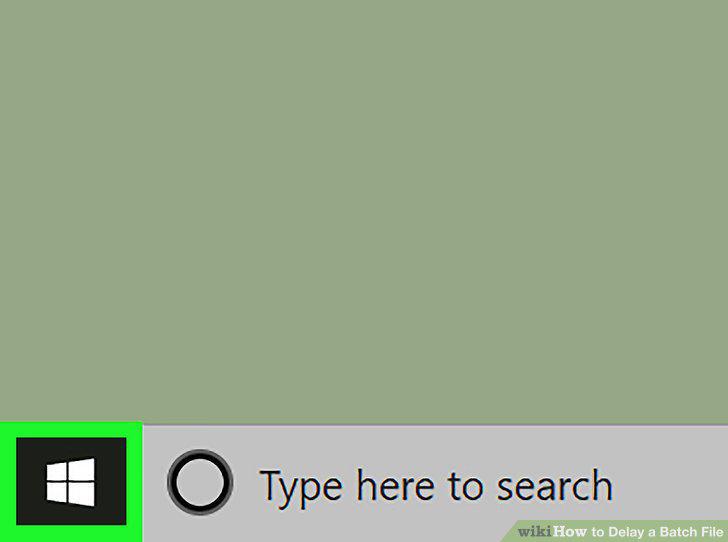
Open Start .
2
Open Notepad.
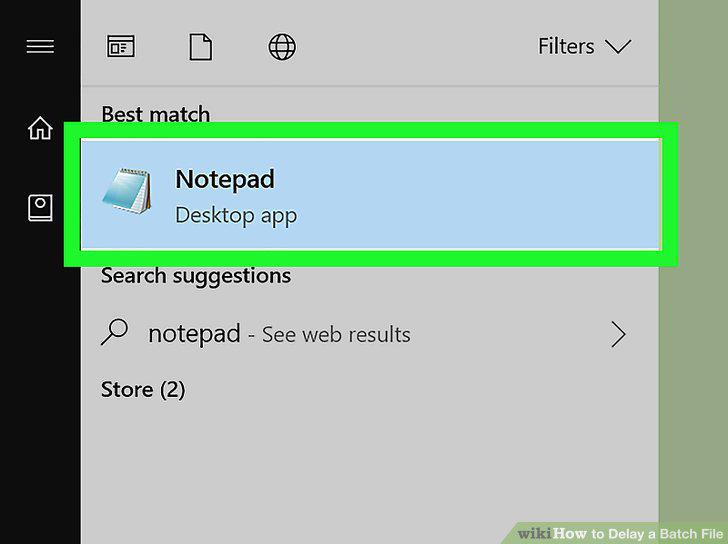
Open Notepad.
3
Create your batch file.
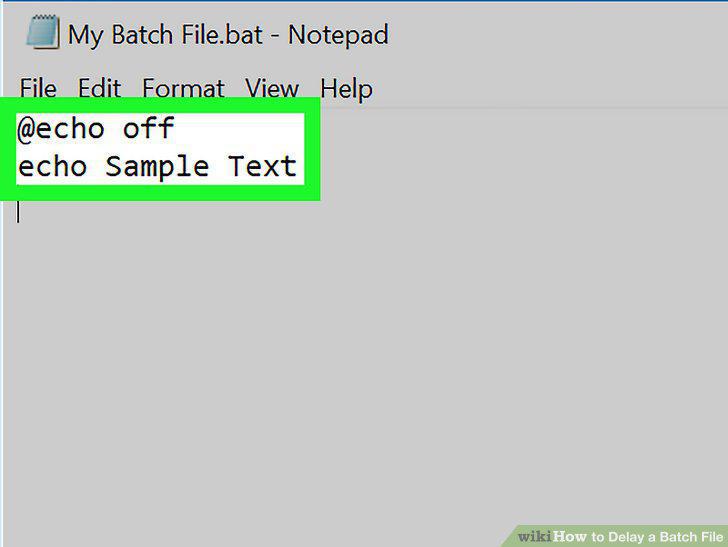
Create your batch file.
4
Determine how you want to delay your file.

Determine how you want to delay your file.
5
Select a place to delay your file.
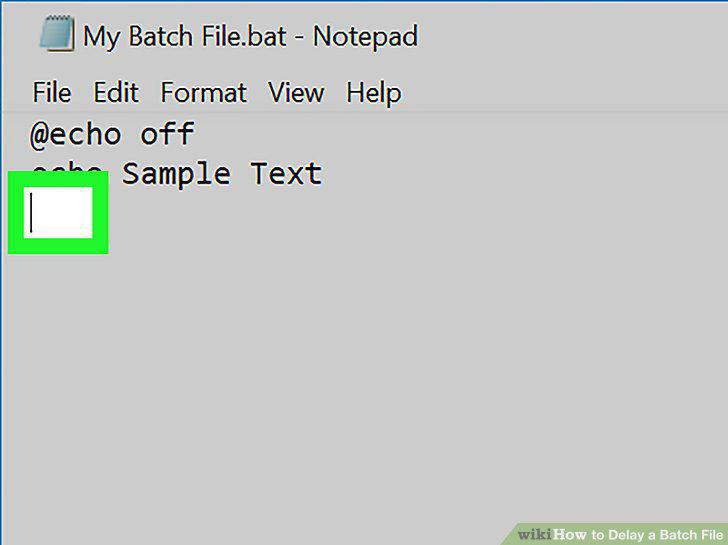
Select a place to delay your file.
6
Type in your command.
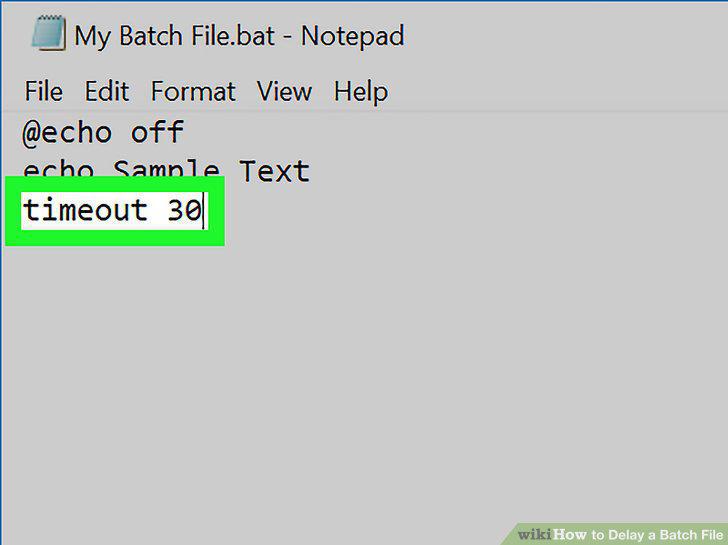
Type in your command.
7
Save your document as a batch file.
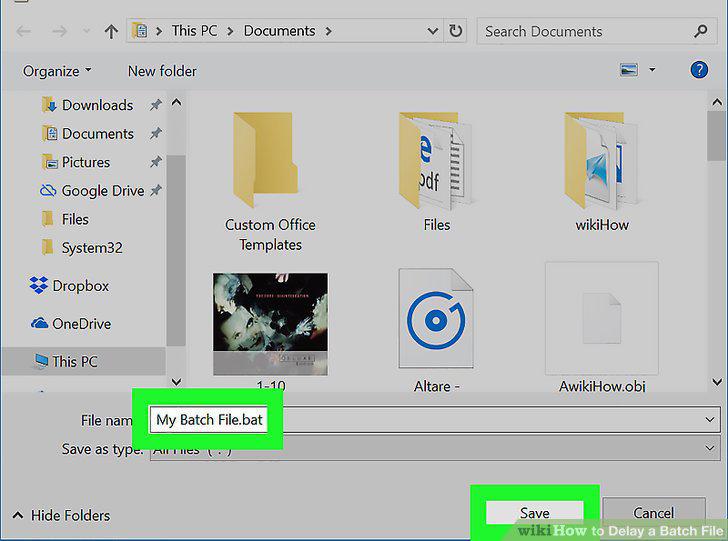
Save your document as a batch file.
Comments (0)
No comments yet. Be the first to share your thoughts!