How to Share Large Video Files
Go to https://drive.google.com in a web browser and login if prompted.. Click or tap the New button or icon.. Click or tap File Upload.
Steps
1
Go to https://drive.google.com in a web browser and login if prompted.
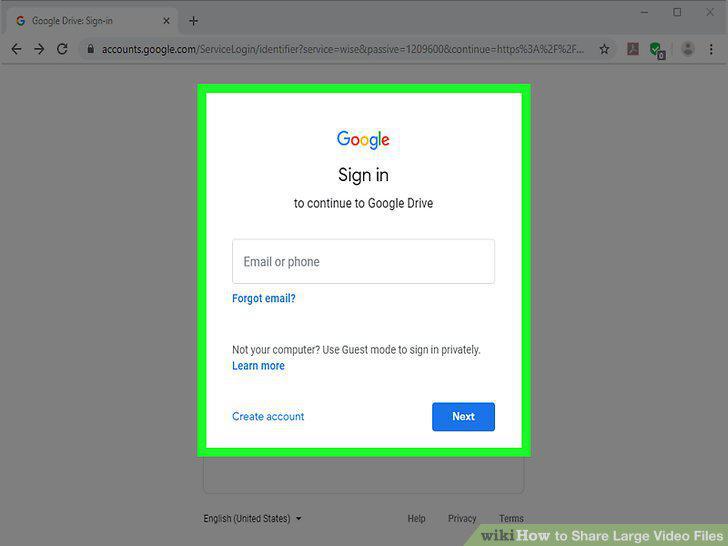
Go to https://drive.google.com in a web browser and login if prompted.
2
Click or tap the New button or icon.
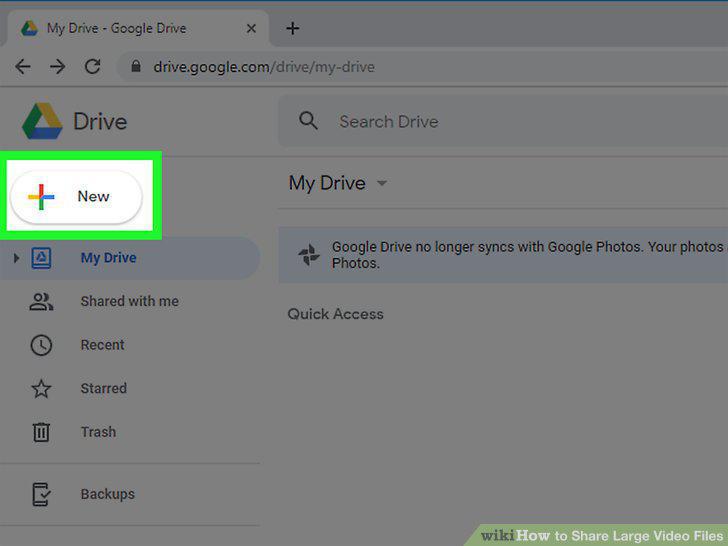
Click or tap the New button or icon.
3
Click or tap File Upload.
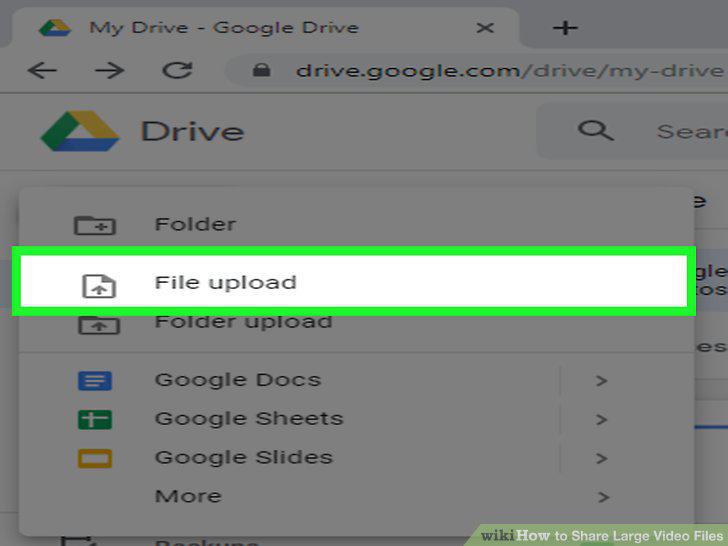
Click or tap File Upload.
4
Navigate to and click or tap on your file.
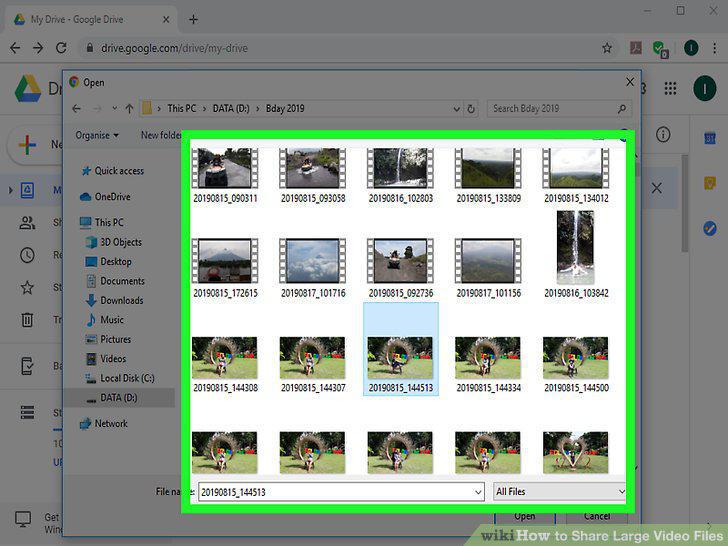
Navigate to and click or tap on your file.
5
Share your file
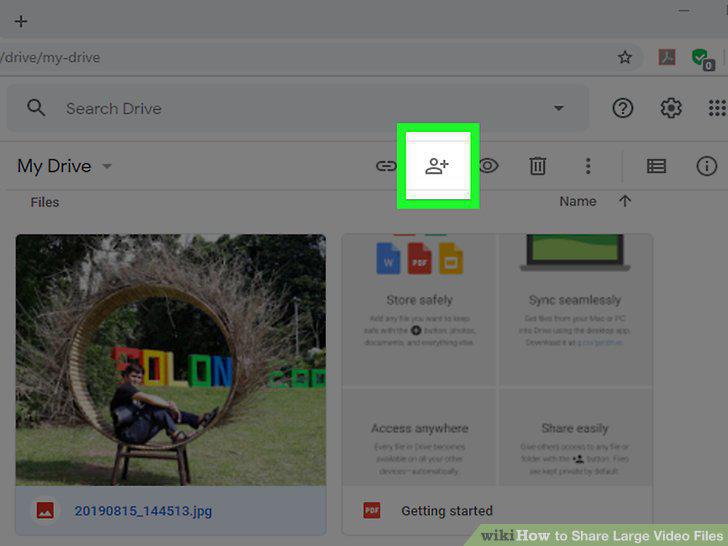
Share your file
6
Login to YouTube at https://www.youtube.com/.
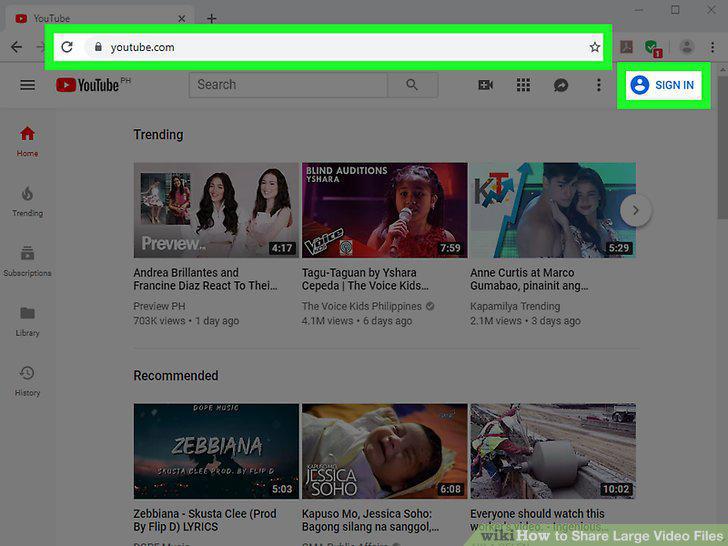
Login to YouTube at https://www.youtube.com/.
7
Click the video camera icon.
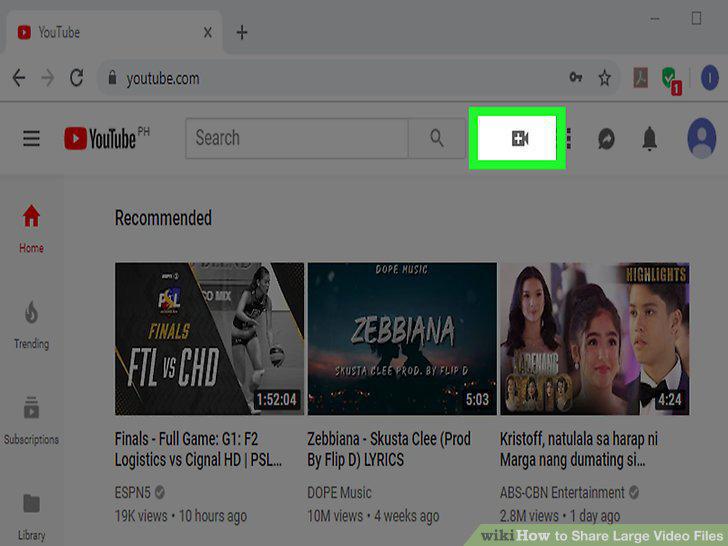
Click the video camera icon.
8
Click Upload Video.
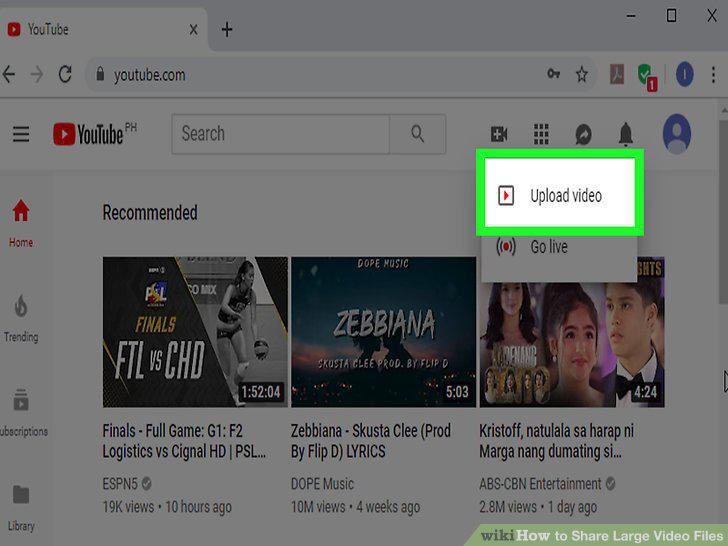
Click Upload Video.
9
Set the privacy settings for your video.
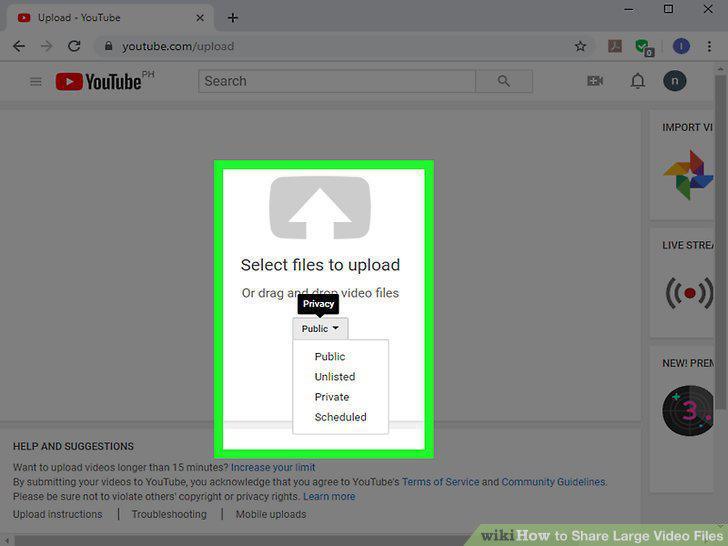
Set the privacy settings for your video.
10
Drag and drop your video into the browser.
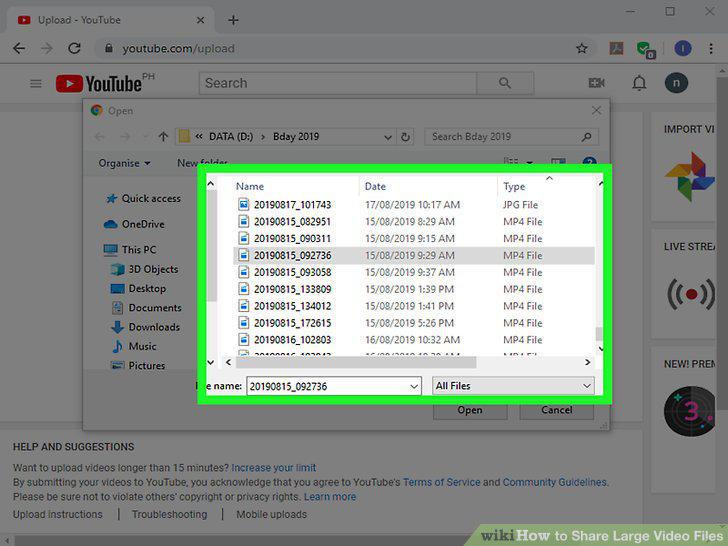
Drag and drop your video into the browser.
11
Enter the information about your video.
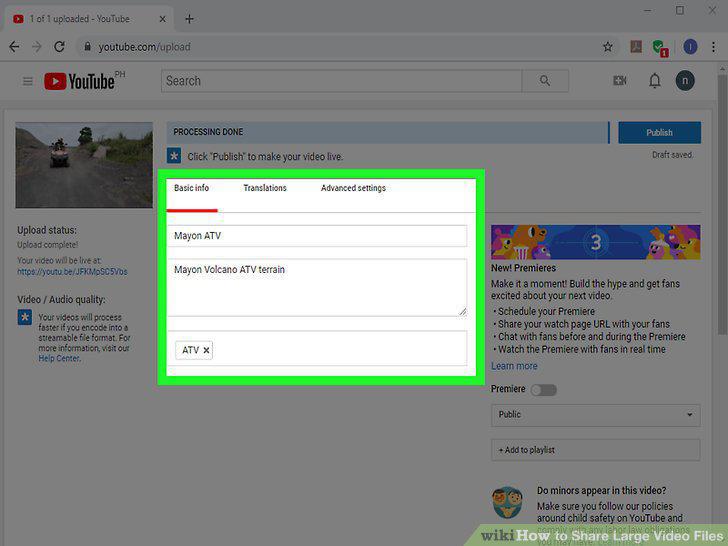
Enter the information about your video.
12
Click Done.
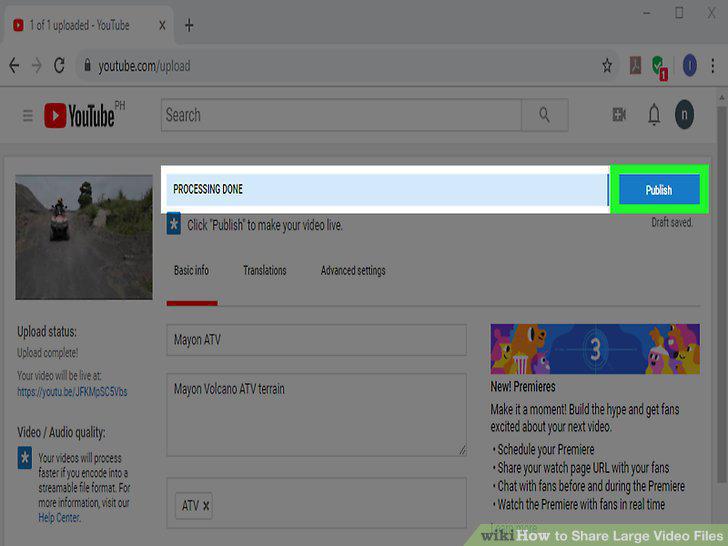
Click Done.
13
Go to https://dropbox.com in a web browser and login if prompted.
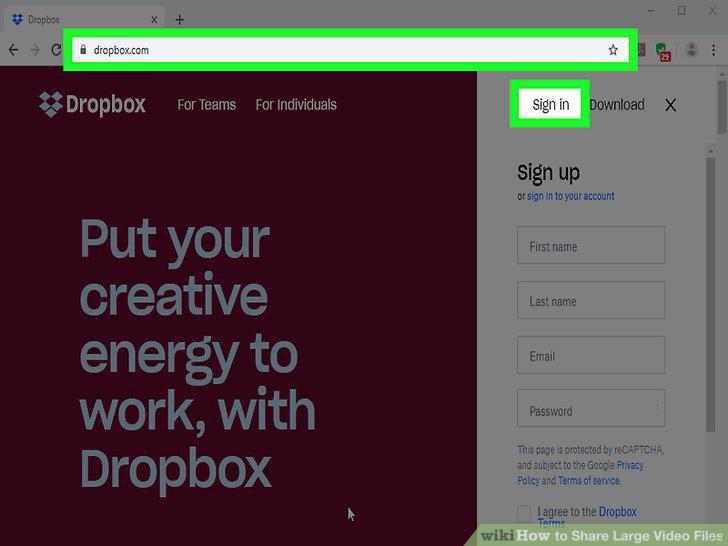
Go to https://dropbox.com in a web browser and login if prompted.
14
Click or tap Upload Files or icon.
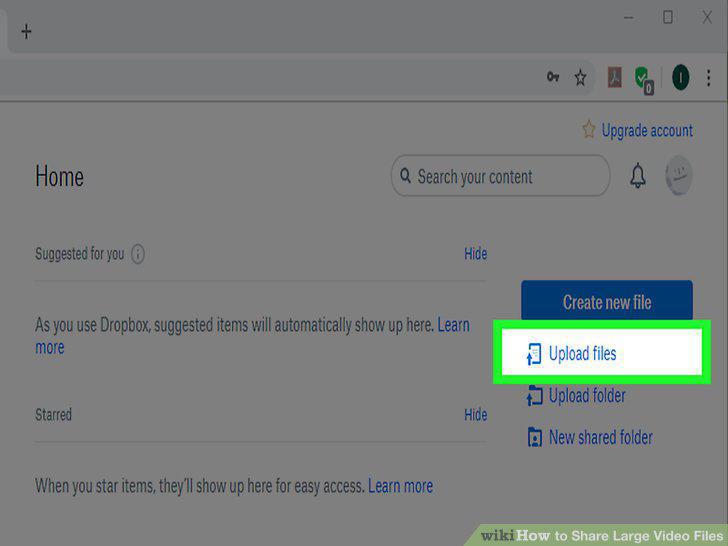
Click or tap Upload Files or icon.
15
Navigate to and click or tap on your file.
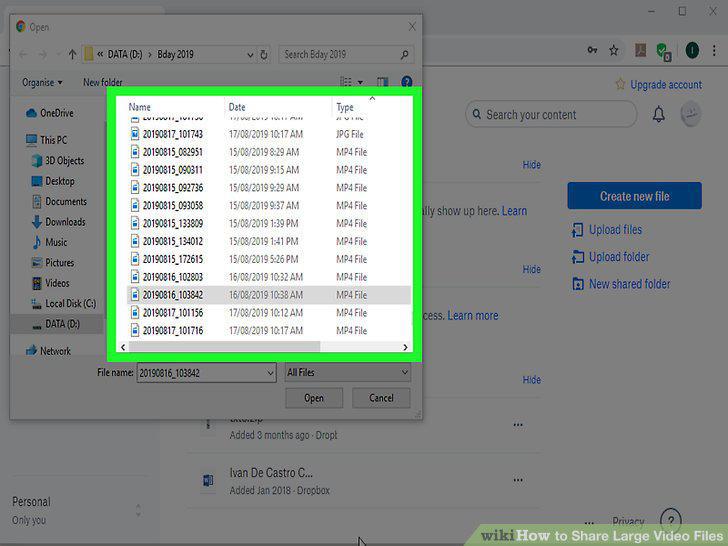
Navigate to and click or tap on your file.
16
Share your file.
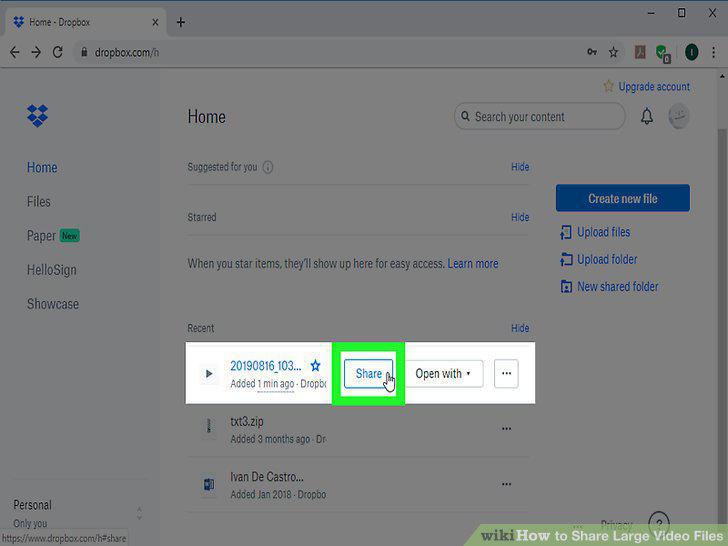
Share your file.
Comments (0)
No comments yet. Be the first to share your thoughts!