How to Use a Reciprocating Saw
Unplug the cord or remove the battery pack.. Select a blade made to cut through the material you have.. Press down the lever or button on the saw's chuck.
Steps
Unplug the cord or remove the battery pack.
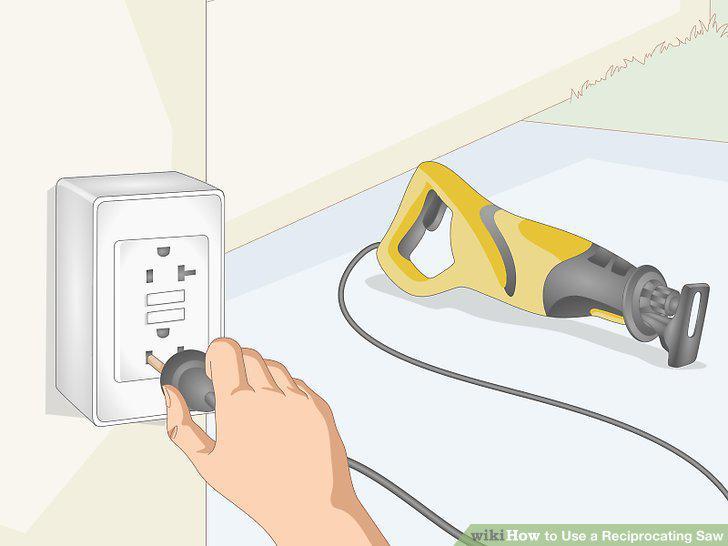
Unplug the cord or remove the battery pack.
Select a blade made to cut through the material you have.
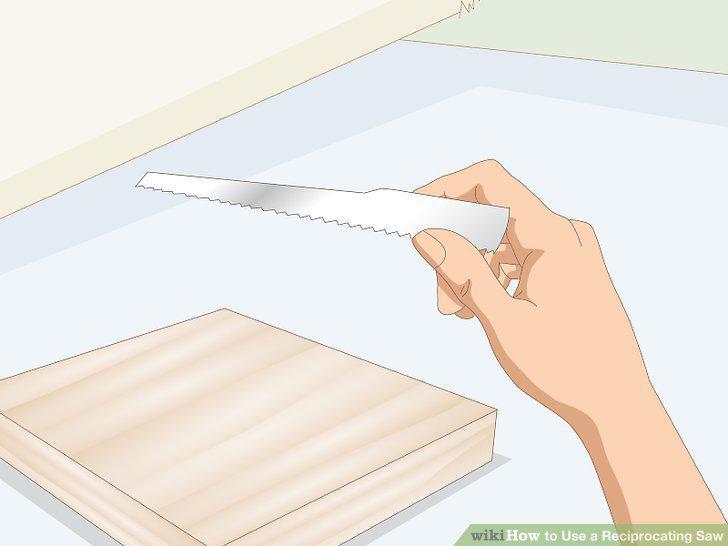
Select a blade made to cut through the material you have.
Press down the lever or button on the saw's chuck.
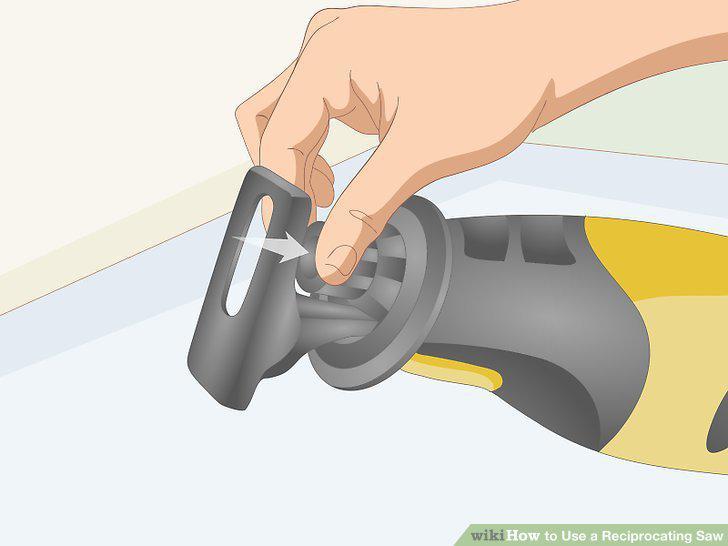
Press down the lever or button on the saw's chuck.
Slide the blade into the slot and let go of the lever.
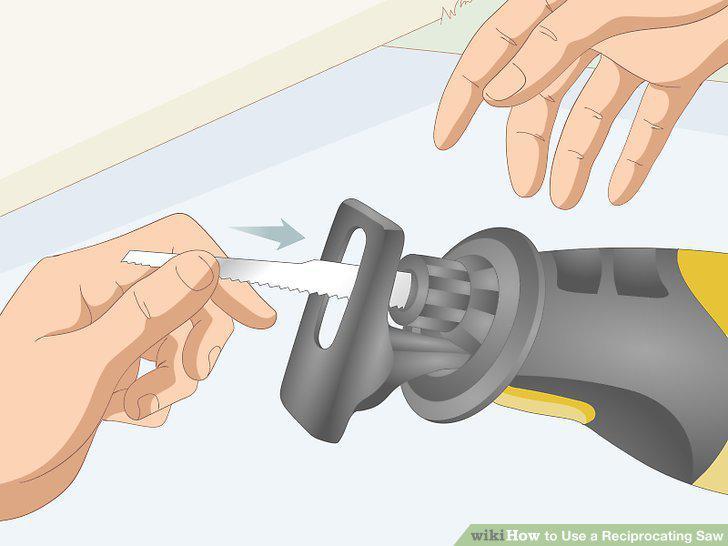
Slide the blade into the slot and let go of the lever.
Adjust the shoe to stabilize the blade and adjust its length.
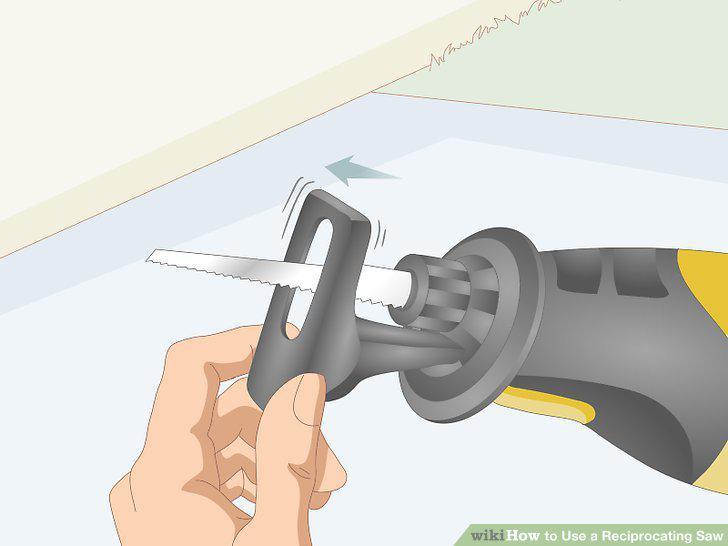
Adjust the shoe to stabilize the blade and adjust its length.
Draw the line you want to cut on the material.
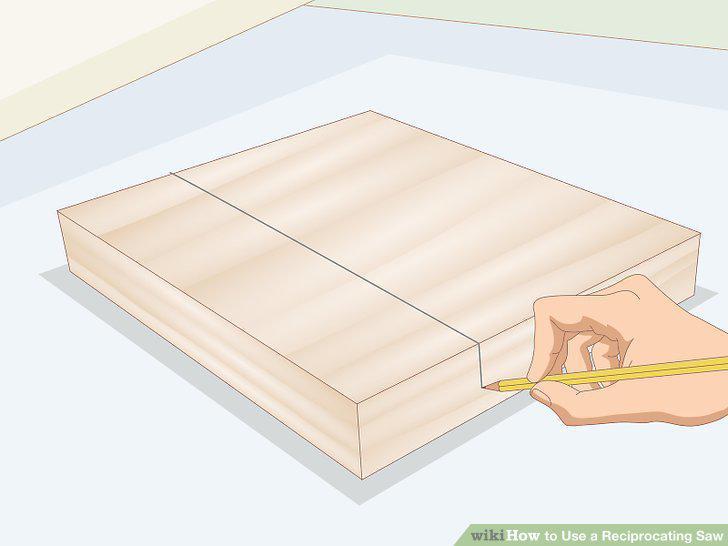
Draw the line you want to cut on the material.
Clamp the material to your work surface if you're able.
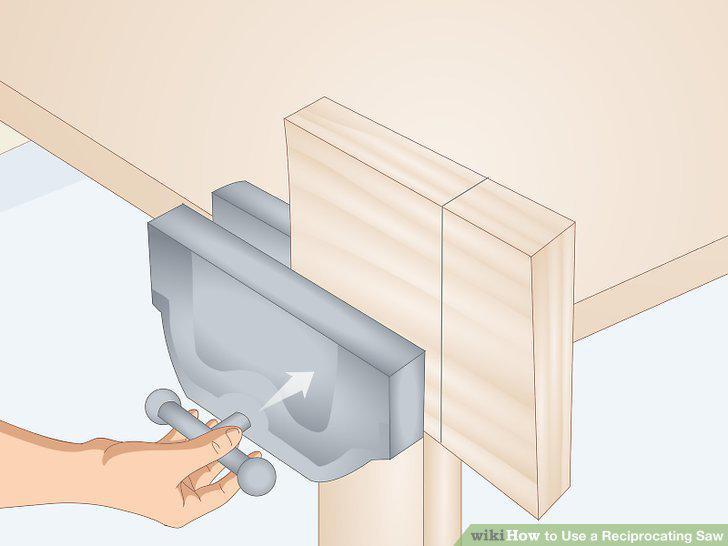
Clamp the material to your work surface if you're able.
Wear safety glasses and earplugs while you're working.
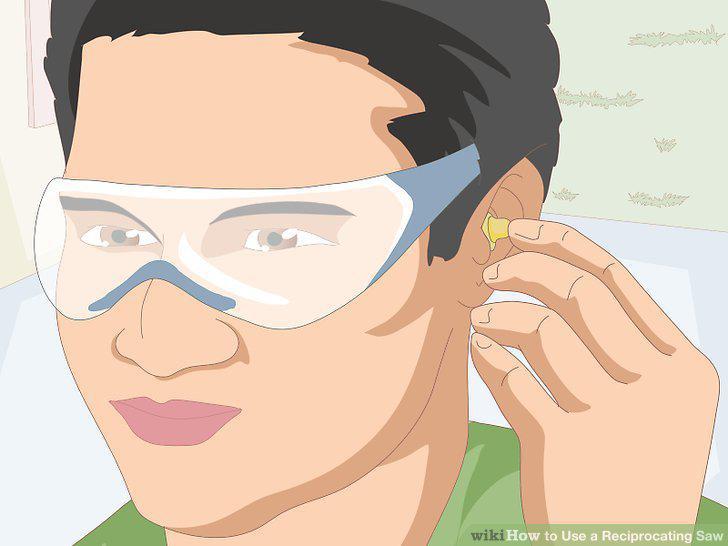
Wear safety glasses and earplugs while you're working.
Hold the reciprocating saw firmly with both hands.
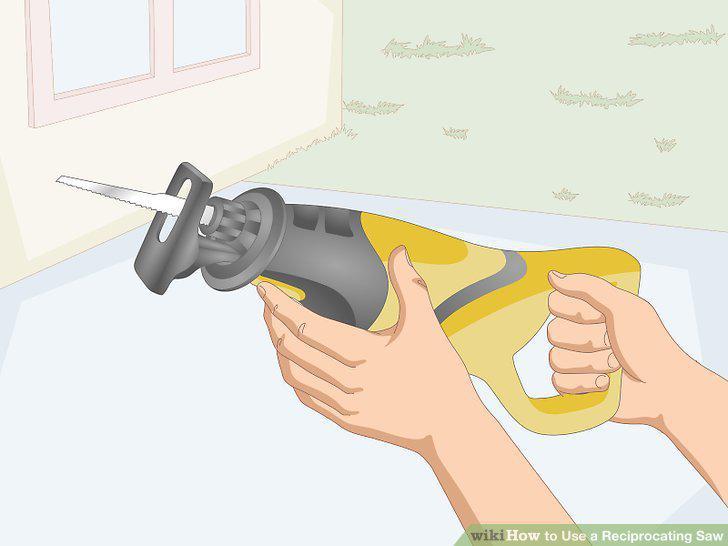
Hold the reciprocating saw firmly with both hands.
Press the shoe against the material to stabilize the saw.
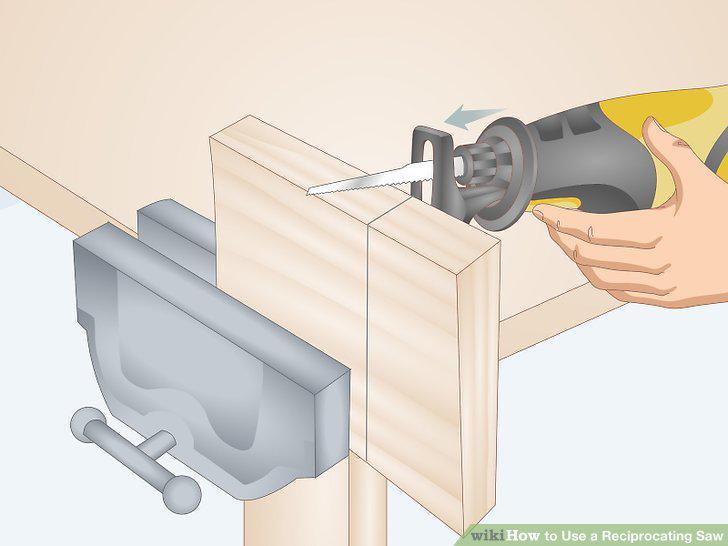
Press the shoe against the material to stabilize the saw.
Pull the trigger to bring the saw to full speed.
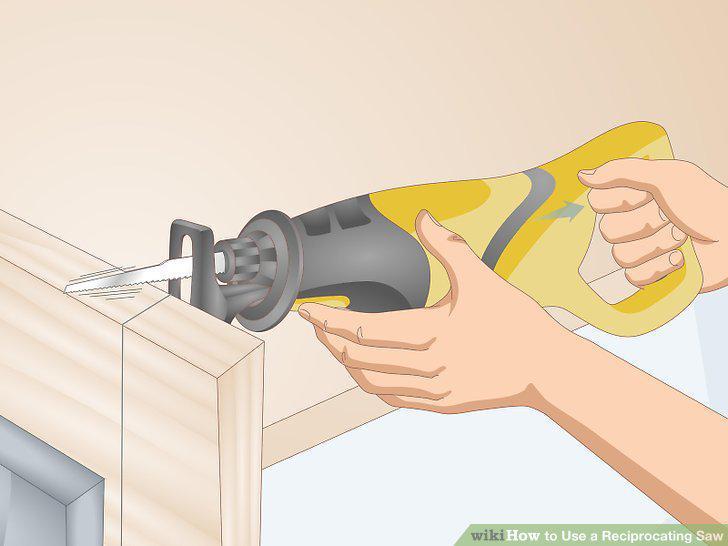
Pull the trigger to bring the saw to full speed.
Guide the blade straight through the material.
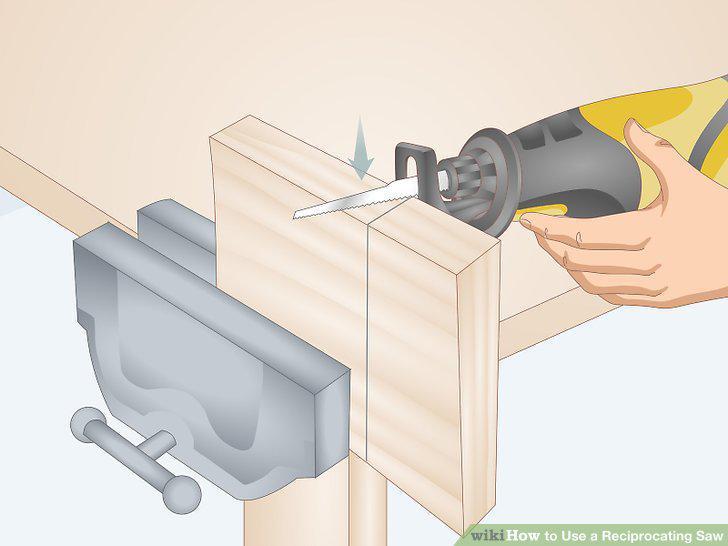
Guide the blade straight through the material.
Make a plunge cut by pressing the blade tip through the material.
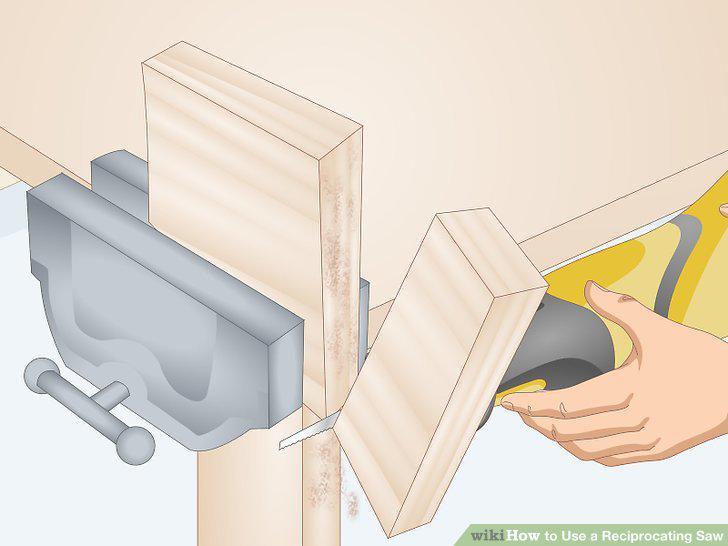
Make a plunge cut by pressing the blade tip through the material.
Disconnect power and store the saw on its side.
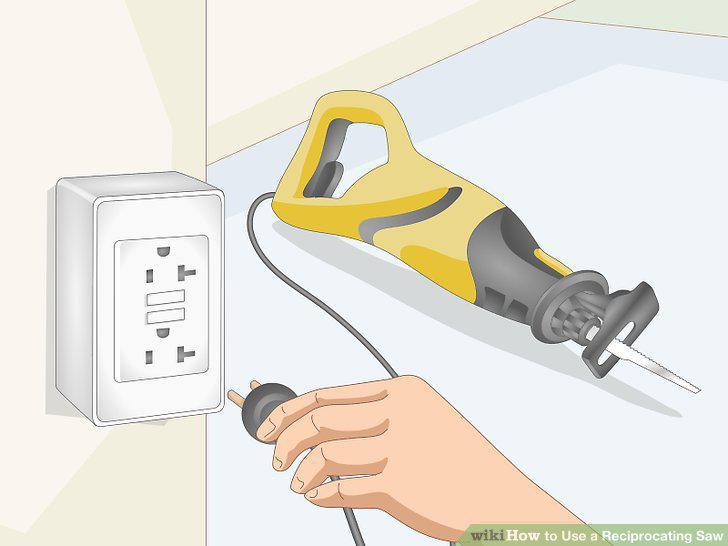
Disconnect power and store the saw on its side.
Comments (0)
No comments yet. Be the first to share your thoughts!