How to Convert PDF to PES
Open Online2Pdf.com in your internet browser.. Click the gray Select files button.. Upload the PDF file you want to convert.
Steps
Open Online2Pdf.com in your internet browser.
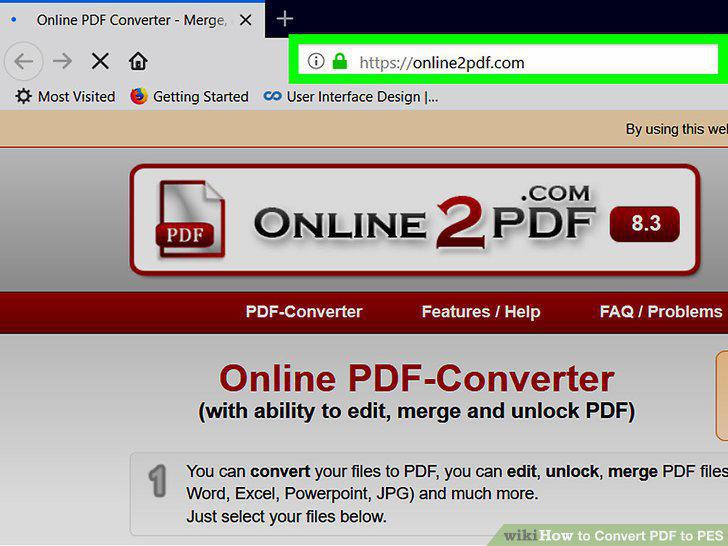
Open Online2Pdf.com in your internet browser.
Click the gray Select files button.
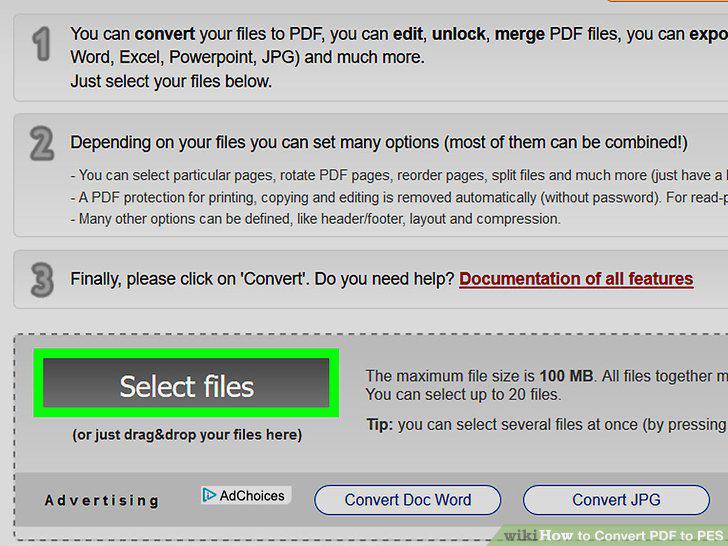
Click the gray Select files button.
Upload the PDF file you want to convert.
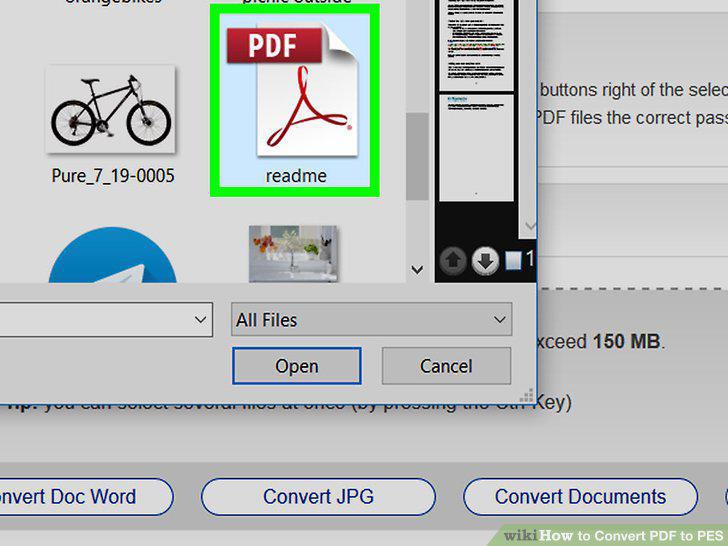
Upload the PDF file you want to convert.
Click the drop-down menu next to "convert to.
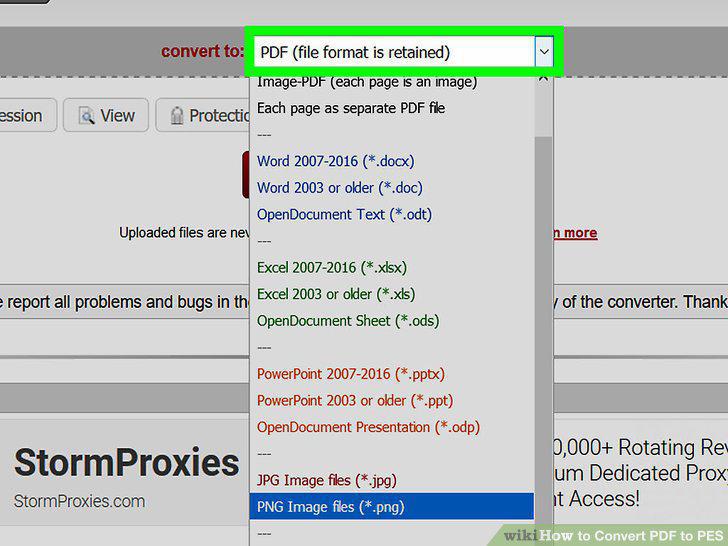
Click the drop-down menu next to "convert to.
Select PNG image files (*.png) on the drop-down menu.
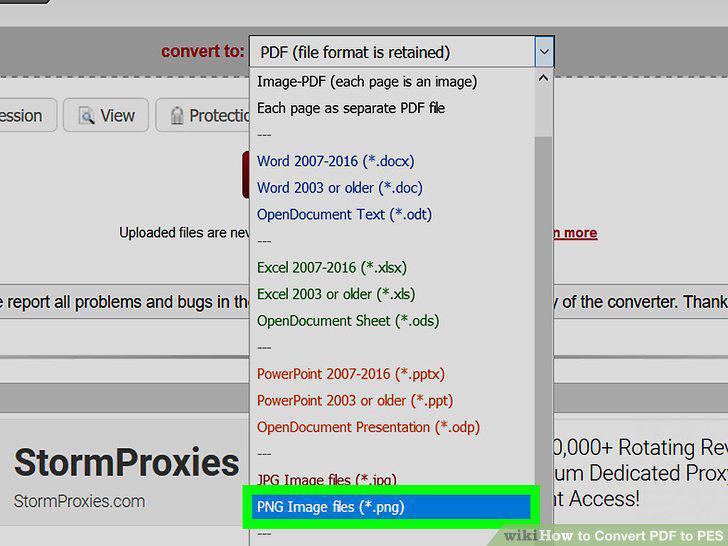
Select PNG image files (*.png) on the drop-down menu.
Click the red Convert button.

Click the red Convert button.
Open the PE-Design program on your computer.
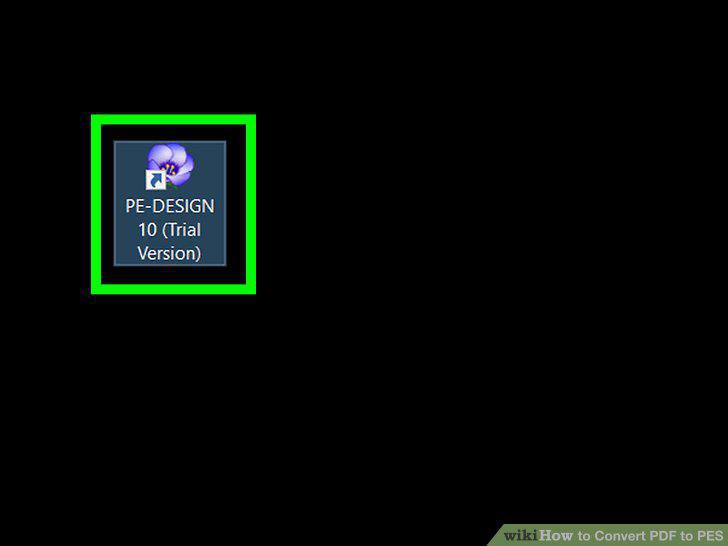
Open the PE-Design program on your computer.
Click the Create Embroidery Patterns Using Images option.
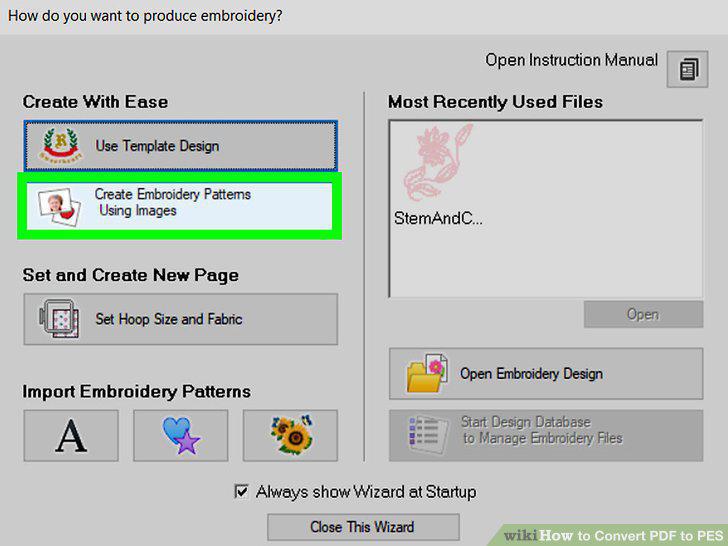
Click the Create Embroidery Patterns Using Images option.
Upload your PNG image file to PE-Design.
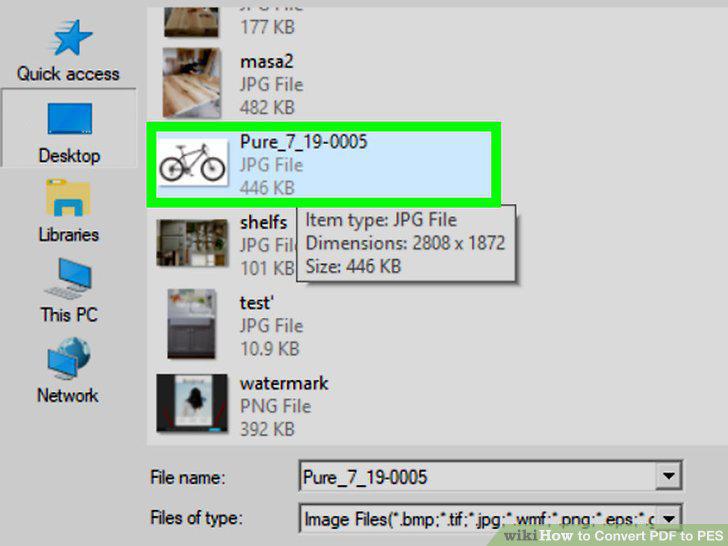
Upload your PNG image file to PE-Design.
Select the stitching method you want to use.
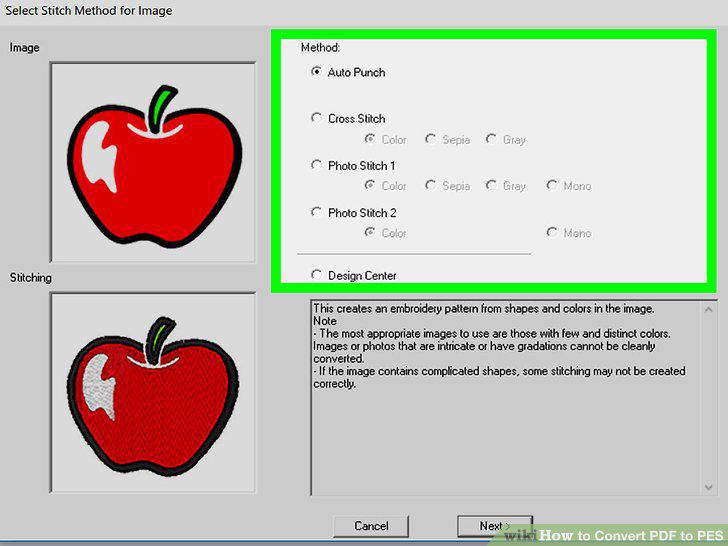
Select the stitching method you want to use.
Select a mask for your stitching.
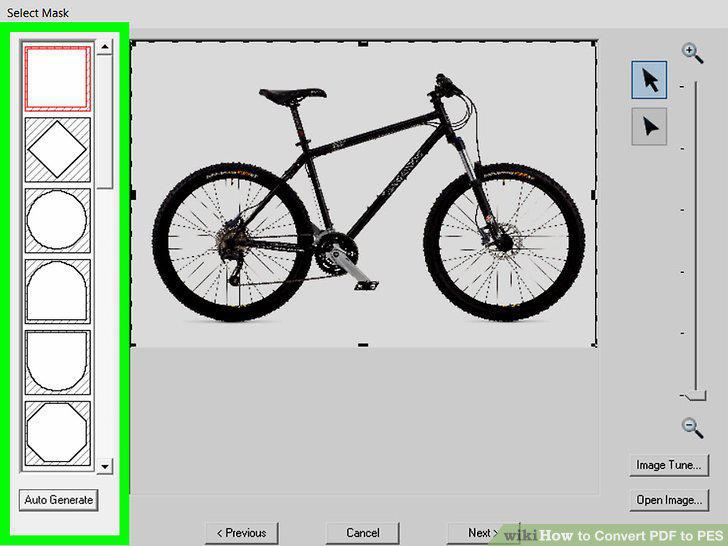
Select a mask for your stitching.
Make sure your colors and cross size are correct in Stitch Parameters.
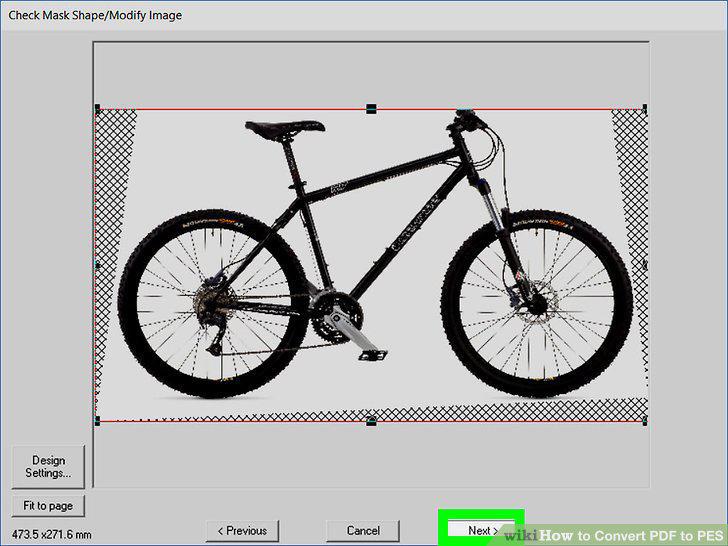
Make sure your colors and cross size are correct in Stitch Parameters.
Click Finish in the Edit Stitch window.
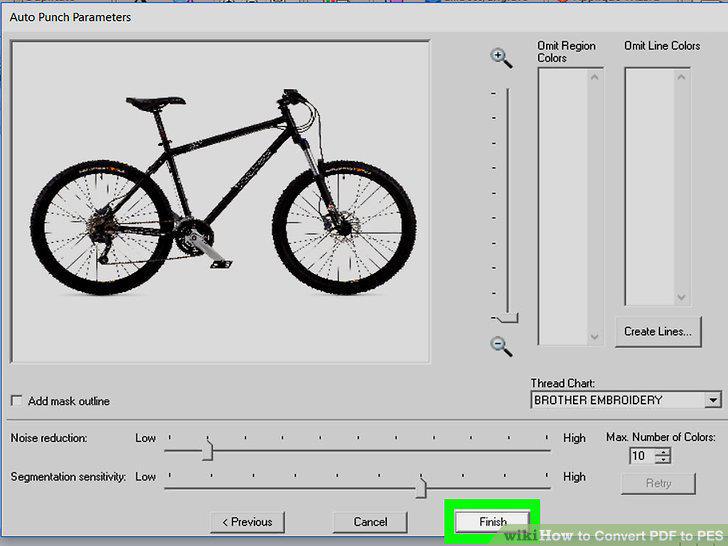
Click Finish in the Edit Stitch window.
Click the Send button on the top-right.
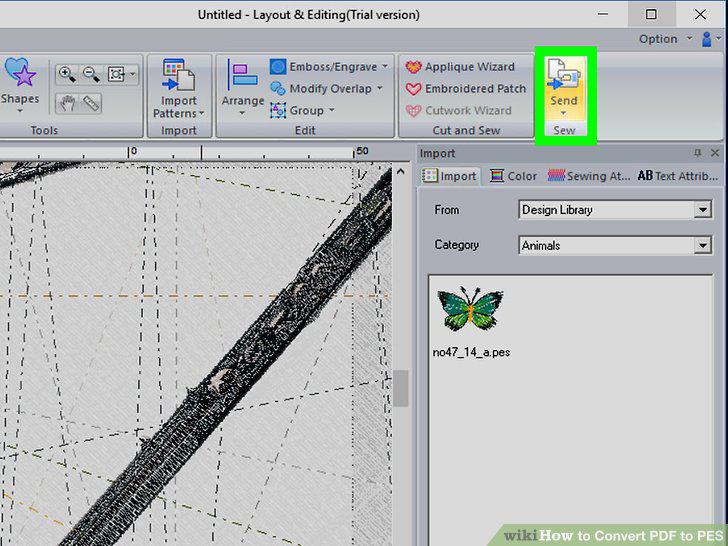
Click the Send button on the top-right.
Click the Write to Card option.
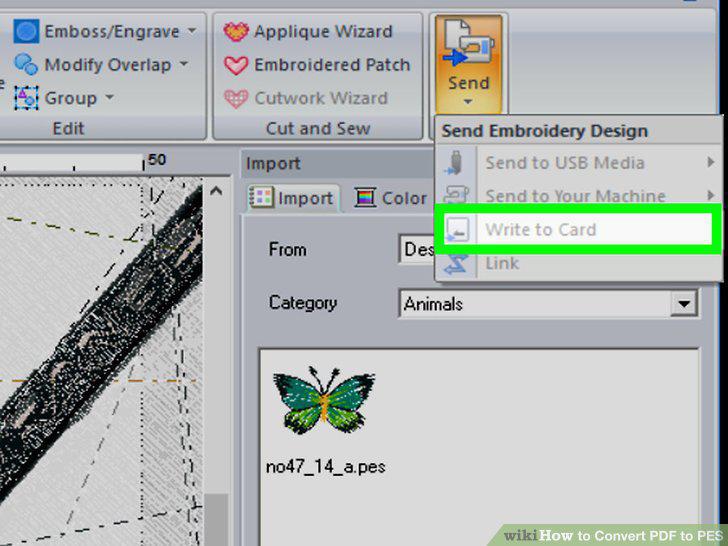
Click the Write to Card option.
Select PES Files as your file type.
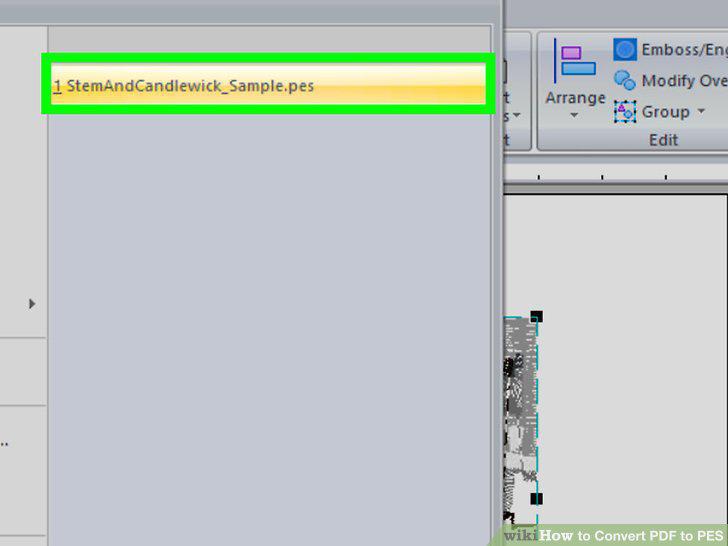
Select PES Files as your file type.
Comments (0)
No comments yet. Be the first to share your thoughts!