How to Open a PDF on Android
Open the Play Store.. Search and open the Adobe Acrobat Reader app on the Play Store.. Tap the INSTALL button.
Steps
1
Open the Play Store.
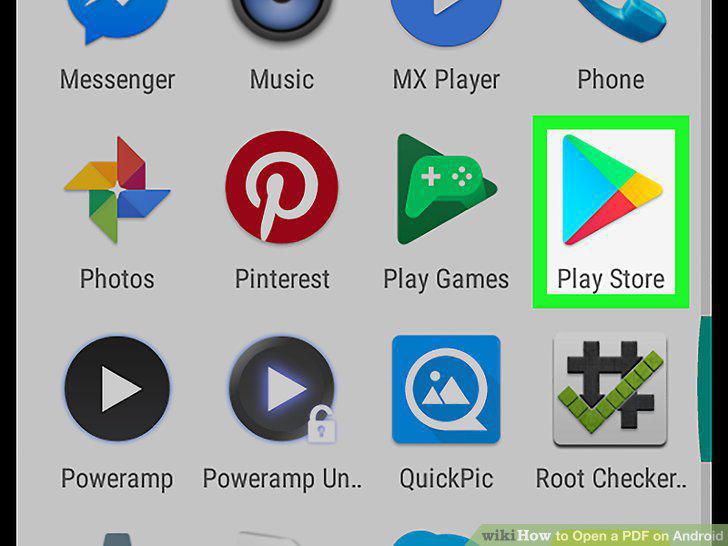
Open the Play Store.
2
Search and open the Adobe Acrobat Reader app on the Play Store.
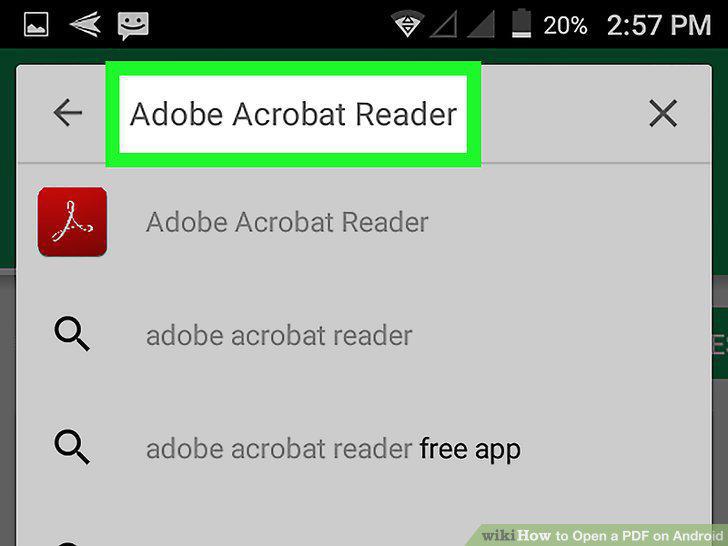
Search and open the Adobe Acrobat Reader app on the Play Store.
3
Tap the INSTALL button.
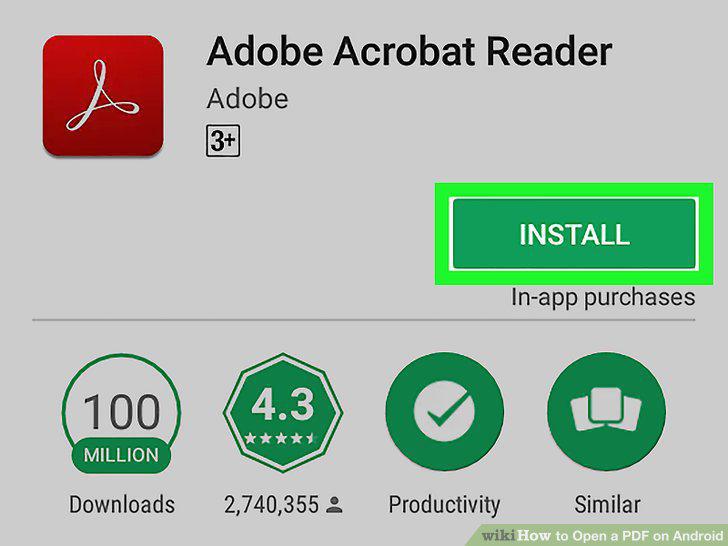
Tap the INSTALL button.
4
Tap the green OPEN button.
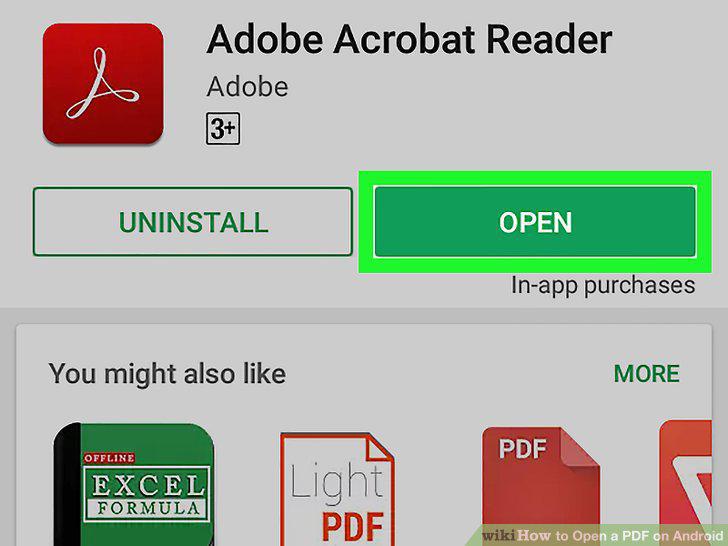
Tap the green OPEN button.
5
Swipe left a few times and tap Get Started.
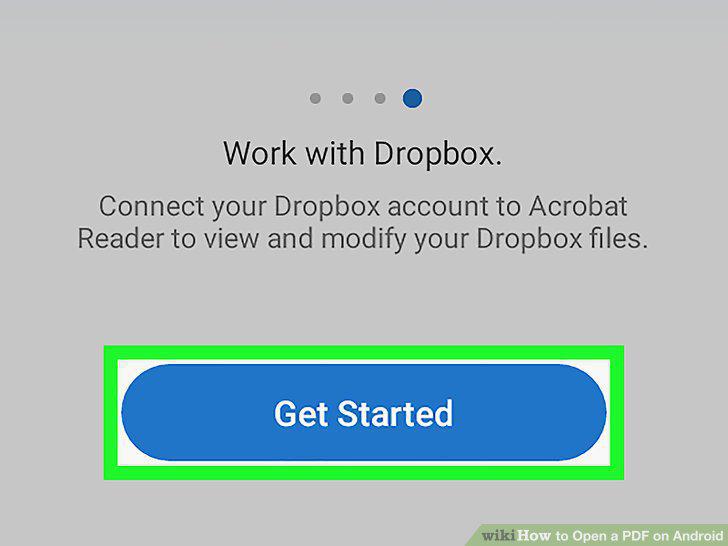
Swipe left a few times and tap Get Started.
6
Tap the LOCAL tab.
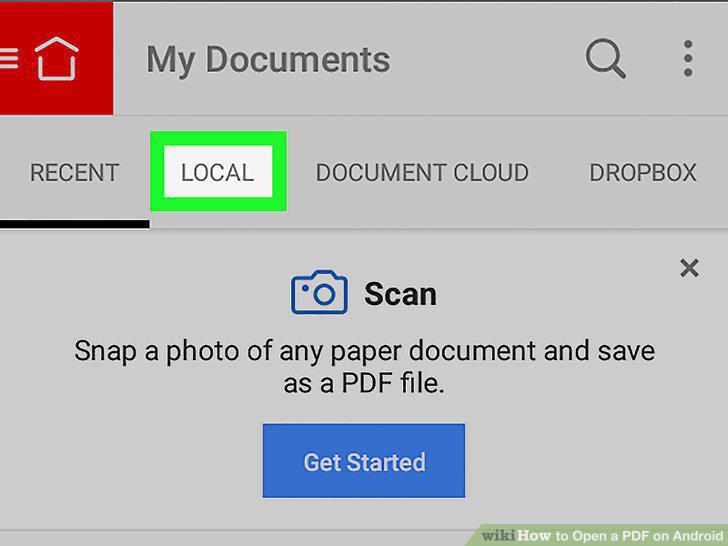
Tap the LOCAL tab.
7
Tap a PDF file on the list.
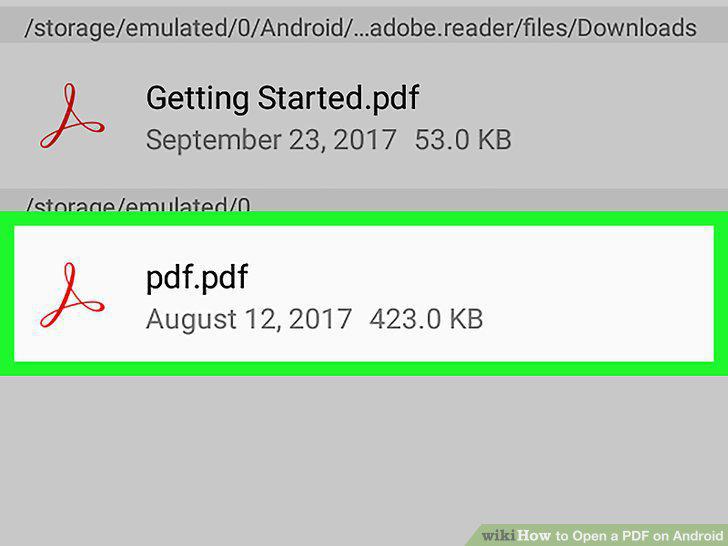
Tap a PDF file on the list.
Comments (0)
No comments yet. Be the first to share your thoughts!