How to Make a Pie Chart in Excel
Open Microsoft Excel.. Click Blank workbook (PC) or Excel Workbook (Mac).. Add a name to the chart.
Steps
1
Open Microsoft Excel.
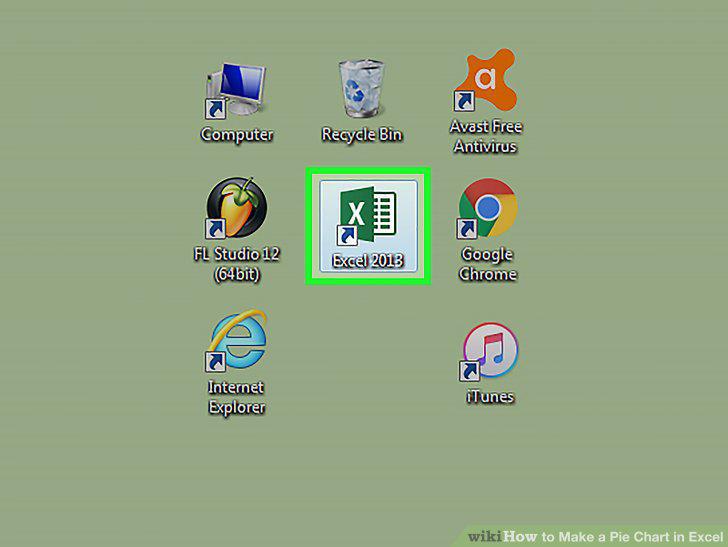
Open Microsoft Excel.
2
Click Blank workbook (PC) or Excel Workbook (Mac).
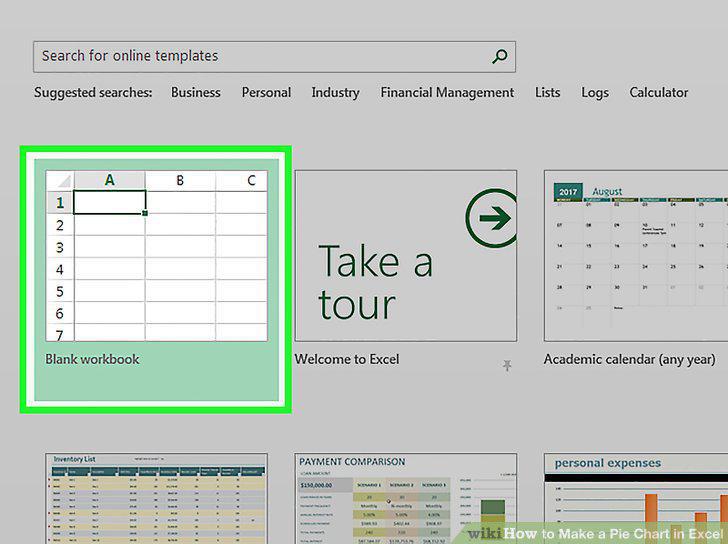
Click Blank workbook (PC) or Excel Workbook (Mac).
3
Add a name to the chart.

Add a name to the chart.
4
Add your data to the chart.

Add your data to the chart.
5
Finish adding your data.

Finish adding your data.
6
Select all of your data.

Select all of your data.
7
Click the Insert tab.
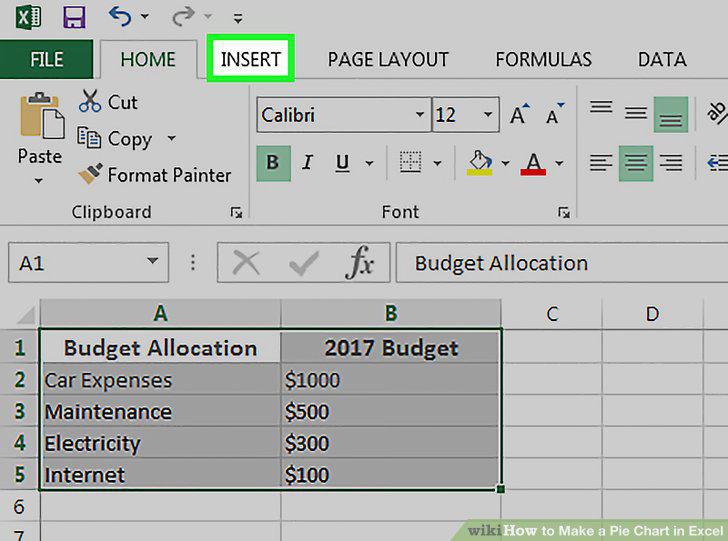
Click the Insert tab.
8
Click the "Pie Chart" icon.
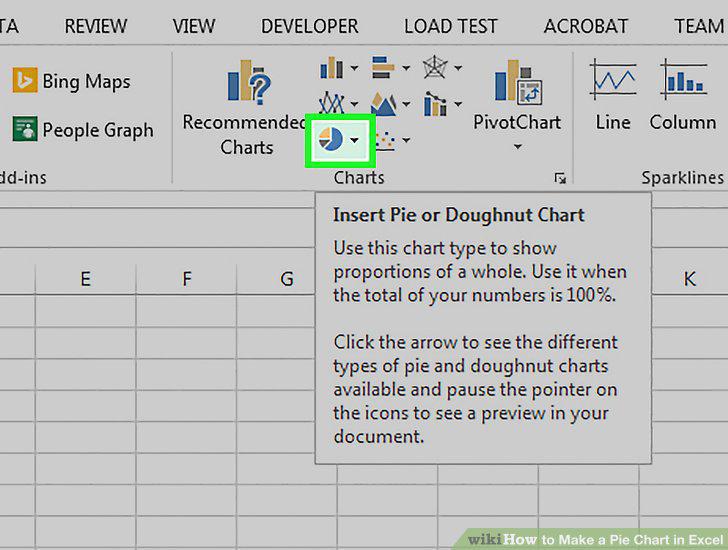
Click the "Pie Chart" icon.
9
Click an option.
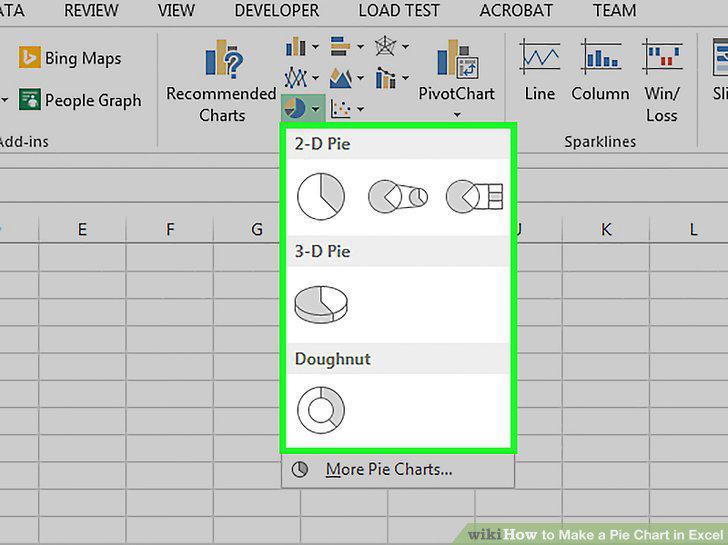
Click an option.
10
Customize your chart's appearance.
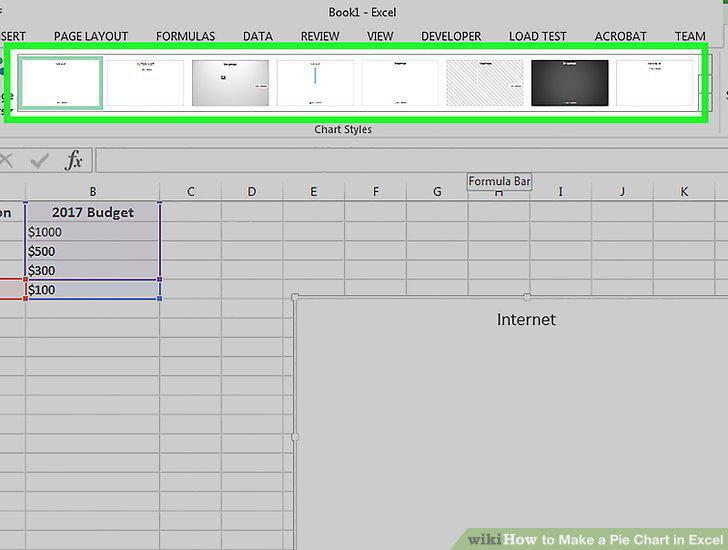
Customize your chart's appearance.
Comments (0)
No comments yet. Be the first to share your thoughts!