How to Change Your Wi Fi Password
Open your router's configuration page.. Enter your router's username and password.. Open the Wireless section.
Steps
1
Open your router's configuration page.
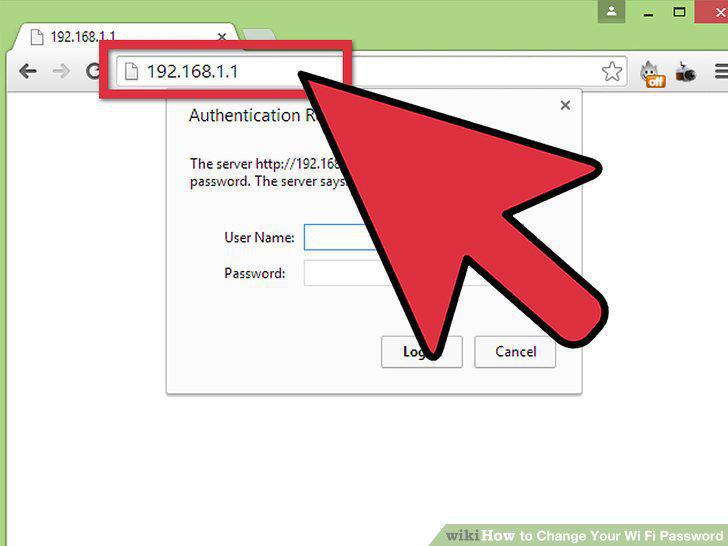
Open your router's configuration page.
2
Enter your router's username and password.
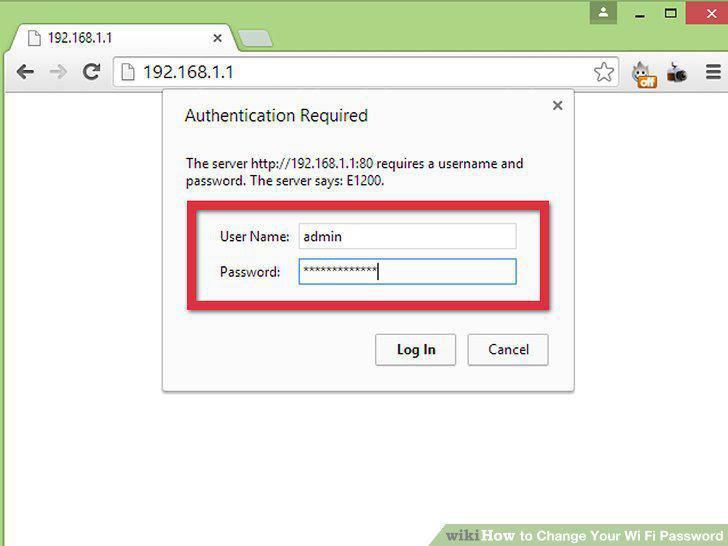
Enter your router's username and password.
3
Open the Wireless section.
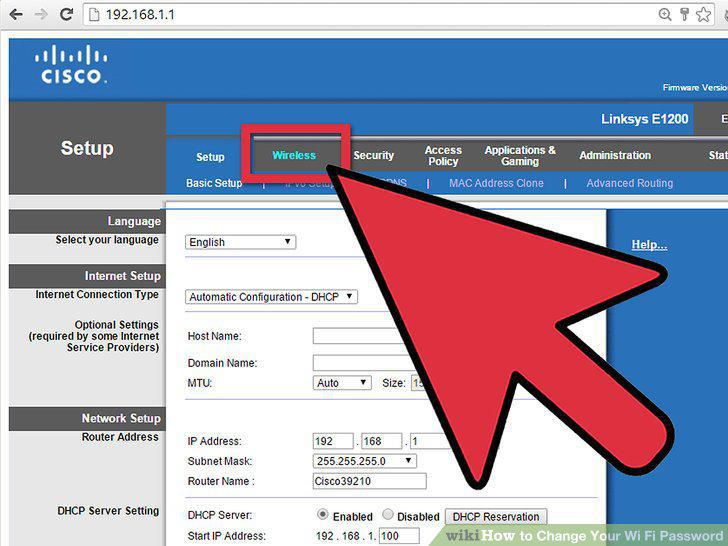
Open the Wireless section.
4
Change the password.
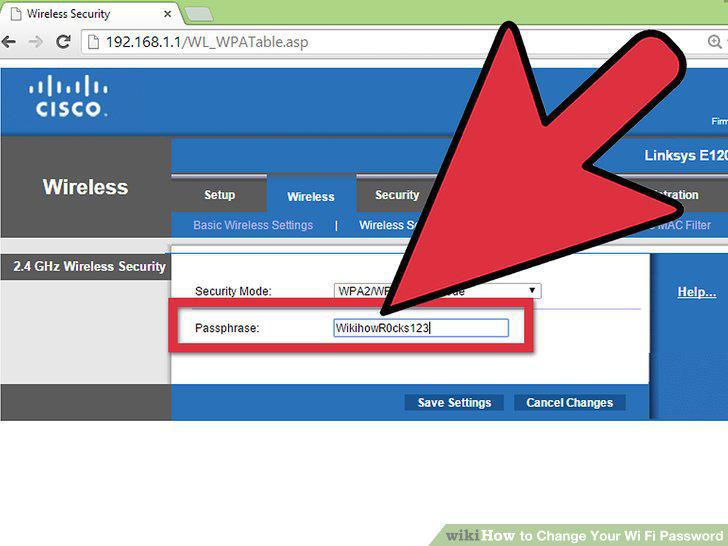
Change the password.
5
Check out your security type.
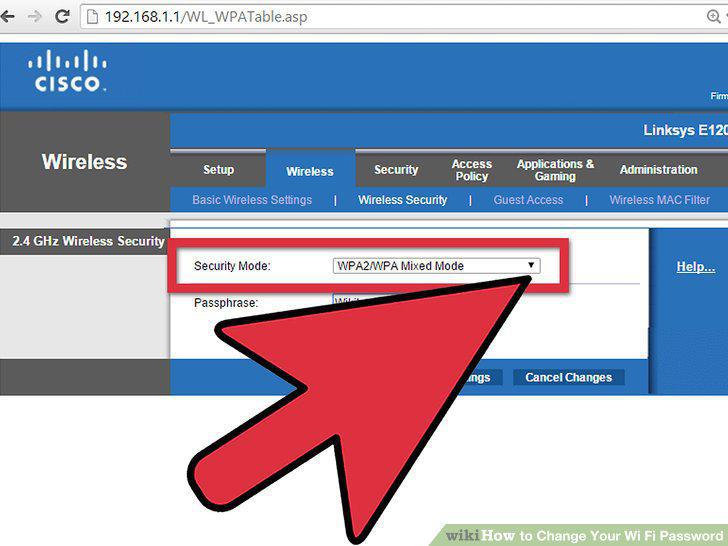
Check out your security type.
6
Change your network name.
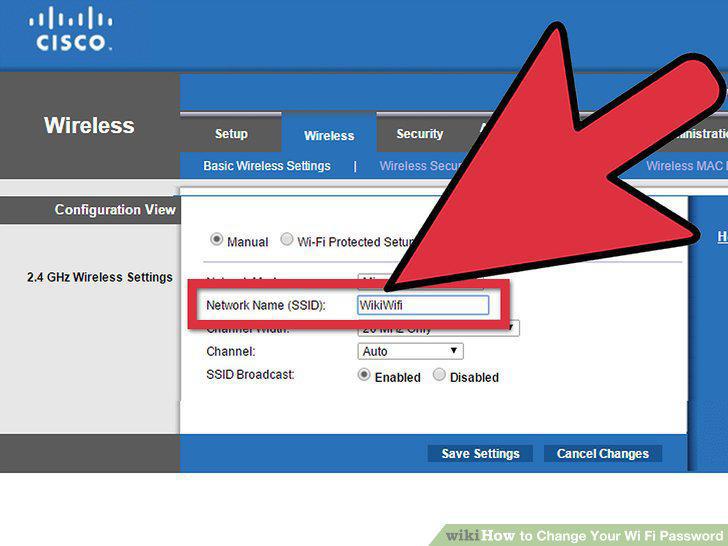
Change your network name.
7
Save your settings.
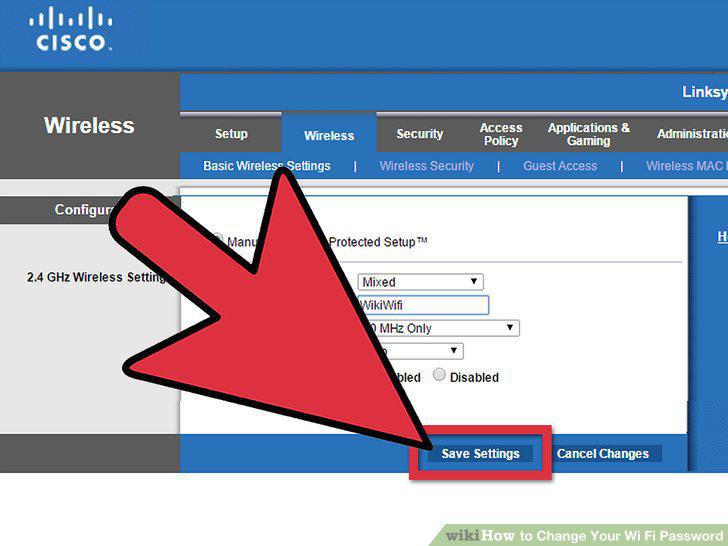
Save your settings.
Comments (0)
No comments yet. Be the first to share your thoughts!