How to Log Out of Facebook Everywhere on a PC or Mac
Open Facebook on your desktop internet browser.. Click the downward-facing arrow in the upper-right corner of your browser window.. Click Settings on the drop-down menu.
Steps
1
Open Facebook on your desktop internet browser.
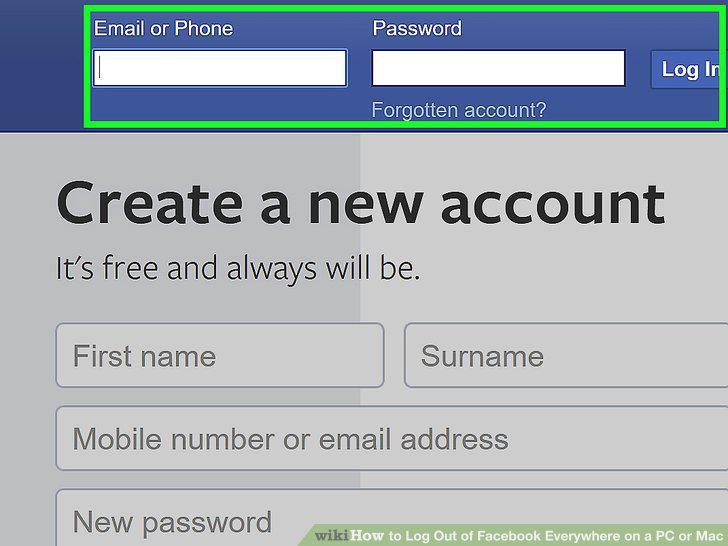
Open Facebook on your desktop internet browser.
2
Click the downward-facing arrow in the upper-right corner of your browser window
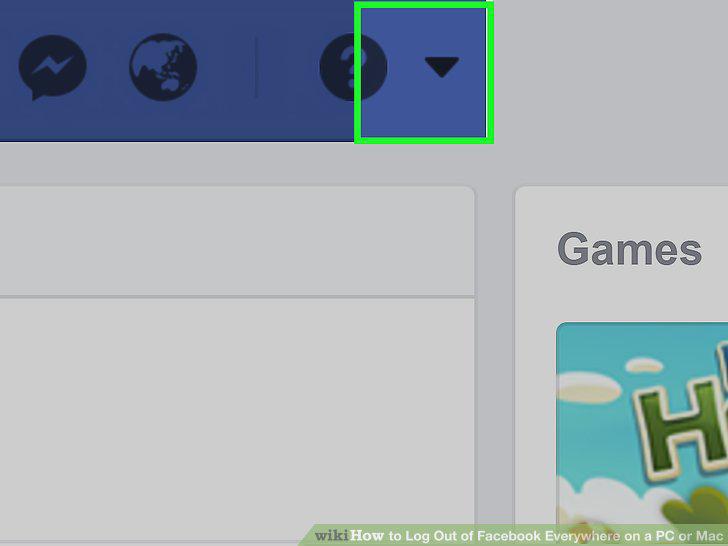
Click the downward-facing arrow in the upper-right corner of your browser window.
3
Click Settings on the drop-down menu.
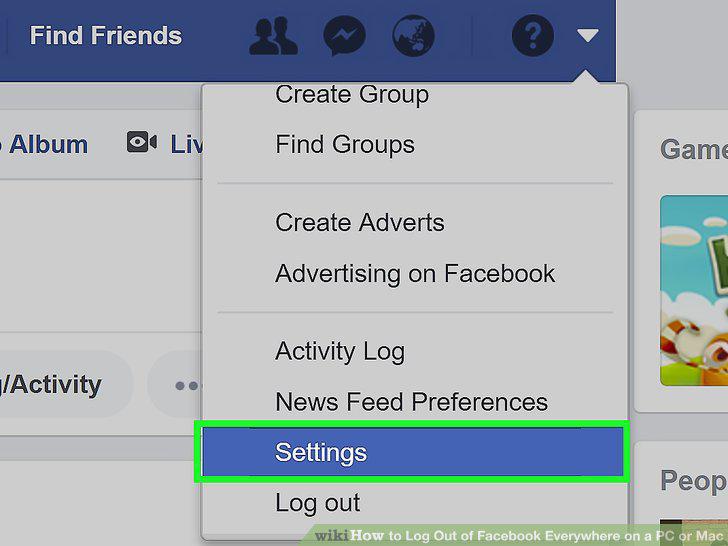
Click Settings on the drop-down menu.
4
Click Security on the left navigation menu.
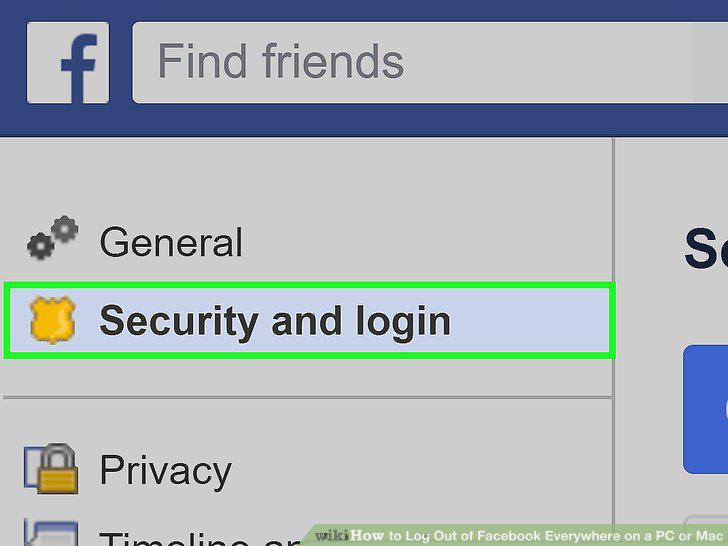
Click Security on the left navigation menu.
5
Click the Edit button next to Where You're Logged In.
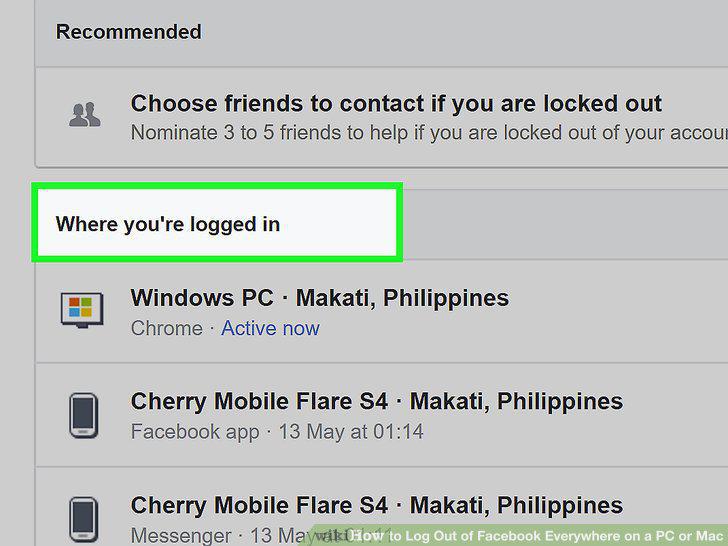
Click the Edit button next to Where You're Logged In.
6
Scroll down and click End Activity.
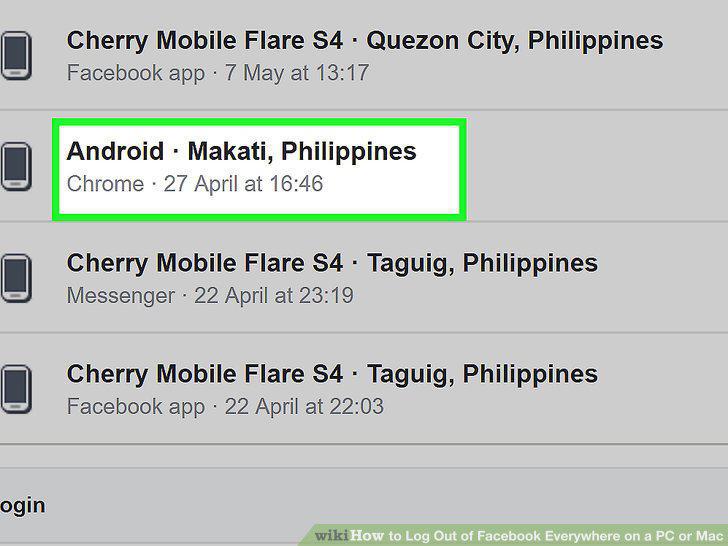
Scroll down and click End Activity.
7
Click on your location at the top of the list.
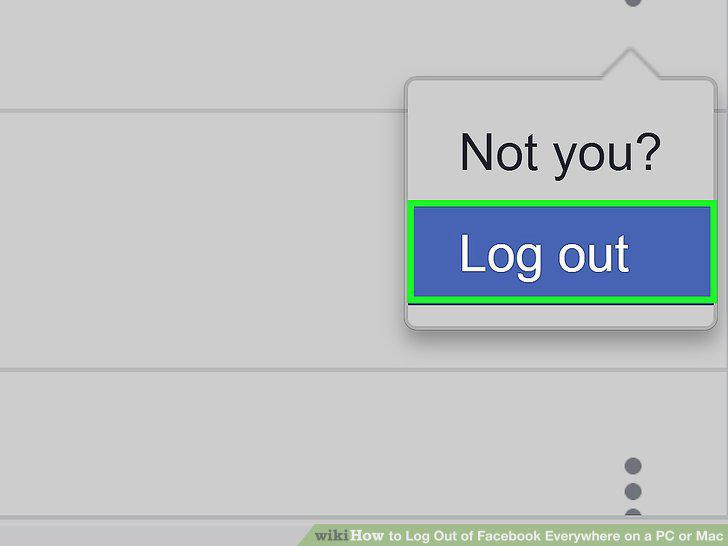
Click on your location at the top of the list.
Comments (0)
No comments yet. Be the first to share your thoughts!