How to Watch ABC on Roku
Open your Roku device or TV.. Select Streaming Channels on the left.. Select Search Channels on the left.
Steps
1
Open your Roku device or TV.
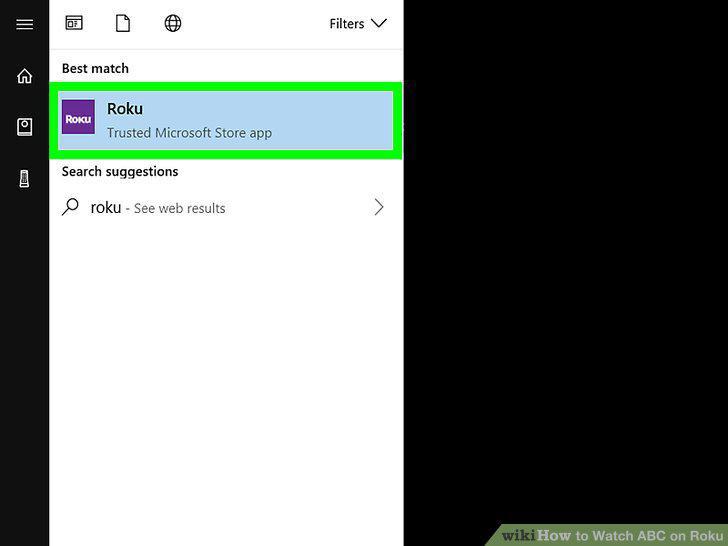
Open your Roku device or TV.
2
Select Streaming Channels on the left.
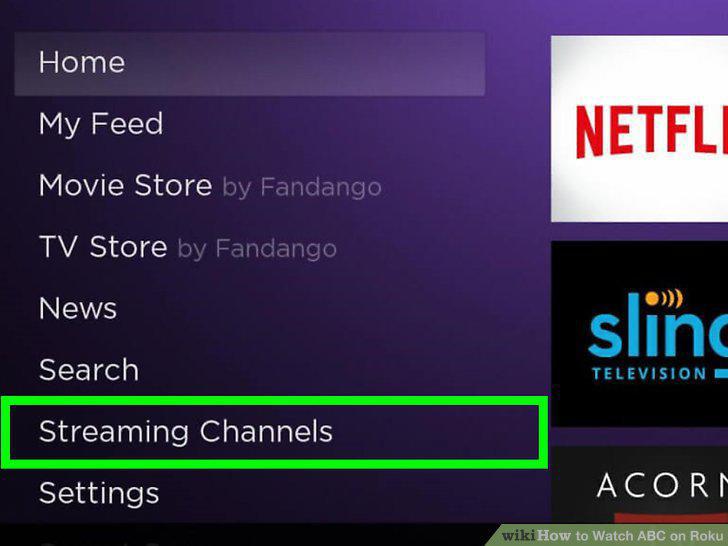
Select Streaming Channels on the left.
3
Select Search Channels on the left.
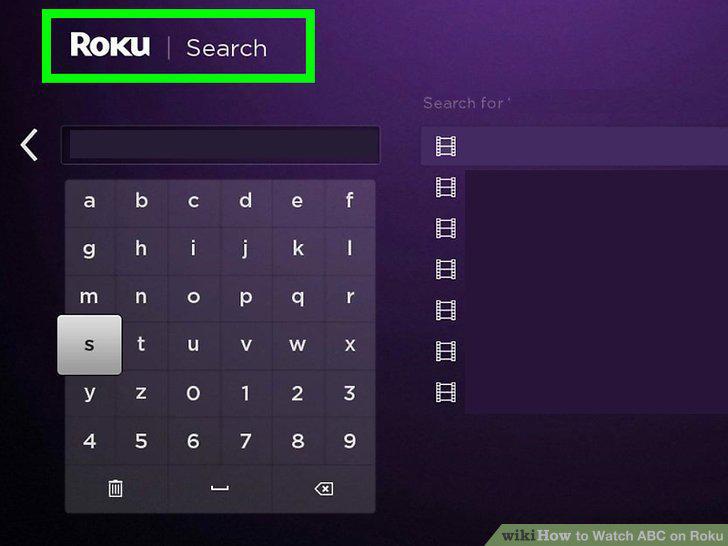
Select Search Channels on the left.
4
Type ABC into the channel search.
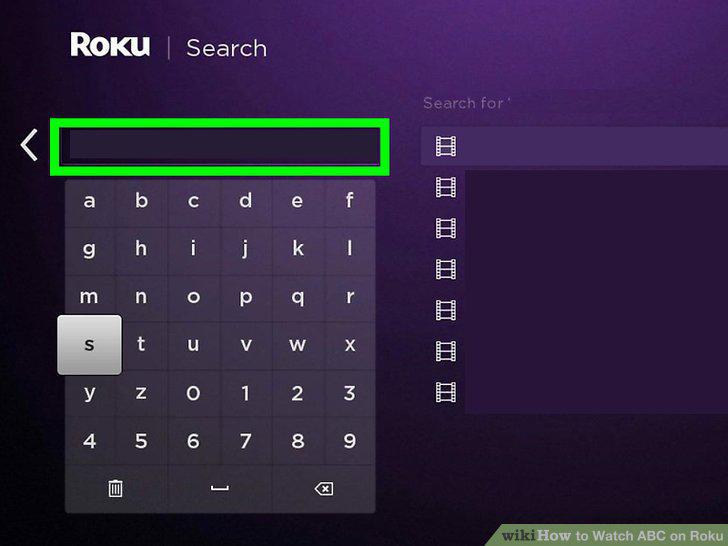
Type ABC into the channel search.
5
Select the ABC channel you want to add in the search results.

Select the ABC channel you want to add in the search results.
6
Select the Add channel option on the details page.
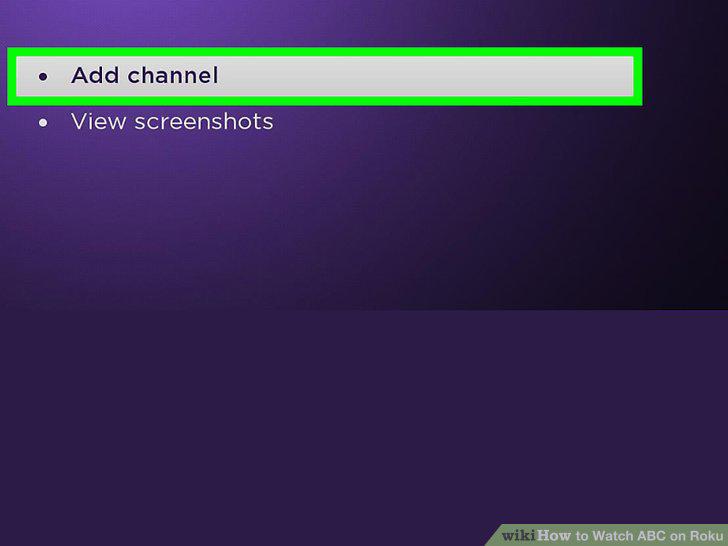
Select the Add channel option on the details page.
7
Select OK in the confirmation box.
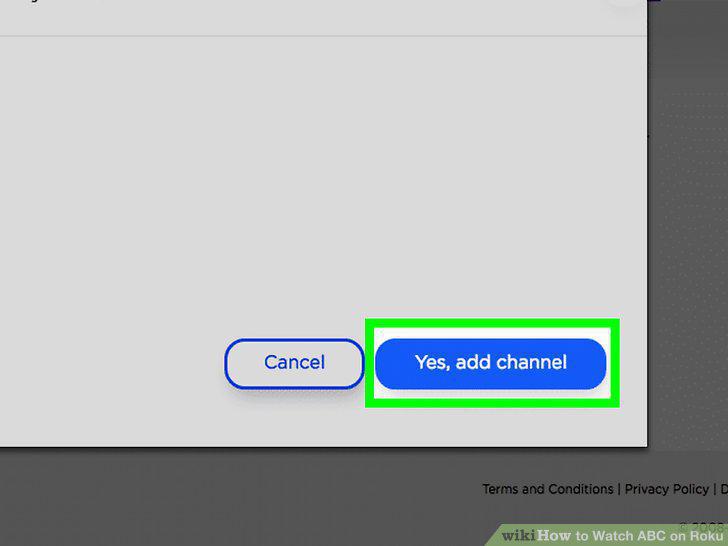
Select OK in the confirmation box.
8
Select the Go to channel option next to the channel.

Select the Go to channel option next to the channel.
Comments (0)
No comments yet. Be the first to share your thoughts!