How to Report Hackers
Check your password if you can't log in.. Contact the platform directly to report the hack.. Review your phone or internet bill for signs of overuse.
Steps
Check your password if you can't log in.
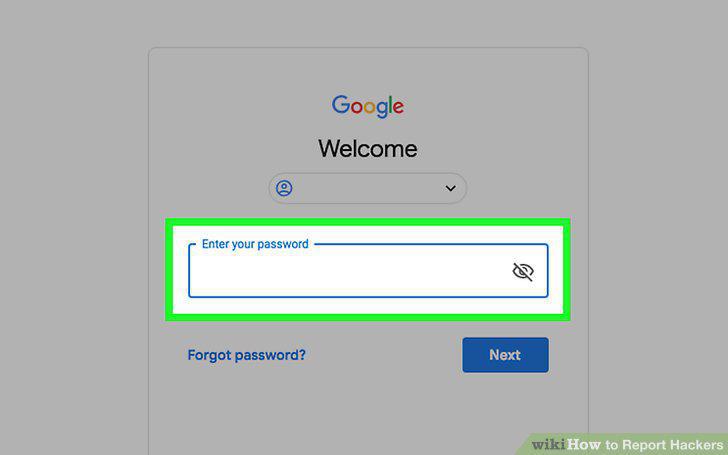
Check your password if you can't log in.
Contact the platform directly to report the hack.
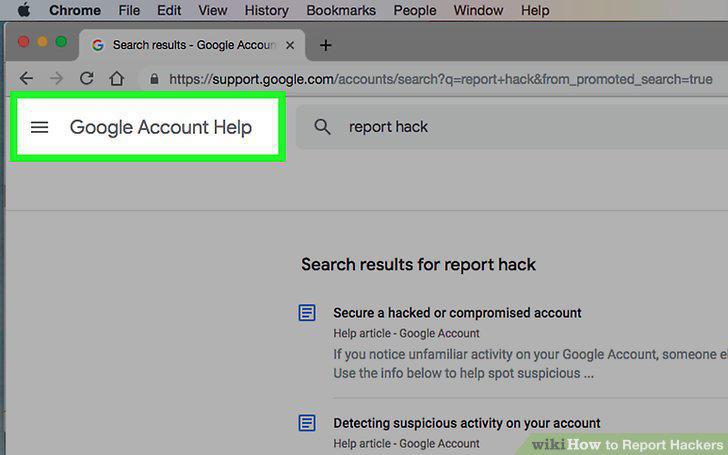
Contact the platform directly to report the hack.
Review your phone or internet bill for signs of overuse.
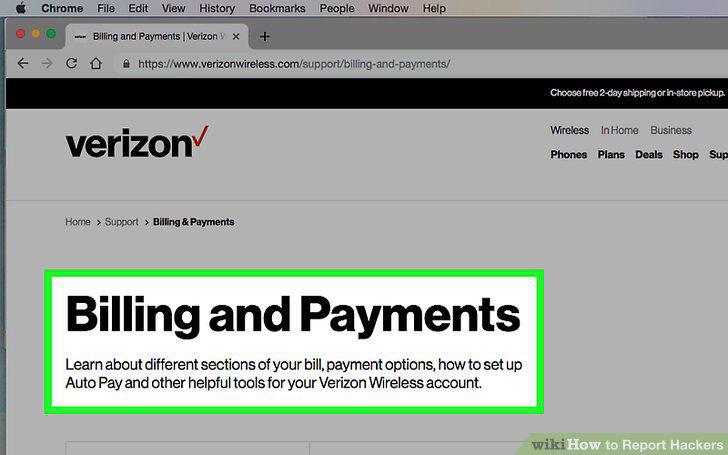
Review your phone or internet bill for signs of overuse.
Change your passwords when you regain access.
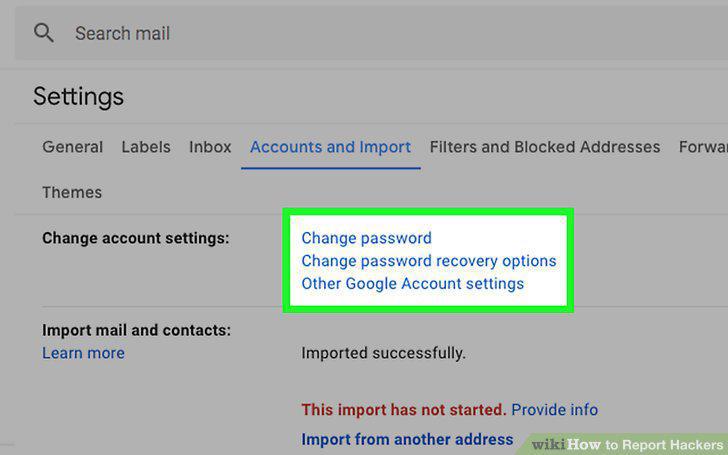
Change your passwords when you regain access.
Recognize signs that you've been hacked.
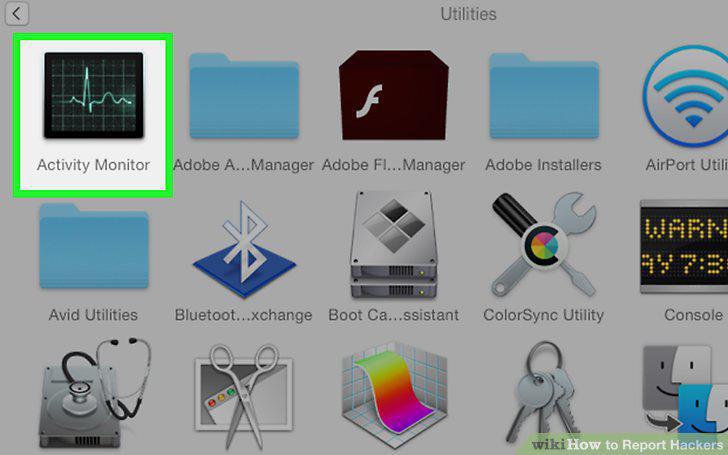
Recognize signs that you've been hacked.
Run a virus scan on your computer.
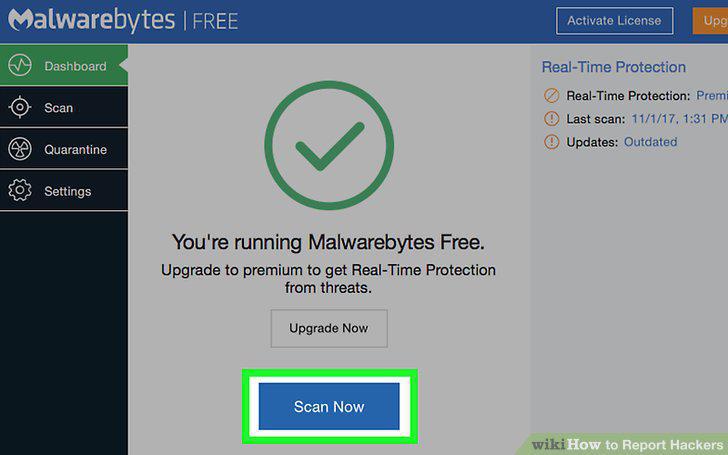
Run a virus scan on your computer.
Determine which law enforcement agency to contact.
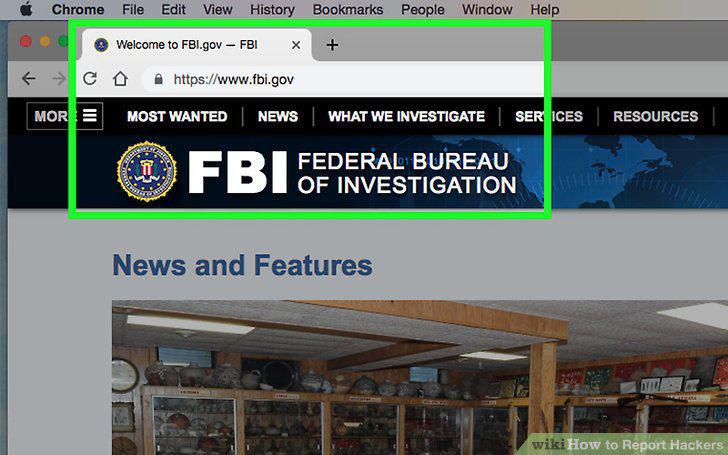
Determine which law enforcement agency to contact.
Gather information about the intrusion.
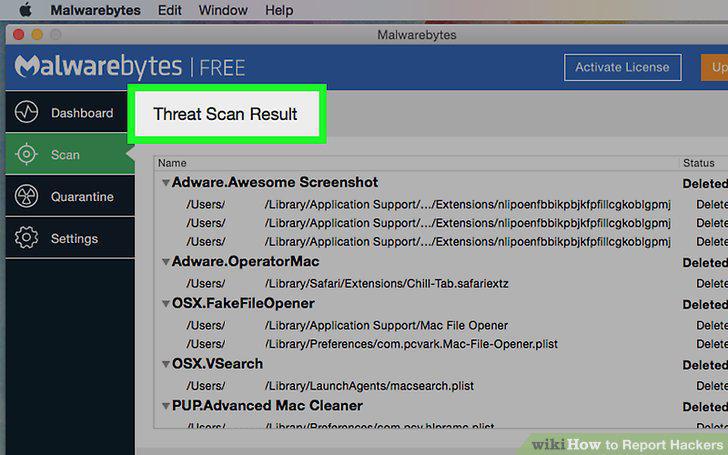
Gather information about the intrusion.
Submit your report to the appropriate law enforcement agency.
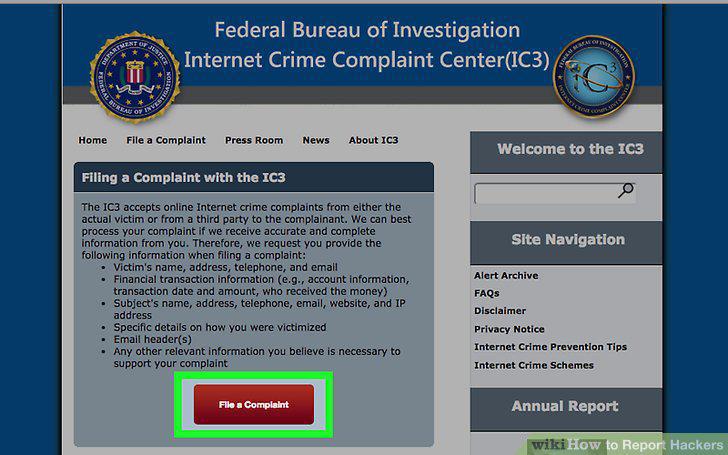
Submit your report to the appropriate law enforcement agency.
File a report with local law enforcement if you feel threatened.
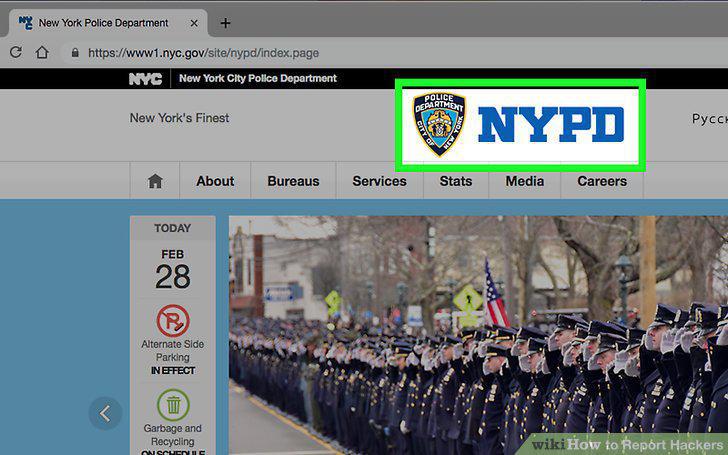
File a report with local law enforcement if you feel threatened.
Follow up on your report if necessary.
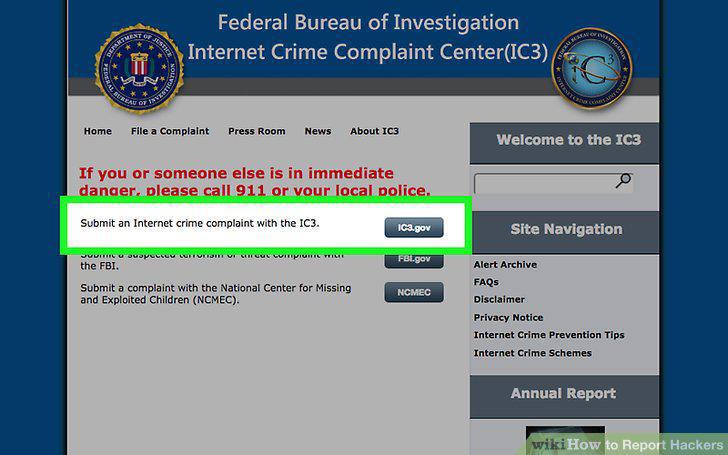
Follow up on your report if necessary.
Install the most recent operating system.
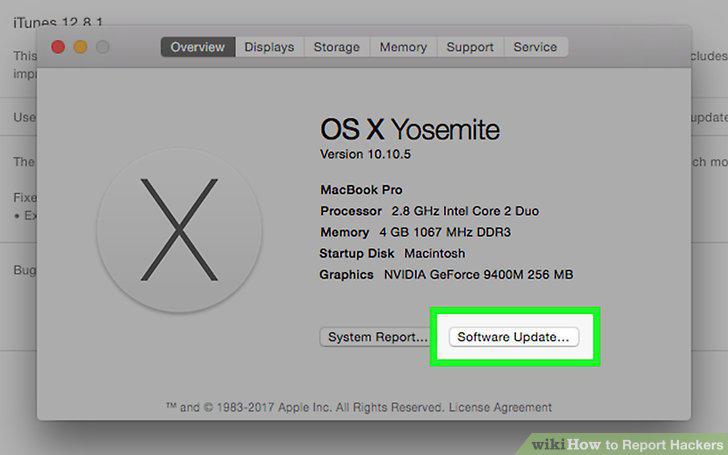
Install the most recent operating system.
Use up-to-date antivirus protection on your computer.
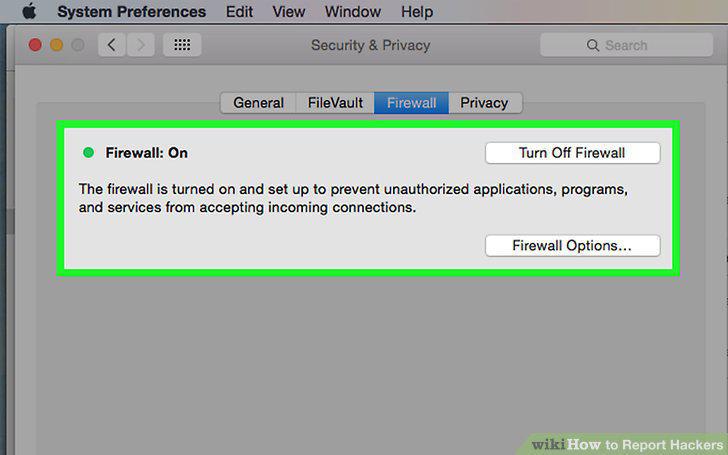
Use up-to-date antivirus protection on your computer.
Choose complex passwords and change them regularly.
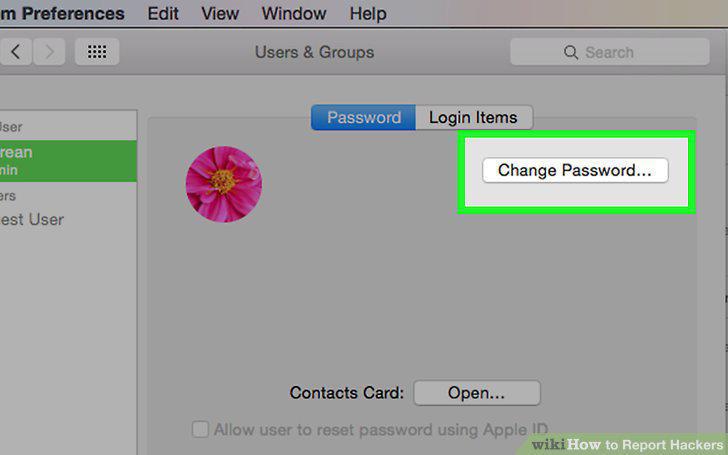
Choose complex passwords and change them regularly.
Delete emails or social media messages that seem suspicious.
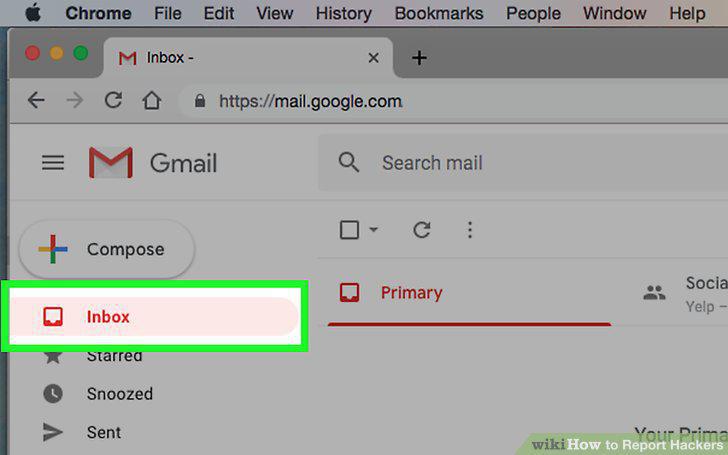
Delete emails or social media messages that seem suspicious.
Turn your computer off when you're not using it.
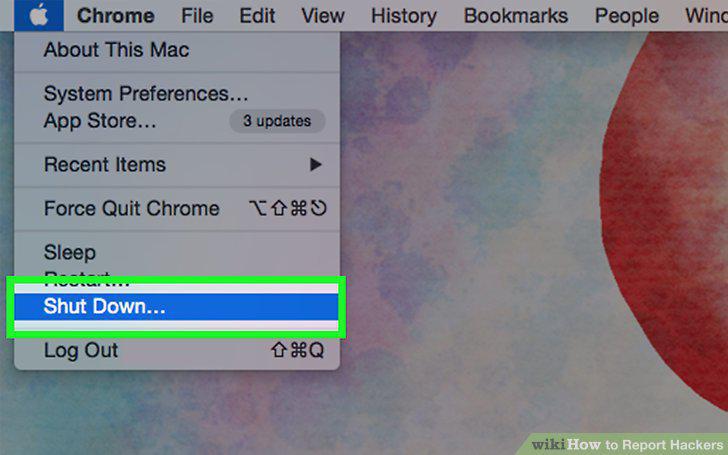
Turn your computer off when you're not using it.
Secure and encrypt your home WiFi network.
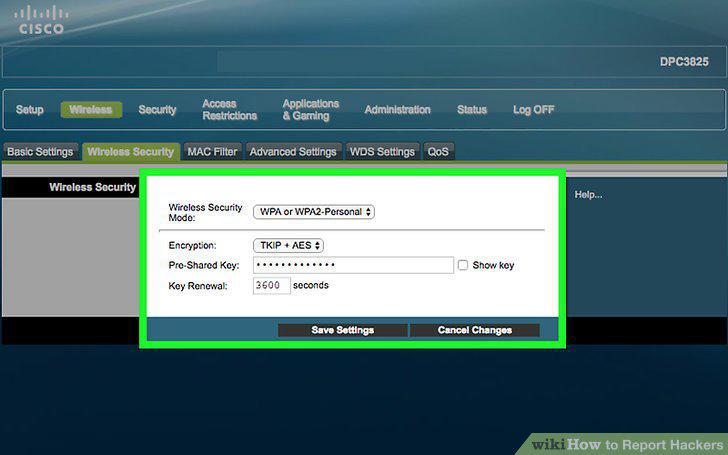
Secure and encrypt your home WiFi network.
Comments (0)
No comments yet. Be the first to share your thoughts!