How to Turn Off Windows Defender in Windows 10
Open Start .. Open Settings .. Click Update & Security.
Steps
1
Open Start .
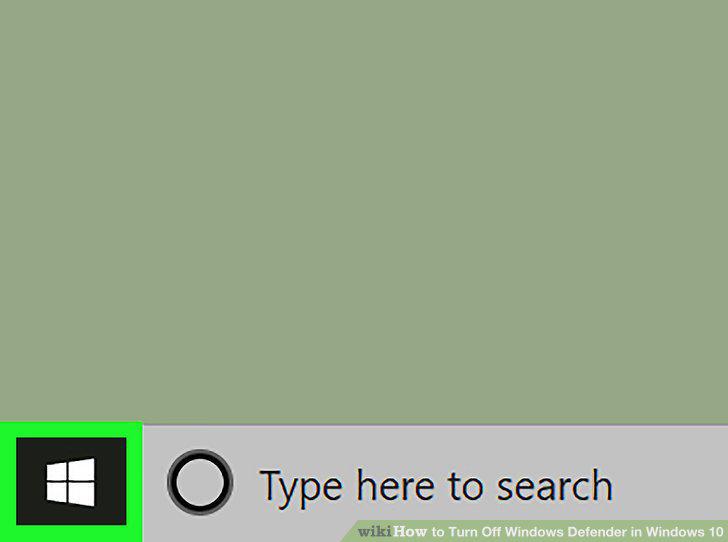
Open Start .
2
Open Settings .
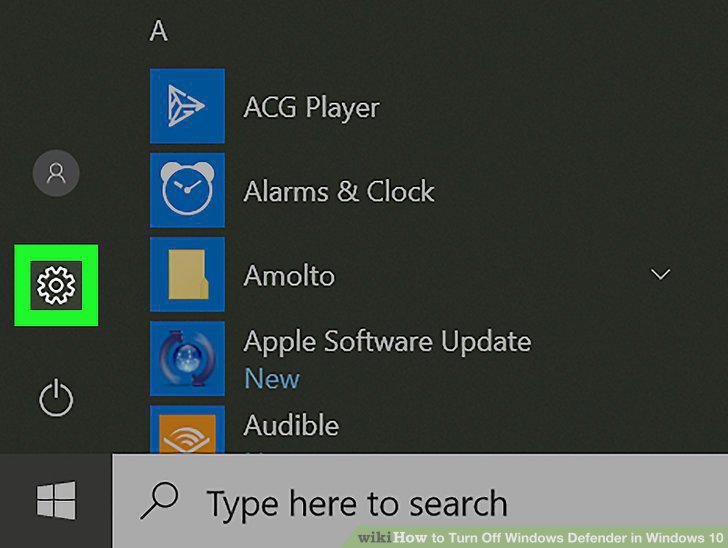
Open Settings .
3
Click Update & Security.
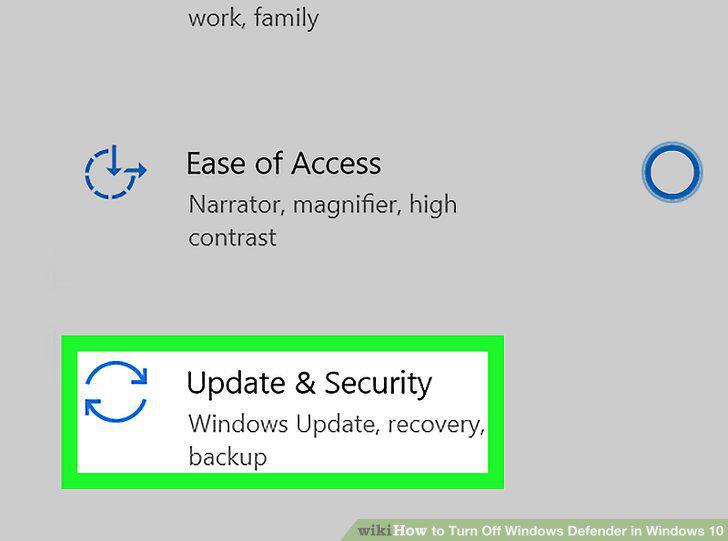
Click Update & Security.
4
Click Windows Security.
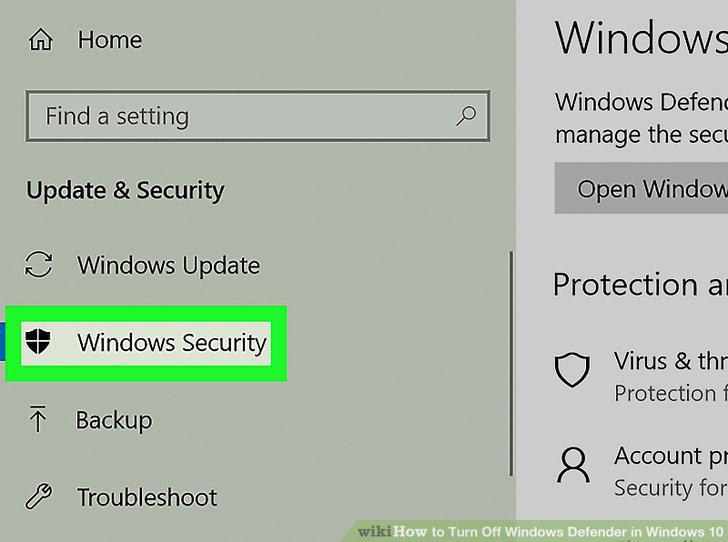
Click Windows Security.
5
Click Virus & threat protection.
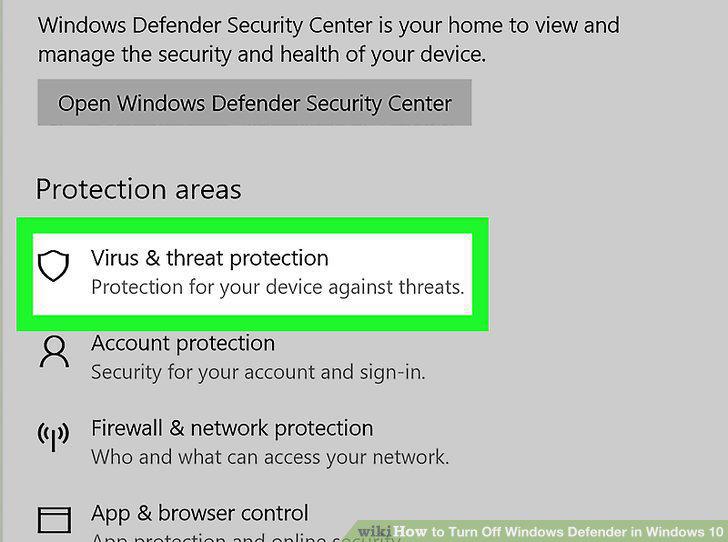
Click Virus & threat protection.
6
Click Virus & threat protection settings.
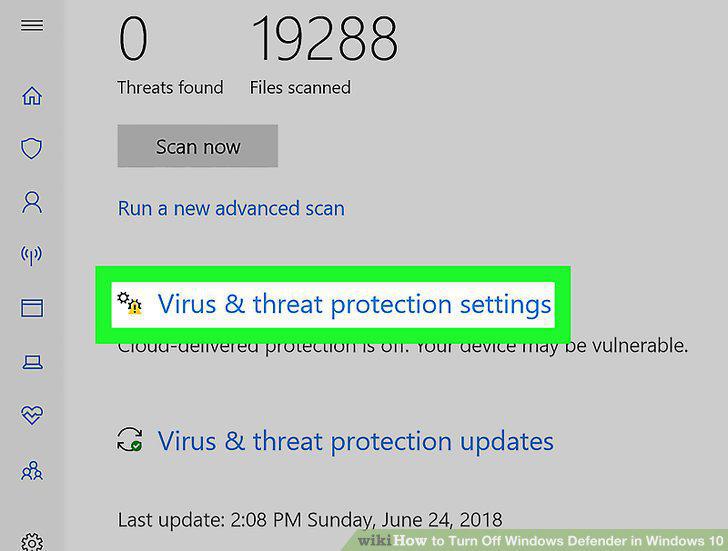
Click Virus & threat protection settings.
7
Disable Microsoft Defender's real-time scanning.
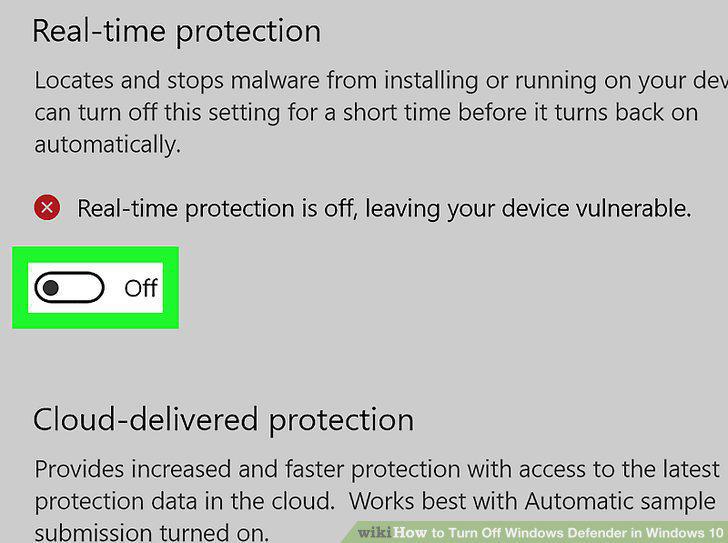
Disable Microsoft Defender's real-time scanning.
Comments (0)
No comments yet. Be the first to share your thoughts!