How to Get Photoshop for Free
Open the Photoshop webpage.. Click Free Trial.. Open the Photoshop free trial.
Steps
1
Open the Photoshop webpage.
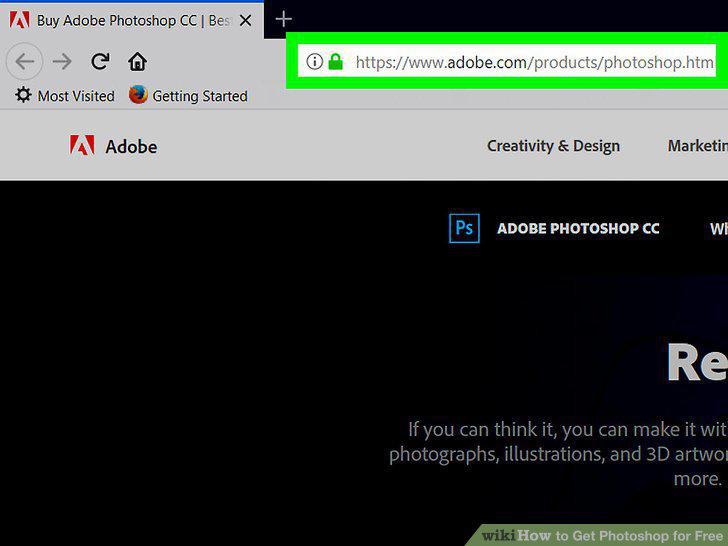
Open the Photoshop webpage.
2
Click Free Trial.
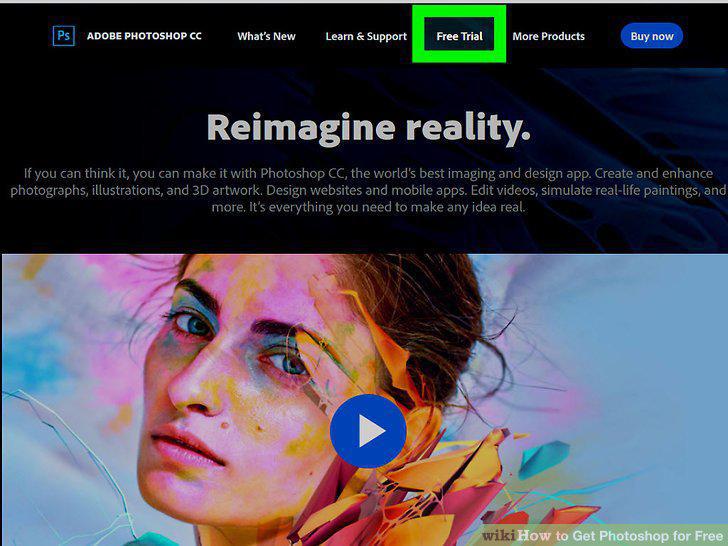
Click Free Trial.
3
Open the Photoshop free trial.
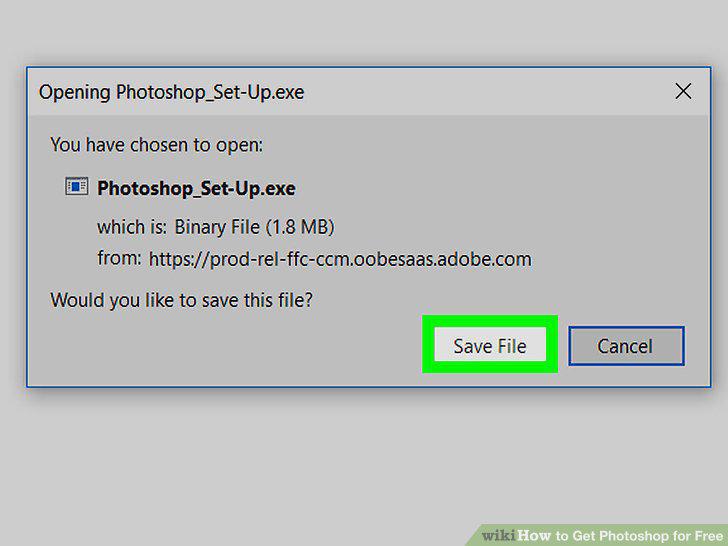
Open the Photoshop free trial.
4
Launch the Photoshop installer.
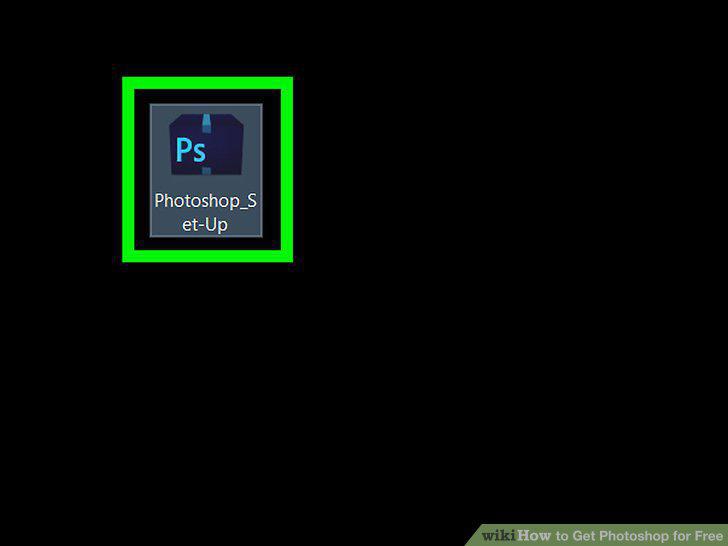
Launch the Photoshop installer.
5
Sign into your Adobe account.
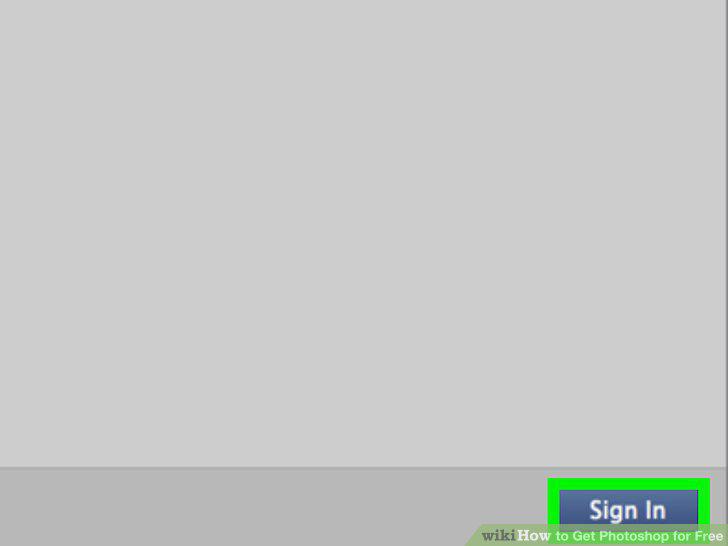
Sign into your Adobe account.
6
Indicate your level of experience with Photoshop.
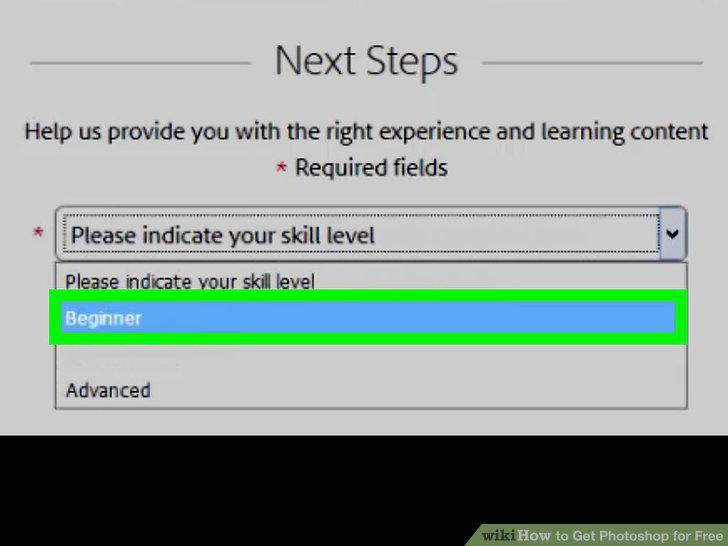
Indicate your level of experience with Photoshop.
7
Click Continue.
Click Continue.
8
Follow any on-screen instructions.
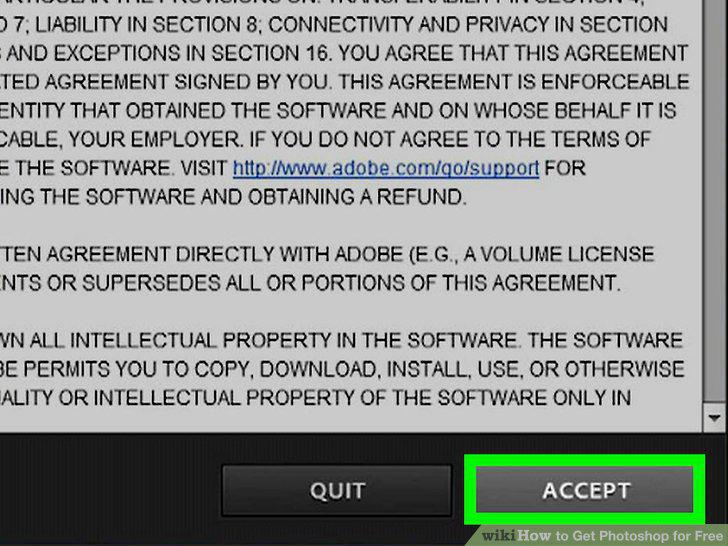
Follow any on-screen instructions.
9
Wait for Photoshop to finish downloading.
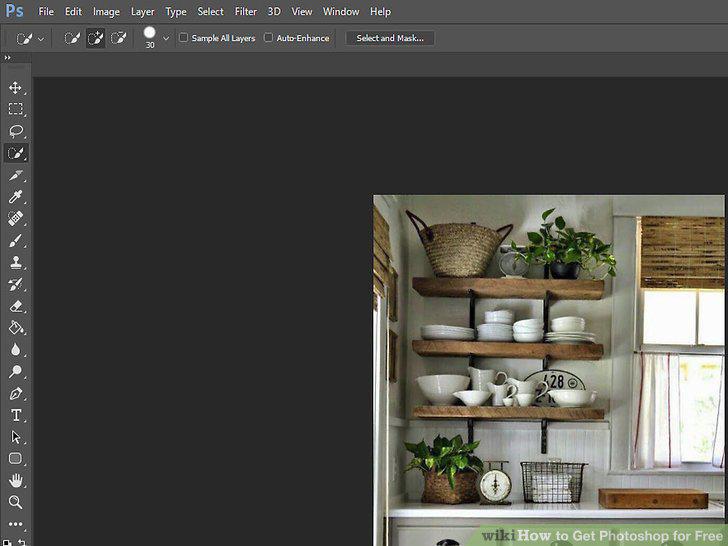
Wait for Photoshop to finish downloading.
Comments (0)
No comments yet. Be the first to share your thoughts!