How to Write a Note on Facebook
Go to https://www.facebook.com.. Click the upside-down triangle.. Click Settings & Privacy.
Steps
1
Go to https://www.facebook.com.
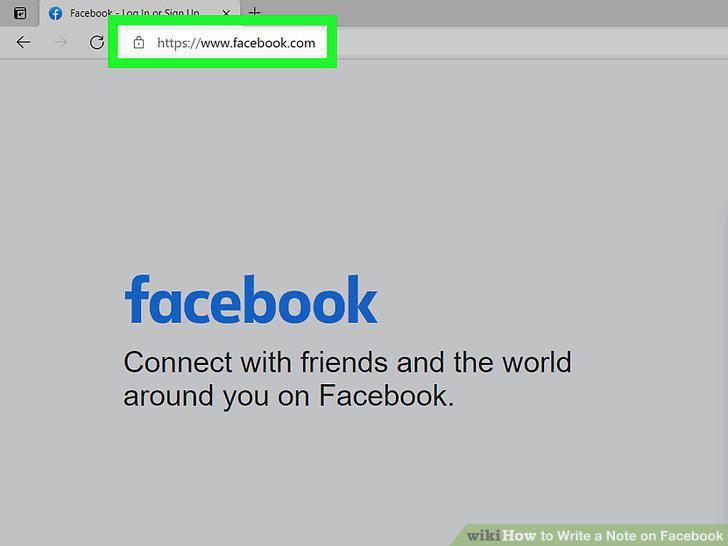
Go to https://www.facebook.com.
2
Click the upside-down triangle.
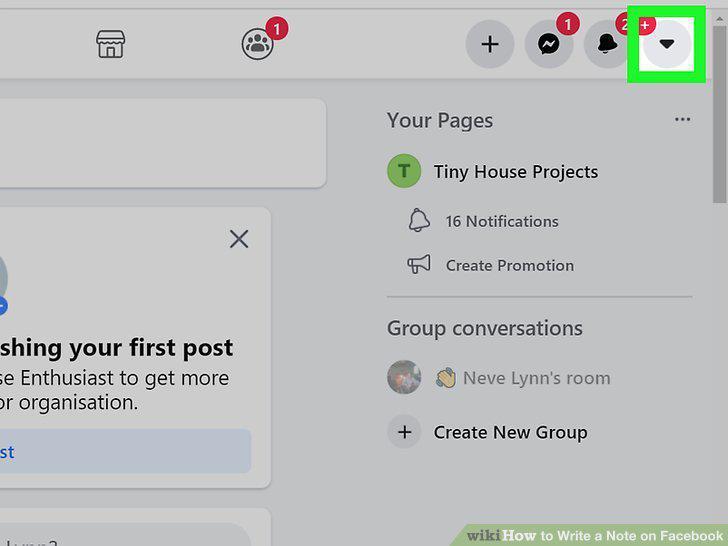
Click the upside-down triangle.
3
Click Settings & Privacy.
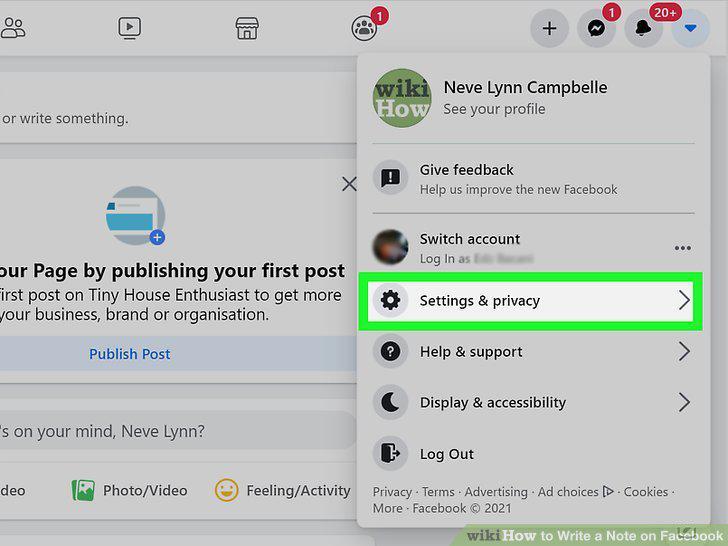
Click Settings & Privacy.
4
Click Activity Log.
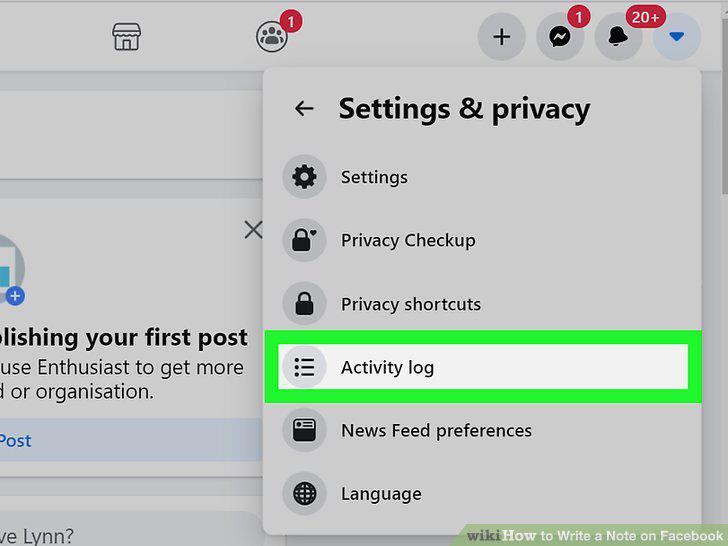
Click Activity Log.
5
Click the Filter link.
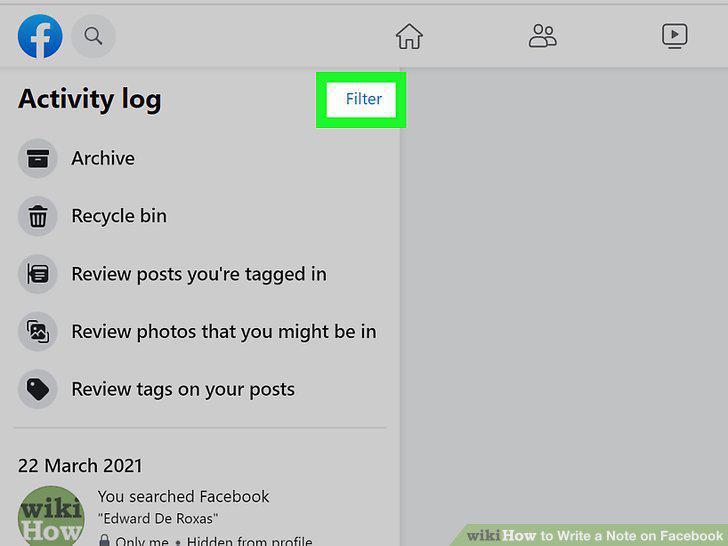
Click the Filter link.
6
Scroll down and select Notes.
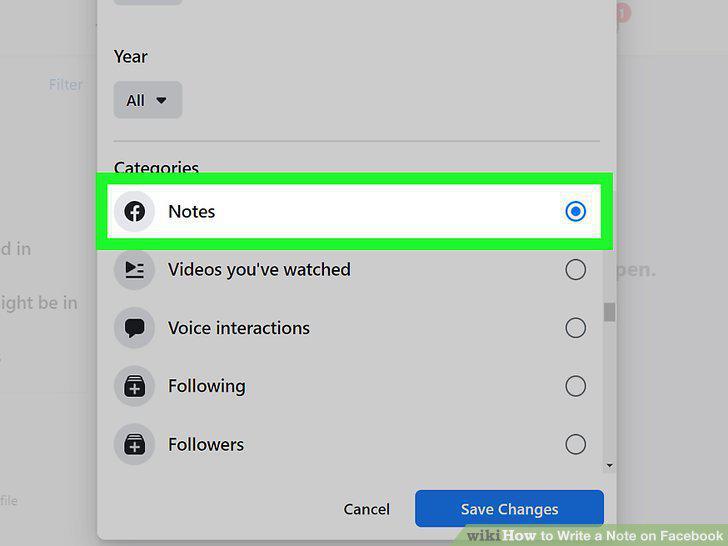
Scroll down and select Notes.
7
Click Save Changes.
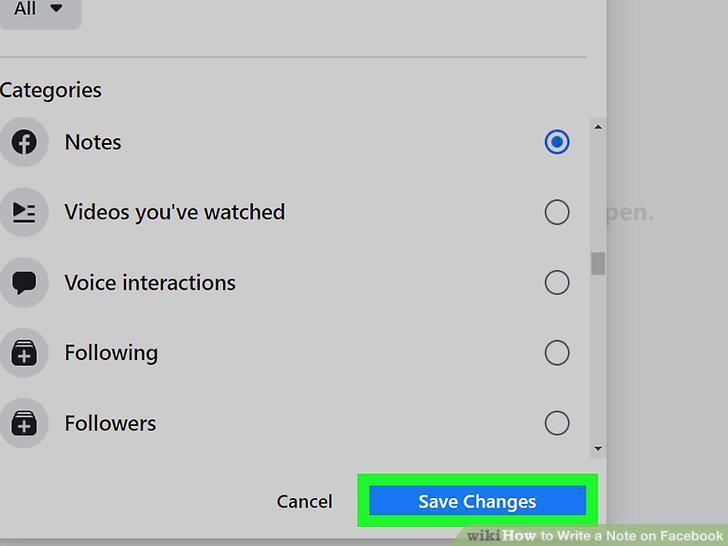
Click Save Changes.
8
Click a note to view it.
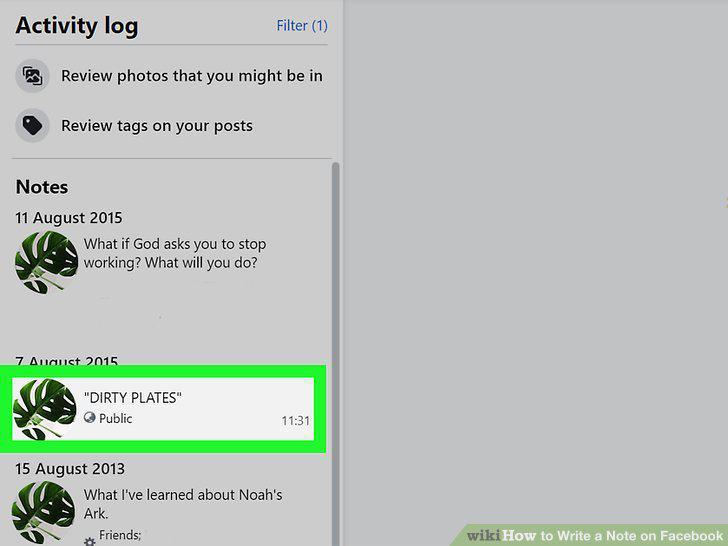
Click a note to view it.
9
Save a copy of your note.
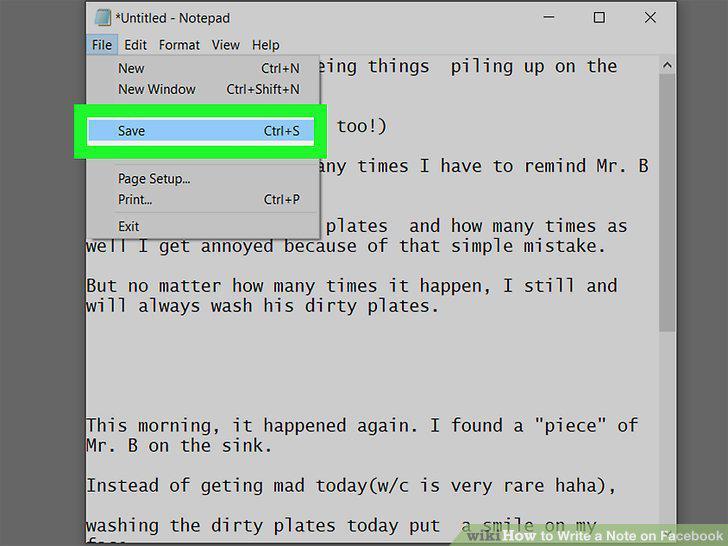
Save a copy of your note.
10
Click the X to return to the Notes list.
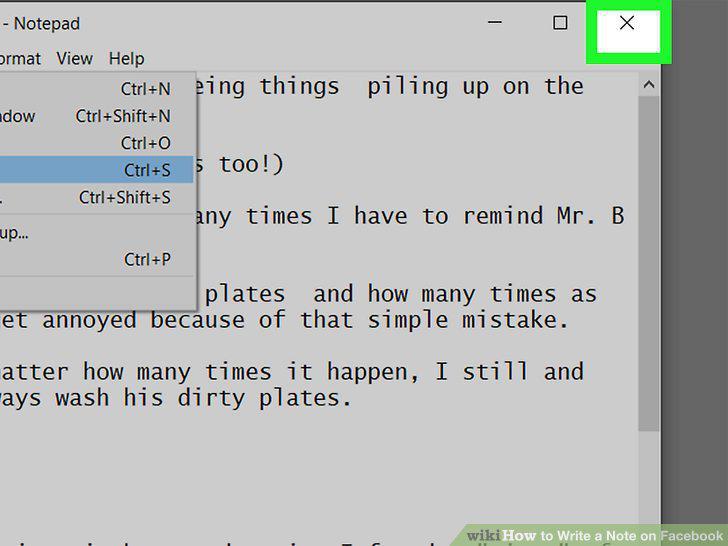
Click the X to return to the Notes list.
11
Post your thoughts as regular Facebook posts.
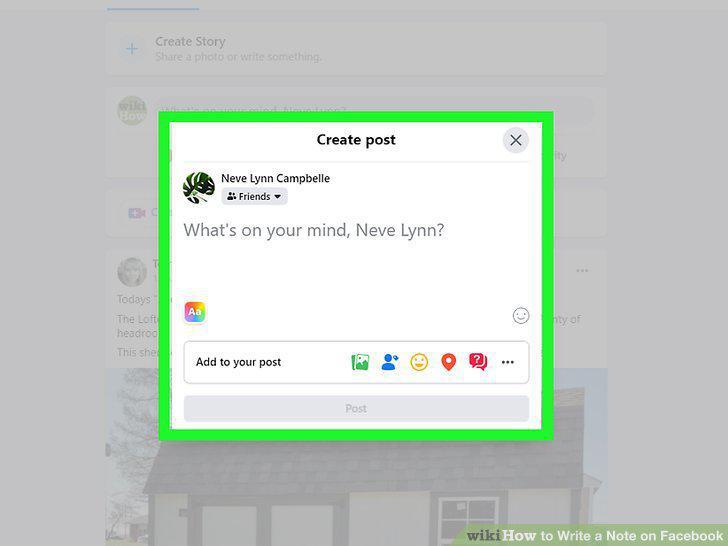
Post your thoughts as regular Facebook posts.
12
Create a Facebook Page and use it as a blog.
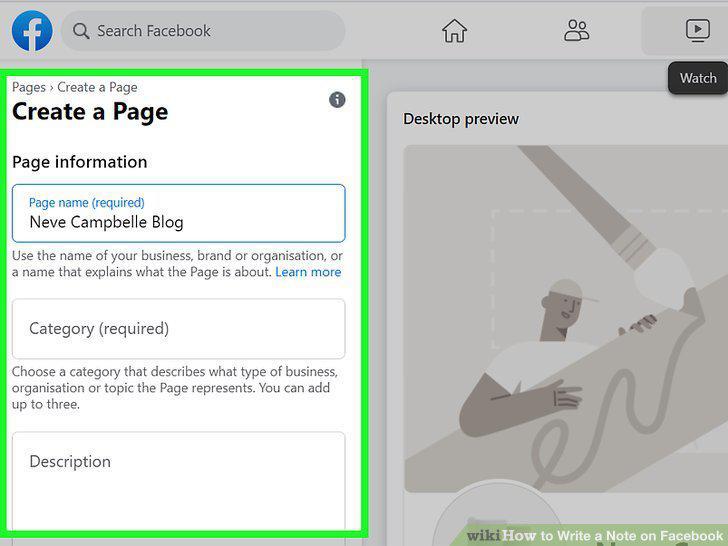
Create a Facebook Page and use it as a blog.
13
Start blogging on Medium.

Start blogging on Medium.
14
Organize your notes in a different app.

Organize your notes in a different app.
Comments (0)
No comments yet. Be the first to share your thoughts!