How to Stop Targeted Ads on Instagram
In your web browser, go to "Facebook.com".. Click the small arrow in the top right of your page.. Select Settings.
Steps
1
In your web browser, go to "Facebook.com".
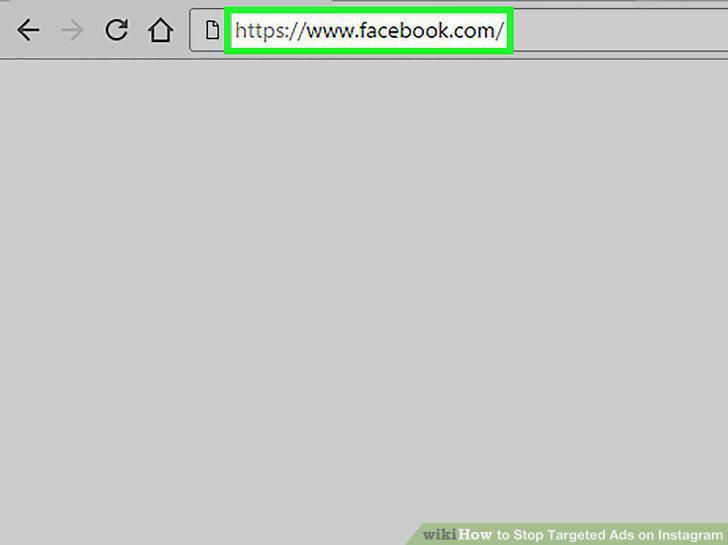
In your web browser, go to "Facebook.com".
2
Click the small arrow in the top right of your page.
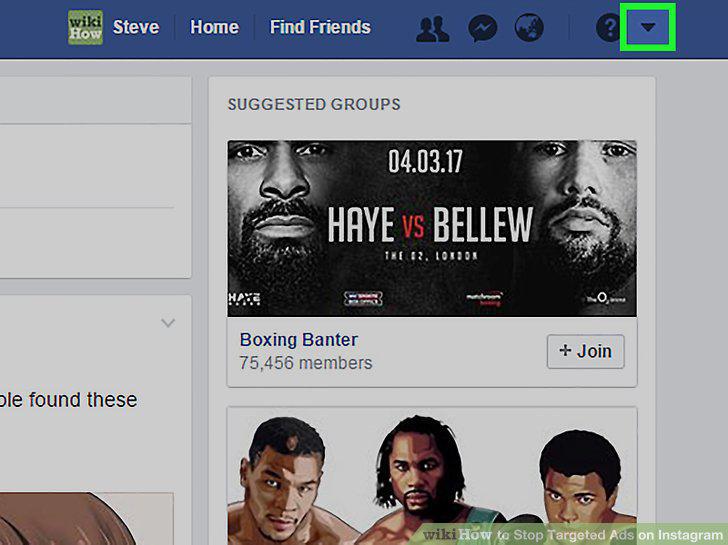
Click the small arrow in the top right of your page.
3
Select Settings.
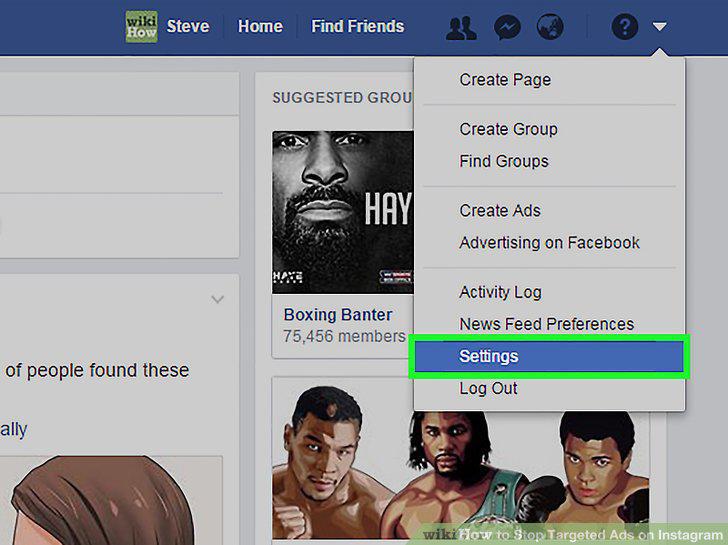
Select Settings.
4
Click Ads.
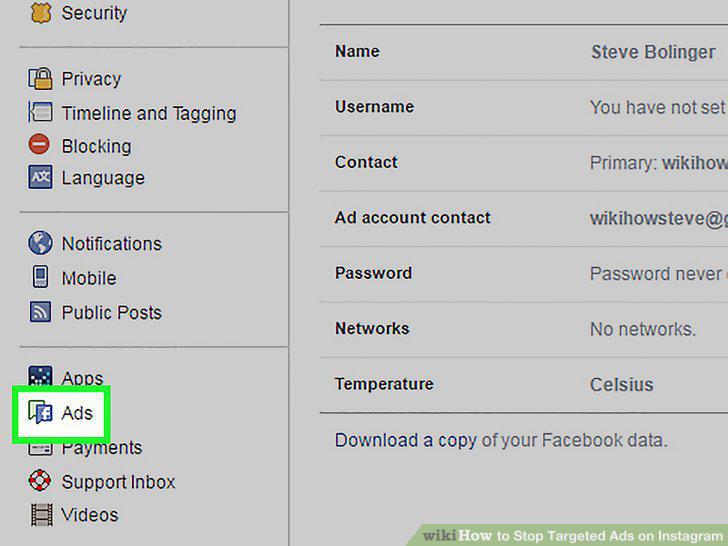
Click Ads.
5
Click "Can you see online interest-based ads from Facebook?
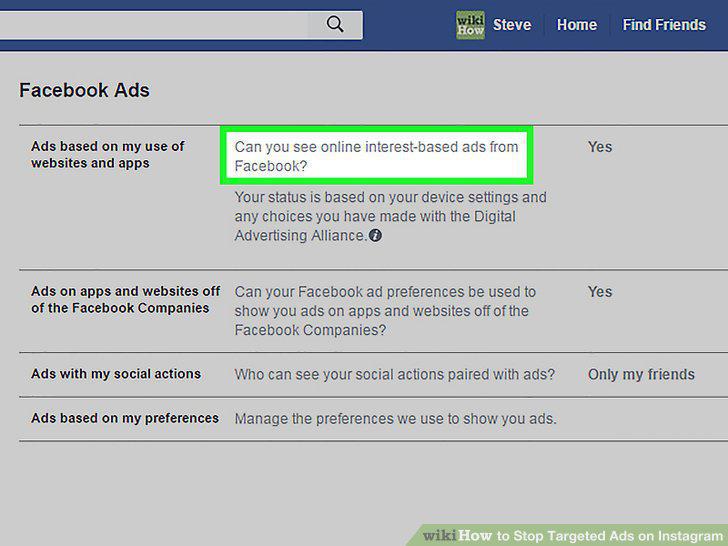
Click "Can you see online interest-based ads from Facebook?
6
Click the button that says "On".
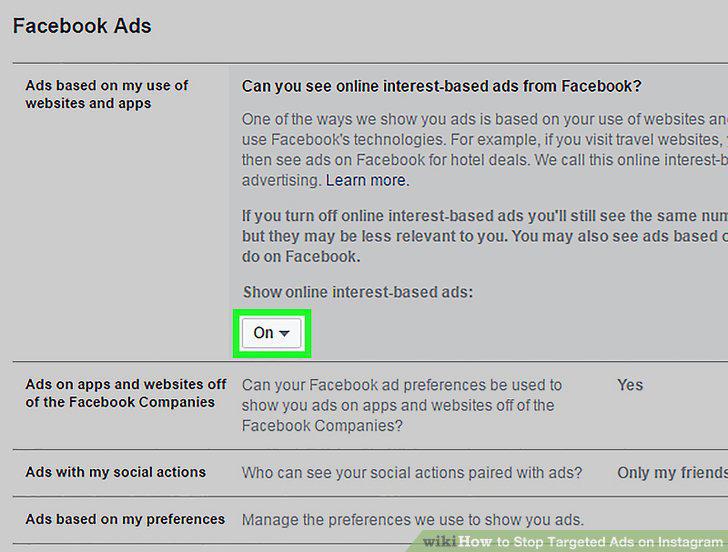
Click the button that says "On".
7
Click Off from the options provided.
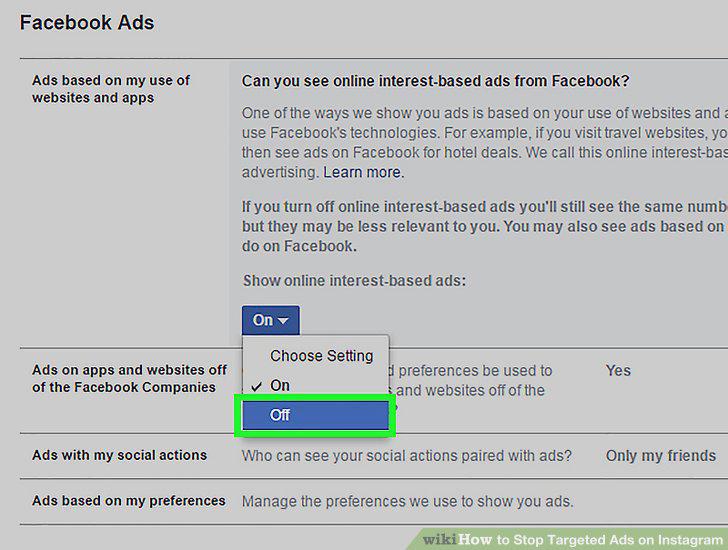
Click Off from the options provided.
Comments (0)
No comments yet. Be the first to share your thoughts!