How to Contact Uber Eats Australia
Open the Uber Eats app on your phone.. Click on the "Account" tab in the lower-right corner.. Select "Help" from the menu options.
Steps
1
Open the Uber Eats app on your phone.
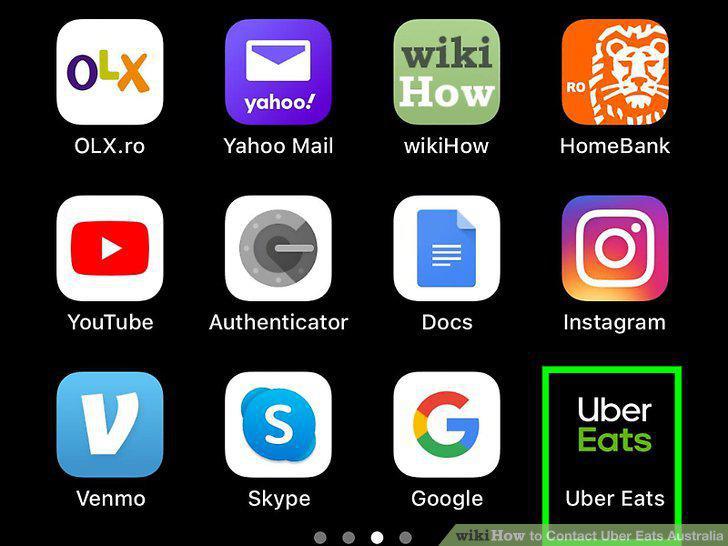
Open the Uber Eats app on your phone.
2
Click on the "Account" tab in the lower-right corner.
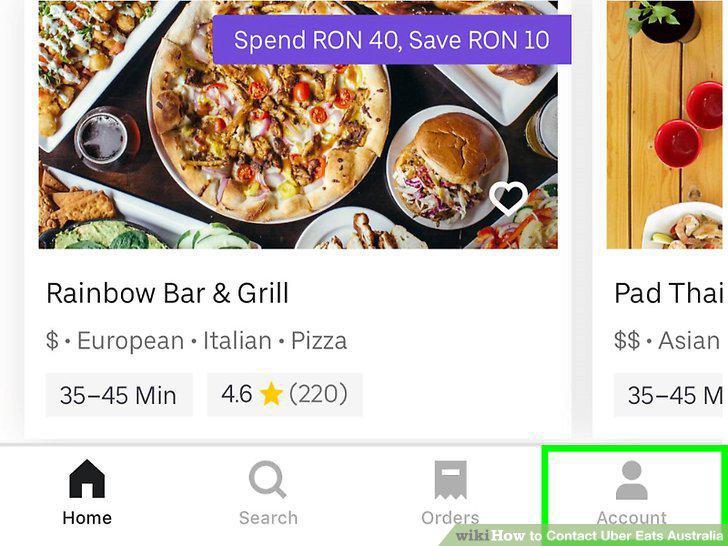
Click on the "Account" tab in the lower-right corner.
3
Select "Help" from the menu options.
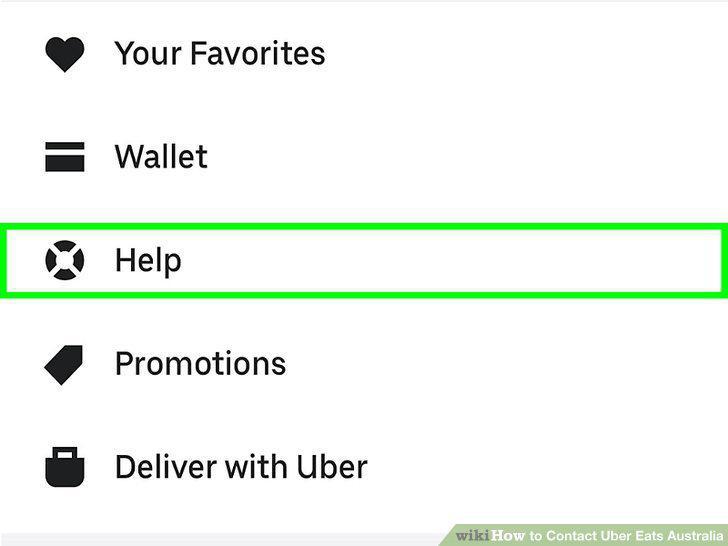
Select "Help" from the menu options.
4
Choose the help topic that matches your problem.
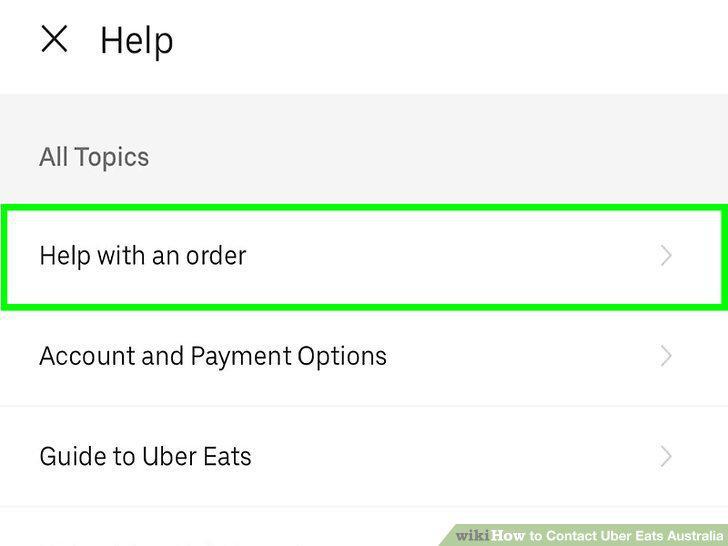
Choose the help topic that matches your problem.
5
Pick the order that you're having a problem with.
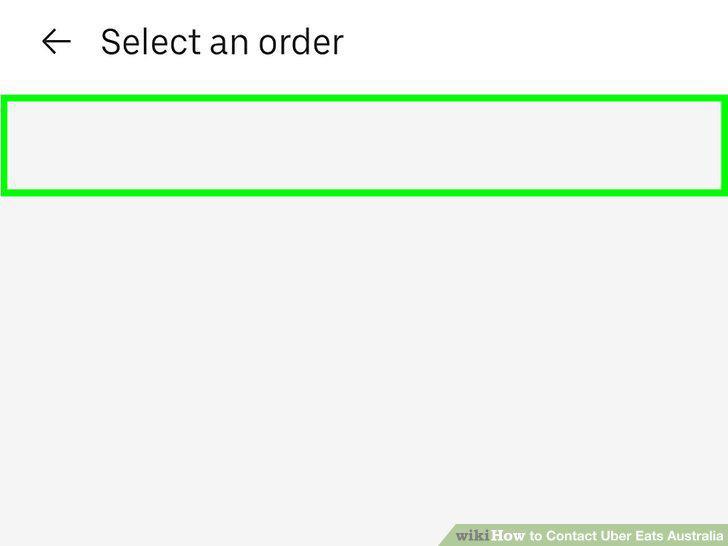
Pick the order that you're having a problem with.
6
Describe your problem or issue.
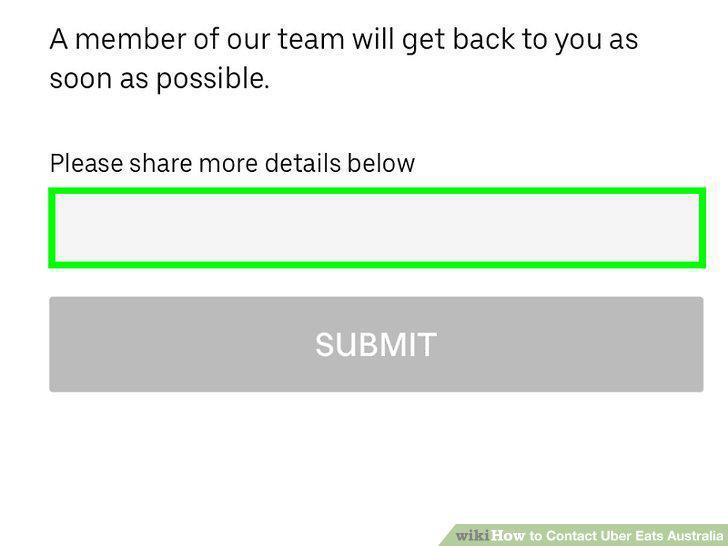
Describe your problem or issue.
7
Wait for a response from Uber customer service.
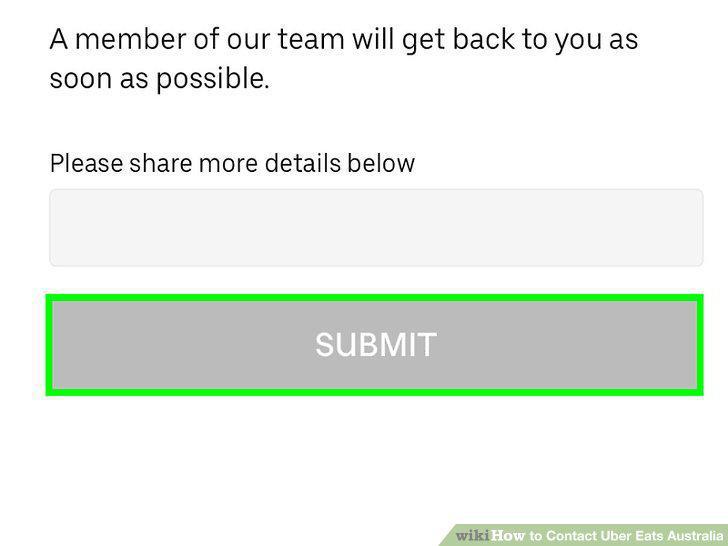
Wait for a response from Uber customer service.
8
Email Uber Eats if you prefer to send messages privately.
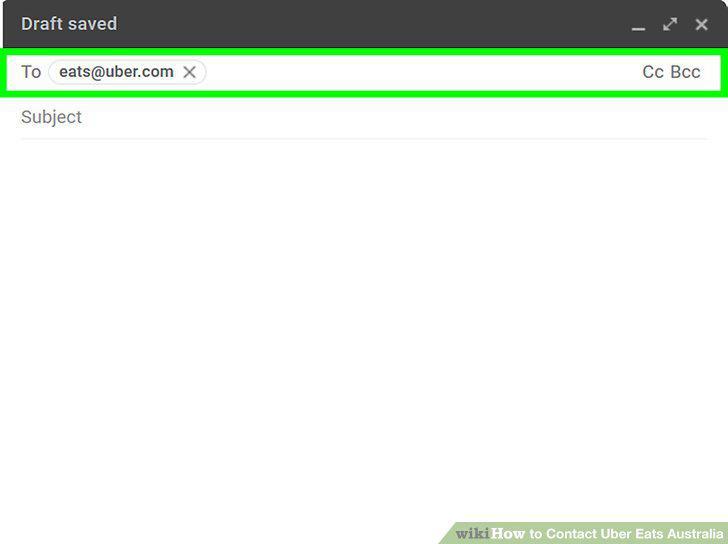
Email Uber Eats if you prefer to send messages privately.
9
Tweet at @Uber_Support if other contacts don't work.
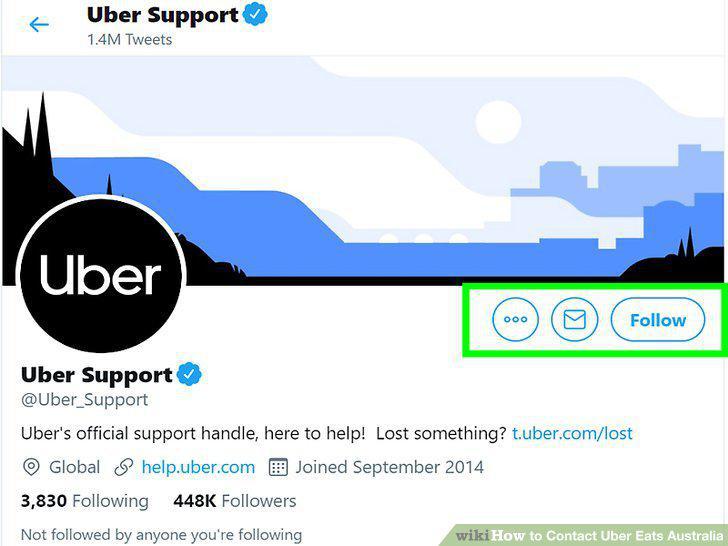
Tweet at @Uber_Support if other contacts don't work.
10
Look for an answer on Uber's website if you don't want to contact Uber directly.
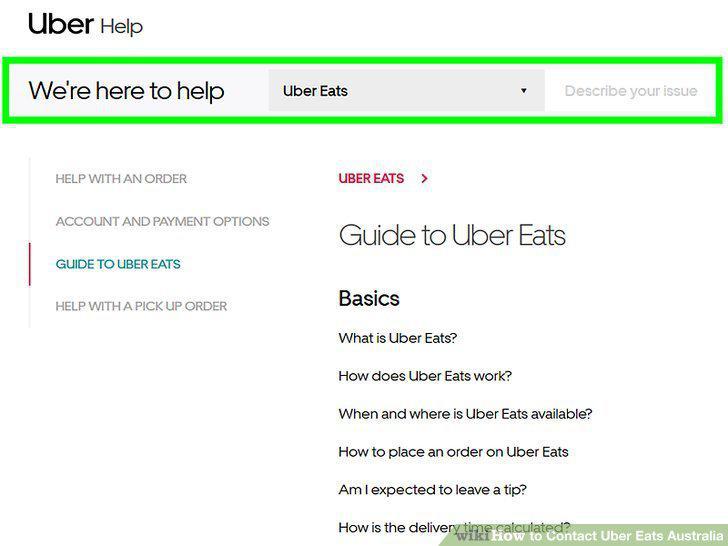
Look for an answer on Uber's website if you don't want to contact Uber directly.
Comments (0)
No comments yet. Be the first to share your thoughts!