How to Enter Recovery Mode on Android Smartphones
Press and hold the Power button.. Tap Power Off.. Press and hold the Recovery Mode button combination.
Steps
1
Press and hold the Power button.
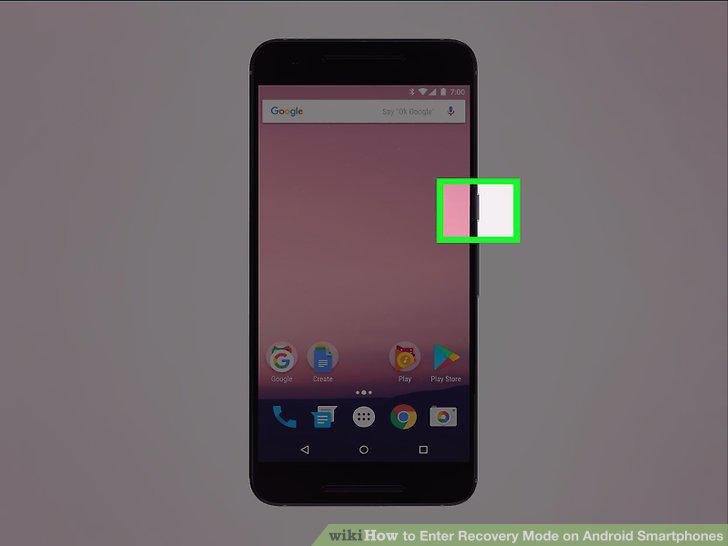
Press and hold the Power button.
2
Tap Power Off.
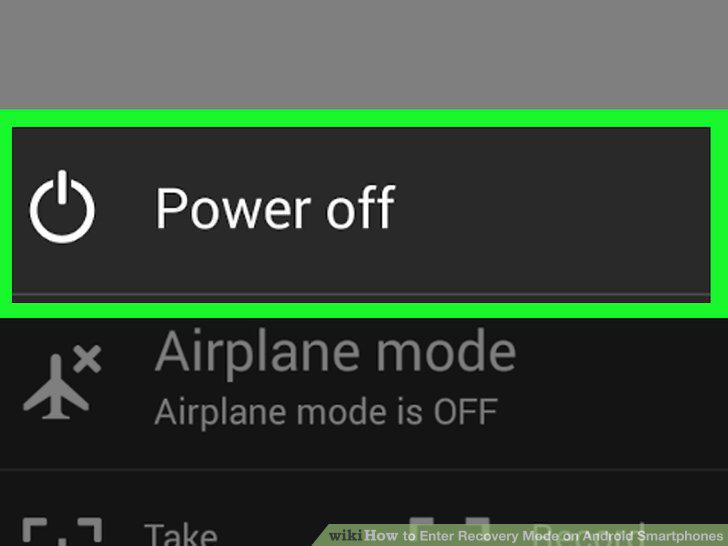
Tap Power Off.
3
Press and hold the Recovery Mode button combination.
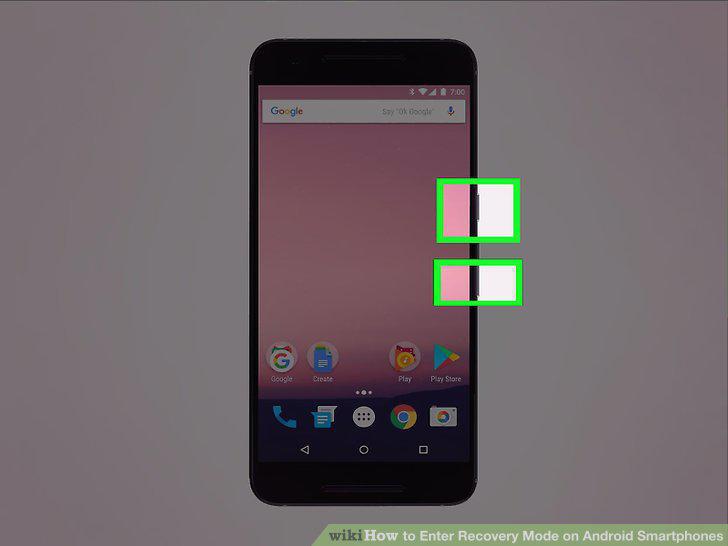
Press and hold the Recovery Mode button combination.
4
Wait for the Android logo to appear.

Wait for the Android logo to appear.
5
Use the Volume Up and Volume Down buttons to navigate the menu.
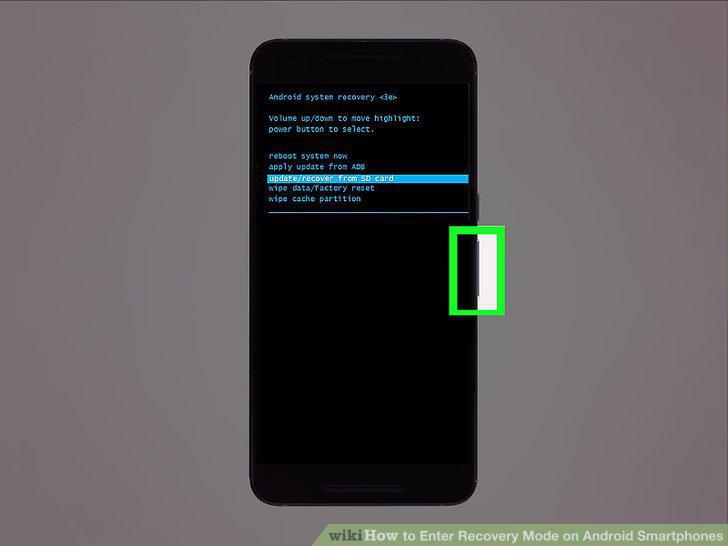
Use the Volume Up and Volume Down buttons to navigate the menu.
6
Press the Power button to make a selection.
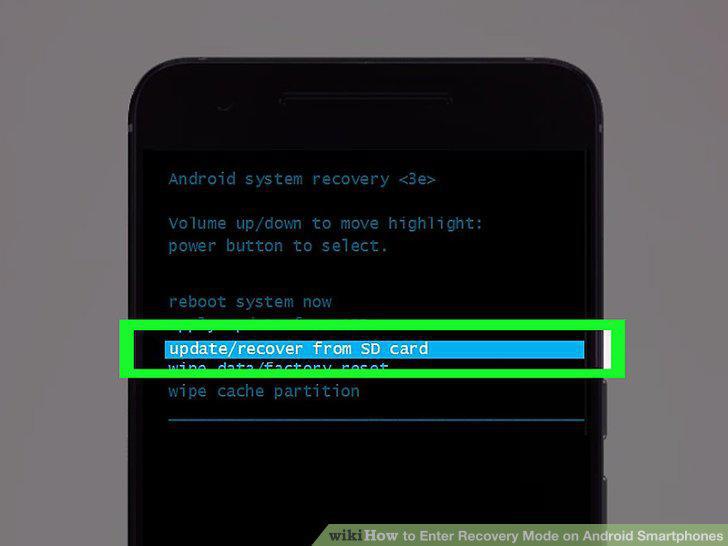
Press the Power button to make a selection.
Comments (0)
No comments yet. Be the first to share your thoughts!