How to Hide the Notification Bar on Android
Pull down twice from the top of the screen.. Tap and hold for several seconds.. Tap .
Steps
1
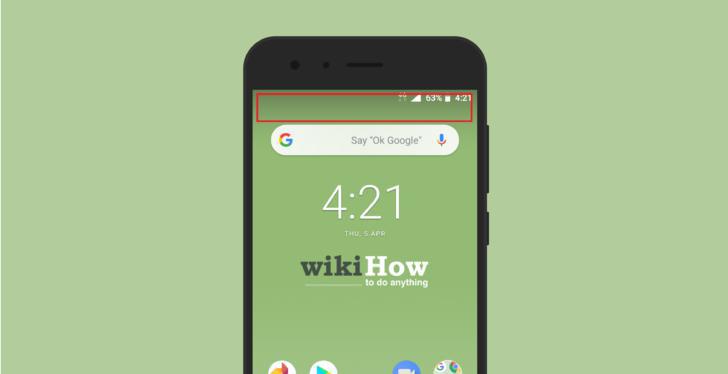
Pull down twice from the top of the screen.
Pull down twice from the top of the screen.
2
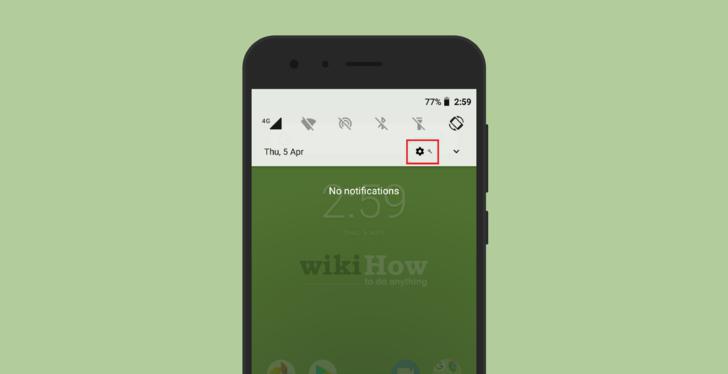
Tap and hold for several seconds.
Tap and hold for several seconds.
3
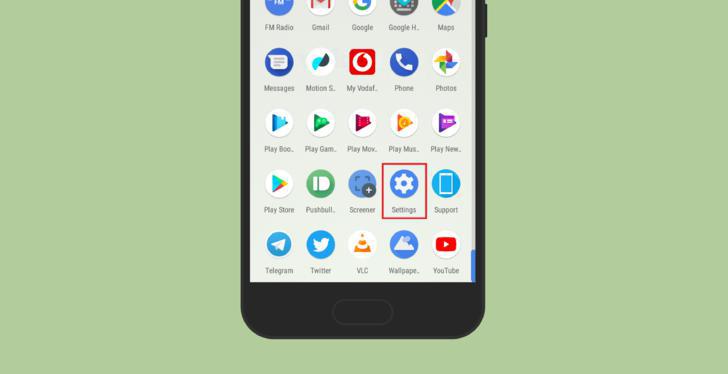
Tap .
Tap .
4
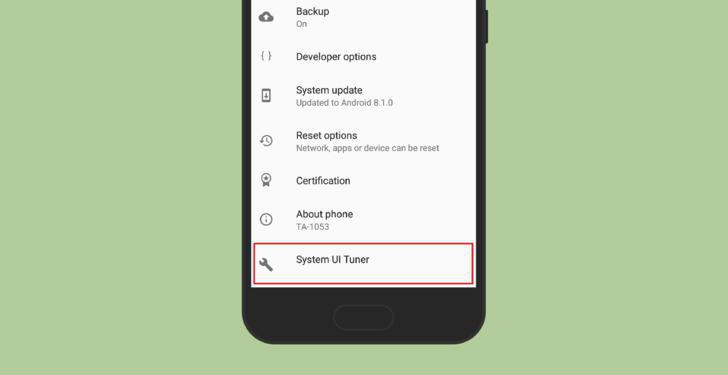
Tap System UI Tuner.
Tap System UI Tuner.
5
Tap Status bar.
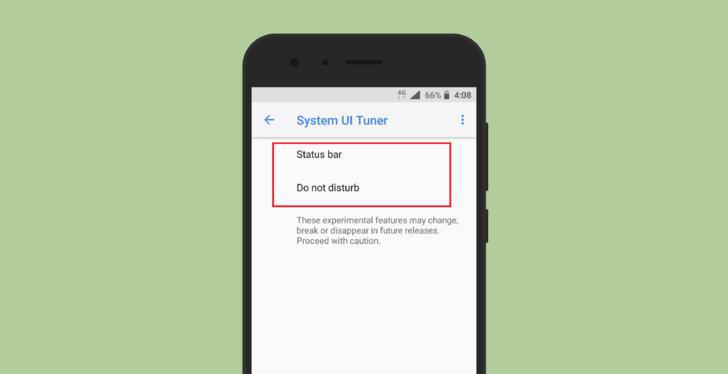
Tap Status bar.
6
Toggle "OFF" any options you want to remove from the notification bar.
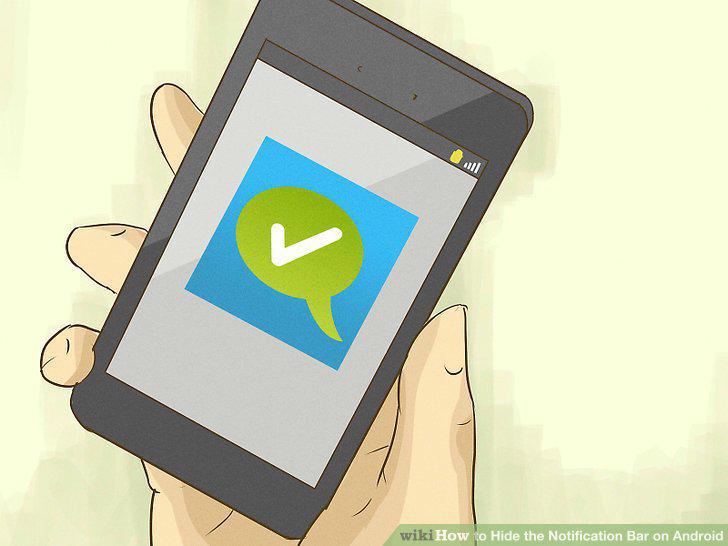
Toggle "OFF" any options you want to remove from the notification bar.
7
Download GMD Full Screen Immersive Mode from the Play Store.
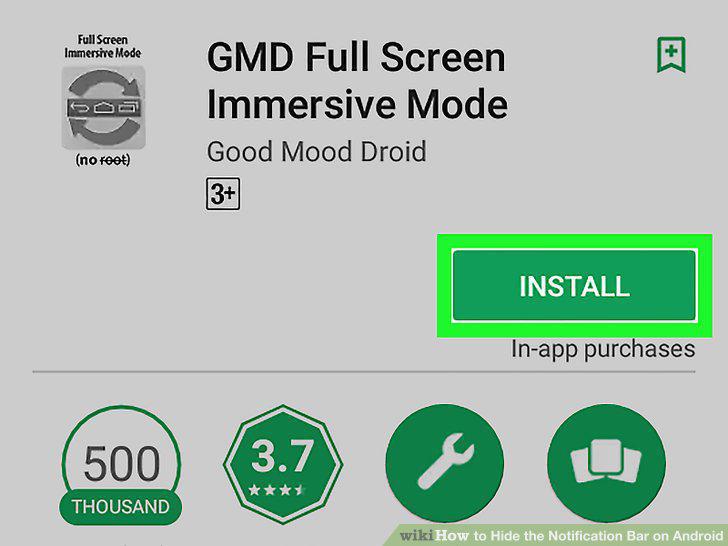
Download GMD Full Screen Immersive Mode from the Play Store.
8
Open GMD Immersive.
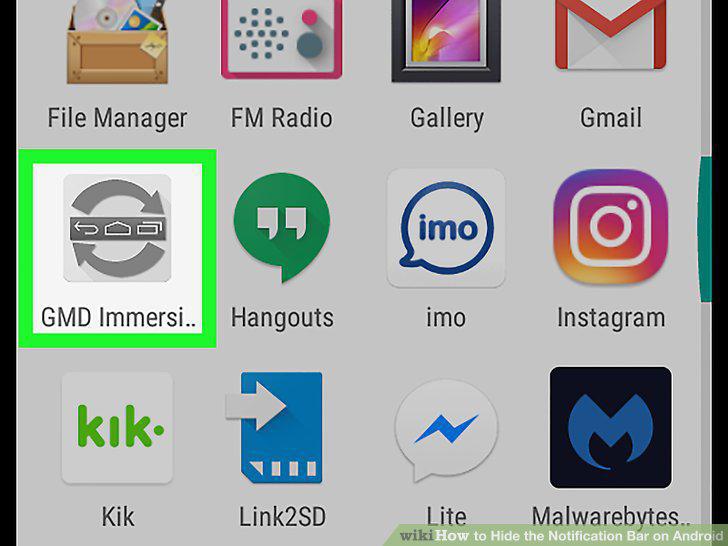
Open GMD Immersive.
9
Slide the switch to the On position.
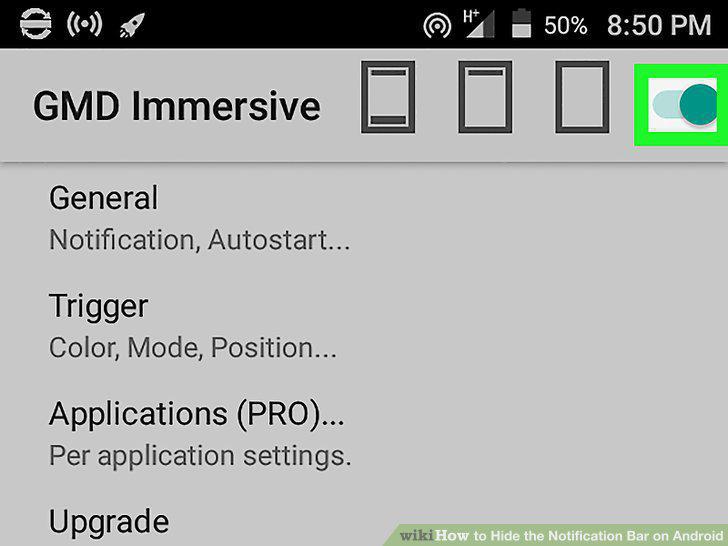
Slide the switch to the On position.
10
Tap the third rectangle icon.
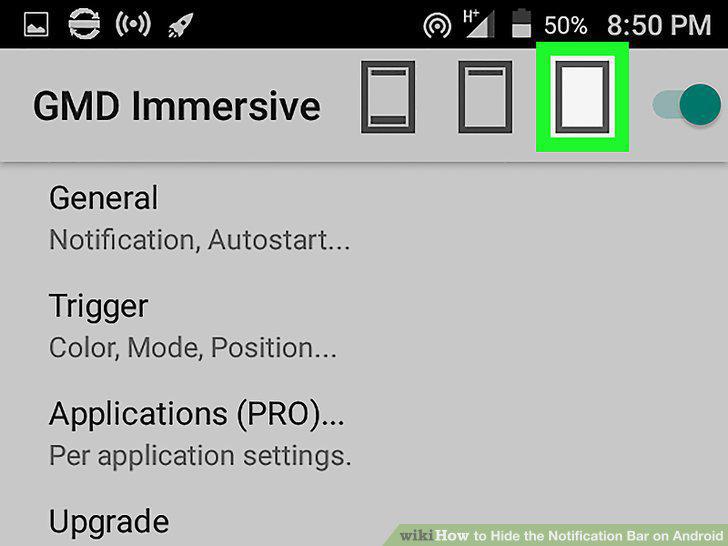
Tap the third rectangle icon.
Comments (0)
No comments yet. Be the first to share your thoughts!