How to Recover a Forgotten Password on Samsung Galaxy
Open the "Find My Mobile" website.. Click SIGN IN.. Enter your Samsung credentials.
Steps
1
Open the "Find My Mobile" website.
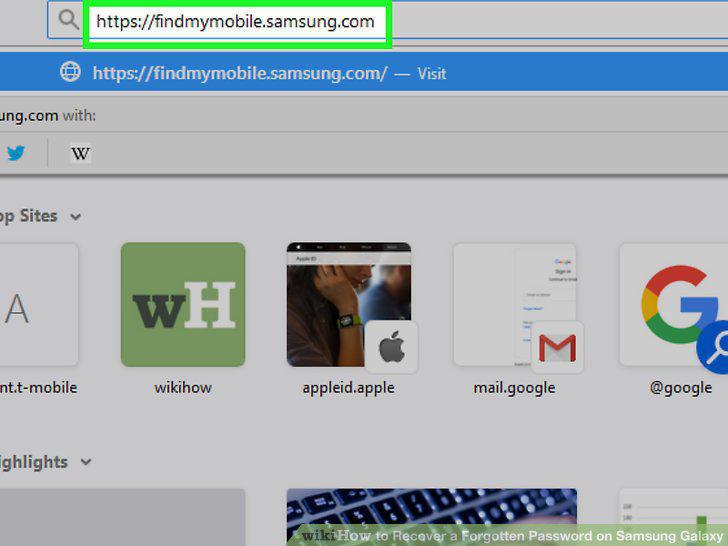
Open the "Find My Mobile" website.
2
Click SIGN IN.
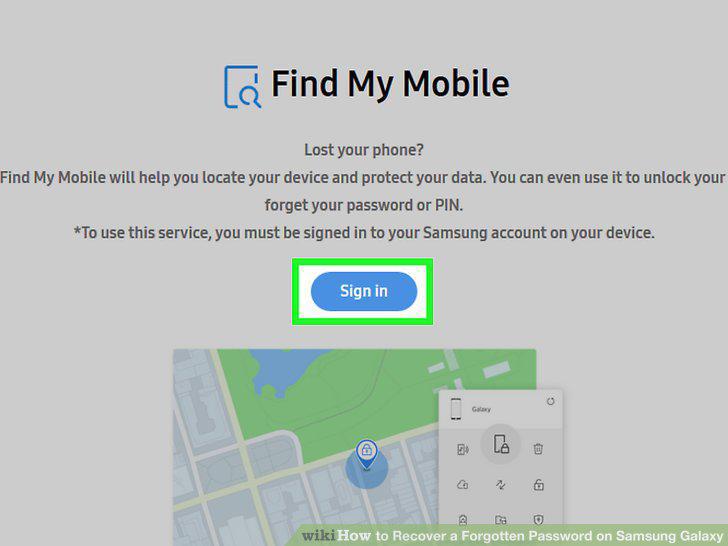
Click SIGN IN.
3
Enter your Samsung credentials.
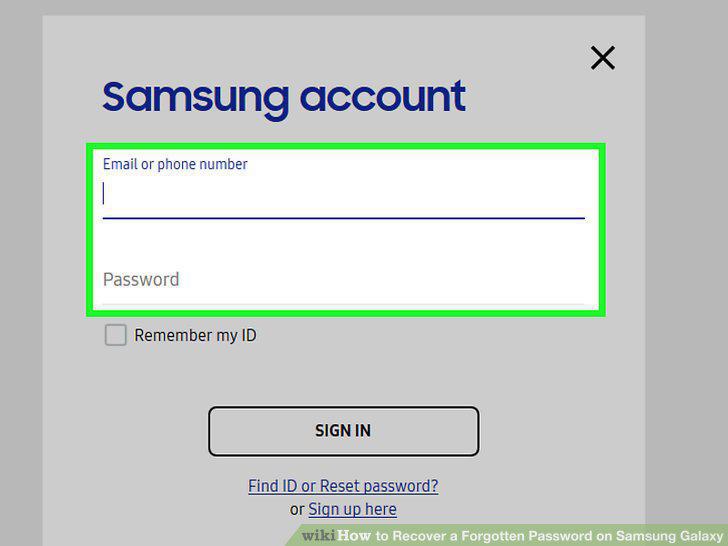
Enter your Samsung credentials.
4
Click Unlock my Device.
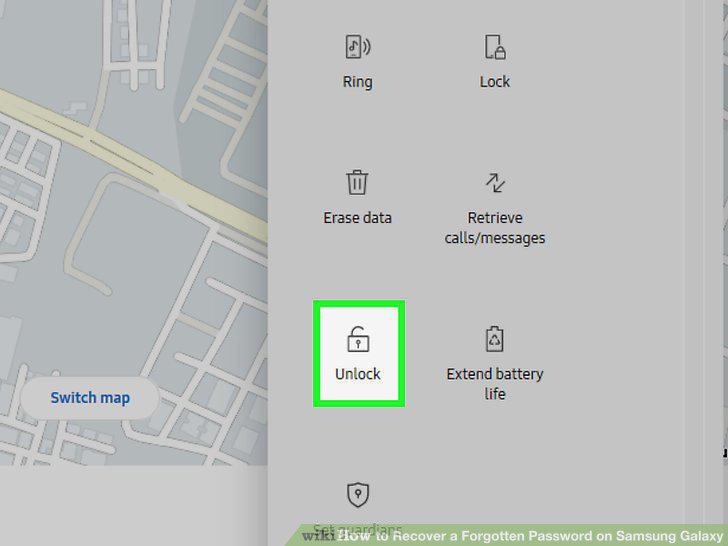
Click Unlock my Device.
5
Re-enter your Samsung password if prompted.
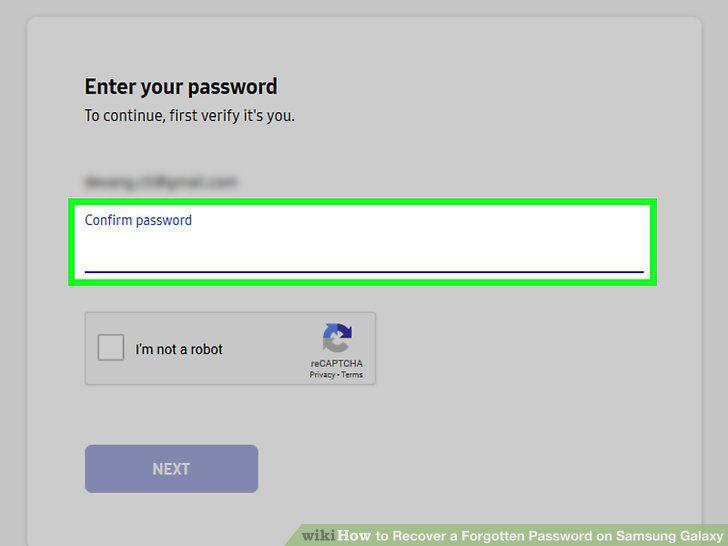
Re-enter your Samsung password if prompted.
6
Understand how a hard reset works.
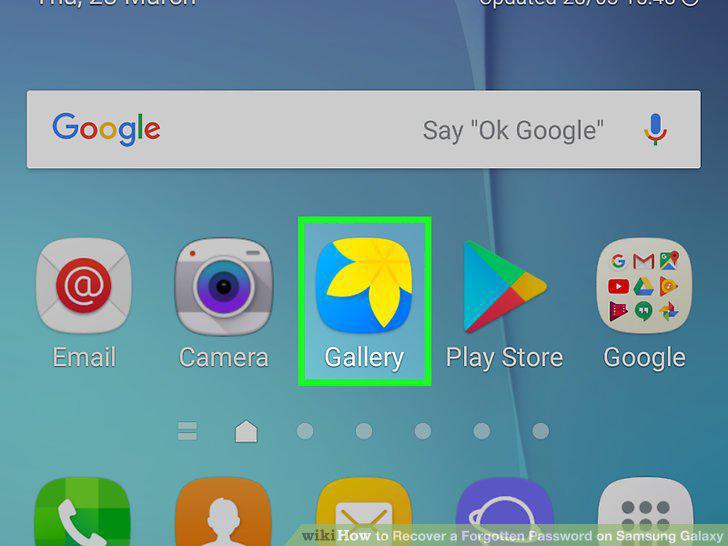
Understand how a hard reset works.
7
Press and hold the Power button.
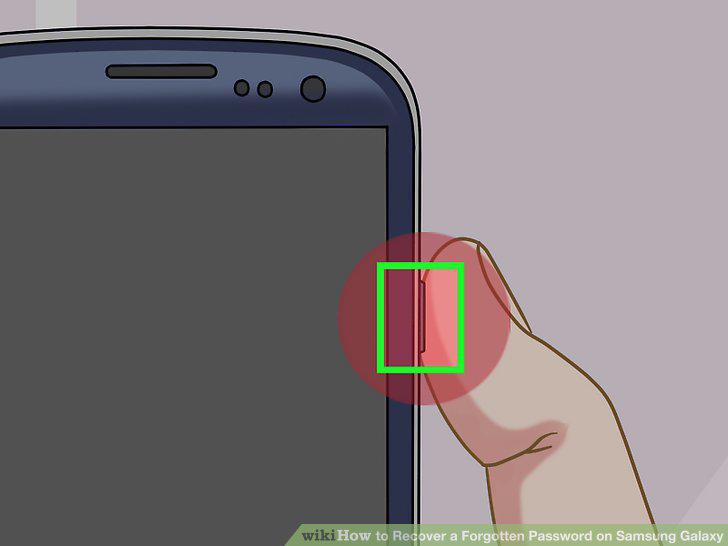
Press and hold the Power button.
8
Tap Restart.
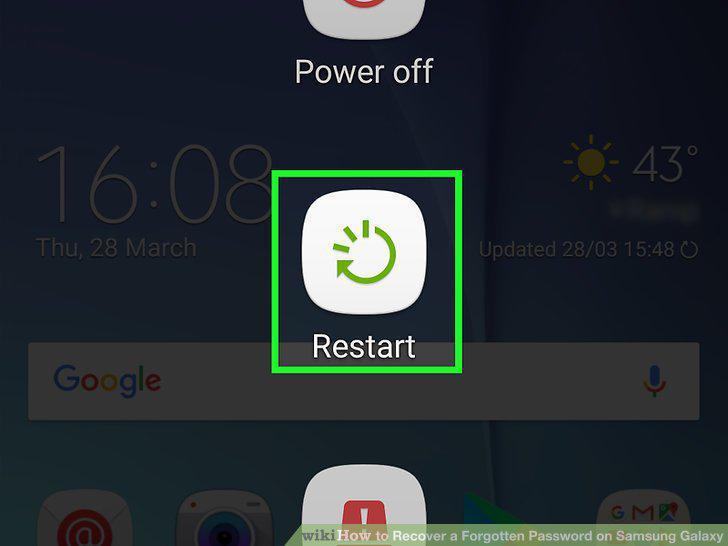
Tap Restart.
9
Press and hold the Power, Volume Up, and Lock buttons.
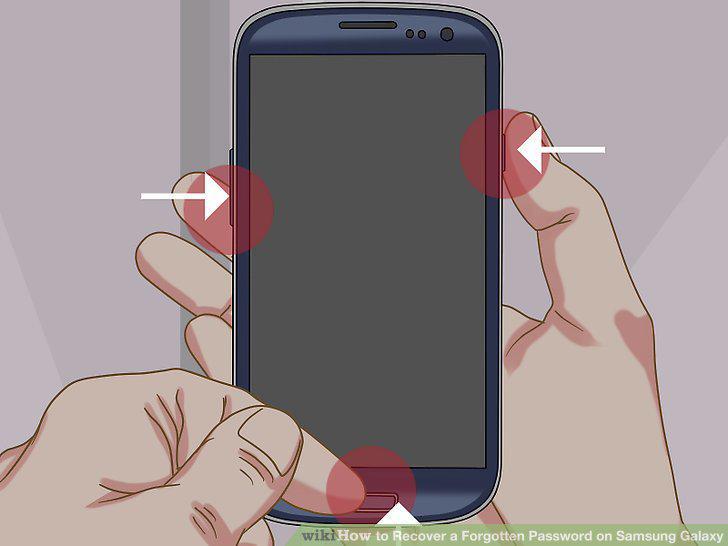
Press and hold the Power, Volume Up, and Lock buttons.
10
Release the buttons.
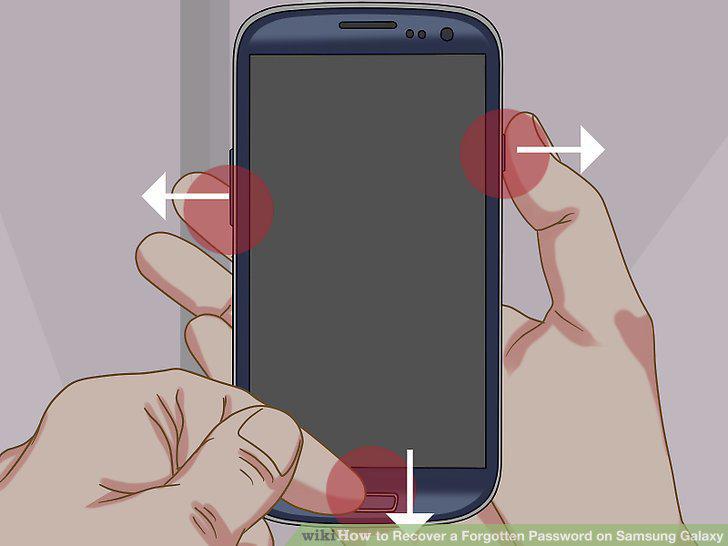
Release the buttons.
11
Select wipe data/factory reset.
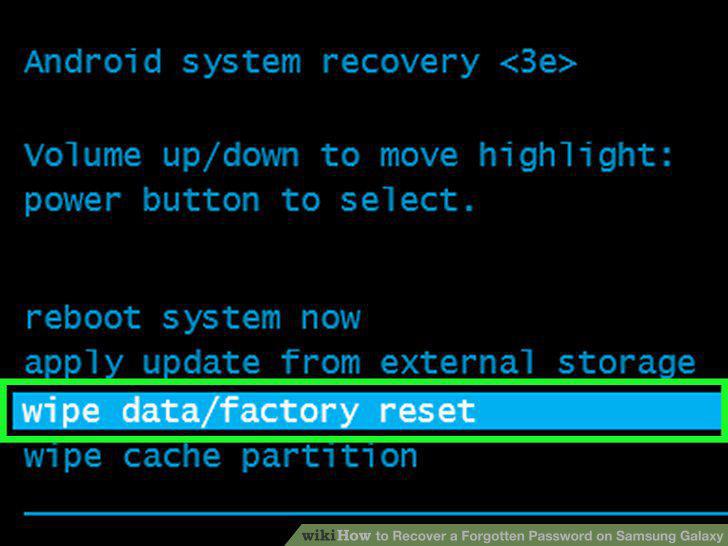
Select wipe data/factory reset.
12
Press the Power button.
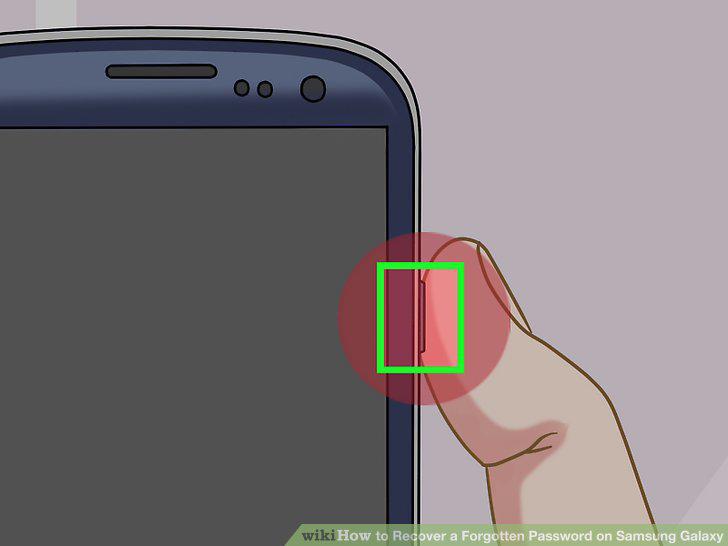
Press the Power button.
13
Select Yes when prompted.
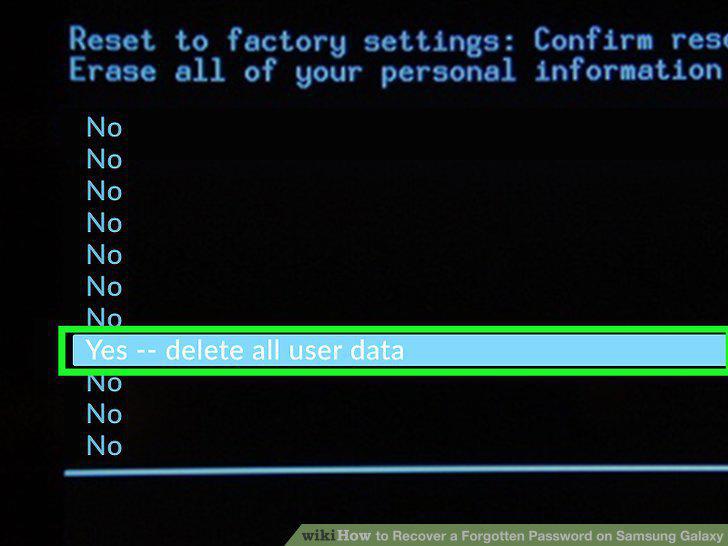
Select Yes when prompted.
14
Press the Power button again.
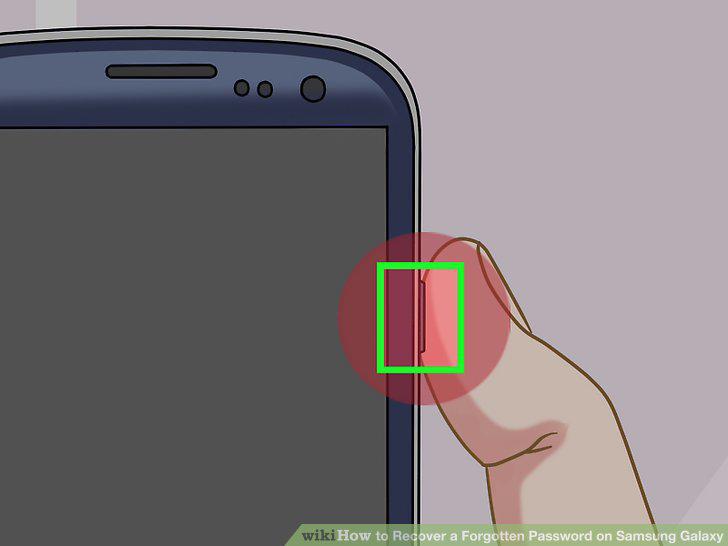
Press the Power button again.
15
Restart the Samsung Galaxy.
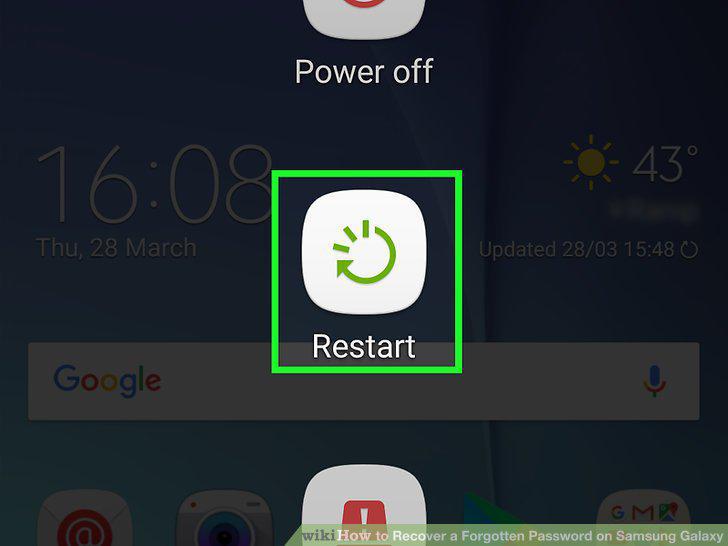
Restart the Samsung Galaxy.
Comments (0)
No comments yet. Be the first to share your thoughts!