How to Count Hashtags on Twitter on PC or Mac
Sign into https://twitter.com in a web browser.. Click the tweet with hashtags you want to count.. Highlight the text in the tweet.
Steps
1
Sign into https://twitter.com in a web browser.
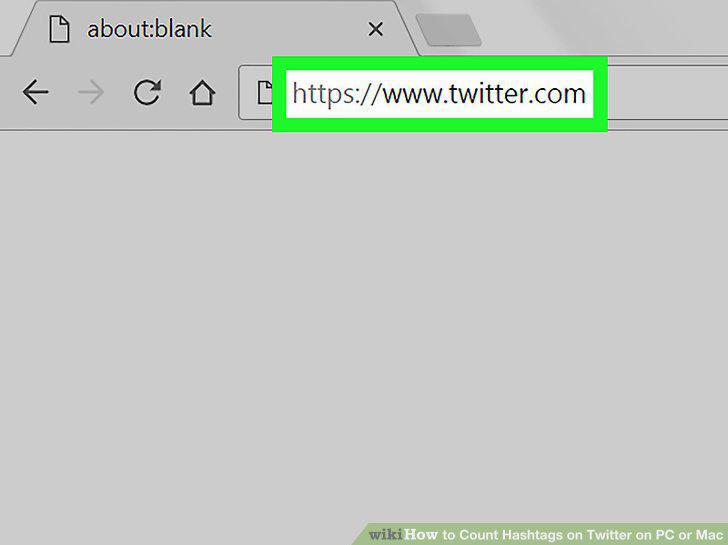
Sign into https://twitter.com in a web browser.
2
Click the tweet with hashtags you want to count.

Click the tweet with hashtags you want to count.
3
Highlight the text in the tweet.

Highlight the text in the tweet.
4
Right-click the highlighted area and select Copy.

Right-click the highlighted area and select Copy.
5
Navigate to http://www.hashtagcounter.com.
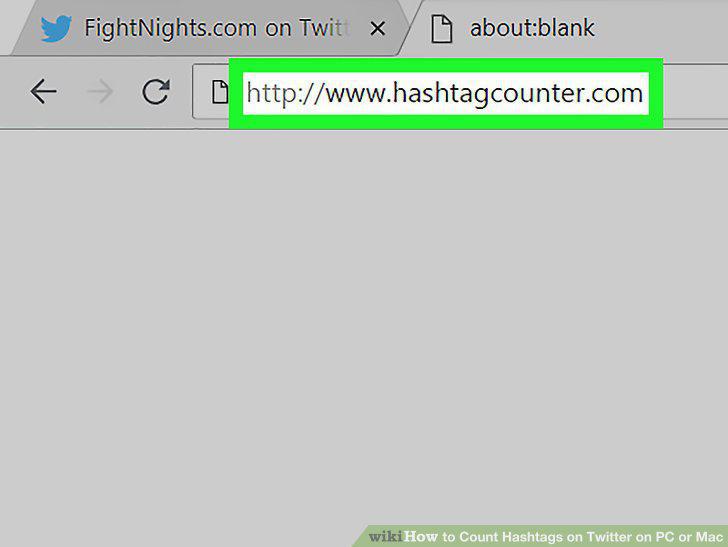
Navigate to http://www.hashtagcounter.com.
6
Click For Twitter.
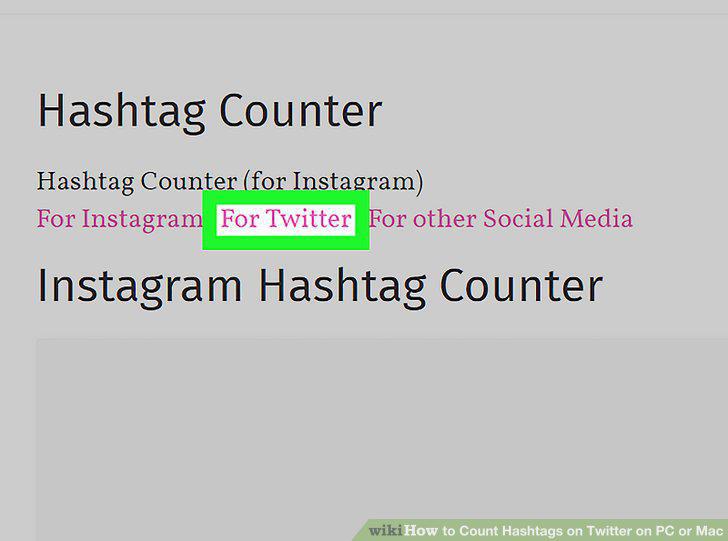
Click For Twitter.
7
Right-click the typing area and select Paste.
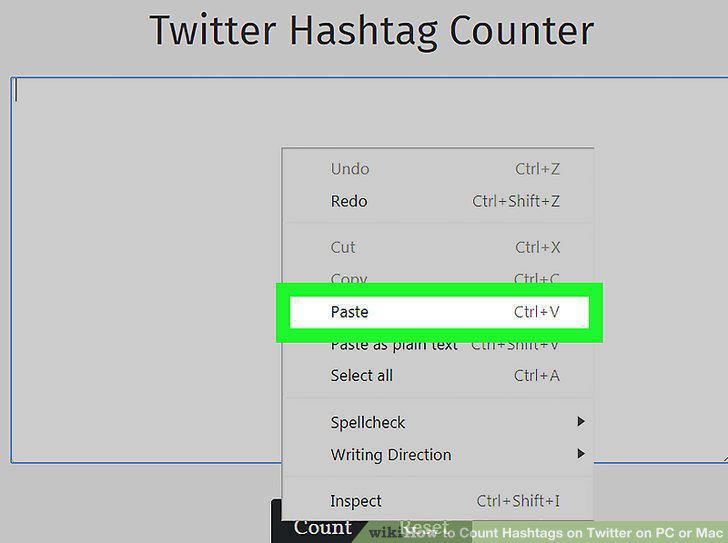
Right-click the typing area and select Paste.
8
Click Count.
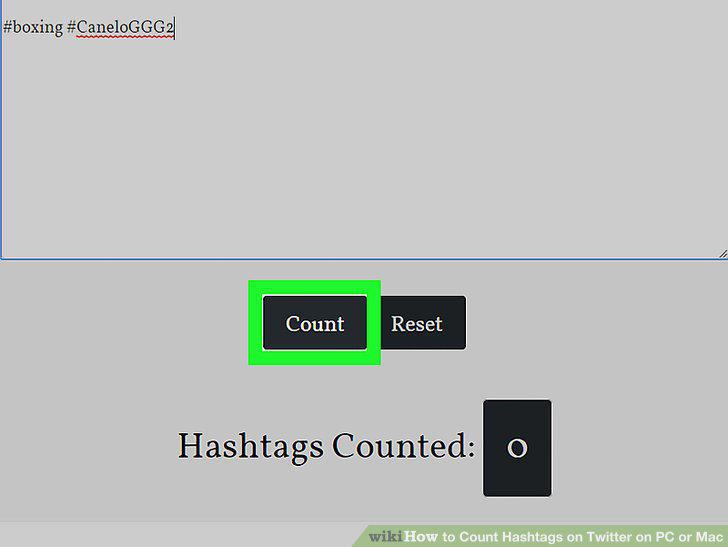
Click Count.
9
Navigate to https://www.tweetbinder.com in a web browser.
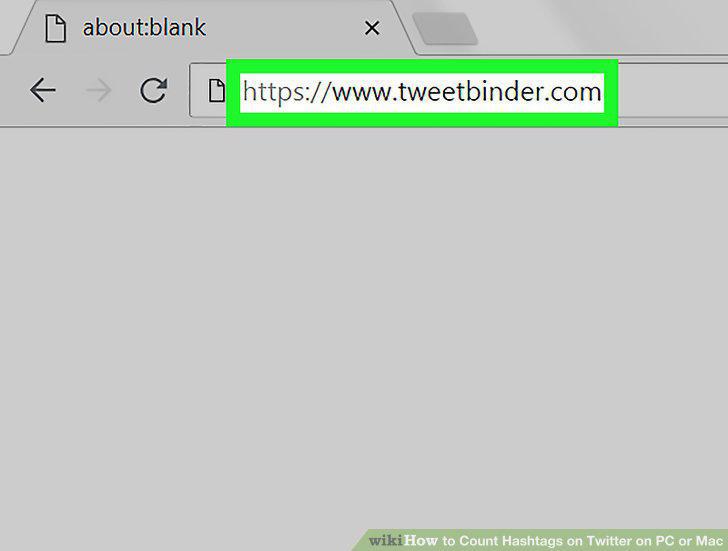
Navigate to https://www.tweetbinder.com in a web browser.
10
Type the hashtag you want to track.

Type the hashtag you want to track.
11
Click Create your report!.

Click Create your report!.
12
Click Sign in with Twitter.
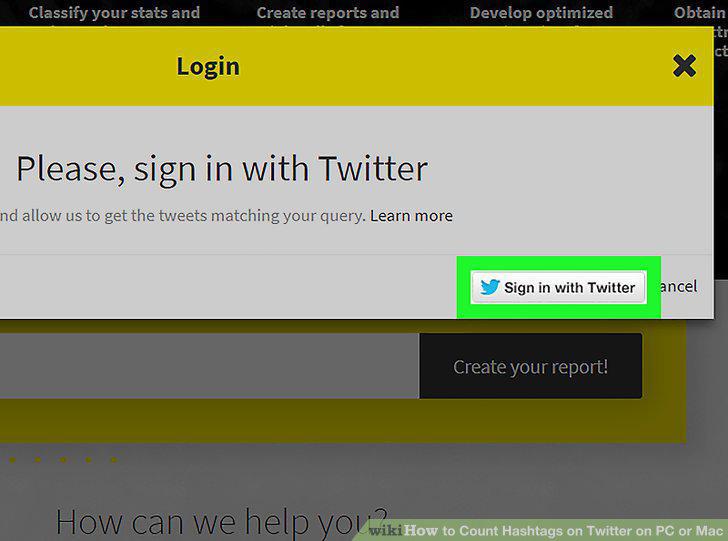
Click Sign in with Twitter.
13
Click Authorize app.
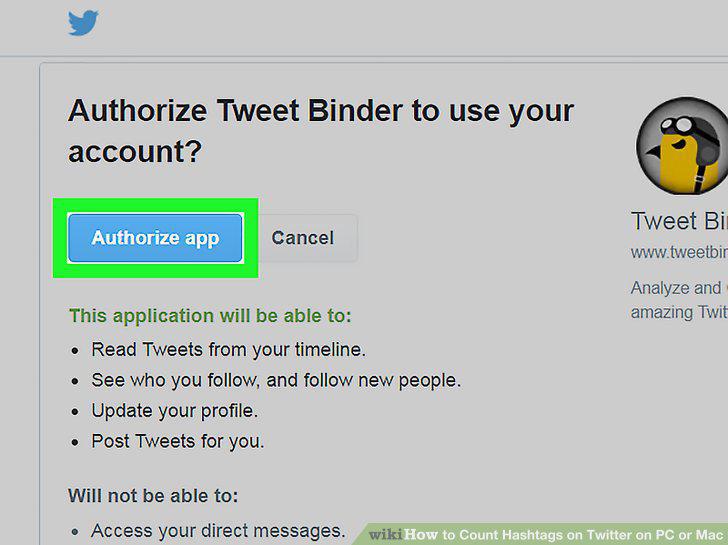
Click Authorize app.
14
Find the number of tweets next to the hashtag.
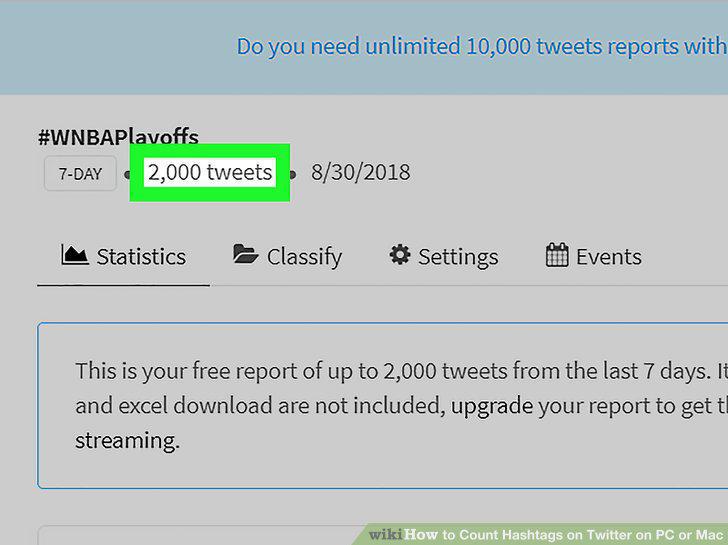
Find the number of tweets next to the hashtag.
Comments (0)
No comments yet. Be the first to share your thoughts!