How to Create an Outlook Email Account
Open the Outlook website.. Wait for the new tab to load.. Enter your preferred email address.
Steps
1
Open the Outlook website.
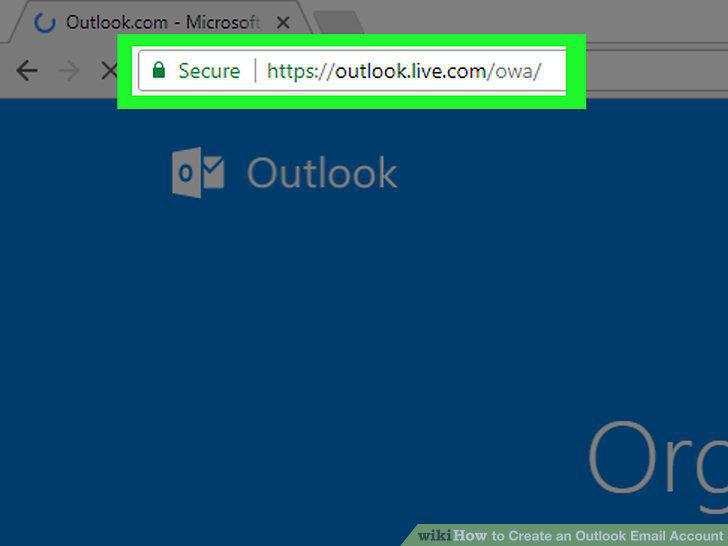
Open the Outlook website.
2
Wait for the new tab to load.
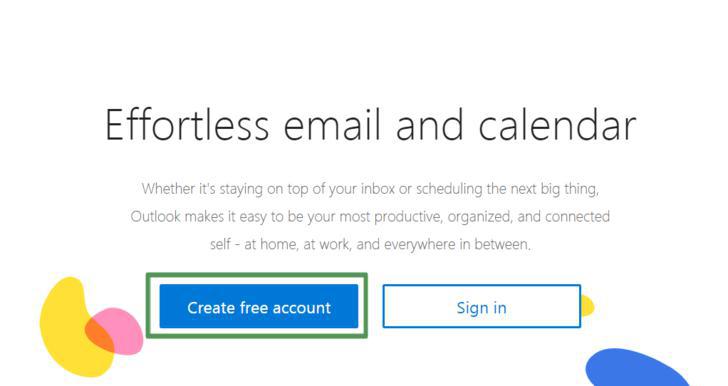
Wait for the new tab to load.
3
Enter your preferred email address.
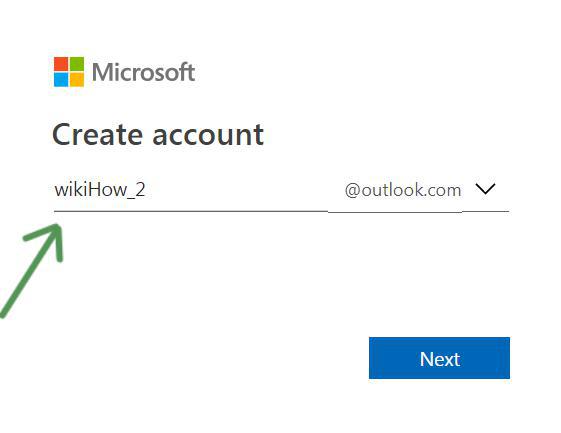
Enter your preferred email address.
4
Select @outlook.com to change the domain name.
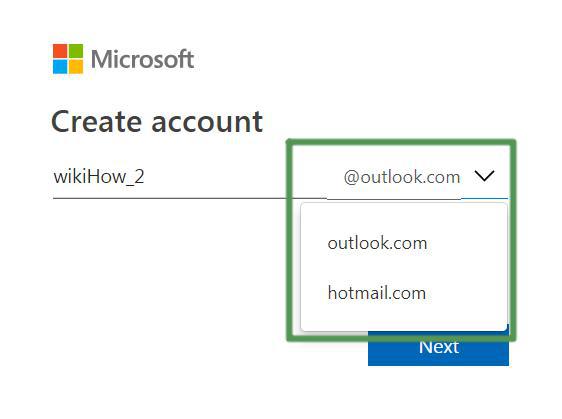
Select @outlook.com to change the domain name.
5
Enter your desired password.
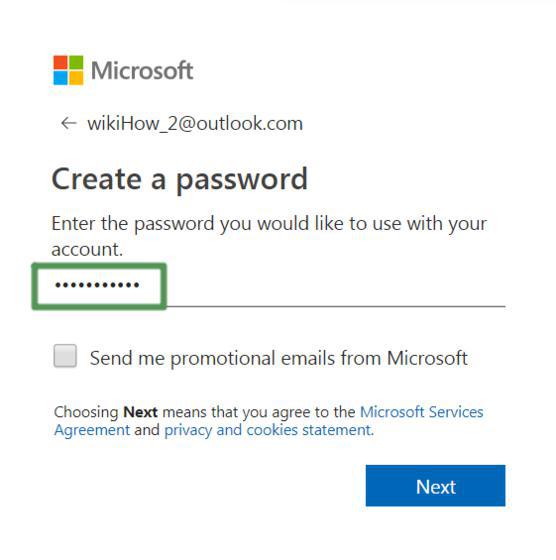
Enter your desired password.
6
Check the little box if you want to receive promotional emails from Microsoft.

Check the little box if you want to receive promotional emails from Microsoft.
7
Enter your first and last name in the boxes displayed.
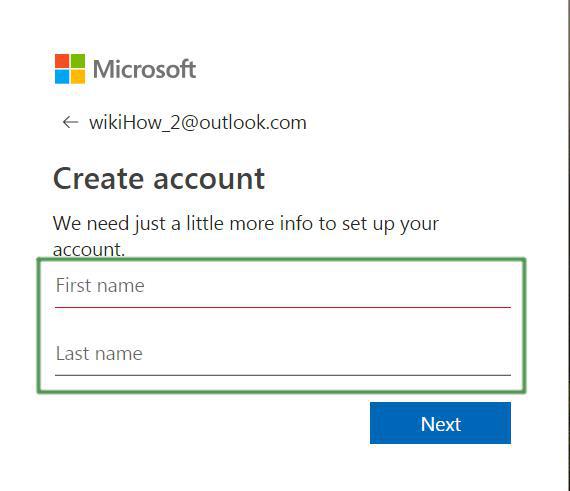
Enter your first and last name in the boxes displayed.
8
Enter the details of your region and birthday.
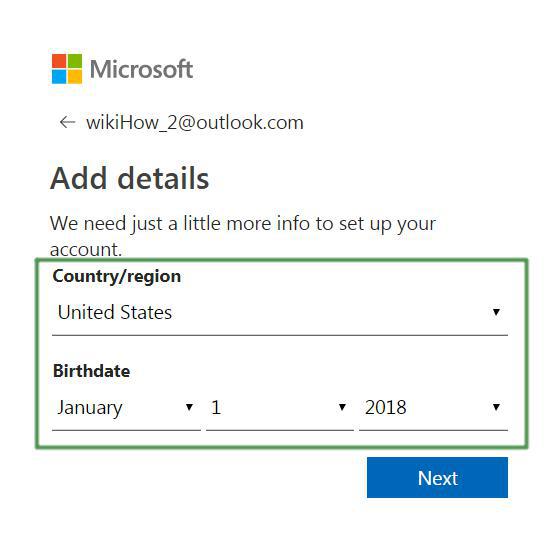
Enter the details of your region and birthday.
9
Confirm you're not a robot.
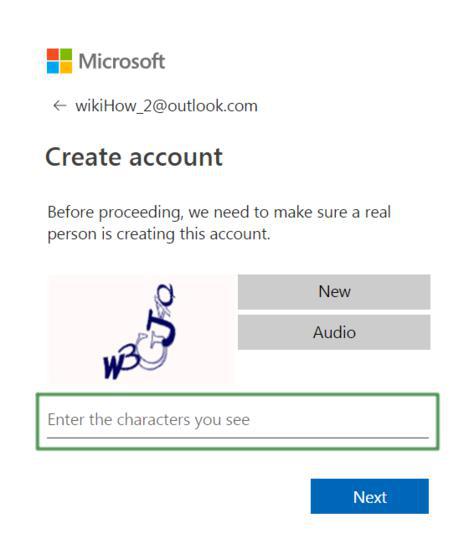
Confirm you're not a robot.
Comments (0)
No comments yet. Be the first to share your thoughts!