How to Type in Korean on Samsung Galaxy
Open an app that allows you to type.. Tap the typing area.. Tap the gear key.
Steps
1
Open an app that allows you to type.
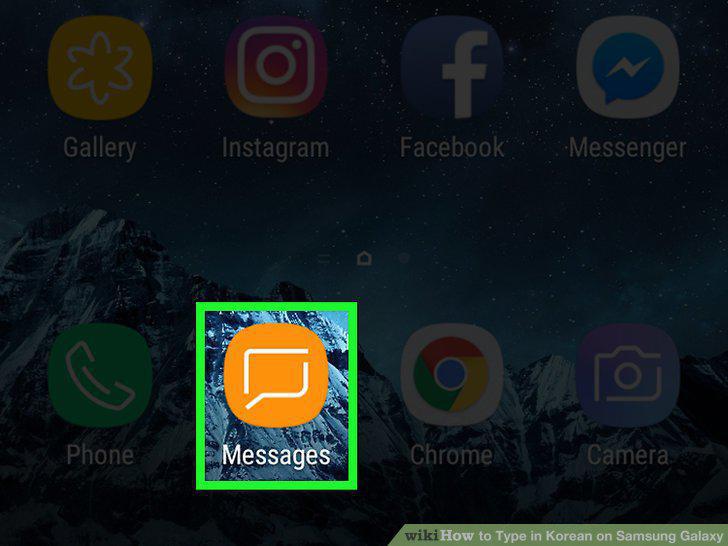
Open an app that allows you to type.
2
Tap the typing area.

Tap the typing area.
3
Tap the gear key.
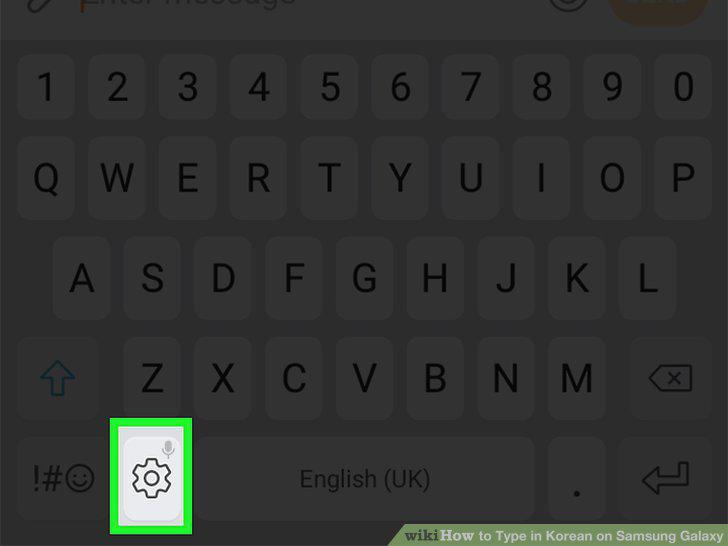
Tap the gear key.
4
Tap Languages and types.
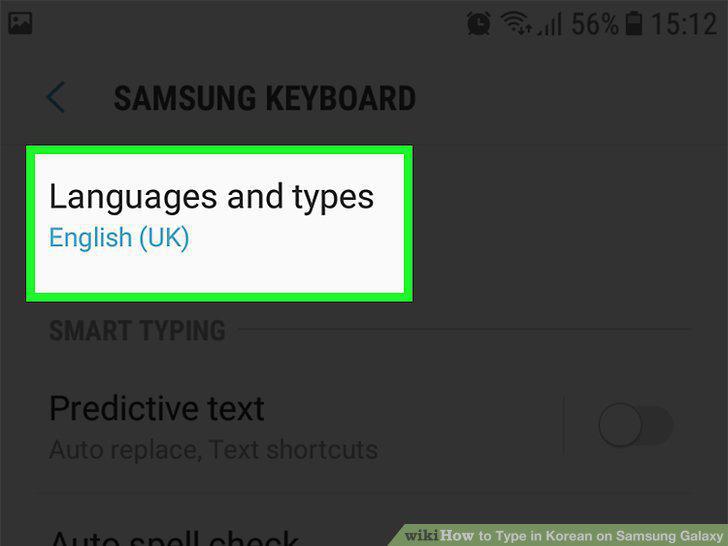
Tap Languages and types.
5
Tap MANAGE INPUT LANGUAGES.
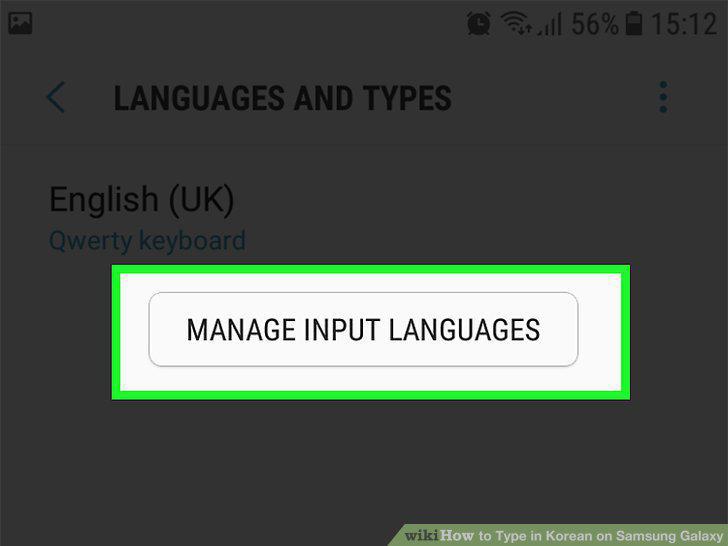
Tap MANAGE INPUT LANGUAGES.
6
Slide the "Korean" switch to On .
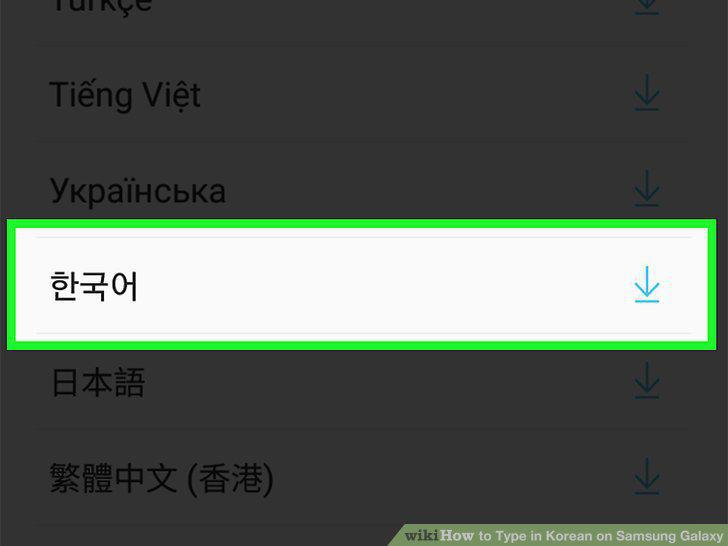
Slide the "Korean" switch to On .
7
Tap the back button until you've returned to the keyboard.
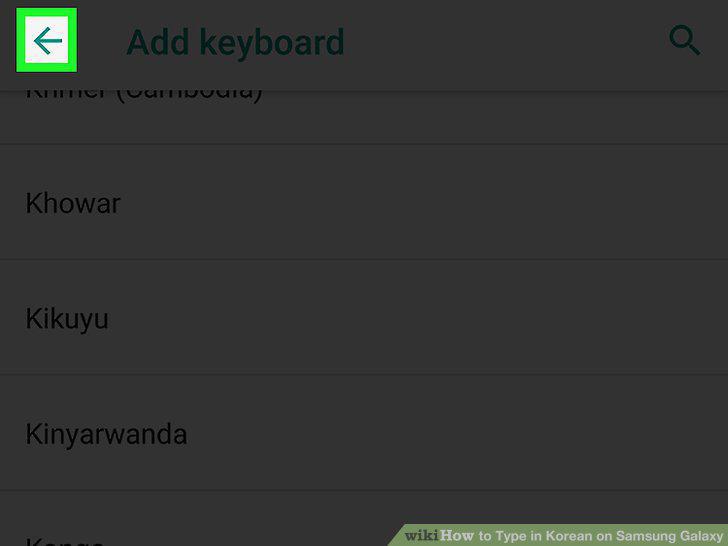
Tap the back button until you've returned to the keyboard.
8
Swipe right across the space bar.
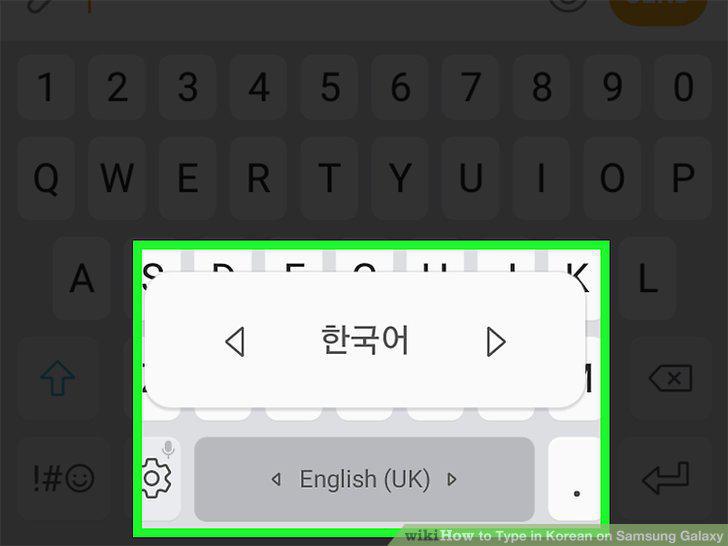
Swipe right across the space bar.
Comments (0)
No comments yet. Be the first to share your thoughts!